dwricha
March 25, 2026, 3:45pm
1
Loaded images from Mobile phone, message on screen “ This image cannot be processed since it is too small.
Jpg varies from 16-24Kb and Tiffs from same jpg 400+kb. Using Photolab 9.6.0
No problem using Lightroom Classic but not sure from previous versions of Photolab as I only upgraded today too 9.6.0.
John7
March 25, 2026, 4:08pm
2
I had this problem once as well
George
March 25, 2026, 4:12pm
3
You probably didn’t download the right image, just the thumbnail.
George
stuck
March 25, 2026, 4:36pm
4
dwricha:
too small
I’ve seen this warning too but I can’t remember / find at the moment the image that triggered it. I have a feeling it was a thumbnail sized image. In other words, there is some sort of lower limit on the number of pixels in an image for PL to be able to open it.
John7
March 25, 2026, 4:49pm
5
Yes support washed there hands of it with me as it was said to be too small an image for PL
I don’t believe “too small” is referring to the disk size of the image. It is probably referring to the pixel size.
What are the pixels dimensions of the image(s)?
DxO describes here the minimum pixel size that PhotoLab can process.
stuck
March 25, 2026, 4:59pm
7
Yes, that was my experience.
[I still can’t find the small image that triggered the warning for me]
George
March 25, 2026, 6:28pm
8
Could be a tif.
George
stuck
March 25, 2026, 6:34pm
9
Possibly , the OP did mention some were TIFFS but they also explicitly mentioned JPEGs.
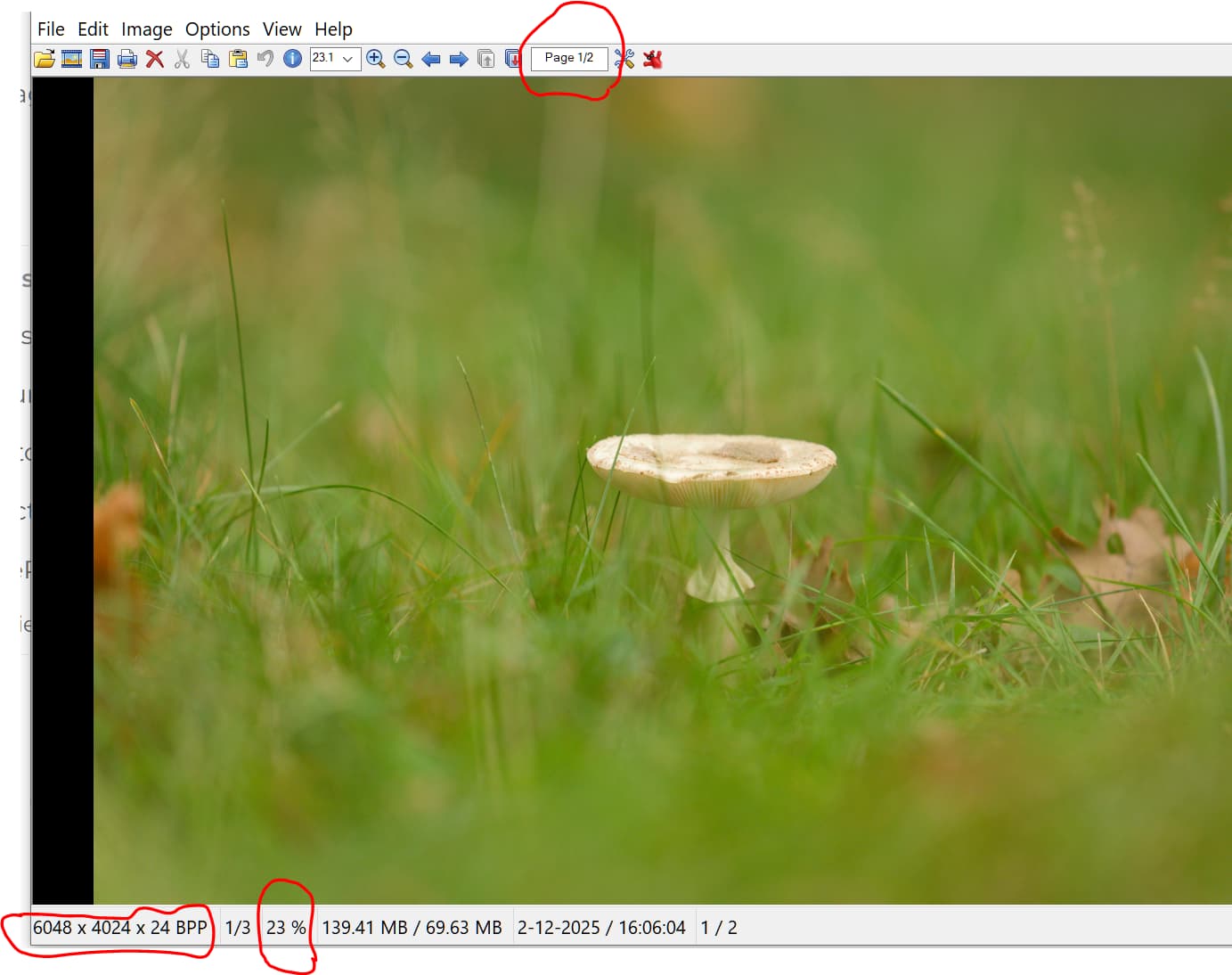
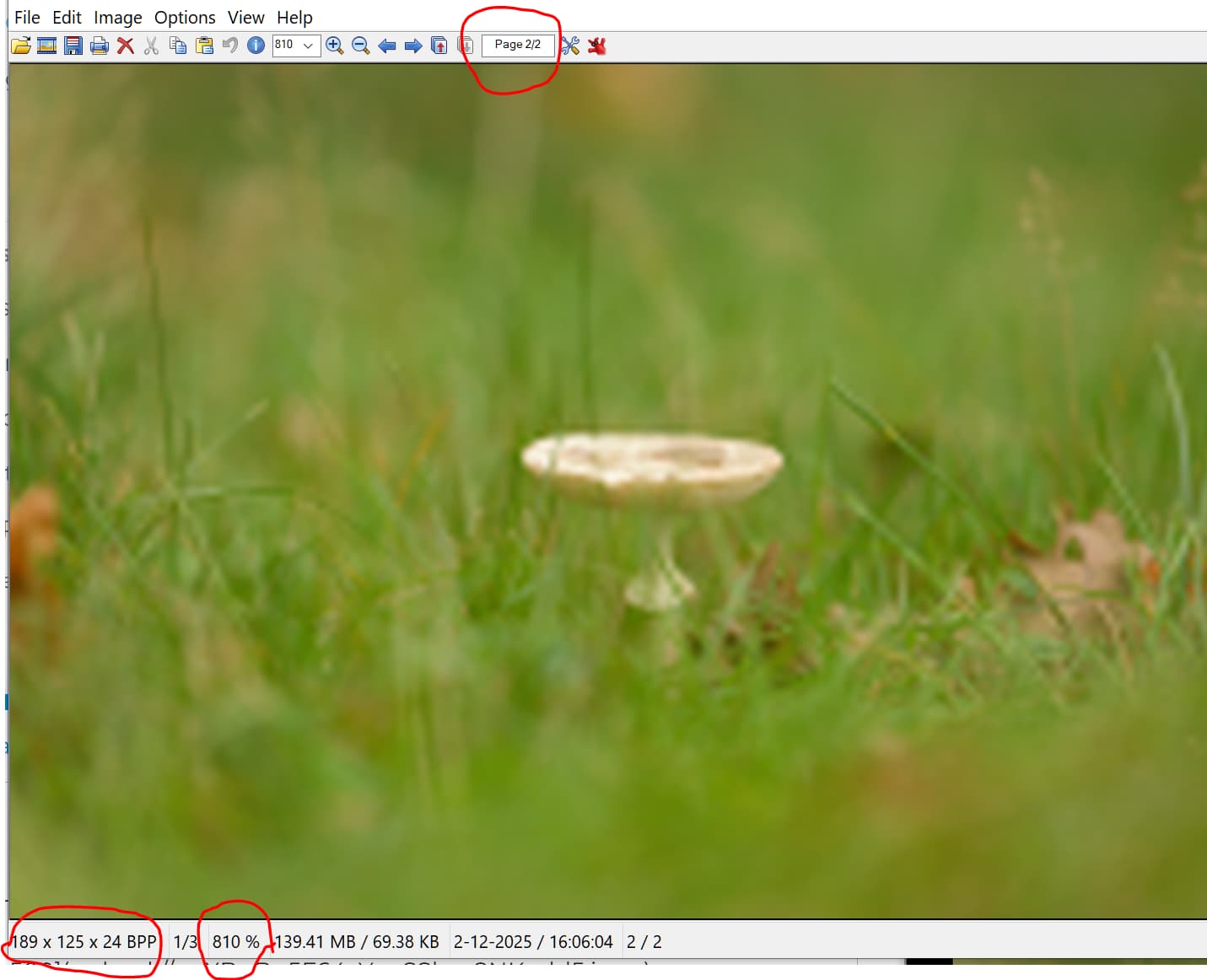
NB in your example the thumbnail is 189x125 pixels, i.e. > the 72x72 minimum for PL, shouldn’t be a problem for PL.
George
March 25, 2026, 6:58pm
10
Who wants to edit a thumbnail??@dwricha gets small files from his phone. There must be something in the settings he must change.
George
I usually get this message when I have cropped way too much on a distant subject.
I’m processing photos when on a pelagic trip last week and expect to get it quite often. The birds were way off and some very small.
Ron
Wlodek
March 25, 2026, 11:50pm
12
It seems that DxO article is outdated and the true minumum is 256x256 , rather than 72x72 specified there. Maybe DxO in their code have still the 72x72 limit but some libraries used have larger minimum size.
magick rose: -resize 255x255\! rose255.jpg
magick rose: -resize 256x256\! rose256.jpg
The exclamantion mark above is important to force exact output size and override the aspect ratio of the built-in rose: image (70x46).