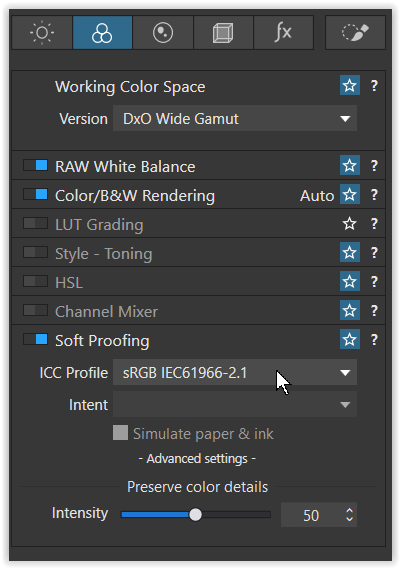
I have a wide gamut monitor (BenQ SW271) that I calibrate periodically, I noticed that after editing a RAW file in Photolab 9 and exporting it as JPEG (full size) or as TIFF (8bit), if during export I select ICC Profile = SRGB IEC 1966.21 the most bright cone colors and very similar to those I see during editing, while if I export having selected ICC Profile = Acrobat RGB the colors are duller.
Is it right that this is the case?
I would have expected that, considering that: (i) the monitor is Wide Gamut, (ii) the color space set in the camera (Nikon D750) is Acrobat RGB, (iii) the color space of Photolab 9 is even more extensive than Acrobat RGB, saving the image with ICC Acrobat RGB, the colors would remain more faithful to those visible during editing in Photolab.
What do you think? Am I doing something wrong in my Photolab settings?
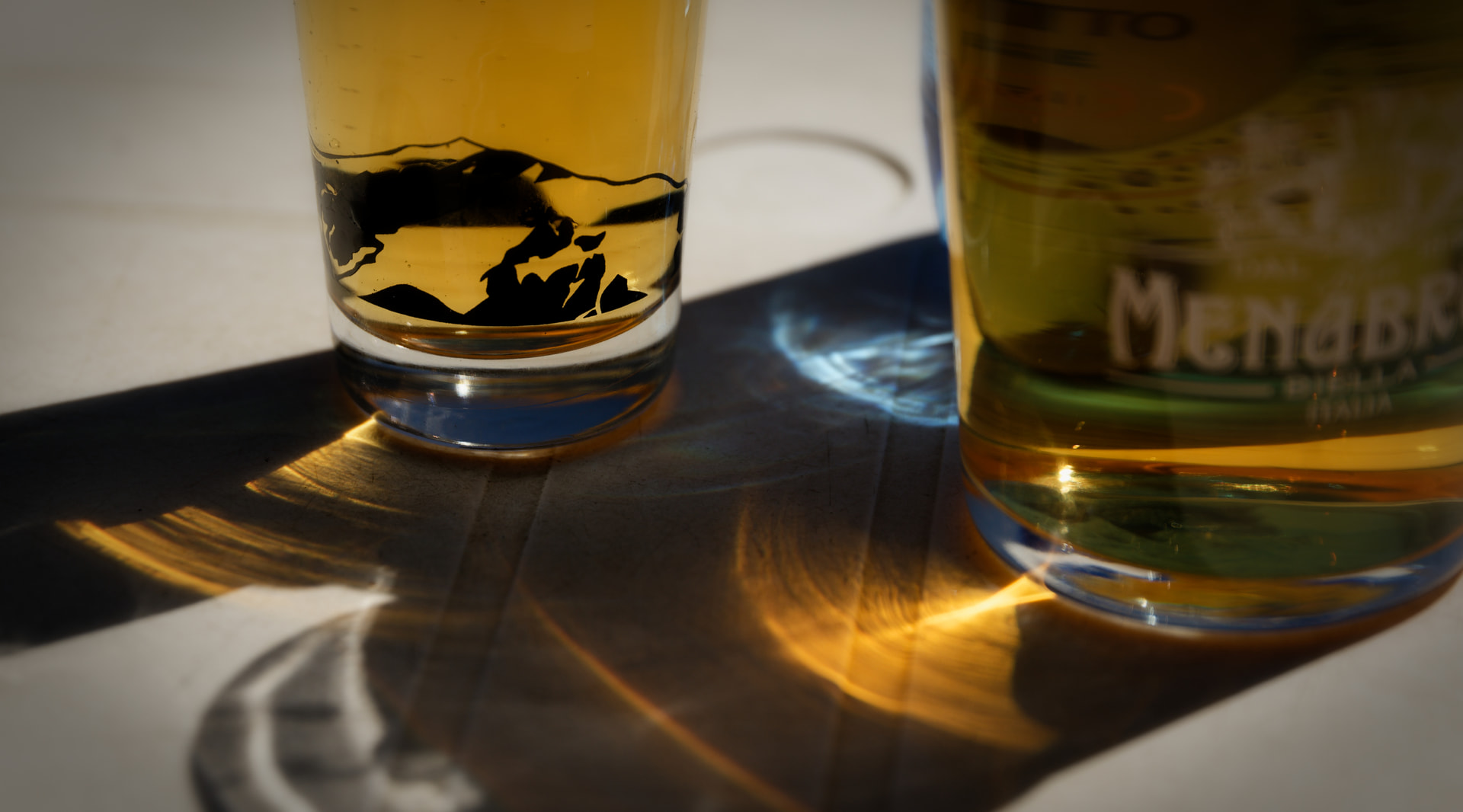
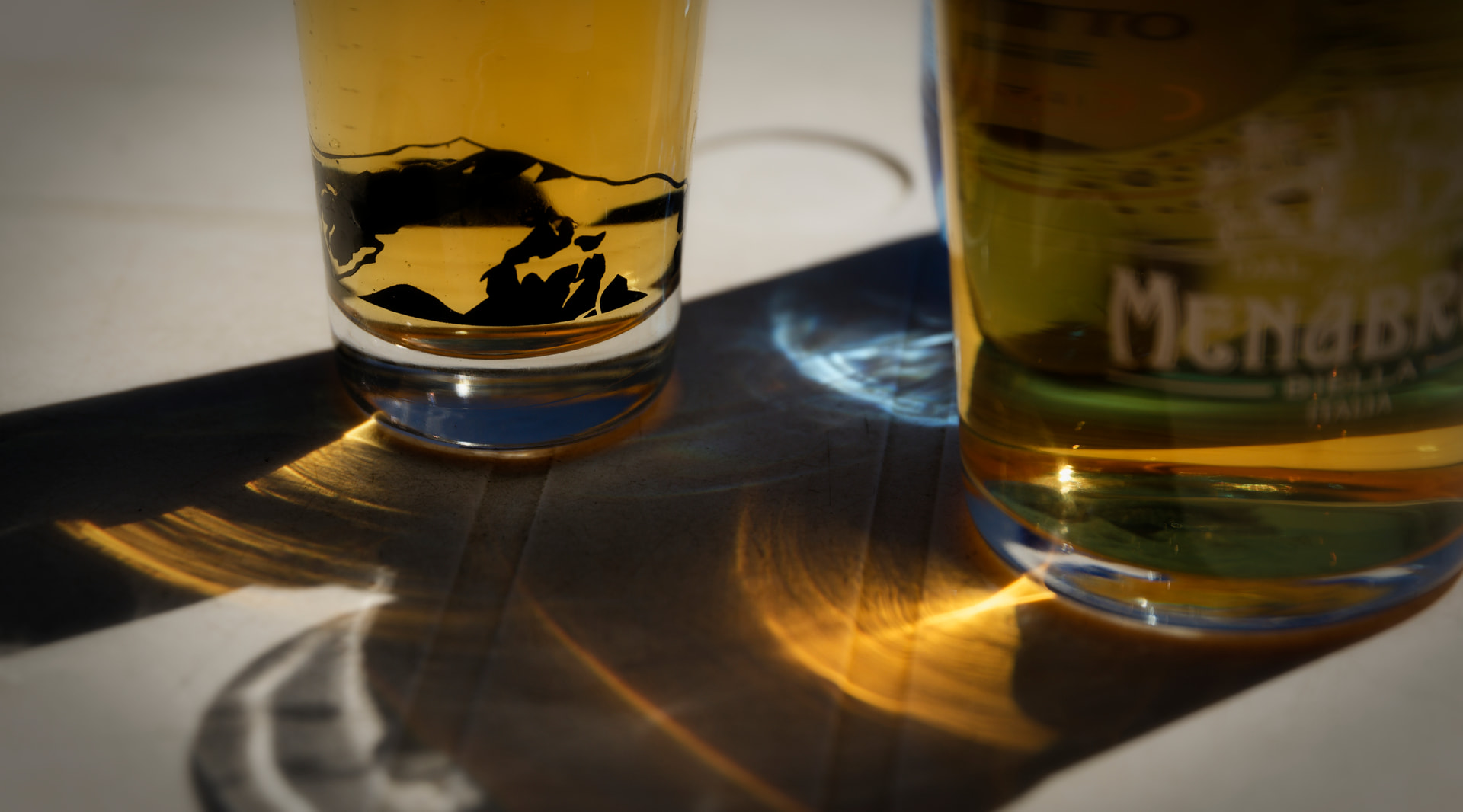
I attach below two photos the first is the JPEG saved with ICC SRGB IEC 1966, the second with ICC Acrobat RGB (similar result apply in case of Tiff images) .
Wolfgang, thank you for your feedback.
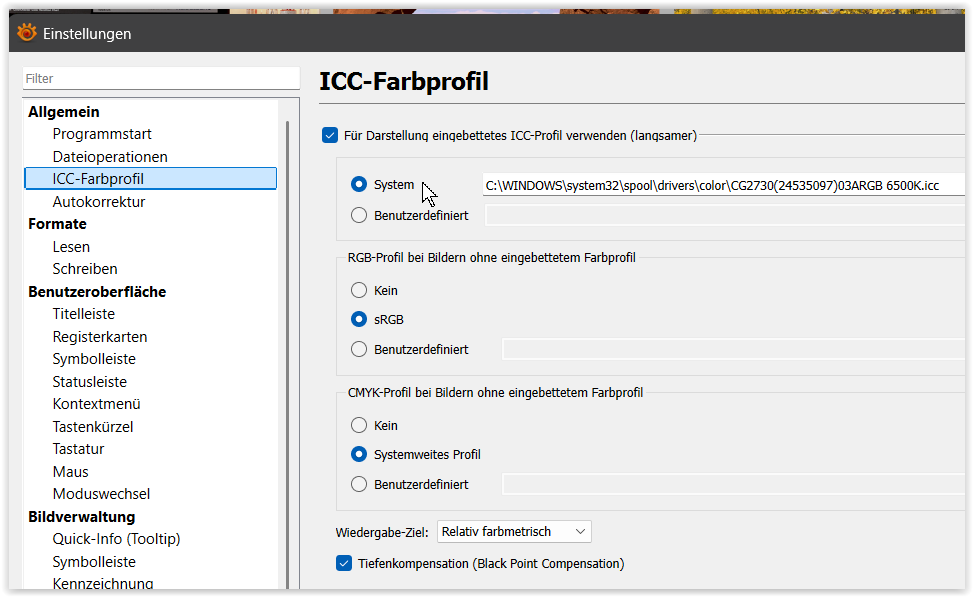
I usually export in Adobe RGB because I used to see my picutures on a wide gamut monitor. Currently I use XN View MP to display the images since it should be capable to manage ICC profiles. Unfortunately I’m not able to understand why SRGB images present more bright colors and very similar to those I see during editing on Photolab, while if I export having selected Acrobat RGB the colors are duller.
Is there any peculiar settings I can do on XN View or Photolab?