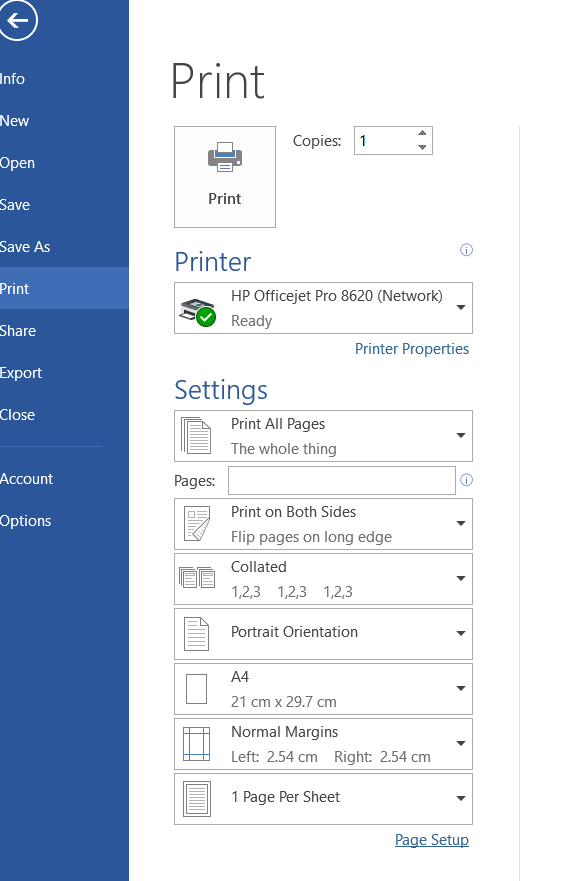
For clarity, when I print something from MS Word, the first screen I get, where I can specify number of copies, looks like this:
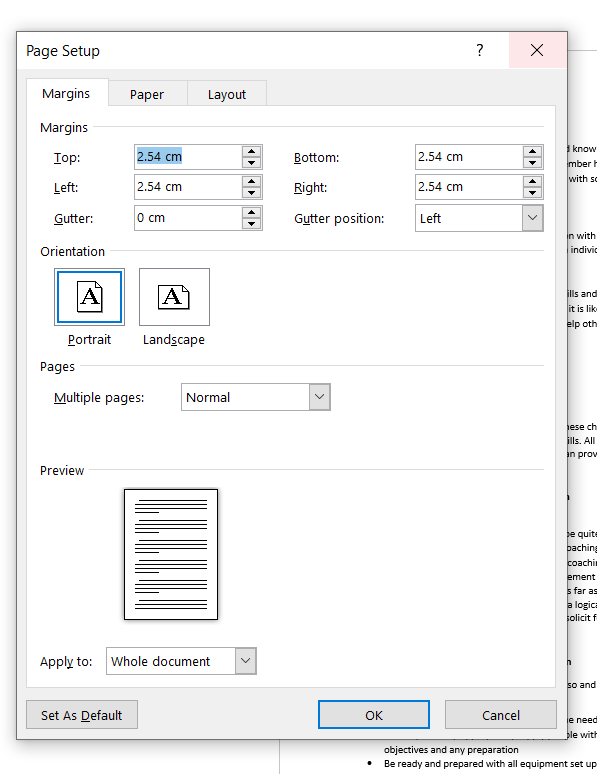
When I click on page setup at the bottom, I get this second dialogue which lets me set other parameters but not number of copies.
If I start in DXO Photolab instead of MS Word, it seems to bypass the first dialogue and take me straight to the second one, so I can’t request multiple copies.
Hence my impression that it’s something to do with the way Photolab is invoking my printer driver.
If I start in Adobe Acrobat instead, and try to print, it gives me this screen:
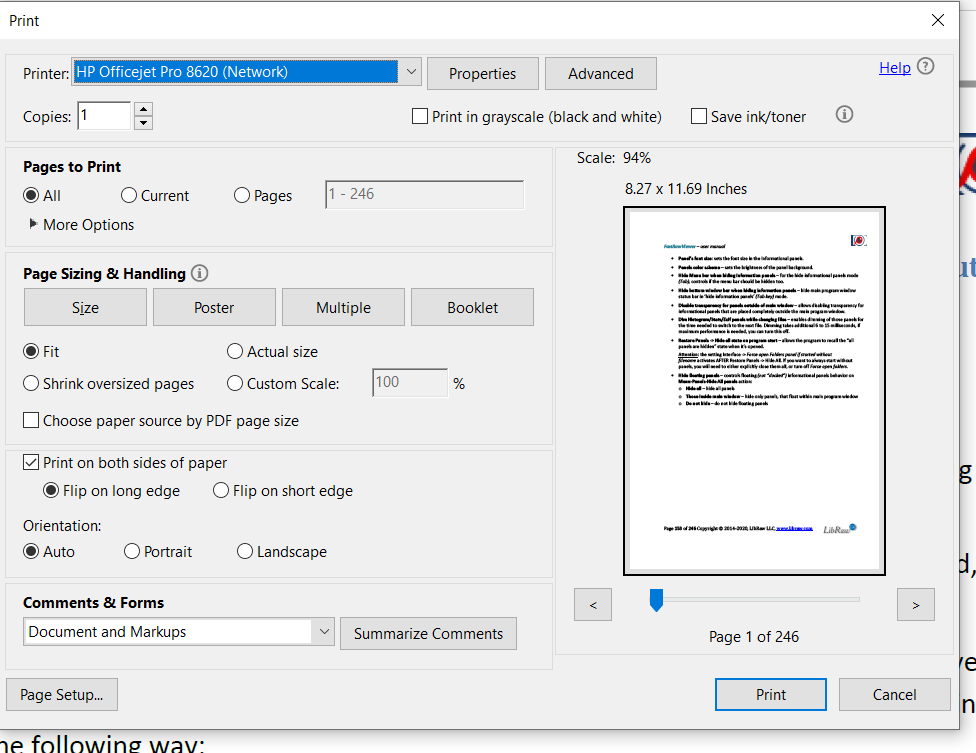
and if I then click on page setup I get into the regular second dialogue.
If I try to print a website, it starts by giving me this screen (two images as you have to scroll)
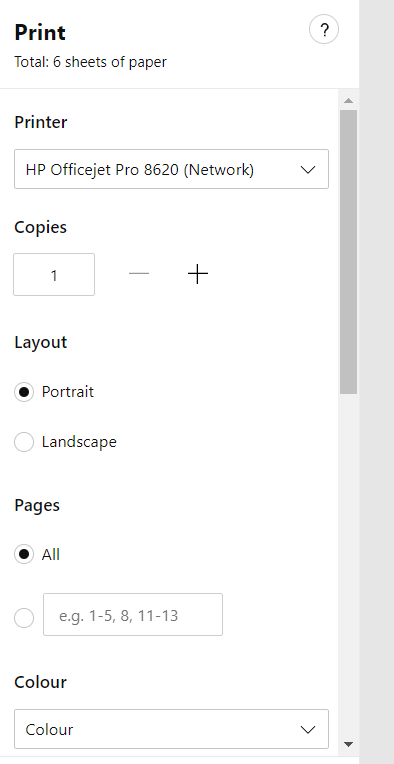

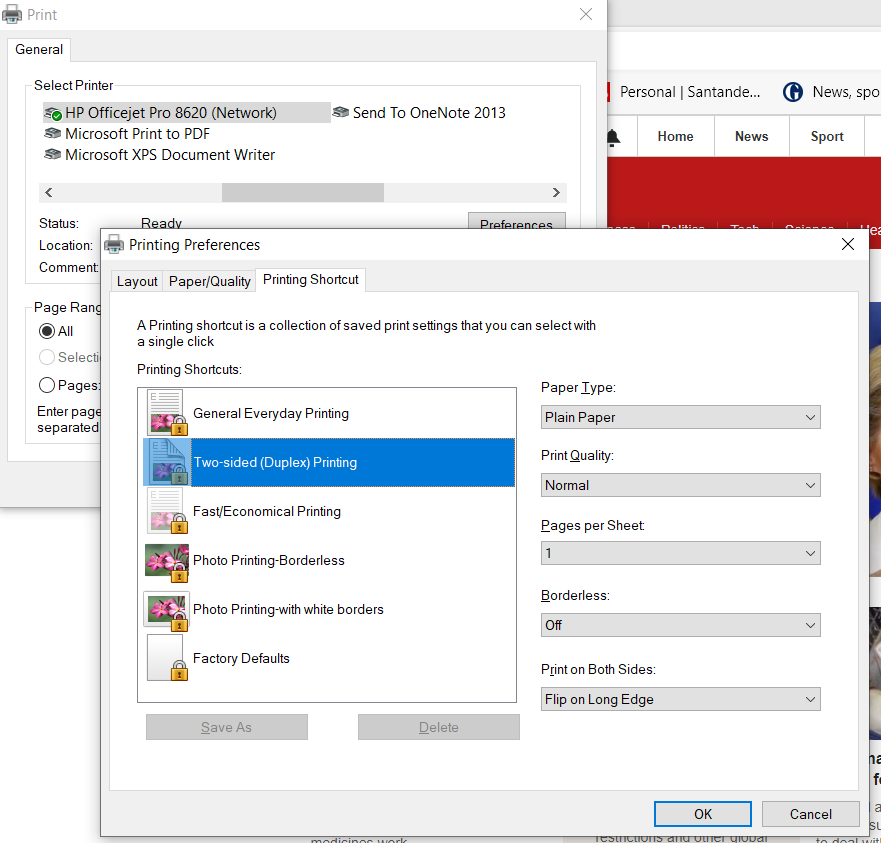
And if I then click on “Print using system dialogue” I get this screen:
,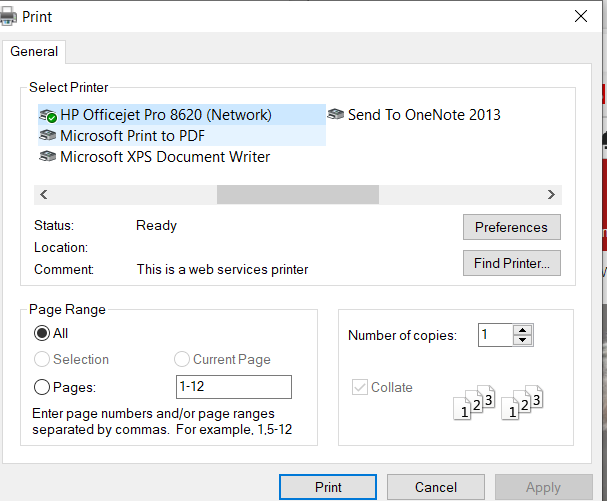
and then if I click on “Preferences” I get the normal second dialogue (with 3 tabs):