You made an edit. Without an edit or after a reset you will see only one.
I haven’t seen a VC on my pc.
George
You made an edit. Without an edit or after a reset you will see only one.
I haven’t seen a VC on my pc.
George
NEW: Partial preset that sets exposure to 9. Tested on Mac DPL6 and newer.
P - Set Exposure to 9.preset (165 Bytes)
Let me know how it works with DPL on Win.
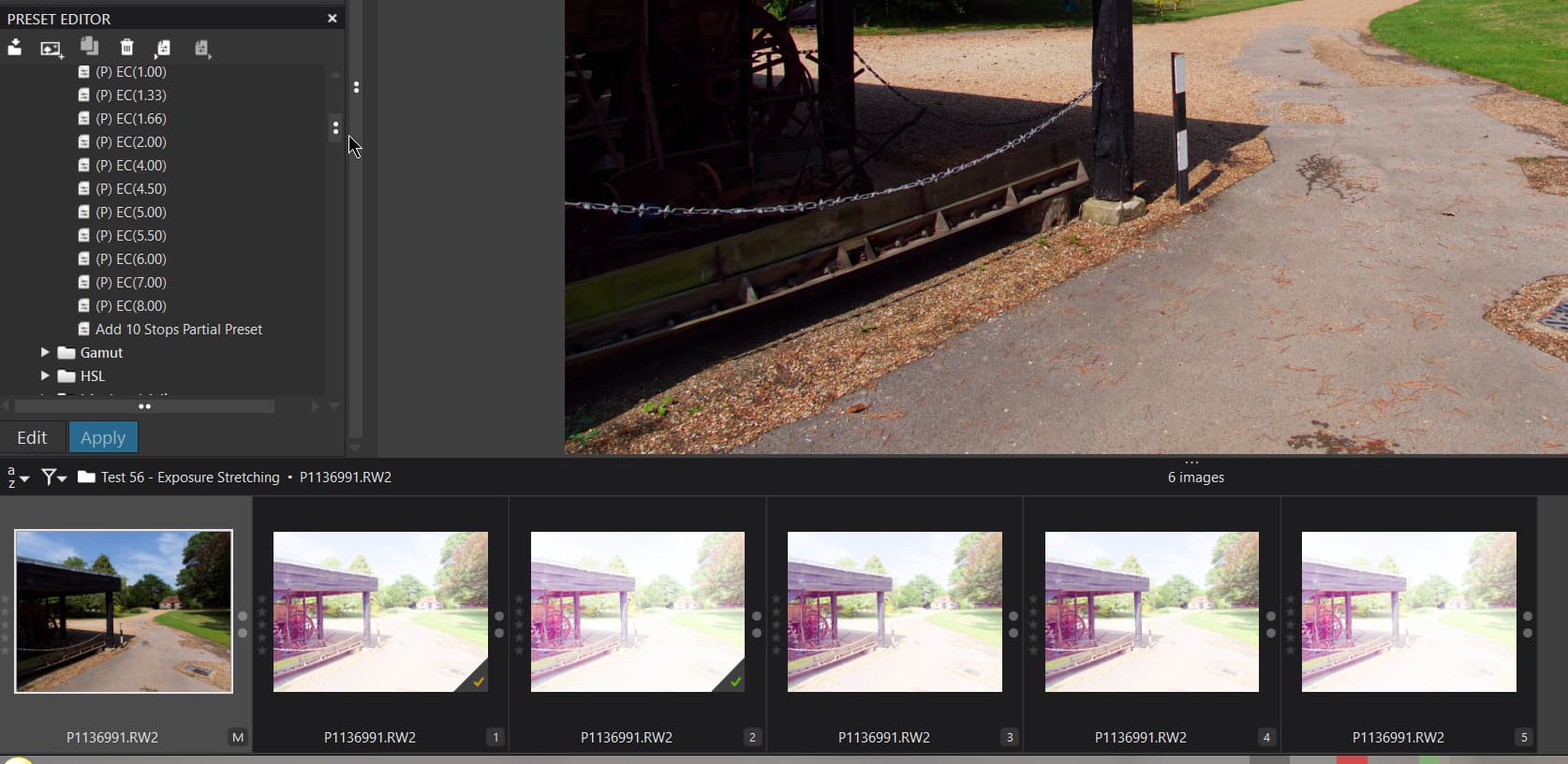
@platypus Your 10 stop preset worries me a little because it contains this
Surely that is 8 stops!?
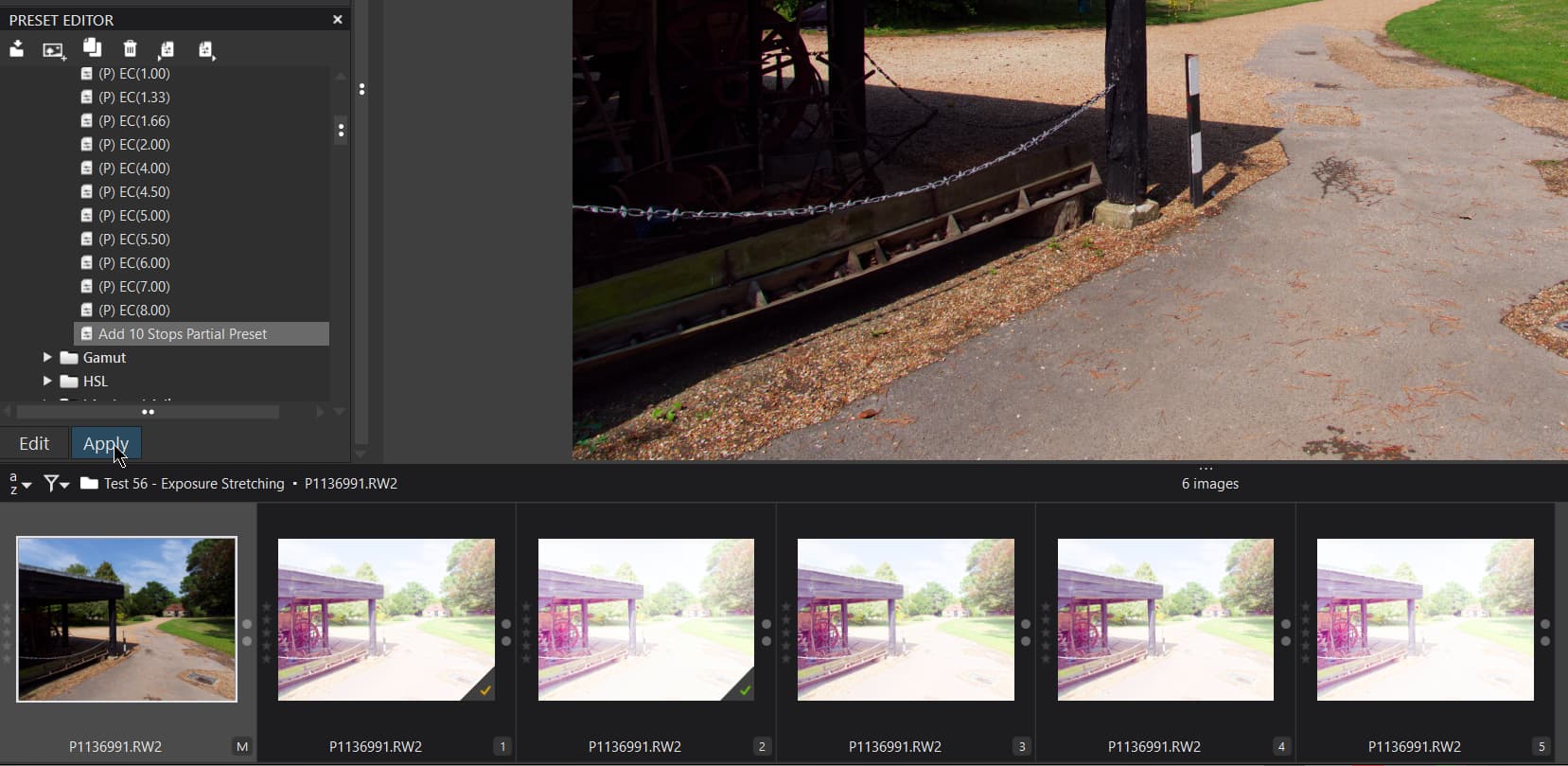
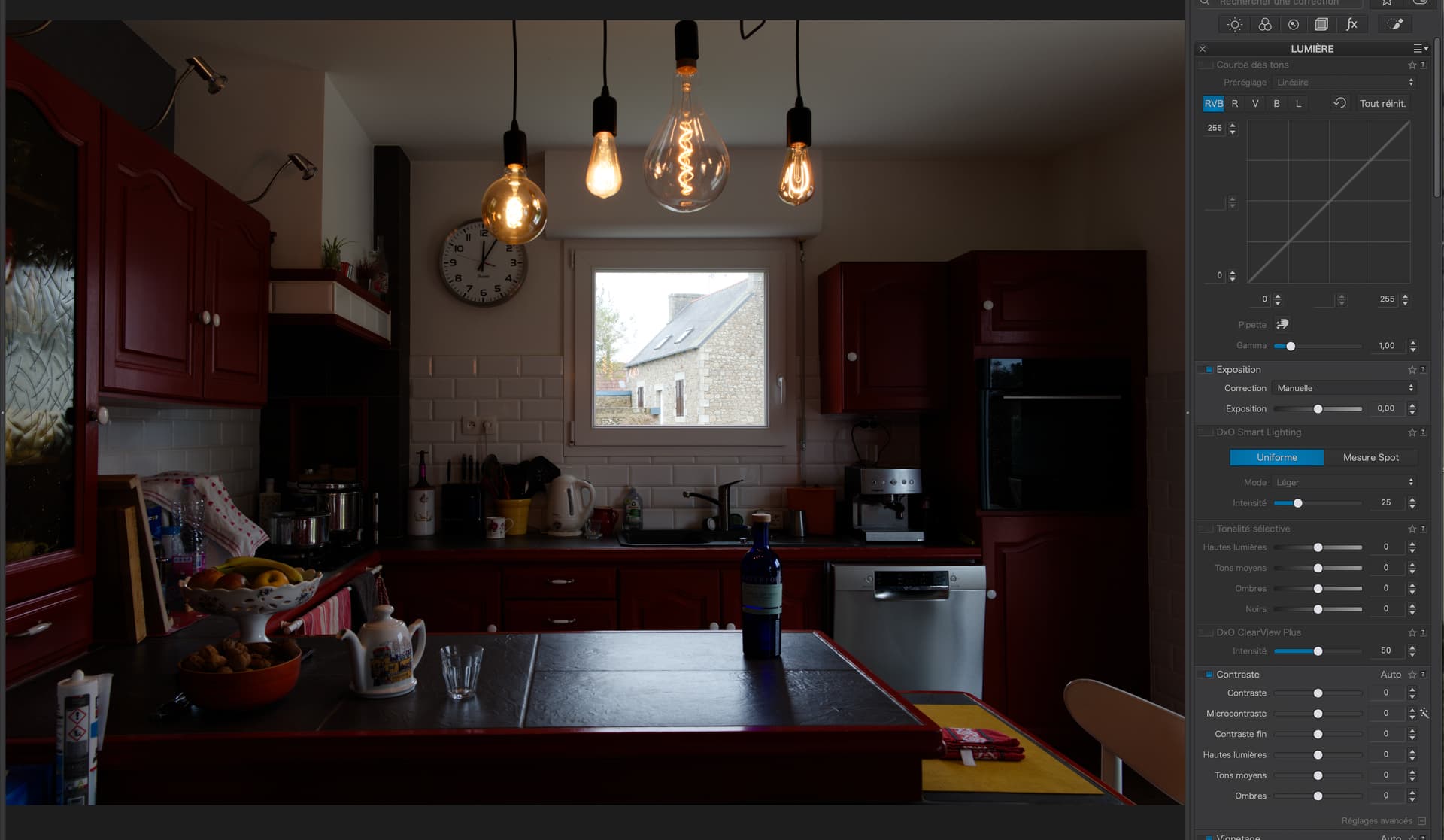
However, I have added it to my Partial presets and restarted PL831 and this is what I get when I apply it
Before:-
After:-
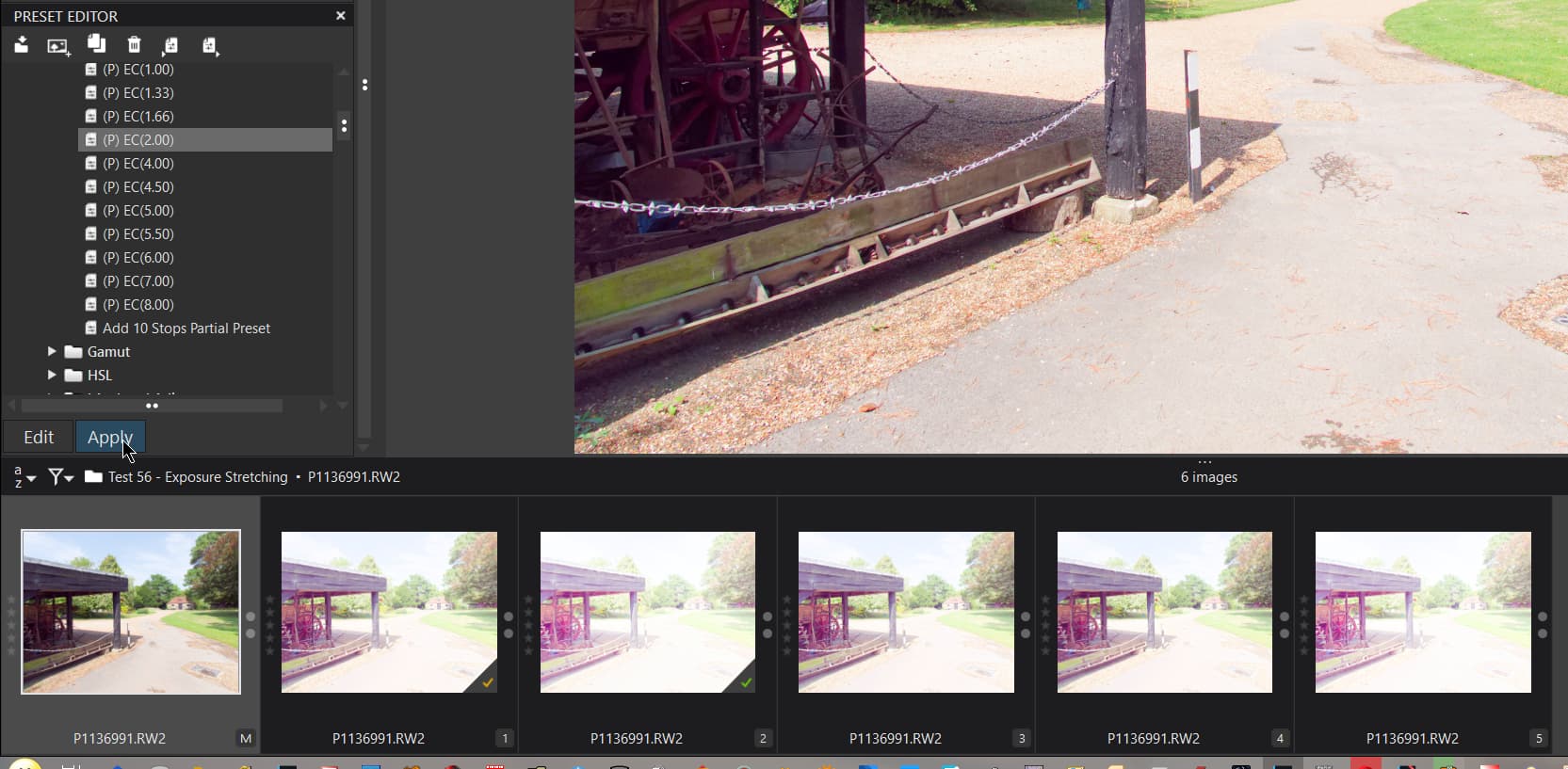
So nothing happens, but if I apply one of my own with EC=2 I get this
Which appears to have done something along the lines of what we expect.
So my conclusion is that
A preset that breaks the boundaries appears to be ignored
Copying and pasting the edits from an image that has been kludged and exceeds the EC=4 boundary is ignored.
Creating a new VC from one that breaks the EC=4 boundary retains the EC setting.
And it is also preserved if the data is copied to another new directory within DxPL.
@George then you have been lucky.
I believe the scenario plays out as follows on DxPL(Win)
This has happened every time that I use the scenario I have described.
If DxPL is free to read the DOP at the time that it discovers the image for the first time then no such problem will be created, DxPL will use the edit data and UUID from the DOP, if the UUID is already in use for some other database entry then a new one will be allocated.
Correct, I just repeated the test with
From what I saw from the previous tests if there is only one entry hack it, if there are two I believe you need only to hack the second entry, i.e. the one one in the ‘Overrides’ section of the DOP
I do not know what exposure adjustment actually changes in the image but if you can simulate it using the curves tool then surely you would then be able to make the adjustment beyond the +/-4 available in the EC tool.
Another possibility is to use the EC tool and then also use the curves tool to boost it further.
You use now a preset.Presets might be different since they are used before the editing. But anyway I added that one to my preset library and it showed 4, no 8
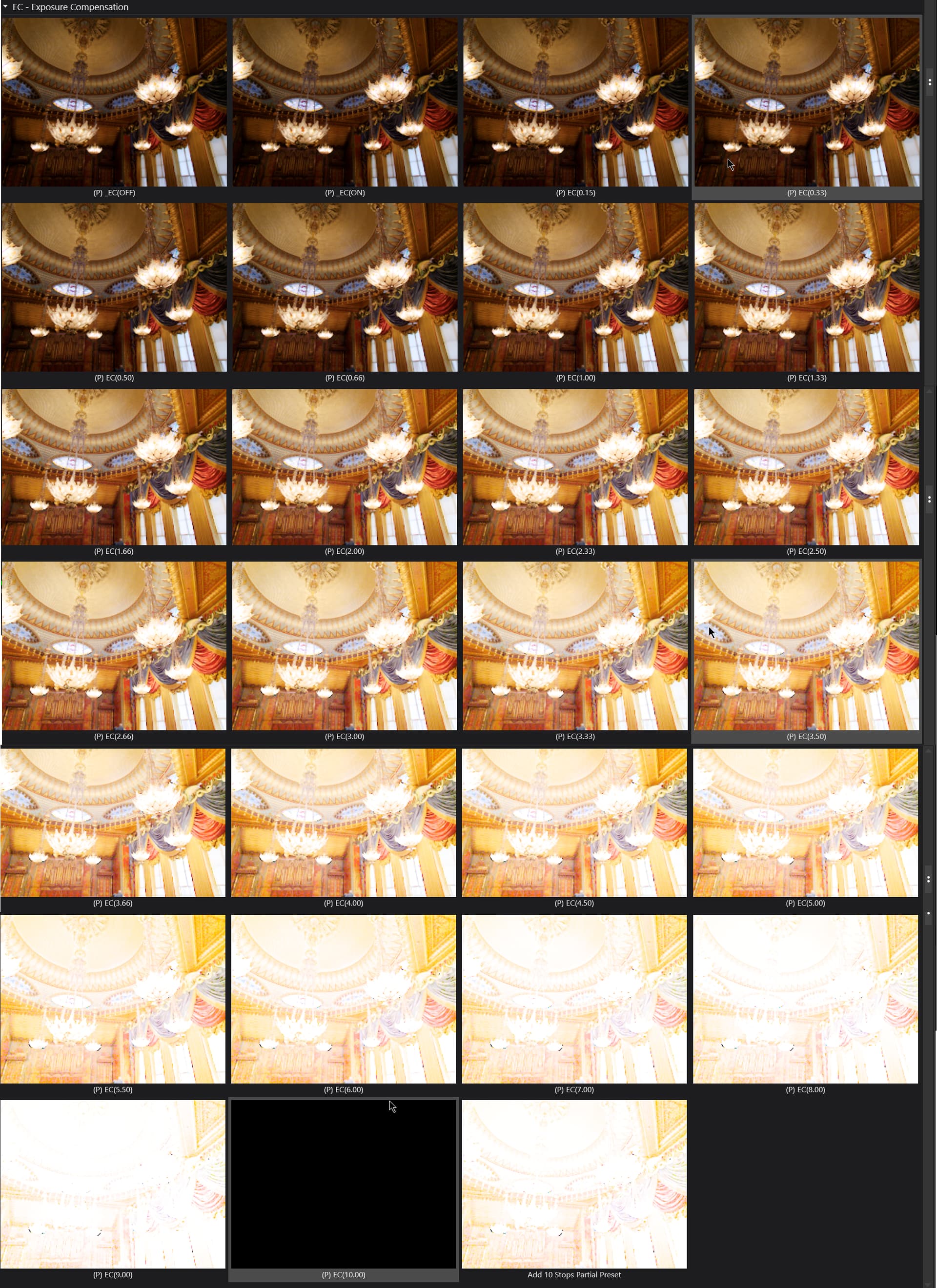
When applying a new preset one gets an overview of what the image will look like. It seems that in that overview +8 is used.
You named it 10 but 8 is used. There’re also other edits in it.
George
@George You are right about the preset preview. Before @platypus had supplied the 10 stop preset (which as you noted and I had already noted is only 8 stops) I had created a number of presets of my own.
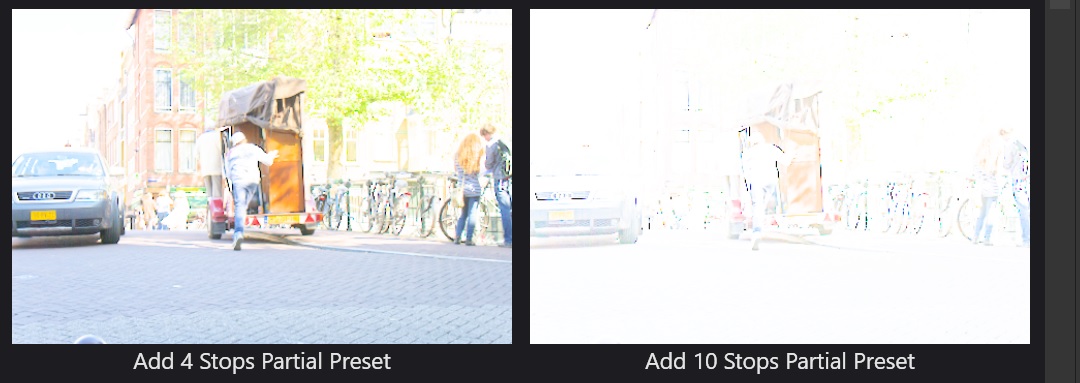
Thank you for raising the idea of looking at the preset previews because this is what I get
adding a 9 and 10 to fill in the gaps I get
But the maximum that I can apply to the image itself from the presets is 4.
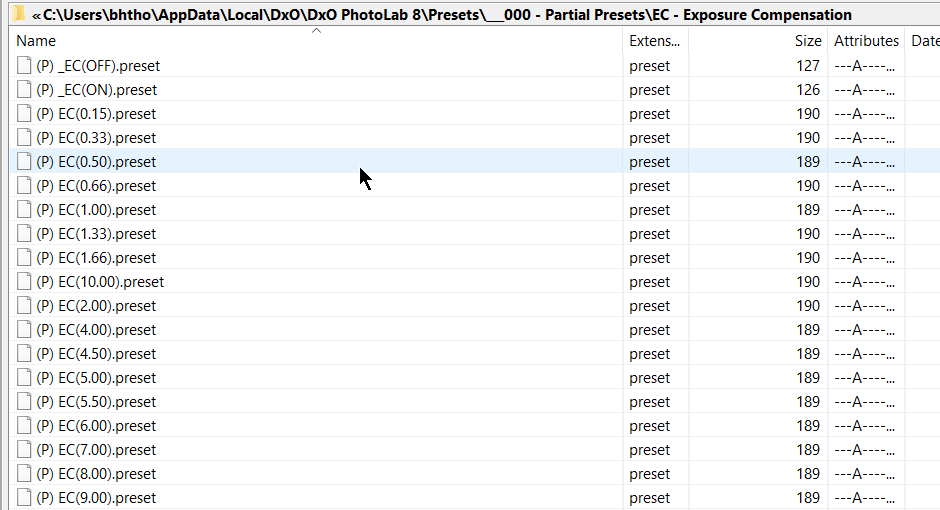
PS:- If anyone is interested here are a collection of my EC Partial presets, including my 10 stop preset but excluding @platypus’s preset, which he published in a post above
EC - Exposure Compensation.zip (5.1 KB)
It’s also clear that the first part of the dop file contains the initial values based on the used preset.
But it’s strange that the previews can handle values outside the range. There must be a reason why the used formula is limited to that range.
George
Here’s my experiment (on Mac)
Image underexposed in camera…
Then I closed PL and went into the DOP to change…
					ExposureActive = false,
					ExposureAutoMode = "Manual",
					ExposureBias = 0,
… to…
					ExposureActive = true,
					ExposureAutoMode = "Manual",
					ExposureBias = 6,
Restarting PL didn’t show the change straightaway but, by using the Fichier | Fichiers de réglages | Importer menu item, it updated correctly to the +6 value.
However, trying to get rid of the +6 proved more difficult and it was a good job that I had taken a copy of both the image and the DOP. Even scrapping the database didn’t seem to do the trick.
Have to check it again, meanwhile, I’ve removed the preset from my post above.
Please remember that PhotoLab for MAC is not the same as PhotoLab for WIN.
You can also add +4 with global setting then add 4 more with the local adjustments by selecting the whole picture.
Doesn’t work. Max stays 4.
George
You’re right, I made a mistake. Sorry!
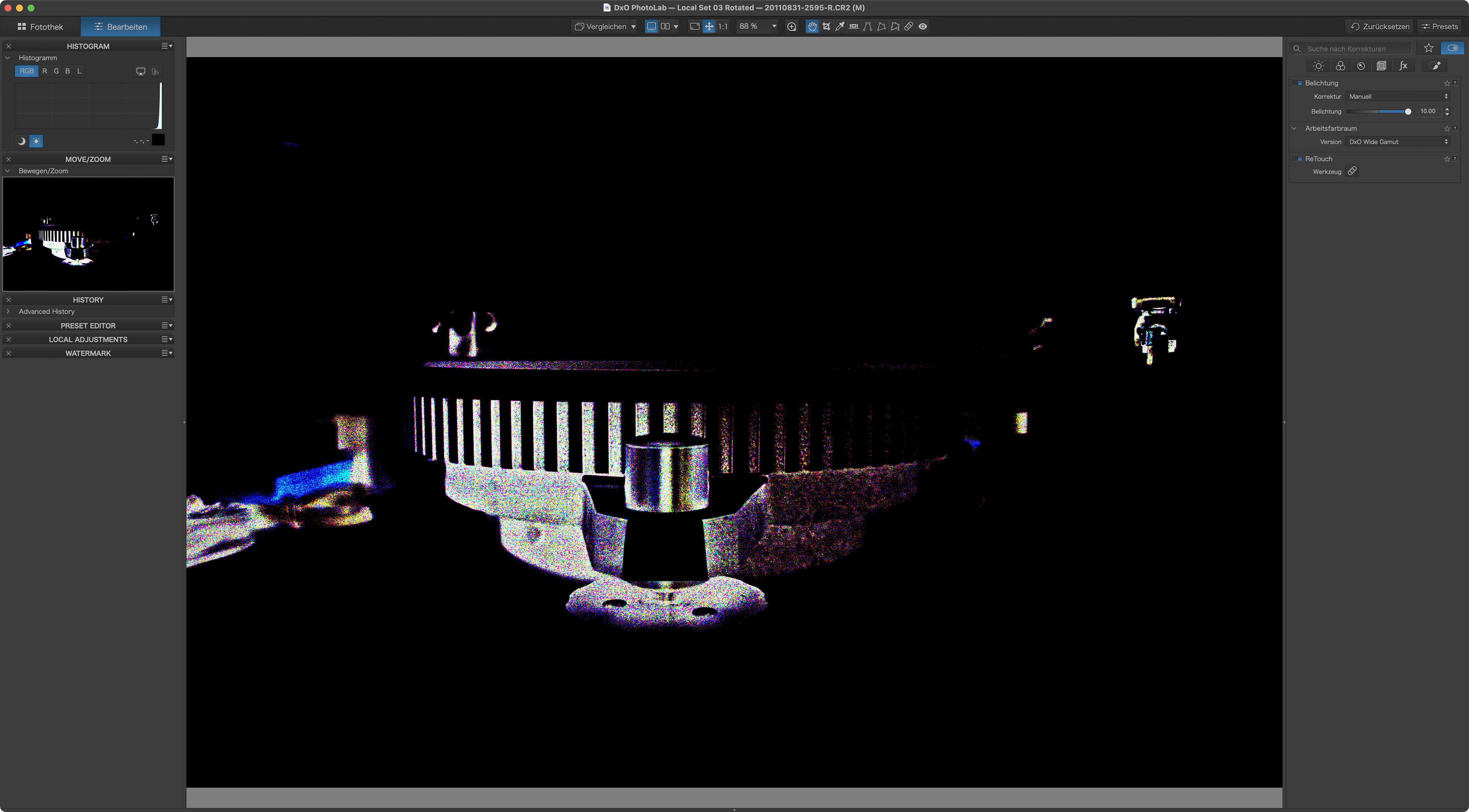
Tried a few and they work, also in DPL on Mac. Here’s a sample with the +10 and overexposure warning switched on:
Even with such a seemingly easy image that was decently exposed, we can get some detail out of the shadows with a +10 exposure bias.
@platypus I am glad that the Partial Presets work for you on the Mac when they were developed on Windows. As for DxPL(Win) it will show the expected results, excluding the +10, in the Preset preview window
But attempting to apply the preset to an image only works for values up to 4, i.e. the maximum standard value that can be input.
The preset previews seem to have blind spots:
On Mac, I get previews in DPL8 up to +10, but 11 and 12 are off. Another difference Mac-Win. Further tests with DPL 6 and 7 show that almost any combination of effects exists with the preset previews, film strip thumbnails, large previews and in Library or Customise view.
Well, from a math point of view, there is no reason to limit exposure compensation to ±4. I suppose that DxO chose to do so for whatever the reasons were then and has never reconsidered the range so far. I’m better off with Lightroom’s ±5 range in most cases, and going to ±6 would be enough for what I’ve wanted so far.
Sure enough, getting things right in camera is a sound principle…but “right” can differ between individuals and then, a bit more room to move is welcome imo.
Addendum:
P - Set Exposure to 9.preset (165 Bytes)
Minimum size partial preset - this one sets exposure to 9 is tested to work in DPL6 and newer.