Hi Klaus,
I still don’t see your “kind of double exposure overlay.”
Out of curiosity, I went to experiment with the relatively new AI – and started from scratch. Well, twice, because to my surprise, PL initially ran without crashes … until later that same day. I must have made some conflicting settings, that I could not detect. So I deleted everything and started over.
see _KLS5062.NEF.dop (1,7 MB) → VC 1
In the meantime, I also updated to PL 9.4.0_437 and checked about the “Export to Nik Output Sharpener” option(s) …
.
At first, I corrected some Perspective, cropped to 4 x 3, used SmartLighting / Spot weighted, Tone curve / Luminosity / Gamma and White balance
before I went with Local adjustments.
.
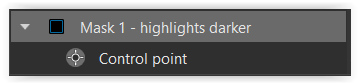
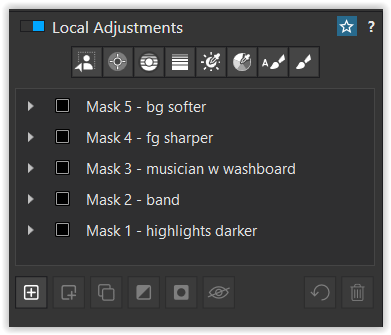
reducing highlights
.
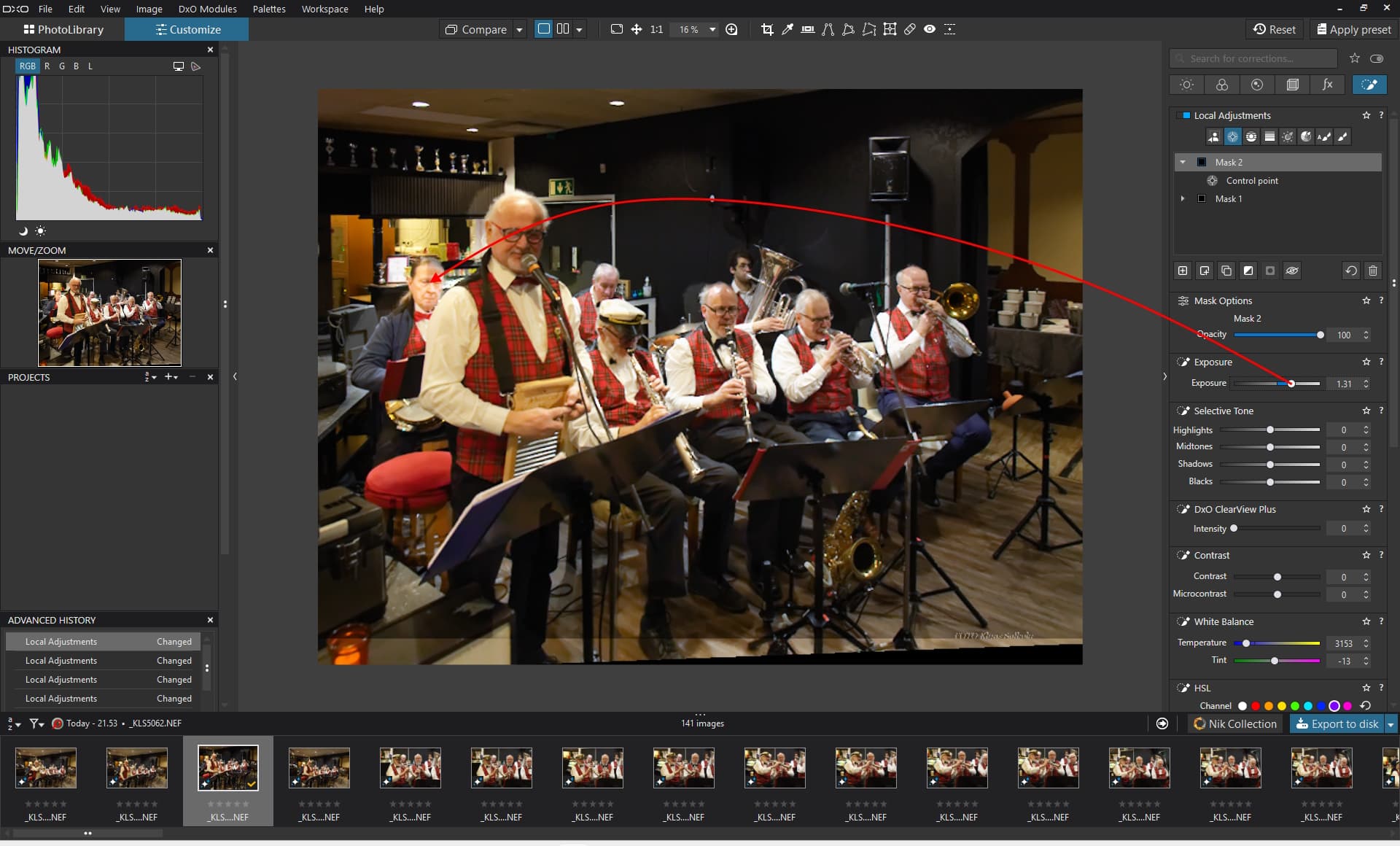
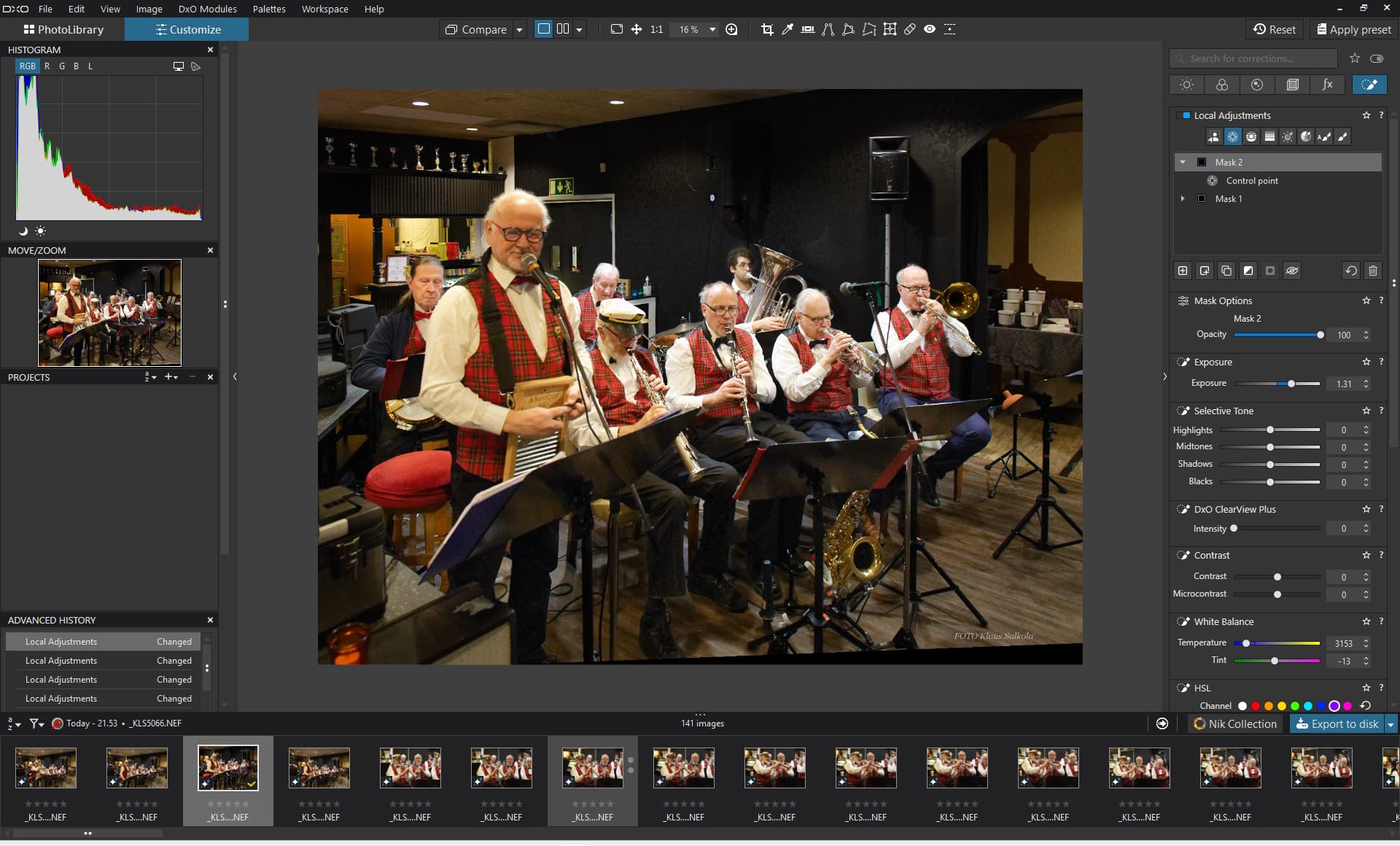
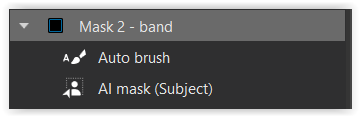
AI mask (Subject) to cover the band
+positive Auto brush to add to the selection
( tried to improve the “capture” of the blurred foreground )
.
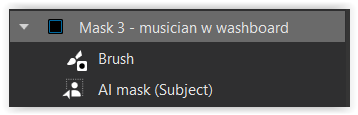
duplicated AI mask (Subject) from Mask2
+negative Brush to subtract from the selection
( tried to improve the “capture” )
.

some additional ‘sharpness’ for the front
.
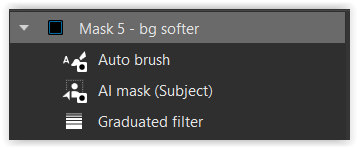
some softening to better separate the band from the background
reused + inverted AI mask (Subject) and Auto brush from Mask2
+Auto brush corrected
.
Yes, it was a bit fiddly ( the window for the Local Adjustments is too short ),
but PL didn’t crash anymore.
.
“Export to Nik Output Sharpener … ( JPEG / Fit 1080 x 1920 / sRGB / max. 2 MB )”
→
klasal.zip (7,2 MB)
-
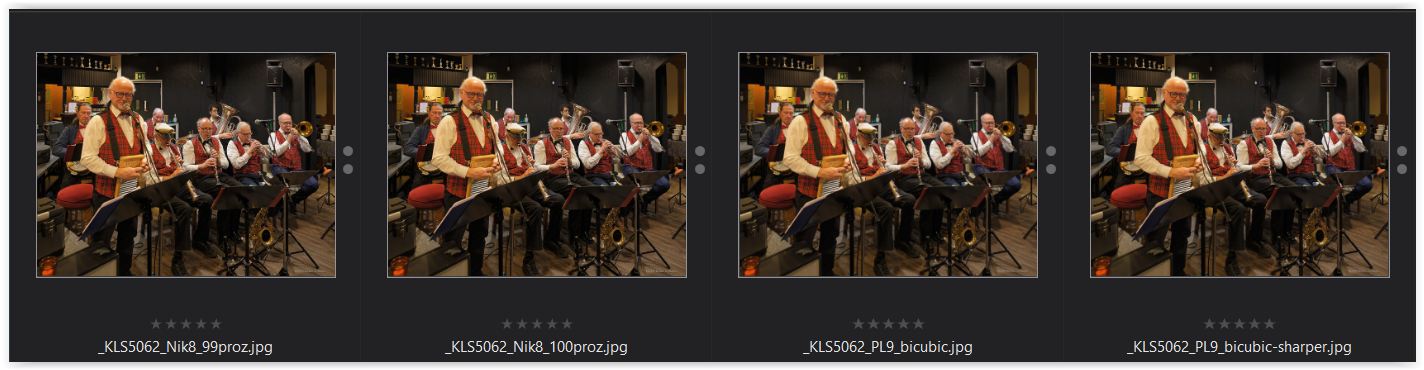
PL 9 Export as JPEG → Nik Output Sharpener / 99% → ca. 1,9 MB
( even more details after sharpening > PL 9 bicubic sharper )
-
PL 9 Export as JPEG → Nik Output Sharpener / 100% → ca. 2,9 MB
( even more details after sharpening > PL 9 bicubic sharper )
-
PL 9 Export → JPEG / bicubic → ca. 1,6 MB
-
PL 9 Export → JPEG / bicubic sharper → ca. 1,8 MB
( more details after sharpening > PL 9 bicubic )
.
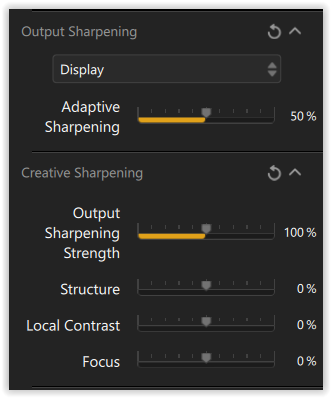
Output Sharpening with Nik → Display mode (for screen)
→ Adjust the default settings to your liking while comparing !
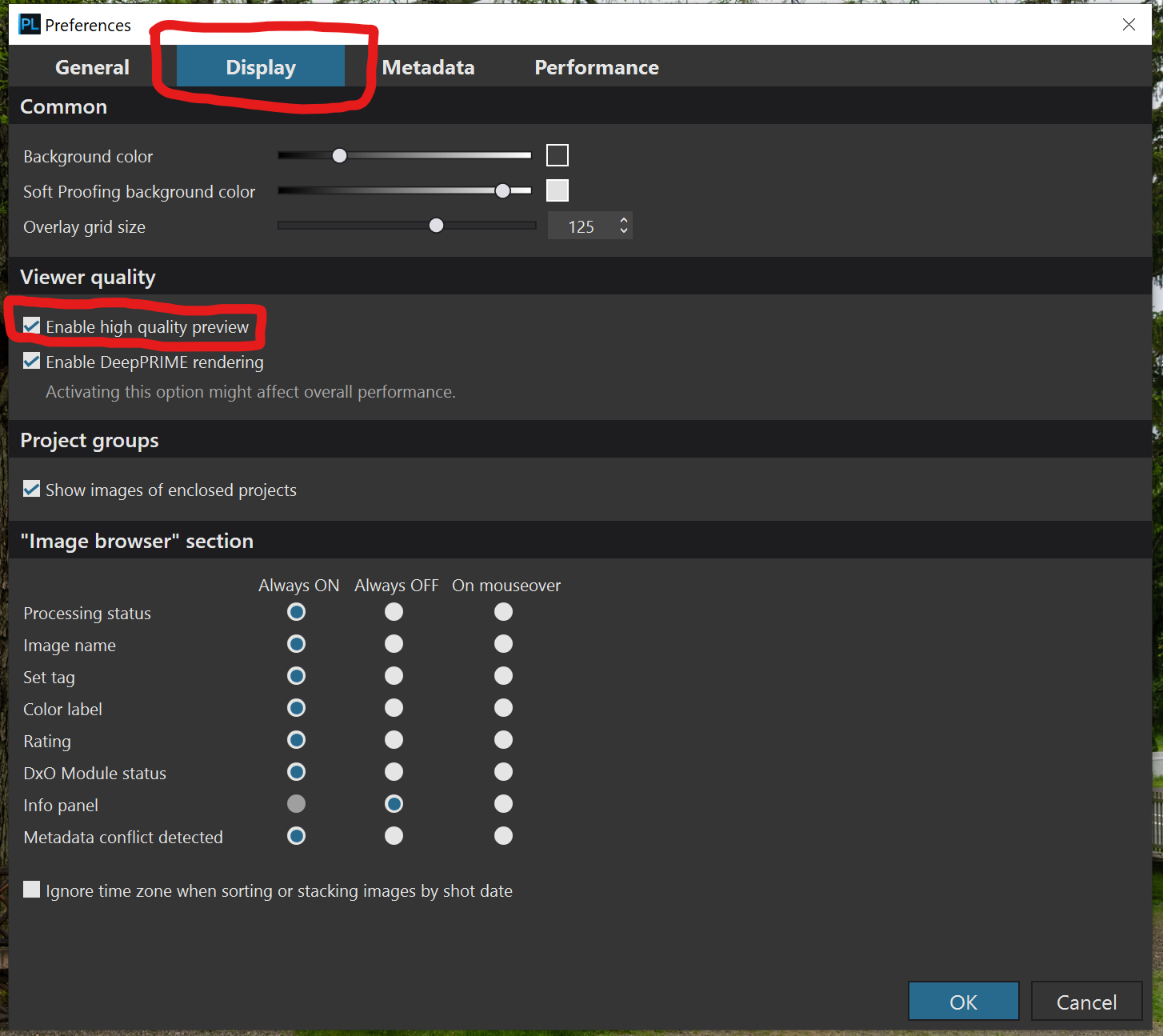
Preferences → set JPEG output size in %
(ed)