I am having a problem outputting images to Canon Pro Print manager.
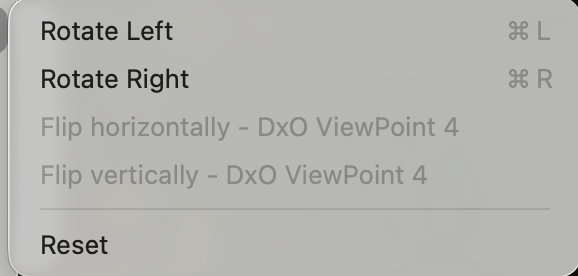
See below the fuzzy picture was exported tiff from DXO 9- latest release, the sharp picture was prossed in DXO 9 and then imported to Affinity and exported un touched to Canon and it fine ( had to export it to Affinity to flip it over, shame you can not do that in DXO- it is a basic thing to do) , so at a loss as to what is happening here- I need to be able to output to Canon Prof Print , if I have to keep using Affinity why do I need DXO?
I have always use 16bit, those settings are the last thing I tried, whatever I try it failed to export clean - even a jpeg comes out fuzzy, there is something odd with the export function - I have never had an issue with any other software, if I can not find the answer then it is back to DXO PureRaw and another application Thx
Rusty, instead of faffing around saving images a TIFFs, maybe try the Export to Application and it will open directly in Affinity. I too have a Canon Pro printer but never use Canon Prof Print. I only use Permajet papers with personalised ICC profiles, so can print from Affinity or Photolab, if I wanted to. HTH
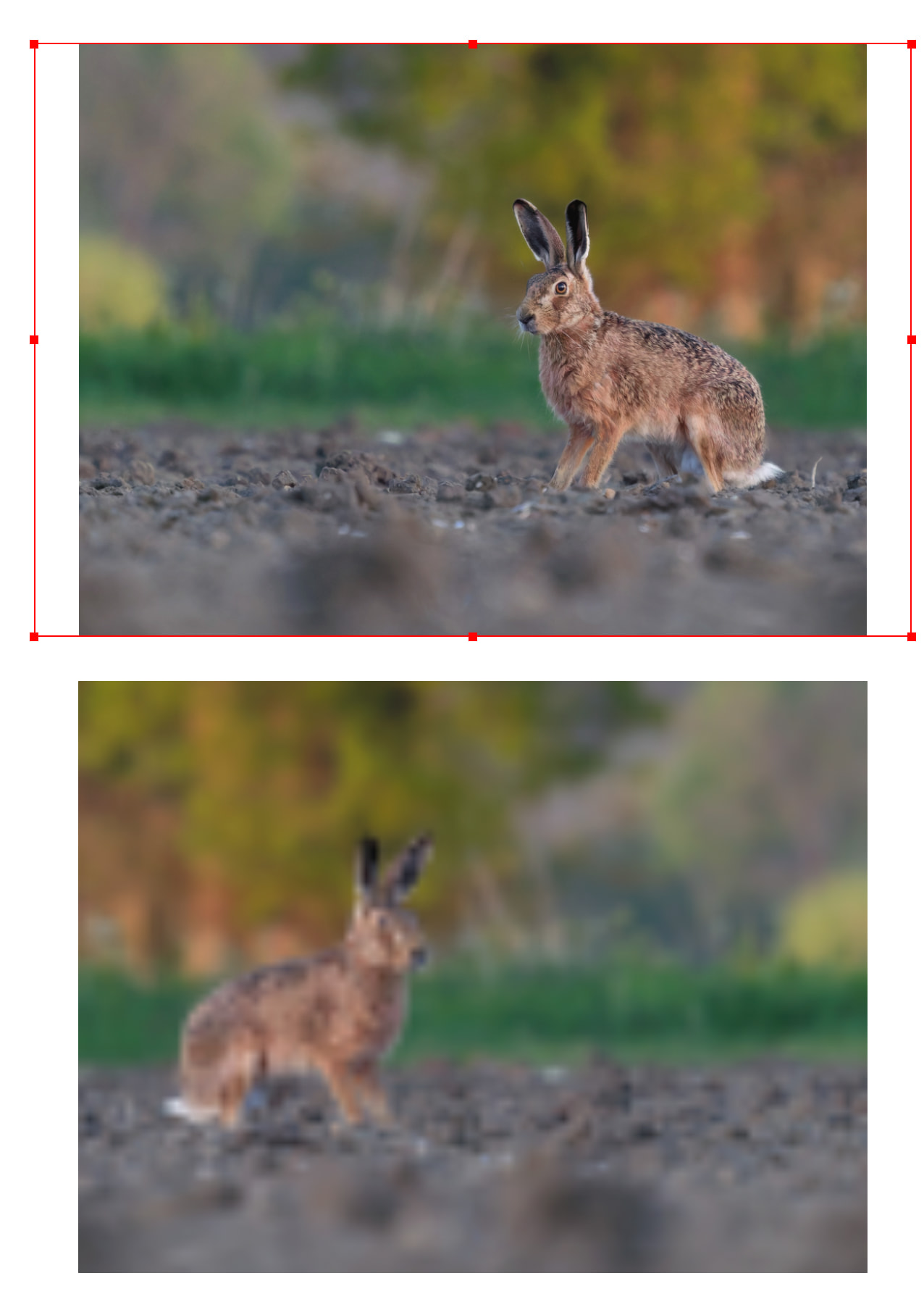
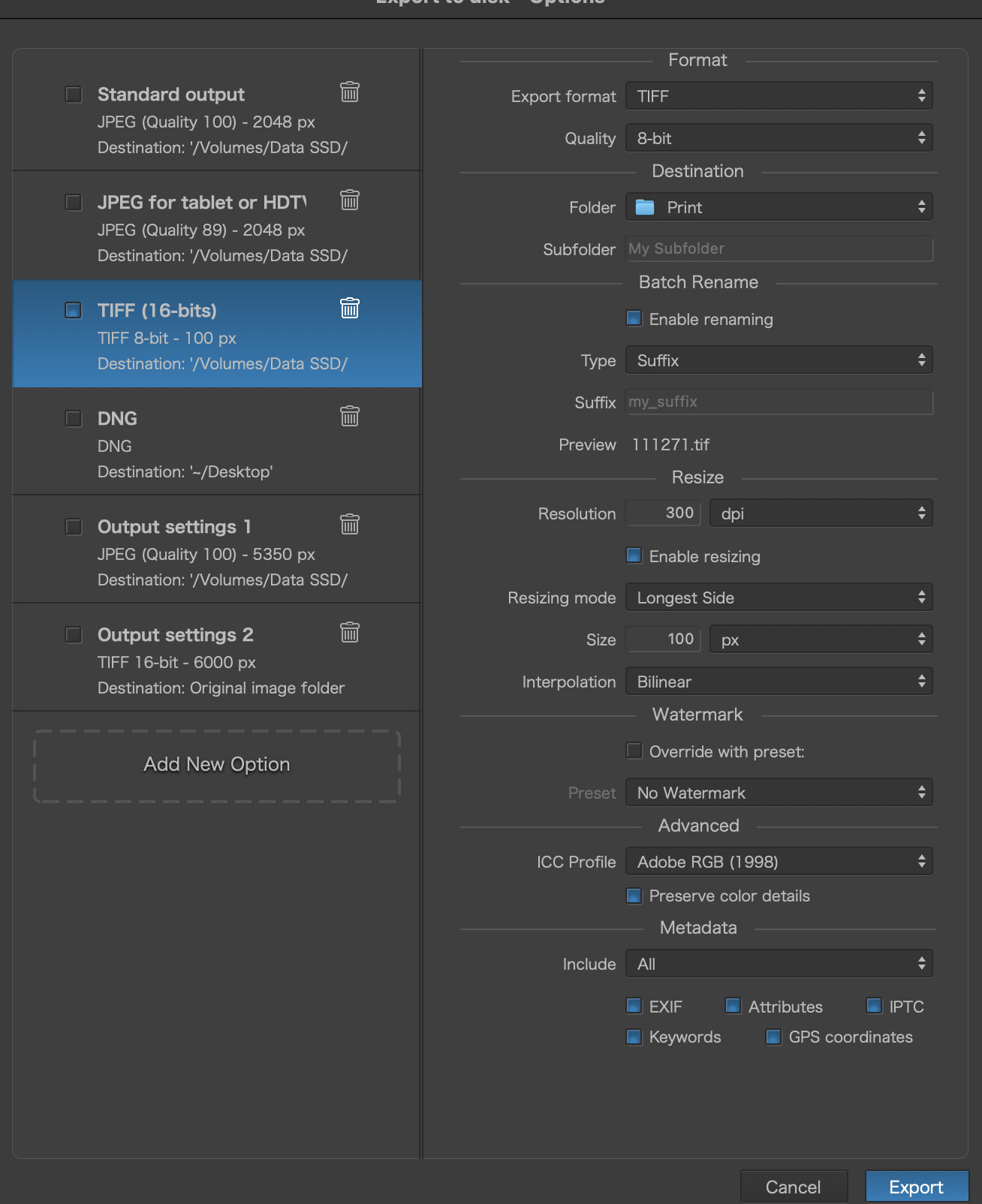
 Thx
Thx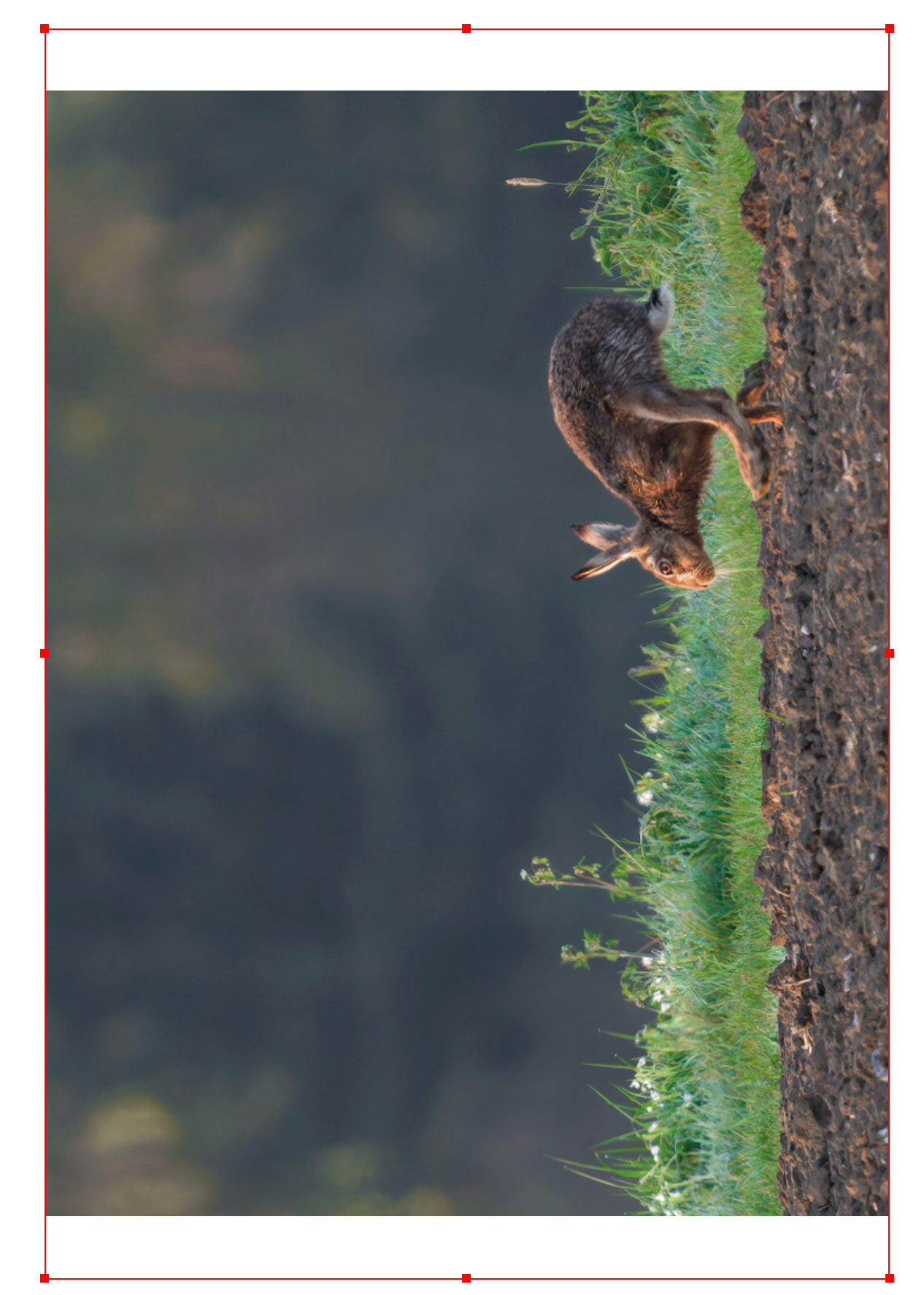

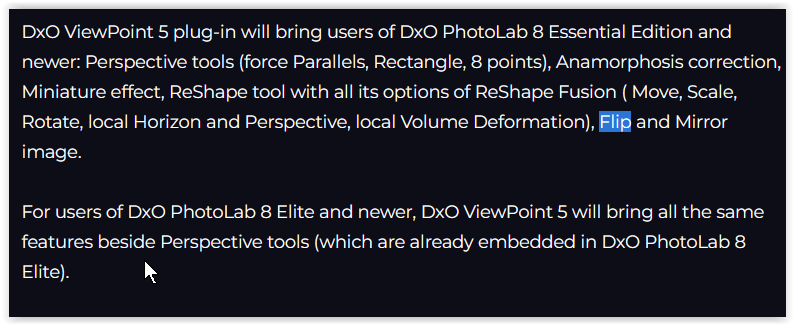
 - I also use Permajet papers