It would be nice if you can show the filename of the current file somewhere.
Just small.
Where are you not seeing the filename?
In the Windows version of PL, the name of the file being edited in the ‘Customize’ tab is shown in the bottom left, above the film strip of thumbnails. Plus each thumbnail has its filename shown underneath it, and the thumbnail for the current file is highlighted. I assume the Mac version is the same.
2 Likes
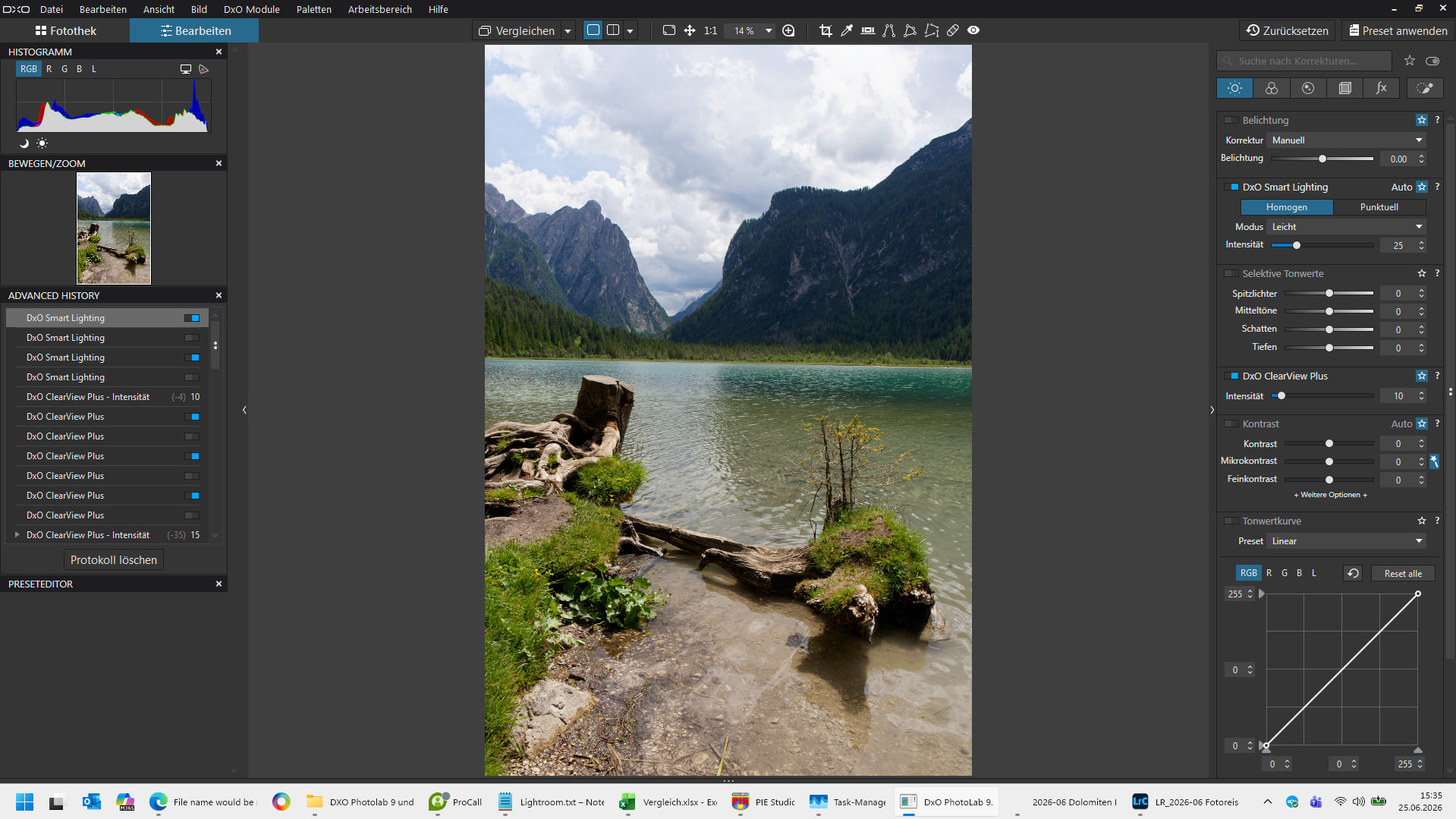
@Andre777 It is only there if you have cluttered your screen with the filmstrip. In case you want to maximize the photo you edit, you have to go without the filename.
Press [CTRL] [F9] and you shall see! 
1 Like
It would be nice to show some info on the main page like filename. But also what version of PL is used and what preset is used. Just general info and no Sherlock Holmes game.
George
@Andre777
… or go with “Ctrl + I” ( = image properties / in Windows)
Strg+F9 or Strg+i is a good workaround, thanks a lot !!
(But still, a simple information like a filename would be nice to see somewhere on the screen. Not big, just a small, decreet information.
2 Likes
May I know what CTRL + F9 does on Windows? I’m on Mac, wondering what’s the equivalent…
In the PhotoLibrary or Customise sections, it toggles the photo navigation strip/thumbnails on and off, allowing you to either navigate images better (with it on) or giving you more editing space / focus on your chosen image (with it off).
It also shows any other functionality in that area e.g. the file names, filters, ordering of images etc. - in other words all the info for browsing the folder or project you’re in.
Thanks a lot! Found the Mac shortcut: CMD + U
1 Like
Yeah! It’s really helpful.