@PopsInABox this is not as simple as it seems. There are several ways of achieving this in PL8. The most controllable I find is to choose a B&W film from the renderings selectors in the FilmPack palette.
Before you go off into using presets, do be aware that most of the standard ones tend to be full presets - in other words, they take control of all settings, resetting them to zero if they are not used. This can mean you lose some settings that you have already chosen.
It is possible to create partial presets, which only affect a few adjustments but, for what you are trying to do in this example, I wouldn’t bother for now.
You may have already noticed that the Channel Mixer doesn’t really do that much to your image. Neither does the Colour Wheel. Of course, neither are worth anything if you are using a coloured filter as the image is filtered to a single colour before it reaches these tools.
Be warned, if you want to create dark skies, that it is all too easy to create edge halos on the transition from dark to light with some tools.
But, also that a halo might appear in the editing window at low magnification…
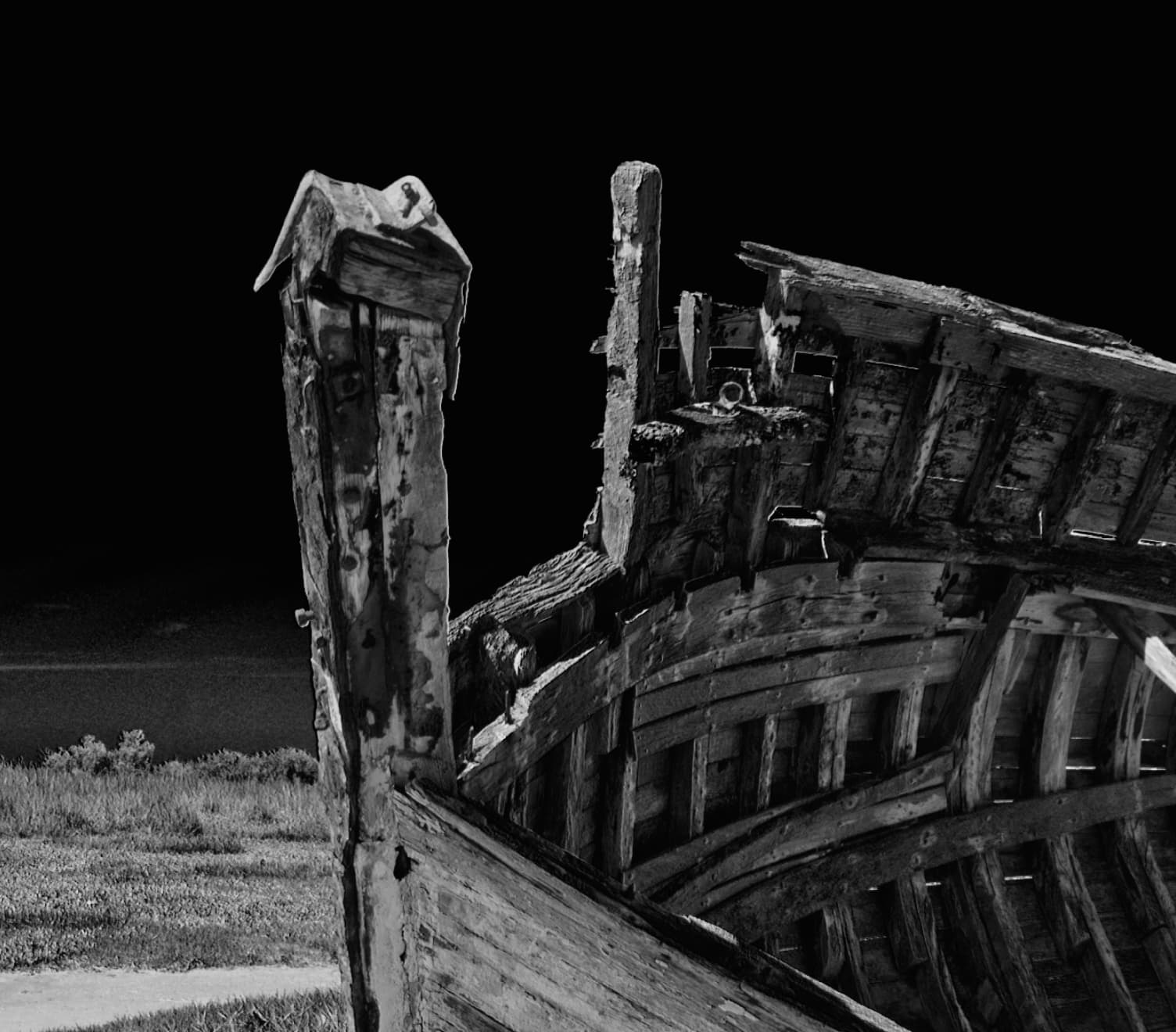
… that will disappear at higher magnification…

This is an artefact of the editing window, so don’t panic, just change the magnification of the viewer to verify if it will be a problem on the final result.
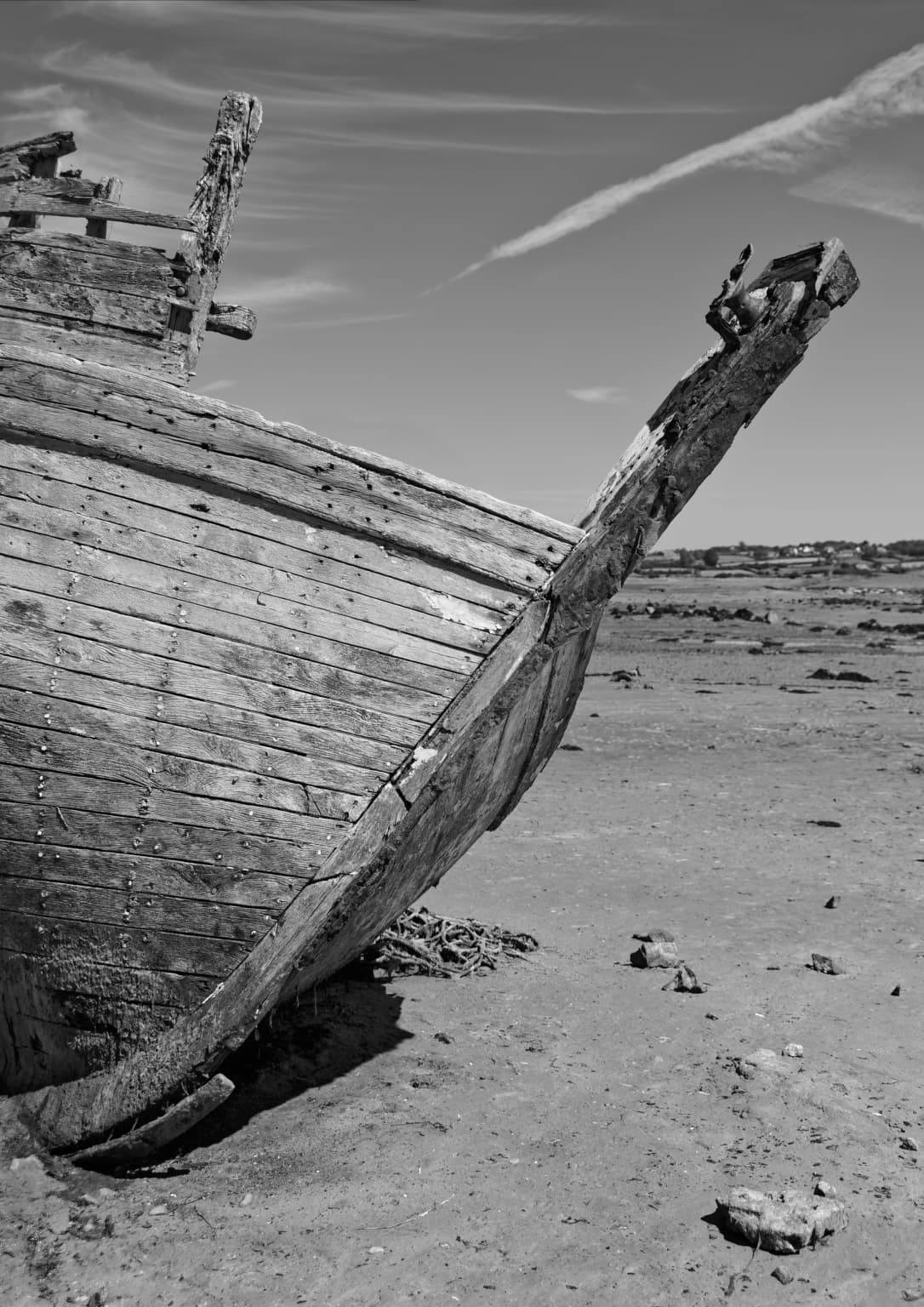
Whereas, with this image, the halos don’t appear either on the “normal” contrast…
… or on the version where I used the red filter…
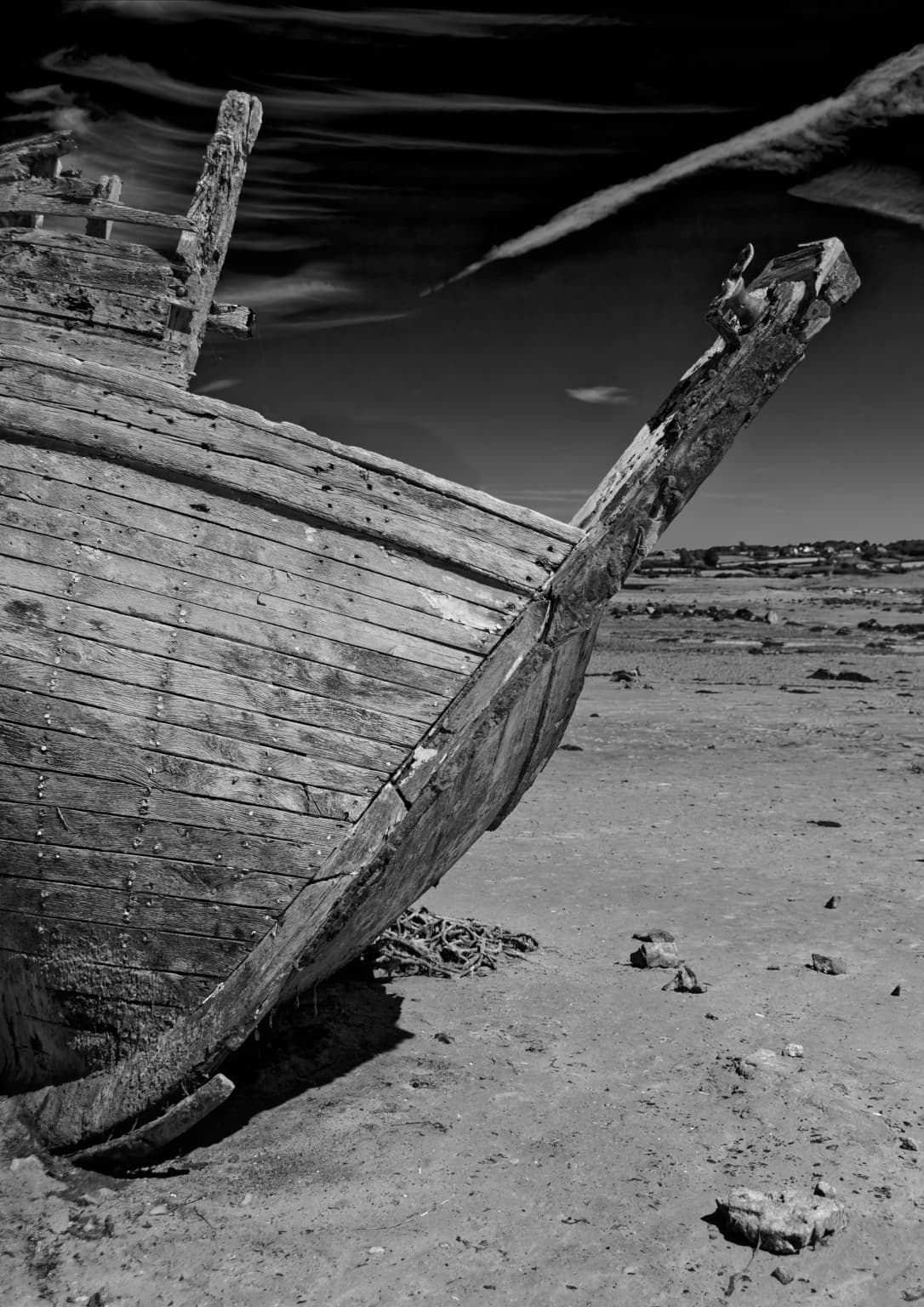
Personally, that last version is not something I would not normally do for that particular shot