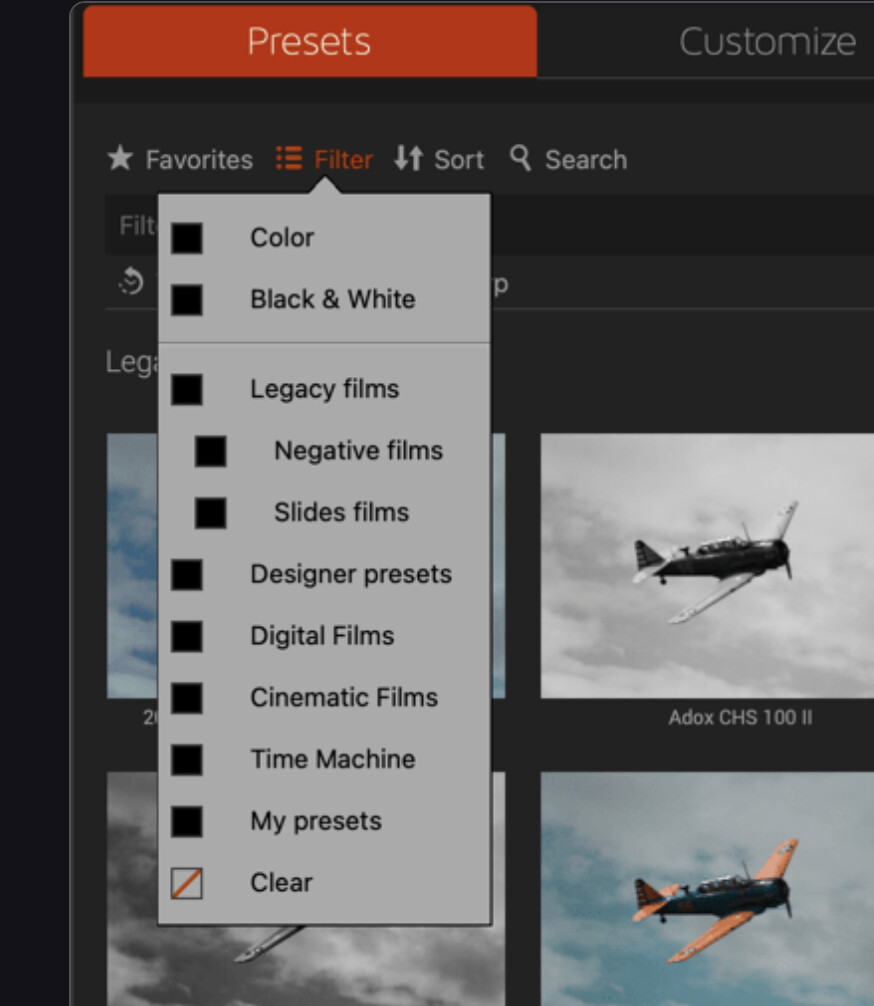
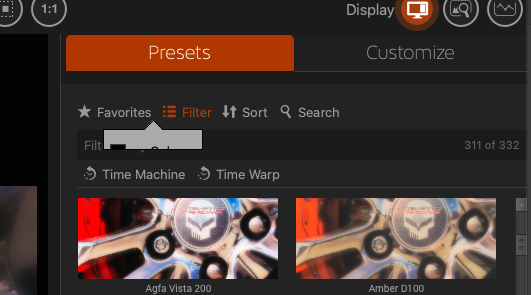
I don’t see any menu options for filter on the top text menu, and when I press on filter as in the image, the flyout hides under the controls below filtered by. (note the gray flyout in the image)
Is there a keyboard shortcut I don’t know about or something?
I just wanted to drop an update in case anyone else with a Mac is experiencing this.
I’ve had a few exchanges with DxO support and sent them some updated logs and videos this morning. The problem only appears on the “Extended” display for me. No matter which monitor is set to extended. The menu always renders correctly on “Main” for me.
No fix yet. I’ll post back again when that happens.
Sorry, I didn’t mean to leave this as resolved. I’ve sent a few rounds of diags and screenshots to DxO over the past few weeks. No resolution yet. I’m guessing it’s a “MACOS” thing more than a DxO thing. If I get any more updates or a fix, I will add it here.


 Thankfully it doesn’t make the app unusable.