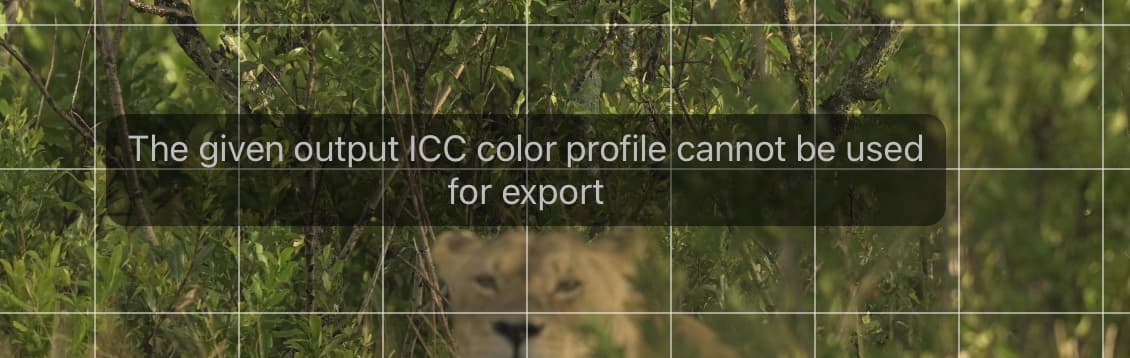
I am getting a very annoying “The given output ICC color profile cannot be used for export“ warning and since this warning appears I cannot see the image in the PL9.6 while attempting to perform cropping and local adjustments.
This issue emerged late yesterday after several weeks use with no issues.
No change to export profile - I tried a number of stock/standard profiles including sRGB - but this gave no change.
However – POTENTIAL SOLUTION from google search:
Verify Profile Validity: Open the ICC profile in macOS ColorSync Utility to check for corruption – I ran this and discovered I needed to run first aid. I have 6 profiles I cannot find. BUT this did not fix the issue.
Reset Preferences: If the error persists, corrupted export settings might be the issue. Try resetting preferences, or ensure DxO PhotoLab has Full Disk Access in macOS Security & Privacy settings to write files.
I had to add DxO PhotoLab 6 and grant it full-disc access after restarting the error message went away !!!