I personally like the automatic stacking – to keep things together, especially when manually grouped .
But an option to enable / disable stacking is indeed helpfull !!
PL 8 Win
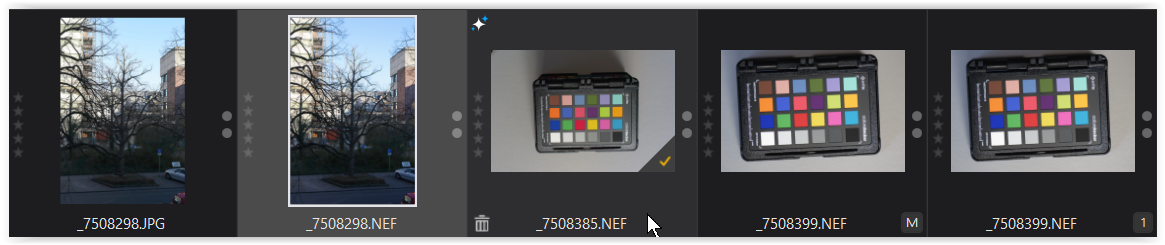
- very dark = unselected
- mid grey = selected
- dark grey = mouse over
- very dark = unselected
PL 9 Win
What I don’t like so much is the inconsistency of the background colour.
#1
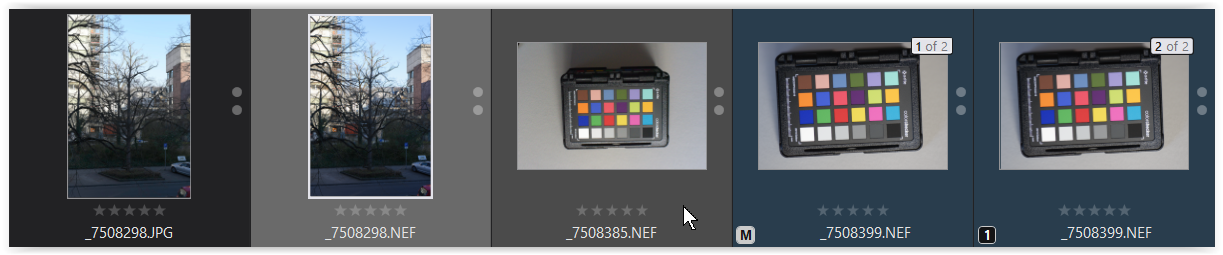
- very dark = unselected
- mid grey = selected
- darker grey = mouse over
- very dark blue = unselected, stacked, not grouped
#2
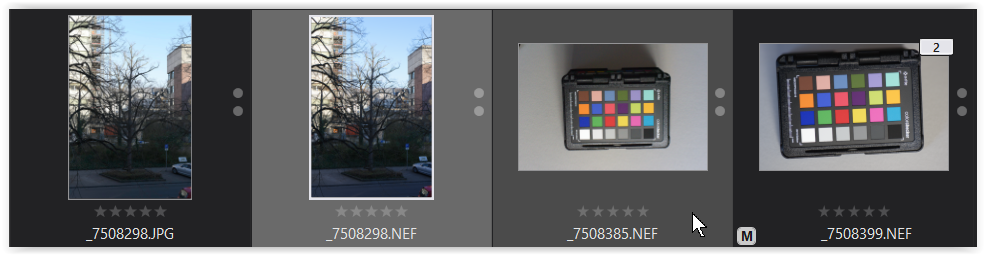
- very dark = unselected
- mid grey = selected
- darker grey = mouse over
- very dark = unselected, stacked + grouped
#3
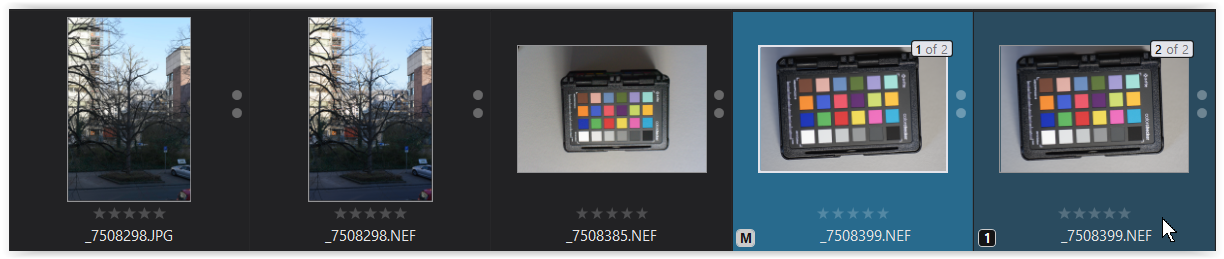
- very dark = unselected
- vibrant blue = selected, stacked, not grouped
- darker blue = mouse over, stacked, not grouped
#4
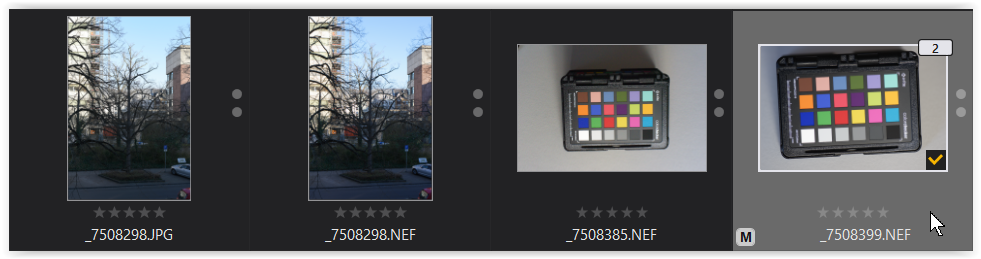
- very dark = unselected
- mid grey = selected, stacked + grouped
And what if, instead of (partially) colouring the background of the image stack in shades of blue, the background of the selected image(s) appeared in a vibrant blue, just as for the settings in “Customize” … uniform GUI ?
Furthermore, this can (visually) reduce the problem of accidentally selecting multiple/all images.