I was considering upgrading my M1 MacBook Pro to an M4 or M5 in order to help specifically with these kinds of lags in PL9/10, but sounds like there would probably be very little difference. That’s disappointing to hear.
The one thing I have noticed is that memory usage has gone up dramatically. I only have 16 GB in my M4 Mac Mini and editing one file led to PL 10 using 22.5 GB of memory and my swap file was over 10GB. It must have been all the AI masks I was using for local adjustments. After I restarted the program and opened the same file, memory usage was back down to 6.5 GB.
I had hoped a new M6 Mac Mini with 32 GB of RAM would be noticeably better. After reading this thread, I am not so sure.
I would appreciate a performance comparison from dxo for the different Mac platforms including the impact of settings.
You have a better chance of winning a lottery.
Mark
I use a M4 mini/32GB/2TB. Placed an order for M5 Pro/64GB/4TB with all the cores.
I’m not going to run batteries of tests between them but if I remember I’ll give an impression of performance improvements with AI masks when I get the kit (supposedly on Sept 22.
Sharing your experience is appreciated in advance 
I’m a boundary less optimist
That is an admirable trait, although probably riddled with disappointment.
Mark
Truth.
Truth. Truth. Truth.
I say it like this. I am running an M1 Max MacBook Pro with 32 GB Ram. I run other demanding professional software for video and photo editing. This machine struggles with nothing… except PhotoLab. It’s a problem, and it’s not our machines.
Hmmm, I believe you have not done your homework and got the settings right…
I do not understand this comment.
Please list the things that @brntoki should do or not do. This could help to avoid wrong settings and idem understanding.
Thanks.
Also, they’re not the only person who find other software runs more smoothly.
My machine is older, but it copes fine with many other applications and games, including intensive and demanding ones.
I will say this. So far I’m finding that PL10 actually exports my DeepPRIME3 exports more quickly than PL9 can (12-15s per image exported in PL10 where it’d be up to 25s per image in PL9)!
However in XD3, PL10 is much slower. In PL9 it’d take around 30s per image, in PL10 it’s 2.5 minutes. I believe there’s a bug there.
I’m not at my photo PC at the moment and could, or should, of course have waited with my comment. But if I remember correctly, it’s a setting in preferences. (I may be wrong.)
Anyway, I find it strange that it’s mostly MAC users that have a computer that I believe is a lot more powerfull than my mediocre Windows PC (Ryzen 5800X, 5060TI) that feels PL10 is slow and getting bluring when masking.
While current Apple Silicon processors have a lot of power, the respective apps need to be tailored for the platform. PhotoLab on Mac and Win are different beasts, they mostly share the name, but have different features, databases etc. Depending on how DxO tailors PhotoLab, it will run better on one platform than on the other, or run equally well/bad on both. We’ve seen comments pointing in all directions so far.
Sometimes, I wonder how some seem to struggle, while I see adequate performance on my 2020 M1 MacBook Air which is not one of the top tier devices.
PhotoLab export times depend on a lot of things and as long as folks use different files and customizings, performance might look better or worse. Nevertheless, exporting the same input should not take 5 times as long as with a previous version.
I agree with that,but you have to know, that the most Mac users have portabel devices (laptops) ,thees can´t use the full power of that silicone ,because of the laking (small)cooling.
My desktop PC is not one of the top tier devices ,but it can deliver the full potential of the used Silicon ,And DXO PL10 can access the full performance of the installed components.During the export process of 5 Raw pictures with Deepprime XD3 processing, according to monitoring, 143 watts were consumed by the processor and 320 watts by the GPU.
Thats why ,on my machine(Amd 5900X 32gb ddr4 and RTX3080 10Gb) the export of those 5 Raw(Canon r6 20mp) with PL10 and Deepprime XD3 processing ,took only 9 sec (stopped by me; PL reported 8sec for 5pics)Thats
approximately 2sec for one picture on a old hardware.
Well, to be honest, and since I mentioned that I run other demanding photo and video editing software completely smoothly, if I can’t find out pretty quickly how to get the settings right, that also seems to speak about a problem with the software.
But, note I didn’t mention the blurry preview while making adjustments, or any other specific issue I have with the software (from your other comment maybe you thought I had…?). I know of the settings to enable/disable high quality previews and/or Deep Prime rendering. I have also tried both auto and manually selecting Apple Neural Engine for AI acceleration.
No combination eliminates every issue, which I will detail below, and frankly, needing to have an option to toggle HQ previews at all is to me an admission that the software is not well optimized. DXO knows if HQ preview is checked it can and likely will cause a noticeable and undesirable (meaningfully to many) lag between input and visual representation on screen. NO other app I’ve ever used on my Mac has ever had this issue save for old, ill-maintained apps that didn’t claim to be well optimized for Apple Silicon, or totally new apps that didn’t have all their wrinkles worked out yet, both cases which are understandable.
Edit: I do have one other app on my Mac that is as bad/worse than Photolab in the lagginess department, and it is also understandable (it’s free…): Nikon NX Studio. This is Nikon’s RAW photo developer. Quite good, with a couple glaring limitations, but the lagginess will drive you mad. Results can be great, but just not worth the struggle.
Have you used an Apple M computer, laptop or otherwise? I have a feeling that if you did, you didn’t really do much or any work on it with video or photo editing. These machines have ZERO trouble with it. Completely smooth experience… EXCEPT… Photolab has issues. It’s not deal-breaking bad (I recently bought Photolab while knowing of the aggravating issues), but it is still inexcusable.
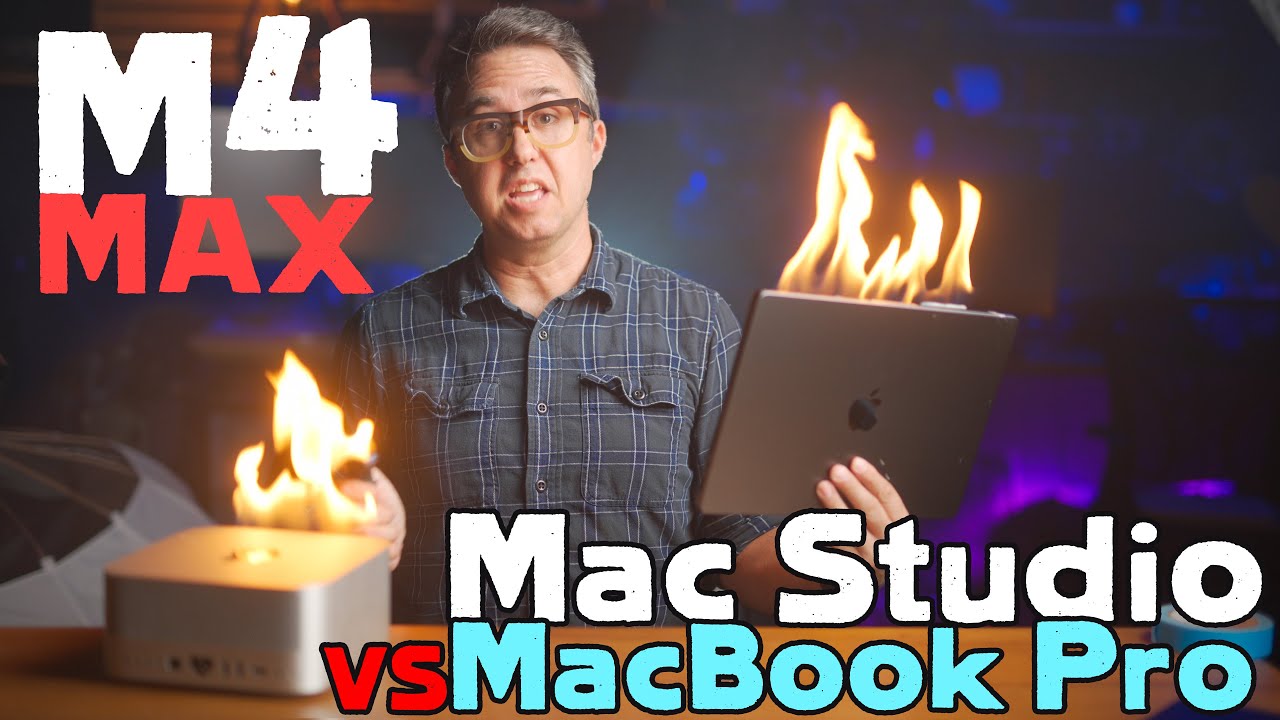
Oh! I just recalled watching a YT comparison video a couple days ago where someone tested the performance differences between a MacBook Pro and Mac Studio with identical specs.
Hardly any difference at all. In most apps and scenarios, they are identical. Fan noise was the biggest difference. Testing Cinebench, the MBP did thermal throttle, but it was found that actually the native fan speeds were not well optimized, meaning they waited too long to throttle up to keep the processor below its throttling threshold. When an app was used to throttle the fans up prior to a test, it never throttled, even in Cinebench.
The LRc export test is probably the most telling…
“Adequate…”
Good word. Subjective. Which is the right way to look at it. Everyone will be different. I don’t like the lagginess I experience. I don’t like that it becomes necessary to toggle off HQ previews and/or Deep Prime rendering (many times… not always). But I really don’t like when, even after those settings are already toggled off, I have a couple of simple masks and the lagginess is quite bad, sometimes taking more than a second to see results of brush strokes or slider adjustments.
On an image while trialing PL10, I had 4 (maybe 3, but I think 4) masks. 3 of them were luminosity masks and one perhaps a brush… something like that. It became really slow. I could work with it, but just barely. Toggling masks on and off took about a second usually to update on screen, and sometimes longer.
I don’t experience this with any other well-regarded, professional-level software, only Photolab.
Luminar Neo does have a weird issue where adjusting a slider will do nothing for a couple seconds at first, but then when it kicks in it works perfectly smoothly. Adjustments are seen immediately. LRc is a dream; never any issues (disregarding the wait for Ai processing). Recently trialed Capture One. No issues. Edit videos in FCPX and DaVinci Resolve. No issues (though there would of course be some codecs out there that would kill my machine, I’m sure…) ON1. No issues. Photoshop, Affinity, InDesign, Motion, Compressor, Logic Pro, Pixelmator Pro, Photomator, …….. no issues.
Photolab… issues… not smooth.
I’ve just been running exports of PL9 and PL10 on my 2019 5k iMac and found that export times are identical (give or take a second as shown in PL’s progress icon).
Conditions
- 60 CR2 and CR3 files, a total of about 1.3 GB on the volume
- Basic customising: NoCorrection, WB, Smart Lighting, Tone Curve
- Export to 16 bit TIFF with AdobeRGB (and protect box off)
- Two runs each, to check whether cache made a difference
Total Export Times (all images, export power set to 2)
- 67-68 seconds with PL9
- 67-68 seconds with PL10
Average Export Time per image
- Less than 1.15 seconds
Now, If I added some denoising, optical corrections, AI stuff etc, times would increase, that’s sure. I’d also expect different times between PL9 and PL10 and some of it is due to changes in the respective “advanced” tool’s algorithms. I’ll run a few tests on the 2020 M1 MBA later and will add the numbers to this post.
Two things are certain though: both my Macs are too old to provide power as recommended by the requirements - and Lightroom does its AI job in a fraction of the time I have to spend in PL for the same thing, e.g. finding a person.
PL on M1 MacBookAir (2020, 16GB RAM, images and sidecars copied from iMac)
- 60 seconds (batch) with PL9
- 60 seconds (batch) with PL10
As above, plus CA, Distortion and a LUT
- 62 seconds (batch) with PL9
- 62 seconds (batch) with PL10
As abobe, lus DeepPRIME XD3
- 655 seconds (batch) with PL9
- 655 seconds (batch) with PL10
Enter AI
Two files, one with DeepPRIME XD3 and both with manually added AI masks
- 57 / 30 / 24 seconds (3 exports of two files) with PL9
- 52 / 24 / 23 seconds (3 exports of two files) with PL10
PL 10 is faster and cache makes a difference. Most time is still spent due to XD3.
In my case of below-recommendation spec’d hardware,
PL 9 and PL 10 are equally fast on export.
Preparing previews is slow, but does not play any role in this test.