I think it might be interesting to share both videos an clips with good, educational and useful examples of how different kind of marking problems can be solved.
One kind of tricky masking kan be skies with a treeline breaking the horizon where AI-masking might struggle. In Photolab we have no Magic Brush (hue- and luma-based ) like in Capture One but there are other ways to handle this in Photolab 9
Below is an example from the old harbor in Nice France:
In this case I have instead of using AI-masking (Sky) that by the way do not fix the disturbing tree used a Luminosity Mask for the Sky. Since that even spills over the boats and some cars I have refined it with Local Brush holding down Alt which gives us a very sensitive Erase Tool.
It didn´t take more time than half a minute.
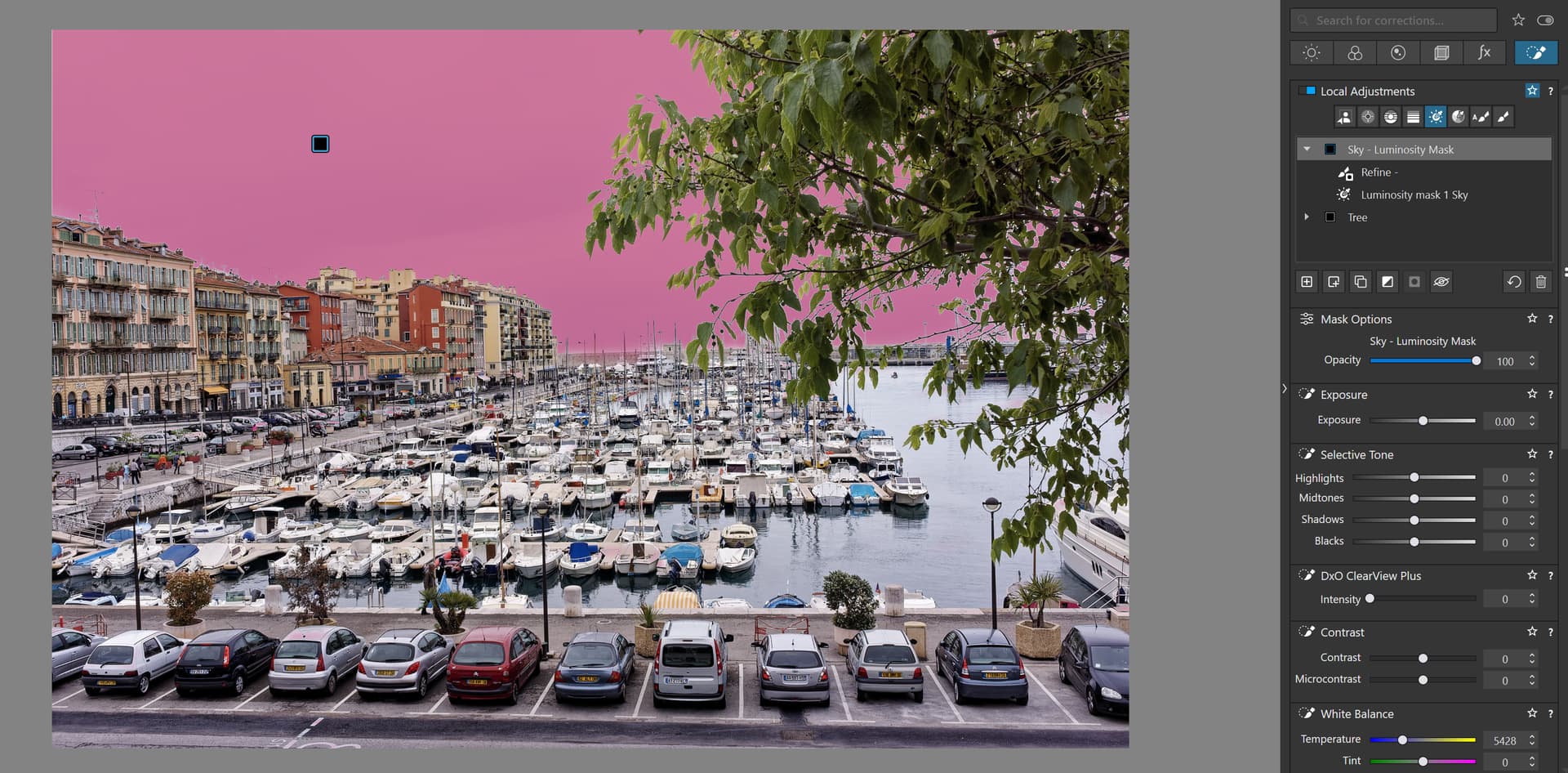
The sky was masked with the Luminosity Mask Tool and was refines with Local Brush that now have become a very useful refining tool when we finally can see all the masks that earlier in some cases were hidden before version 9 came.
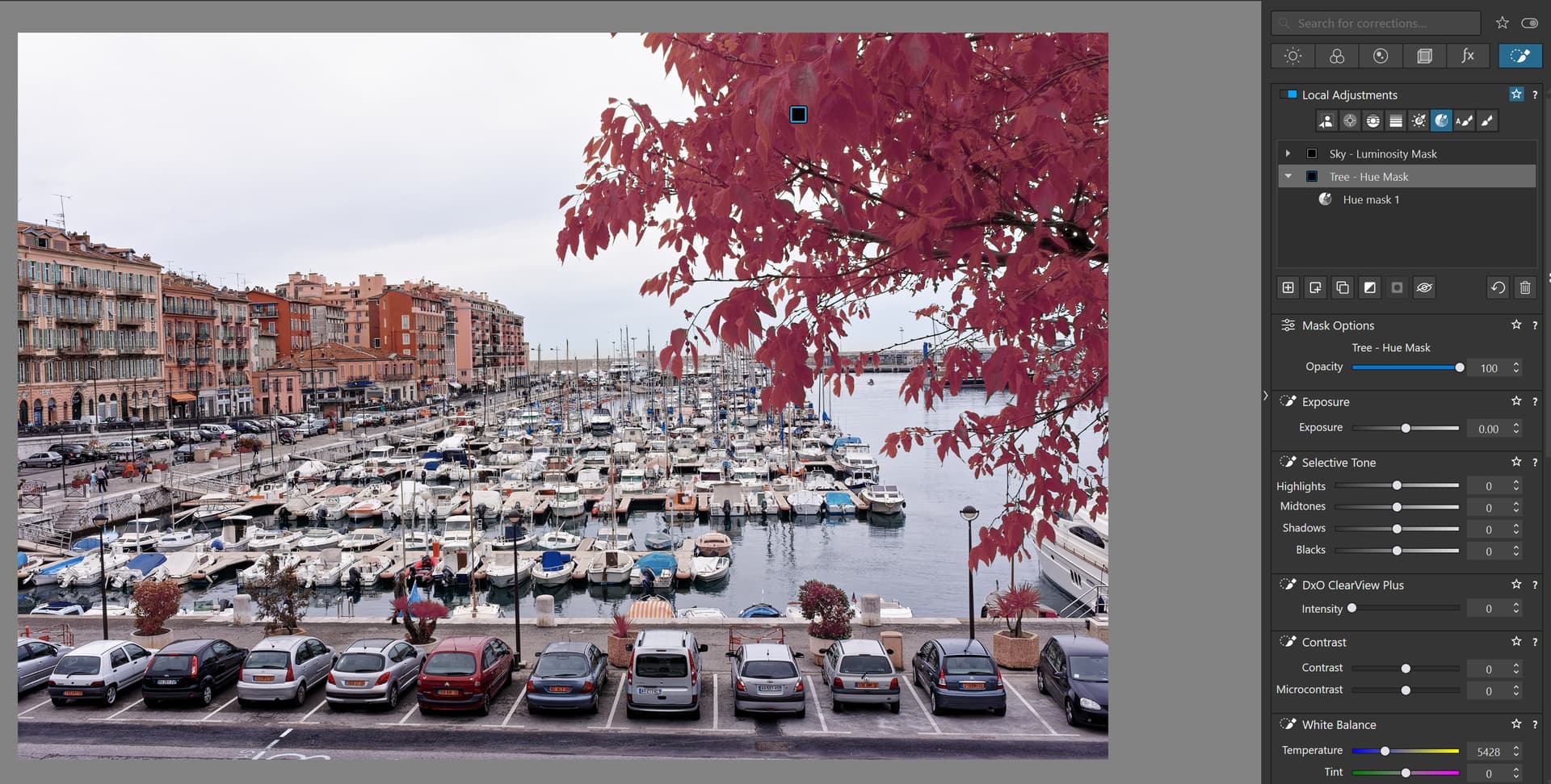
The Tree I have masked with the Hue Mask. No refining needed there.
I also saw another very interesting example in a video of a photographer called S.R. Miller, where the same effect was achived using a couple of Control Points after using an AI preset for Sky (about 4:55 in the video) that did not fix the problems with the trees braeling the horison. That you can see at about 5:00 in the video.
Videolink: DxO Photolab 9 and Filmpack7 landscape edit

Here you see that the AI-mask did not fix the trees
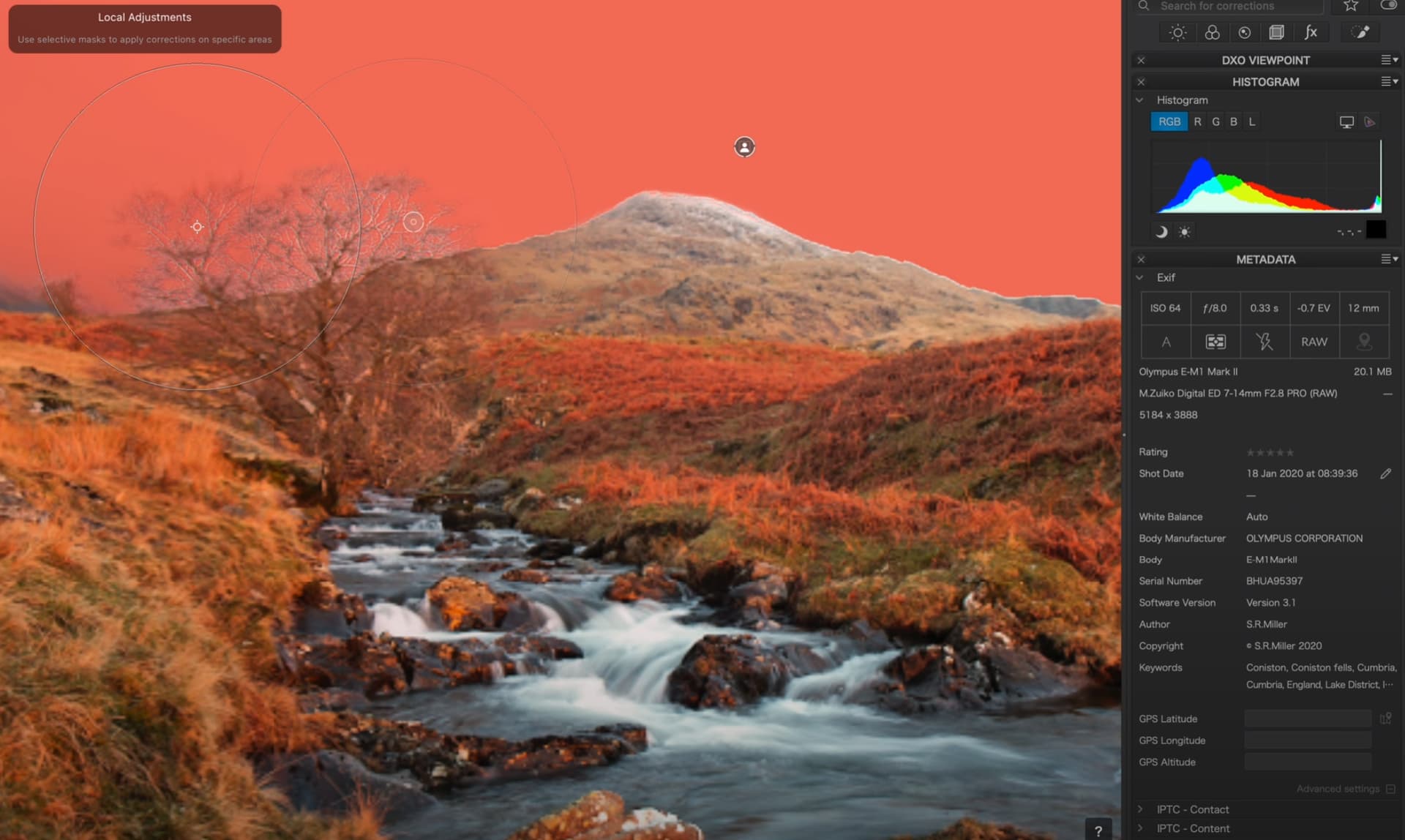
… but just two clicks adding the magic of two Control Points fixes the same kind of problems in seconds. Capture One has Magic Brush and Photolab has Magic Control Points that both Capture One and Lightroom lacks.
This is a very good exempel where the older Local Adjustment Tools adds a lot of value when the new AI-masking tools might not do the tricks we need them to do.
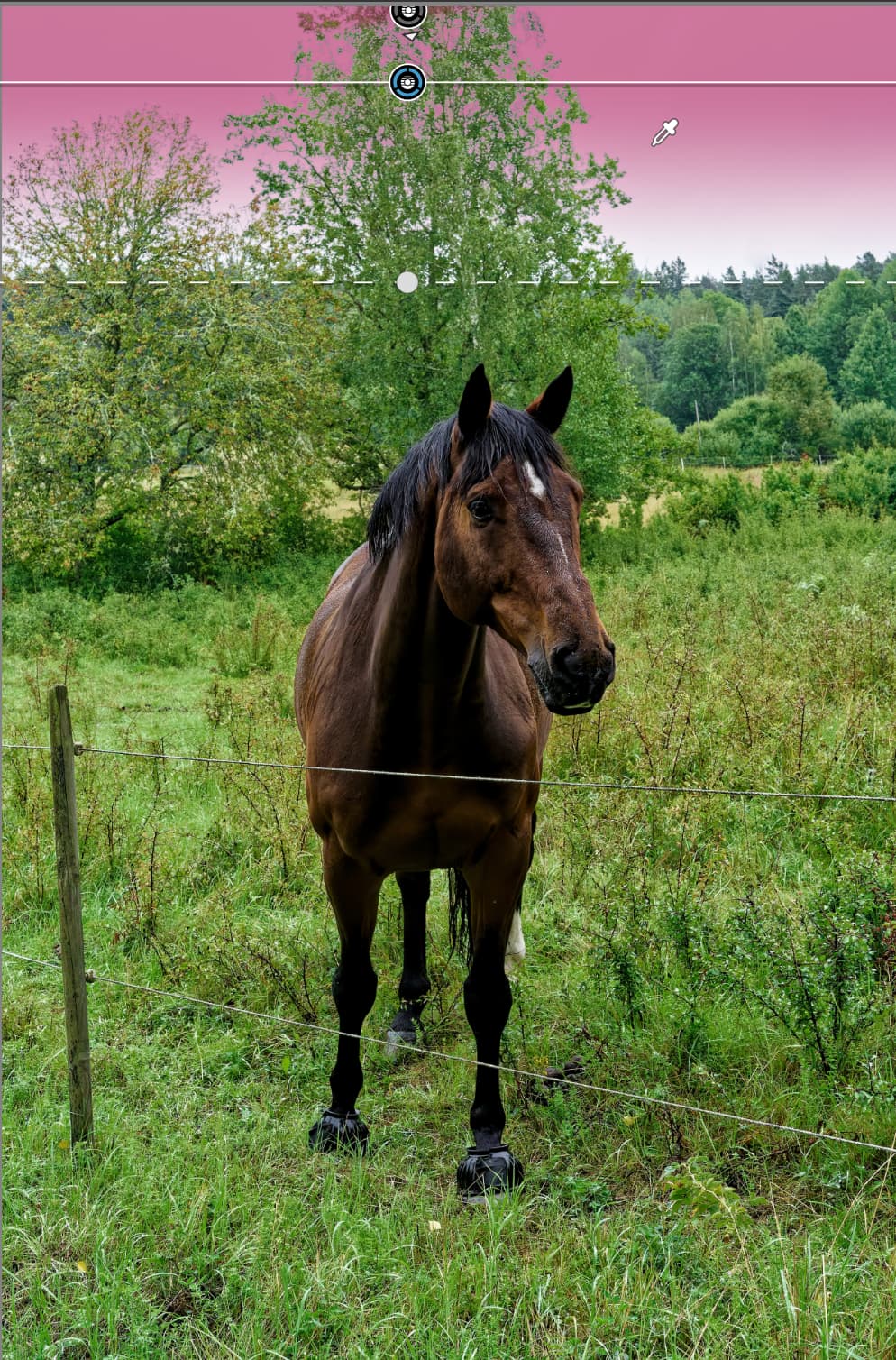
 Wish you all a wonderful 2026