I’ve just installed DxO Photo Lab on a new Windows 11 PC, and have problems with uniform display of images. Specifically when I edit a cr3 image in DxO I expect the jpg produced to look just like what I see in the DxO edit pane. I also expect that when I view an image using image viewers such as Fast Picture Viewer, Fast Stone Viewer, Nomacs, Irfan View, and Windows Photos they all look the same, but they actually display with greater saturation and maybe a little brighter. Also when I display a DxO produced jpg in DxO it looks identical to the DxO display when editing the cr3. I expect DxO is probably correct and the others are incorrect, but I’m not sure.
My Monitor is a Dell U3225QE. When I look at color settings in Windows I see the profile for that display, and no others. My monitor settings are sRGB and color temp of 6500K.
Do you have Soft Proofing enabled - with ICC Profile set to match your monitor (sRGB) … so that what you’re seeing on-screen, within PL, will match what you see when you export to disk
When you “Export to disk” do you have the output ICC Profile set to match your monitor (sRGB) … also with “Preserve color details” enabled (Recommended).
If it’s a RAW file (CR3, in your case) that you’re viewing then it will depend on the viewer’s capability … Some will simply reflect the JPG that’s embedded within the RAW file … Others, may be “interpreting” the RAW data to present an image, in which case the result will depend on the rendering process they’re using.
I didn’t even know about Soft Proofing. It was not enabled. I set it to use the only sRGB profile listed named sRGB IEC 61966-2.1.
In Export the ICC Profile was set to “As Shot”, and “Preserve color details” was unchecked. I changed it to match the sRGB ICC profile I set in soft proofing, and checked “Preserve color details”.
I can’t discern any difference in the cr3 files displayed in DxO or the jpg images produced as a result of those changes, but I’m still happy to have the correct setting to maximize the accuracy of color rendition.
Re viewing images, I’m talking about viewing jpg files. My problem is that all the viewers I listed display the jpg files as significantly more saturated than what I see in DxO. I ran Fast Picture Viewer 1.9 Pro, changed the ICC Profile option from none to the sRGB profile I used in DxO, and the image as displayed was unchanged.
Unlike IrfanView, for example, FPV cannot be configured to detect the active monitor profile (at the time the program starts). But when the monitor color space remains unchanged, this does not matter.
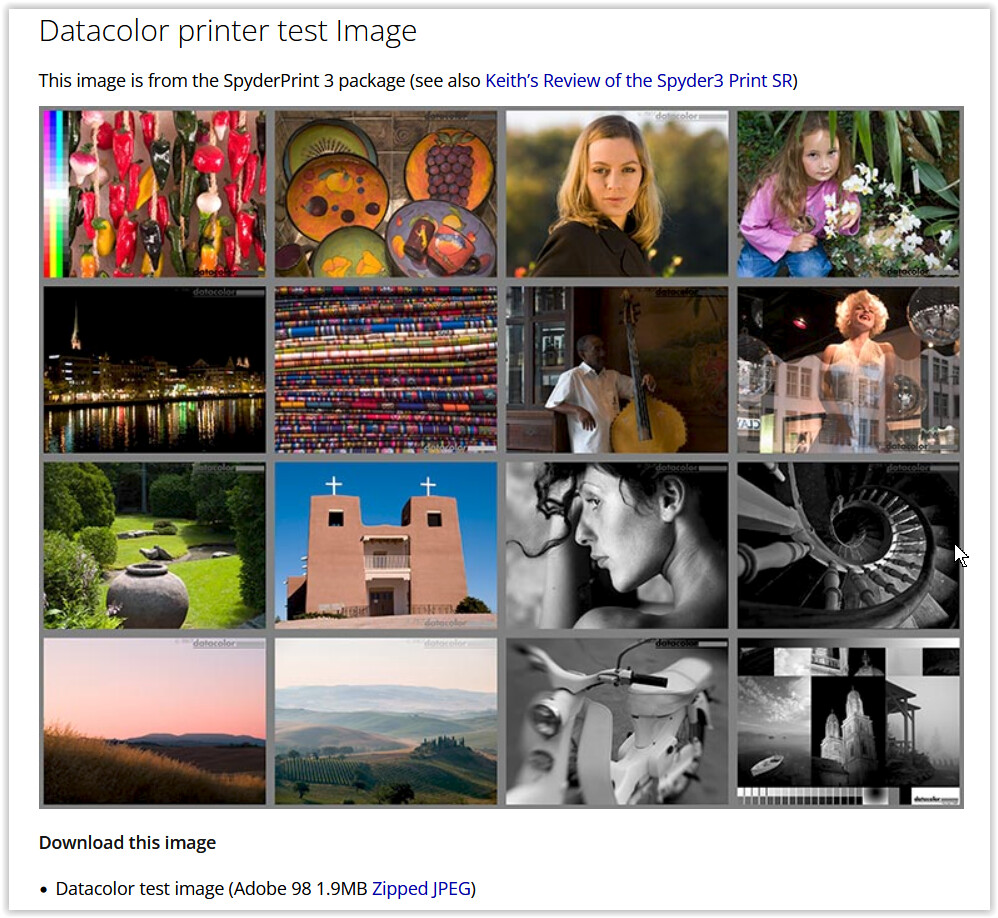
I think I’ve fixed my viewer problem. I found FastStone MaxView viewer, which can be configured to do everything I want in a viewer, no mean feat, and it can be configured to detect the active monitor profile. When I tested it, it appeared to match DxO’s image rendition exactly. I’ll check it with the test images you suggested, just to verify.
Having Soft Proofing enabled (with ICC Profile set to match your monitor) will ensure you’re always seeing within PL what you’ll get when you export to JPG (for the same ICC Profile).
What “Color Space” is set in your camera ?
If it’s AdobeRGB then that may explain differences you’re seeing - as PL will then export to AdobeRGB (“As Shot”) which your monitor may not be able to represent
To be sure (regardless of camera settings) it’s better to be explicit about export ICC Profile setting … Make it the same as your Soft Proofing ICC Profile setting.
I’m using FPV since 15 years and still love it for its simplicity, even use it for “instant” culling (raw file + ooc jpeg !) … before I dive into PhotoLab ( more on that here… or here… )
Even back then, the app supported a wide range of RAW formats via additional codecs. However, one needs to familiarize with the app’s quirks – such as the fact that, for RAW files and their corresponding out-of-camera JPEGs, it displays the JPEG preview, or that I have to manually select the image display profile when using my calibrated monitor with other color spaces.
.
Then there are other viewers that can be configured to automatically detect the active display profile in order to display the image correctly in the large preview – though not necessarily in the thumbnail view (which is quite annoying, if not downright misleading). I’ve written more about this somewhere, including print preview and the like.