I have DXO photolab 8 Elite on iMac running Ventura 13.7.8. When displaying DXO Hub I get “Content Not Available” message - see image attached.
I’m also having trouble downloading lens modules.
How do I rectify the problem - I don’t have issues with internet connection emails/other apps/dxo website access etc all work fine
Thanks for the rapid response, I don’t think that will resolve the issue, running same version of PL on M1 MacBook on same network the DXO hub and module download works fine
I had the same problem last year.it was caused from a certificate not updated. This cause that you cannot acces to all the website dxo, and cannot connect to the module page.
You must inform dxo with submitting a ticket and just wait that tey update the certificate. Possible that the problem occures only on mac but not on win.
Thanks Nicolas,
I’ve worked out a temporary workaround by copying missing modules from my macbook (that works fine) to my iMac) - DXO are still working on the problem
My same problem happened when I had updated Ventura, and I think that this process deleted the certificate. and after, the new version of dxo had solved the problem. So, I Think that the certificate that allow dxo to be read correctly is included in Mac OS and in dxo, but not in all versions.
now, I use dxo photo lab 8 elite 8 16 0 and Ventura 13 7 8 and it is fine.
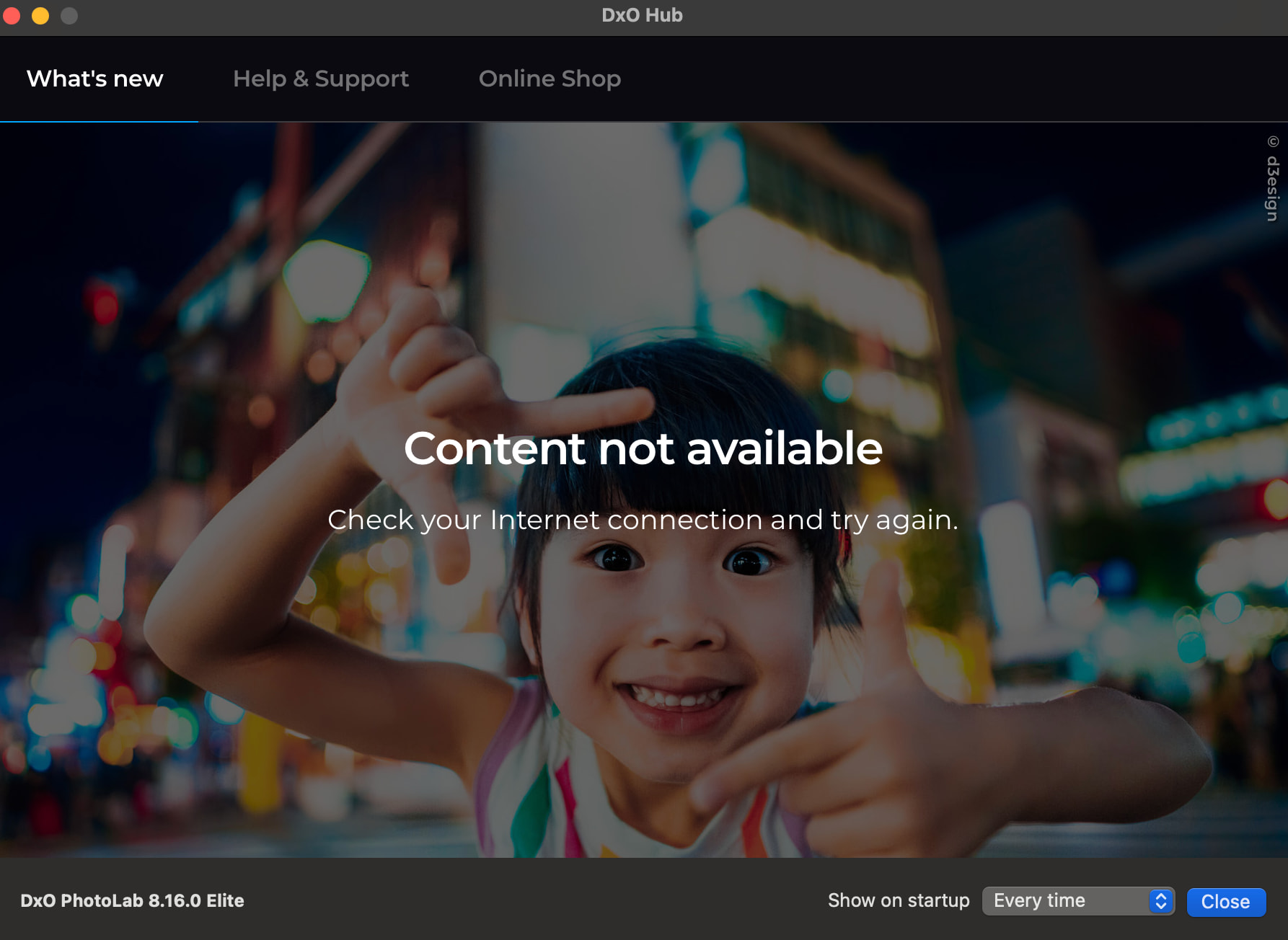
 )
)