Stenis
(Sten-Åke Sändh (Sony, Win 11, PL 6, CO 16, PM Plus 6, XnView))
1
If you haven´t watched this video earlier than you might get some ideas and tips on how to use these tools effectively and creatively. I thought it was interesting.
DXO has done a lot of clever things with Local Adjustments that I don´t think the competition has done yet. For example the system of submasks is really smart. The integration with the older tools finally makes sense in a totally different way than before. The Local Color Wheel at least is to be found in a much more natural setting than before. The only really odd thing still is the HSL Global Color Wheel that I just don´t know why we have at all. Isn´t really all color works local in the sense that it always targets a fraktion of the picture?
Finallly DXO also added a way to manage licenses that seems to solve the old problem when one had to call support in order to deactivate some of the current installations in order to be able to make a new one for a new computer. There is really a lot to like about this new version as long as we manage to ger it running on Windows too.
Lr has done this for ages - one can add to or subtract from a mask to fine tune it.
1 Like
Stenis
(Sten-Åke Sändh (Sony, Win 11, PL 6, CO 16, PM Plus 6, XnView))
4
It seems that the AI-masks Lightroom produces are less precise than especially Photolab and even Capture One (that also has a unique kind of Refine Tool) that the others are lacking. So, there will be less need to fine tune AI-masks in C1 and Photolab the way they need with Lightroom. With the new improved Adjustment Brusch in Photolab though it is now far easier than before to fine tune the masks than before.
A long time there wasn´t even a proper interface to handle masks in Lightroom the way it have been for ages in Capture One. Even Photolab have had a far better layer and mask handling than Lightroom which at least up to version 6.14 was designed to keep a very low threshold and learning curve in order to attract even new novis users. In these days the only “layer interface” in Lightroom was small grey dots to click on. Most users at that time didn´t even believe there were any layers in Lightroom since there was no layer-interface to handle them. Adobe didn´t think new users could learn to handle them.
So there here is more to it than that. Until now noise reduction for example har been applied globally. Now you have the possibility to fine tune both noise reduction and sharpening based on DXO: s new generation of Lens Corrections even within the AI-masks. Besides that the pretty unique U-Point Control Points gives Photolab unique features not found in either Capture One or Lightroom and now they can be used together with the AI-Tools.
Even the preview picture quality in version 9 is on a totally different level than you can expect to get in Lightroom because in Photolab we now can get class leading denoising in real time with Deep Prime 3. No other software is even near that.
The new hierarchic masks are even they a very powerful new concept that will make it much easier to obtain a good order among all masks that often can be quite many. I think the architecture in Photolab is far better structured and designed than the present one in Capture One for example.
But you can always install the DXO PureRaw-plugin to at least get some of these features available even in Lightroom but always to the price of using an intermediate file format from what I have seen but that I guess you are pretty familiar with as an Adobe-user. The backside of that is a decrease in productivity.
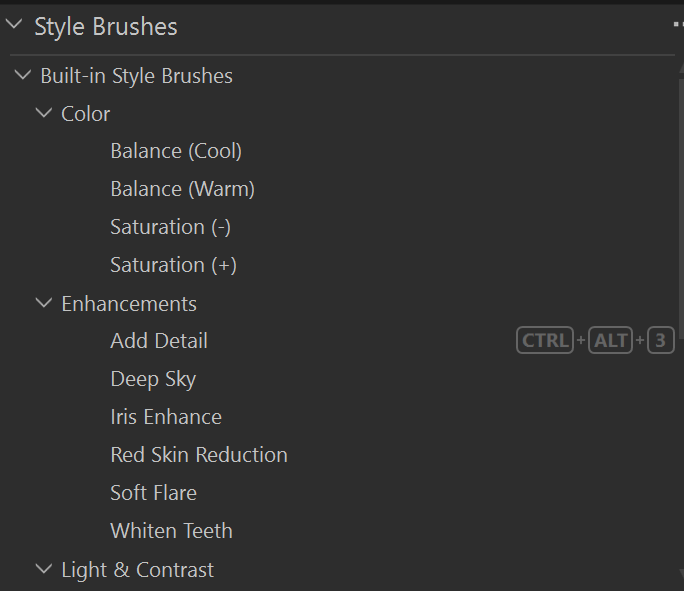
Of course I see things that today is better in for example Capture One but they have had years to improve. I would very much like to have the Retouch Faces Tool and the tethering support in C1 even in Photolab and I love the very handy and smart more than 20 different “Style Brushes” found in Capture One that let you work your photos as a “painter” when the layers automatically gets created in the backgrund when you apply the styles. If 20 isn´t enough you can of course create our own.
Still I think that the new Local Adjustment Tools and functions in Photolab feels remarkably competent and mature despite at least the AI-masking is version 1.0. It will take a year or two for Photolab to get as polished as Capture One is today and that is fine for me because after my driver update to a more stable version PL 9 already works really well. Like with C1 I expect Photolab to get some improved performance over time. C1 has got many updates the last years targeting especially the performance.
I am no Adobe fan but the masking in Lr is superior - it recognises subjects and backgrounds well and sky masking more often than not gets behind the trees ok. Photolab will not even recognise a building as a subject (and it therefore cannot find a background) and this is expected behaviour! The refine method in Lr is excellent with the ability to add and subtract from existing masks. When was the last time you tried Lr’s masking? What Lr did or did not have in the past is irrelevant as it is the now that matters surely. I mean PL never had Ai masking in the past and as a first step what is provided in PL now is great. As for rendering, the latest update to Lr has improved rendering - I have not had the chance to check it out so do not know what that really means.
If PL works for you (as it does me) then that is fine, but I refuse to put on “rose tinted glasses”
Lightroom implemented AI masking four years ago in October 2021. PhotoLab implemented AI masking six days ago! It may not be where it needs to be yet, but I don’t think we are wearing rose colored glasses if we cut them a bit of slack as they refine and optimize the performance of this brand new feature.
Mark
Stenis
(Sten-Åke Sändh (Sony, Win 11, PL 6, CO 16, PM Plus 6, XnView))
7
The only software so far that I have seen handle really tricky trees is Capture One with their oldest auto masking tool “Magic Brush” but that is using/color/luma and not the newer AI-masking.
Despite Adobe has had four years to refine their masking precision there are several reviewer that have stressed that Lightroom gives the lowest precision of these three converters. DXO was the best but Capture One has their special “Refine Mask” tool where you super quick just pull a slider to compensate. To my knowledge they have been the first with that tool that is even older than the AI-masking. When it comes to Mask-handling no other converter has been even close until now. Certainly not Lightroom that all the time have kept the bar very low not to make the interface to demanding for unskilled users just in order to maintain a low learning curve historically for new users and skilled users. It has been their way to secure the widest marked share possible - a very successful strategy at least until now when Adobe is under certain user “fire” of different reasons.
If you have been on this page for a while I you might have seen that it is often me here that have been and still is one of DXO:s hardest critical voice. I doubt anyone else here has got so many posts “flagged” and deleted just because that reason.
What is it about Lightroom’s handling that is different/lacking/inferior to what DxO released in v9.0?
Lightroom has had the ability to AI mask for some time, to add/subtract any mask from any mask for some time…
IDK if Lightroom has the Auto Brush function which has gotten increasingly good at painting in areas… but AFAIK that’s it?
(Not that I have a special fondness for Adobe, but Lightroom’s masking tools have been powerful for some time now and DxO is only just catching up with e.g. AI masking, and still doesn’t have controllable radial masking).
1 Like
Stenis
(Sten-Åke Sändh (Sony, Win 11, PL 6, CO 16, PM Plus 6, XnView))
9
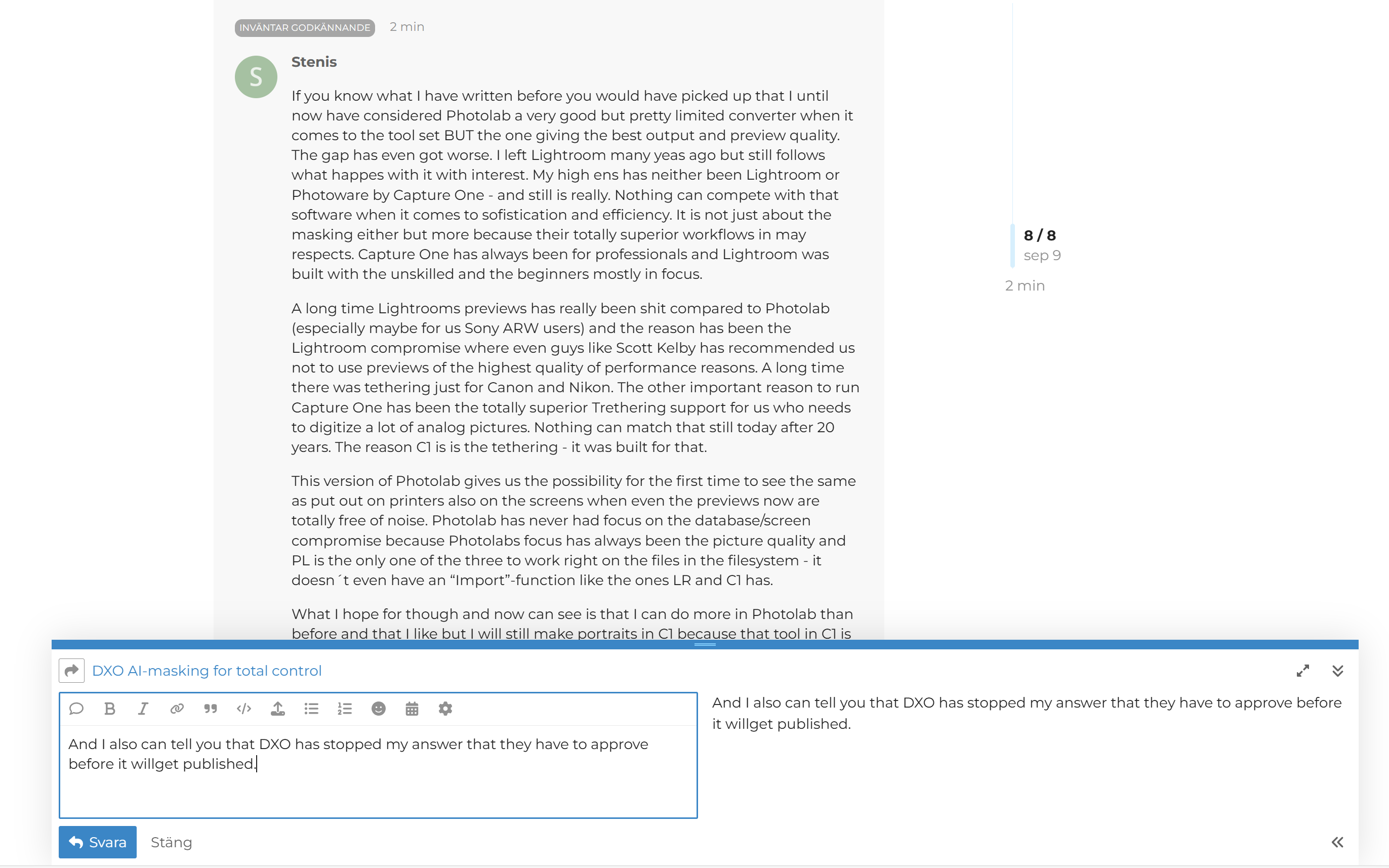
And I also can tell you that DXO has stopped my answer that they have to approve before it will get published and since we all know with which speed that will happen it means it never will happen. So don´t believe that I´m an uncritical fan boy of Photolab and DXO. Far from it but I will also give them cred when they deserve it and when it comes to this new AI platform they really do.
If you really want to see a real fan boy in action you have to look at the latest videos on Photolab by Tony Northrup here he crosses all borders and becomes a DXO employee.
We are wearing rose tinted glasses if we make comparisons that are not valid and that is my point. Yes of course we can cut DxO some slack but not to the point where competitors are misrepresented, albeit unintentionally. I agree this is the start and it is a good enough first release of Ai masking.
Stenis
(Sten-Åke Sändh (Sony, Win 11, PL 6, CO 16, PM Plus 6, XnView))
13
If you know what I have written before you would have picked up that I until now have considered Photolab a very good but pretty limited converter when it comes to the tool set BUT the one giving the best output and preview quality. The gap has even got worse. I left Lightroom many yeas ago but still follows what happes with it with interest. My high ens has neither been Lightroom or Photoware by Capture One - and still is really. Nothing can compete with that software when it comes to sofistication and efficiency. It is not just about the masking either but more because their totally superior workflows in may respects. Capture One has always been for professionals and Lightroom was built with the unskilled and the beginners mostly in focus.
A long time Lightrooms previews has really been shit compared to Photolab (especially maybe for us Sony ARW users) and the reason has been the Lightroom compromise where even guys like Scott Kelby has recommended us not to use previews of the highest quality of performance reasons. A long time there was tethering just for Canon and Nikon. The other important reason to run Capture One has been the totally superior Trethering support for us who needs to digitize a lot of analog pictures. Nothing can match that still today after 20 years. The reason C1 is is the tethering - it was built for that.
This version of Photolab gives us the possibility for the first time to see the same as put out on printers also on the screens when even the previews now are totally free of noise. Photolab has never had focus on the database/screen compromise because Photolabs focus has always been the picture quality and PL is the only one of the three to work right on the files in the filesystem - it doesn´t even have an “Import”-function like the ones LR and C1 has.
What I hope for though and now can see is that I can do more in Photolab than before and that I like but I will still make portraits in C1 because that tool in C1 is just so much more efficient than anythingh else I have seen in a converter so far and I will still use C1 for really long series of safari pictures because the C1 workflows I know I can trust like the “Match Look” in C1. The ones in PL like the AI-driven presets will be great but the ones in C1 are more polished and reliable for production. PL still have a few things to prove but I already see that the AI-platform can take me further than both Lightroom and C1 can unless they also improves.
It’s MUCH faster/slicker on my system. Changes to my selected image seem to happen in real time - there’s no need to generate a new preview as PhotoLab does.
Although it’s always a bit jerky to learn a new interface, I do find that C1’s interface makes a sort of sense. I think it’d be faster still if I fully learn it and/or incorporate presets.
Fine control over colour feels much better here than in PhotoLab. 3 way shading is possible, where it simply isn’t in PL.
AI masking was quick and effective for me, although I didn’t get fully to terms with the masking functionality.
THAT SAID I feel like PhotoLab has the edge in terms of image quality refinement… control over contrast, noise reduction, lens specific sharpening and so on.
It’s such a shame we can’t have the best of both worlds here - a piece of software with some of PhotoLab’s quality refinements that runs as smoothly as competitors seem to manage.
I feel compelled to stick with PhotoLab because it’s familiar, it’s a sunken cost, and also because it ultimately seems to have the edge on image quality. If that last one ever changes, I’d seriously consider jumping ship.
1 Like
Stenis
(Sten-Åke Sändh (Sony, Win 11, PL 6, CO 16, PM Plus 6, XnView))
15
Yes that corresponds with my opinion on C1 too but it took C1 a number of versions to get there. Speed has been improved in several steps.
In my opinion it is the special batchrelated functions based on AI-selections that is much better in C1 and also the Match Look tool and Retouch Faces that are very new. They also has a more granular set of preconfigured mask presets.
I´m sure DXO will get there too but Photolab will need quite a lot of optimizing before we are there and it reaches its full potential.
It seems though that version 9.02 is a leap forward even if it doesn´t work as it should with 581.29 - at least in my computer. So, I´ll stick to 572.83 until that happen.