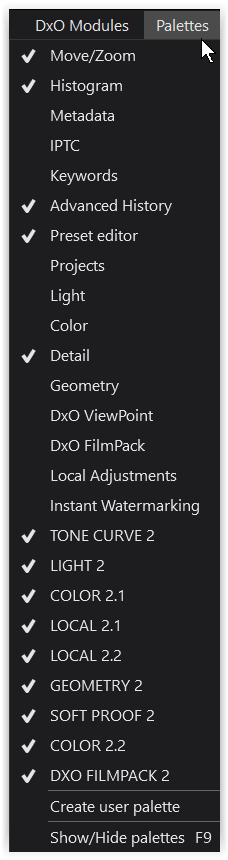
Hi @fujifuji
choose a workspace to start with, e.g. DxO Advanced,
and → save it as your custom workspace !
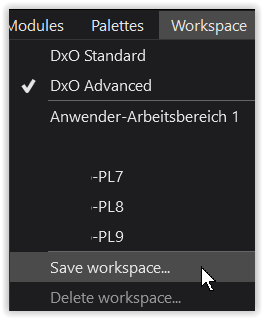
.
Create a user palette and save it to your liking.
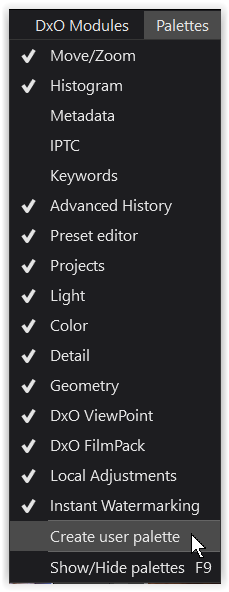
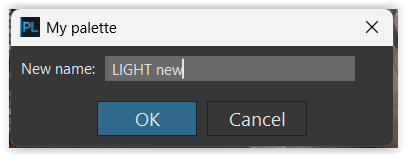
.
It opens as last entry at the right
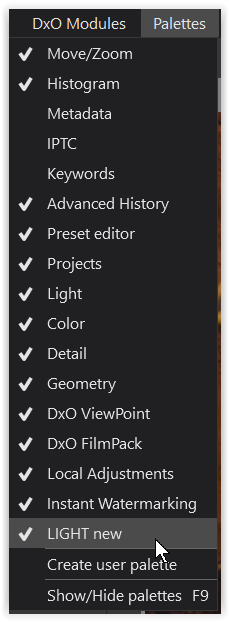
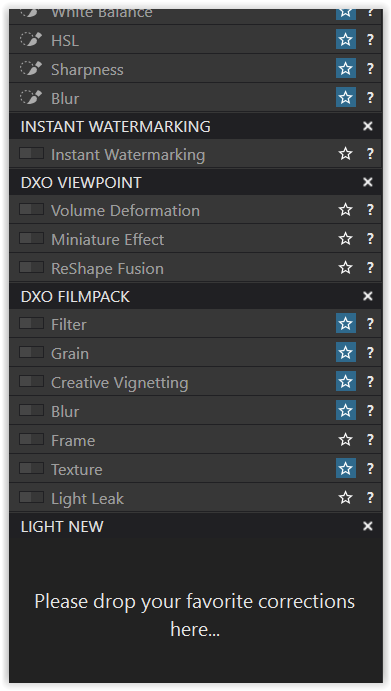
and you should be able to drag and drop the palettes to your liking.
Don’t forget to save your custom workspace while you are experimenting
and also when finished !
.
If you want to move the Histogram to the right for some reason …
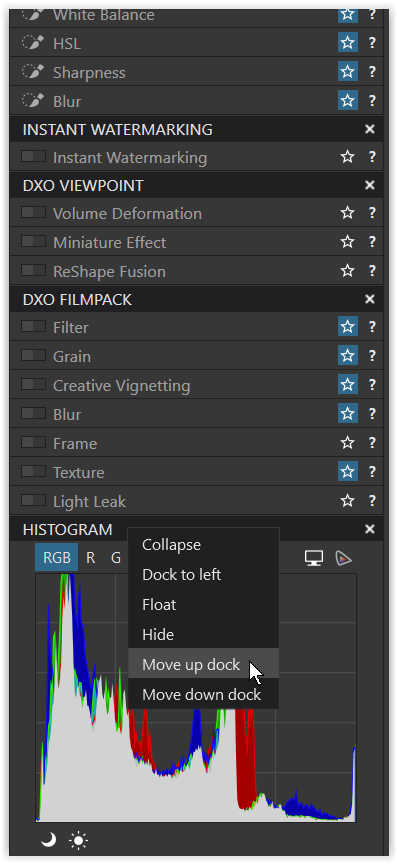
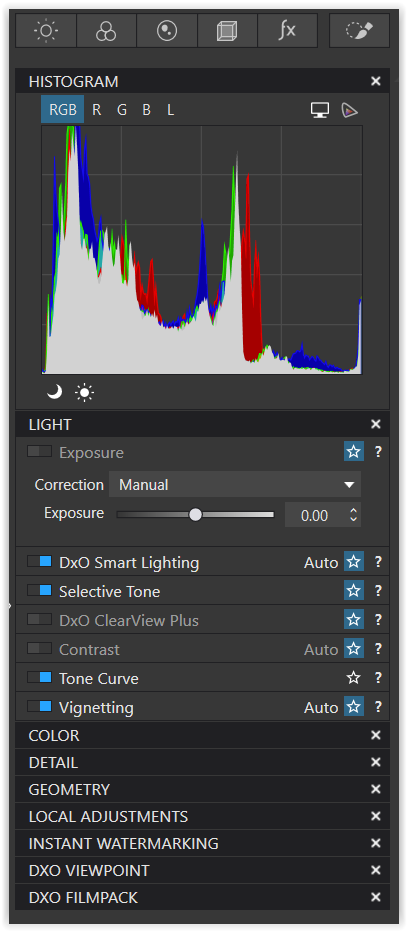
→ “Move up dock”
.
note
To distinguish my custom palettes from the default, I named them in capital letters.