Try this
The picture on the right (re-processed via ON1) looks blurry in places where it looks in focus in the left image (PL10 XD3 only).
For me it’s not even close. The left hand image is much sharper/better processed.
DxO’s advanced noise reduction features can only be applied to RAW files.
Therefore… no success with the attached JPEG file.
.
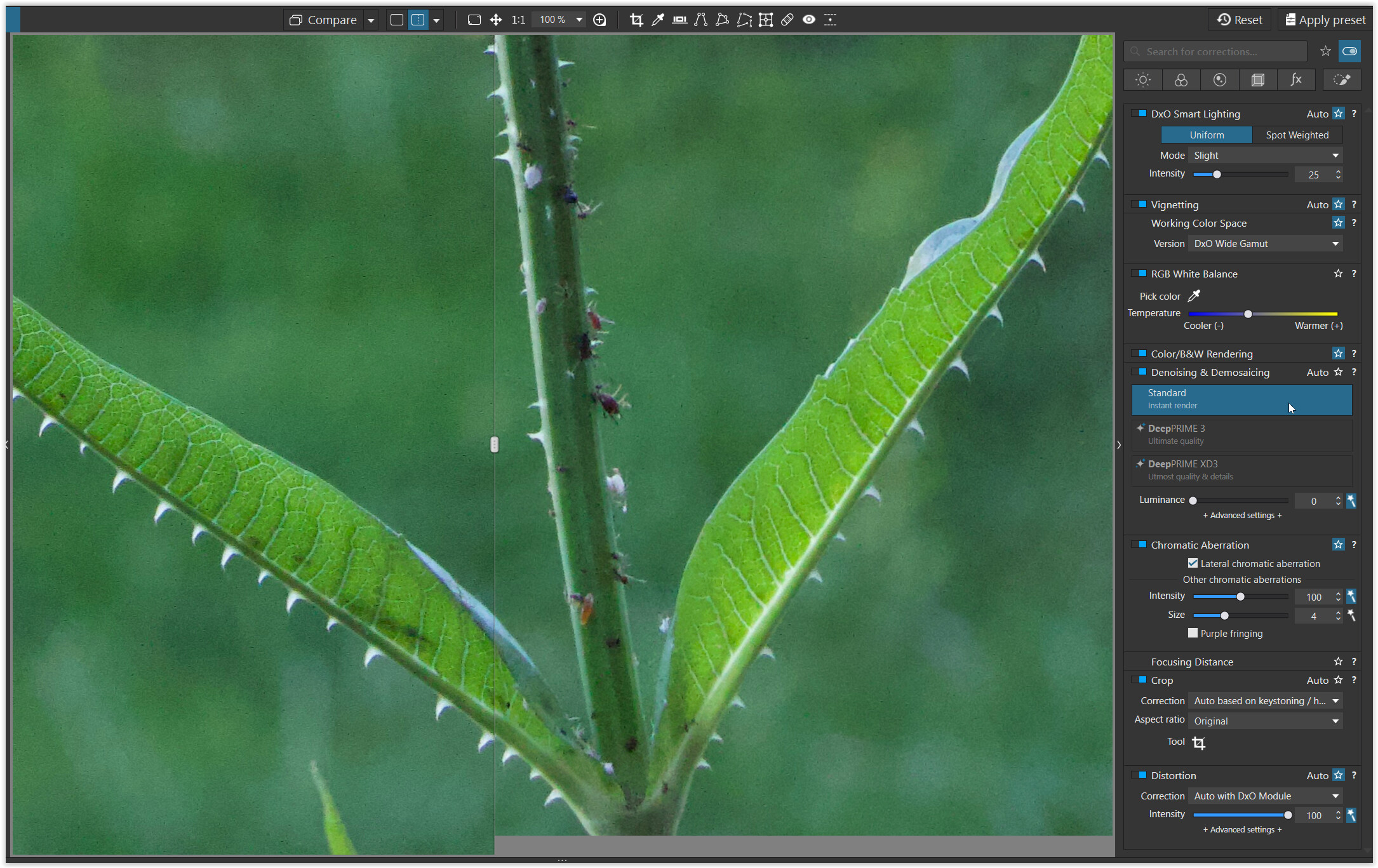
left: your JPEG → PL10 with preset “6 - No correction”
right: VC1 → PL10 with preset “2-DxO Standard”
please note :
Normally I don’t apply any preset (= no correction) to RGB files, but used the preset “2 - DxO Standard” on the right with DxO’s lens correction profile for your camera and lens.
No, but the image comparison you posted looks more sharpened than “denoised”.
BINGO!!! We have a winner
@swmurray
Um… did you notice that the bird’s head and wing aren’t in sharp focus (just like the flowers in the foreground)?
What is in sharp focus, however, is the black ring with the cord or rope, the bird’s tail, and the greenish “leaf” underneath.
.
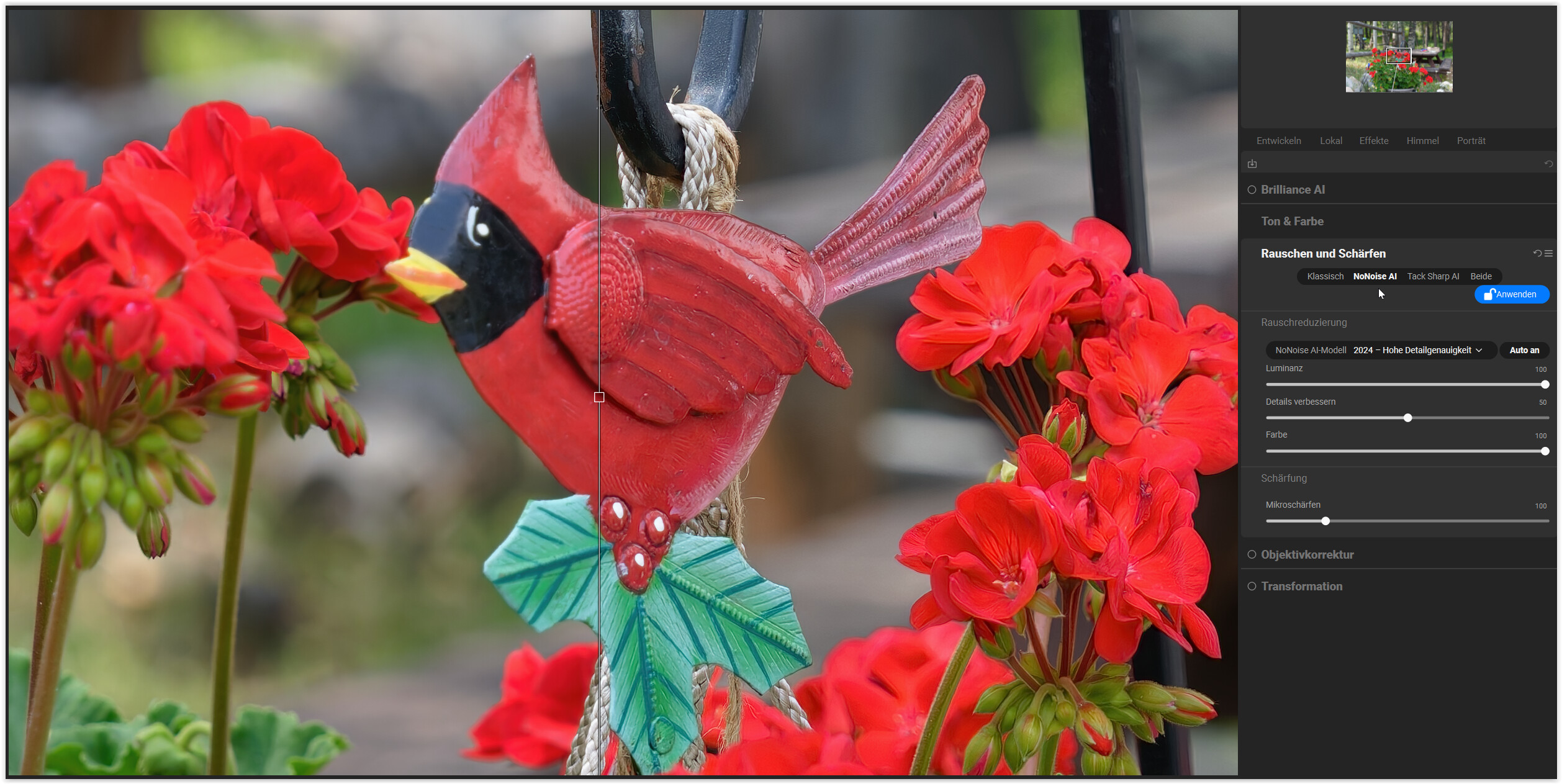
By default, ON1 NoNoise AI also “enhances details” and adds “micro-sharpening”
→ on the right side (visible here in the preview).
.
Final comparison in PL10
→ left: the original TIFF (= raw file exported in PL10 with DP XD3)
→ right: the denoised TIFF (= original TIFF file “denoised” in ON1)
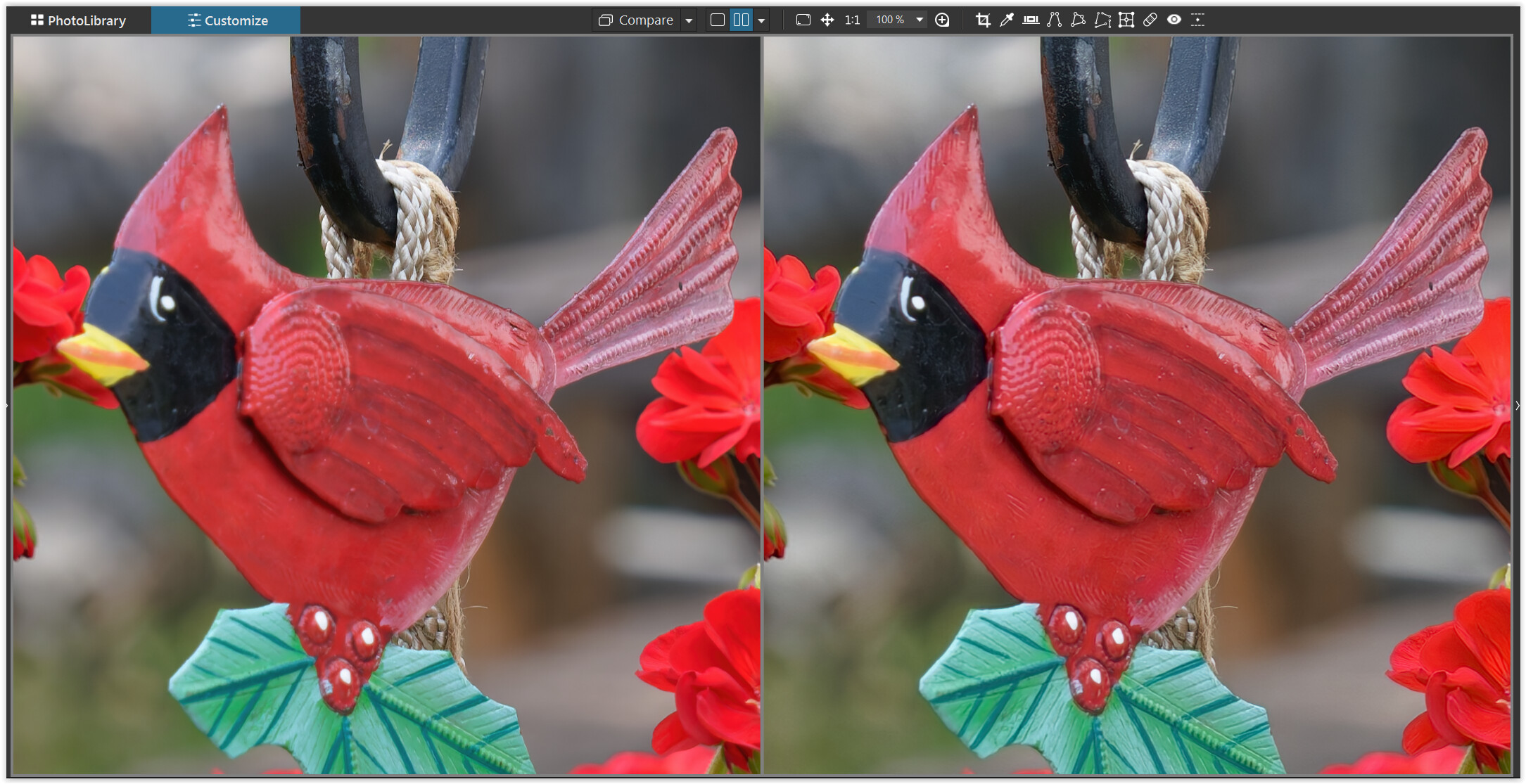
To a certain extent, the additional*) details and sharpness in ON1 compensate here for the focus error.
(Ignore the color difference. It comes from my ON1 export in the ProPhoto color space, while my monitor was set to sRGB to take the screenshot.)
*)
I think that difference is what @Eman01 is seeing.
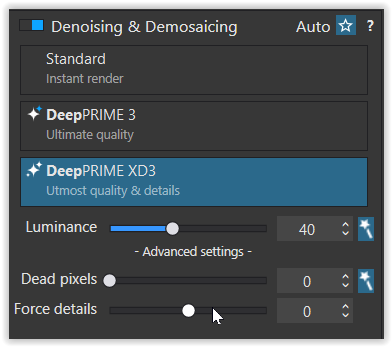
By default, PL10 DP XD3 does not force detail rendering during RAW file noise reduction.
I think I may not have been clear in my first post. When i said better results, I should have been more specific and said better detail however I did say that in another post. Judging by the comments Im not sure what the general consensus is with regards to the image I posted showing the 2 side by side. To me the right rhs is clearly sharper and a better image without any perceptible loss in quality . Is anyone here saying the lhs is better? Im genuinely curious.
Are you saying the combined processing was inferior or superior overall?
I think lhs preserved original details better, while the rhs looks “sharper” due to increased microcontrast. Perhaps this is best seen in the smooth, out-of-focus areas. The lhs background is less distracting to me (even with the first, overall impression). However, it’s hard to tell how jpeg artifacts influenced the outcome. You could get lhs much “sharper” tuning microcontrast, fine-contrast, LSO, and even unsharp mask in PL.
Which is “better” is a matter of personal preference. Some don’t like “biting” images, some do, and it depends much on the context. For some lhs would be better for screens (details being too small to influence overall reception), while rhs would be better for very large prints (?).
Yes, I noticed the metal bird was OOF. That was the point.
The “extra detail” provided by ON1 in my photo which you explored comes from “AI” sharpening of the OOF areas, not noise reduction. The target focus are of the shot was the metal support hook. It comes from a series of photos taken to view DOF with the above focus point.
My post was intentional to call out the difference between “focus sharpening” and noise reduction. Proper sharpening can be desirable, but it is not noise reduction.
We agree the RHS is sharper. But in your post you stated this “sharper” image was the result of stacking noise reduction algorithms.
I contend that the difference is a sharpening algorithm, not a noise reduction algorithm (or stacked algorithms). To demonstrate, I offered a photo showing a similar sharpening effect to the image you presented. I offered the raw image so that others could evaluate for themselves the noise reduction vs sharpening effects.
My opinion. Your sharper RHS version look great from a broad view. But when zoomed in to examine the leaf texture it looks faked. So good or bad depends on the goal and needs.
See my response above.
I guess a lot depends on the subject of the image and the distance you are viewing the image plus it’s all subjective anyway. Having said that I don’t agree that the double processing is a recipe for disaster as has been suggested.
Also Ive spent more time experimenting with the settings on dxo and have achieved better results than the default setting, definitely worth the effort. ON1 are bringing a new product to market soon as no doubt will others. Will be interesting to see the results. Im particularly interested in this subject as my camera is a Canon R7 which produces pretty noisy images in low light conditions.
On a totally different subject WTF has happened to my original post?? It appears to have been hijacked by some AI crap, rewritten and an advert placed in it! For the record, that is nothing to do with me!! (The post within Hendrikmayer)
May you can try with some ‘force detail’ (in PL), may its provide other result what may fit you.
Right, that was the ‘intention’ of my post.
When DxO introduced DP XD2 some time ago, there were quite a few complaints that the (default) detail rendering appeared too “coarse” or artificial—and so on. Moreover, it was not well-suited for portraits, leading users to adjust the settings to their own tastes … something that still holds true today. 
You should use the flag feature on that post to report this abuse of your original text to DxO.

I am not. I used the photo to demonstrate the difference between sharpening vs noise reduction in the OP’s image (post 15).
I choose this photo at f4 with focus issues. Please keep your comments directed to the OP. Perhaps my example is a distraction. I will delete them all.
Sorry about that.
Mark