Compare view (like in Lightroom)

D isear DXO team,

I highly appreciate what you do and its amazing how good new PL5 is!

I would greatly appreciate if you can provide a compare view mode where set of images an be compared against a selected image one by one with synced zoom and pan options. This will greatly speedup selecting best images from a bunch.

I’m sure it will be a very welcome feature for all the photographers out there…

Thank you

2 Likes

Dear Mohan,

we have had this theme for a long time on the wishlist.
A quick search with ‘compare’ shows for example
Ideas for the compare part of DXO - DxO PhotoLab / Which feature do you need? - DxO Forums
Compare several photos in same view - DxO PhotoLab / Which feature do you need? - DxO Forums 71 votes
Viewing two separate images - DxO PhotoLab / Which feature do you need? - DxO Forums closed and from 1918
Top 10 missing features - DxO PhotoLab / Which feature do you need? - DxO Forums

and so on

Dear @sgospodarenko what’s the best way to force this theme internal with your team?

Enjoy your day

Good morning,

@StevenL could reply here better than me :slight_smile:

Regards,
Svetlana G.

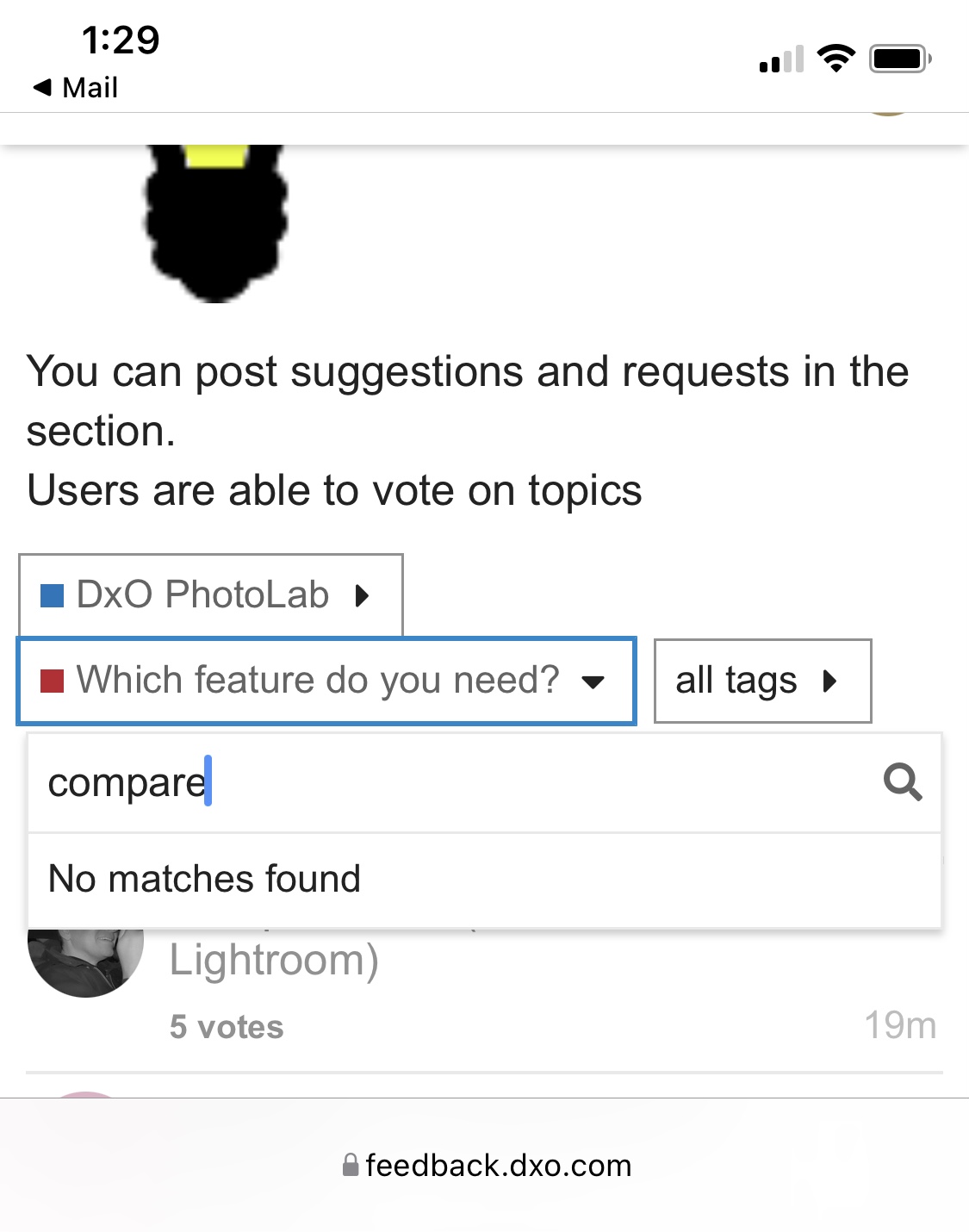
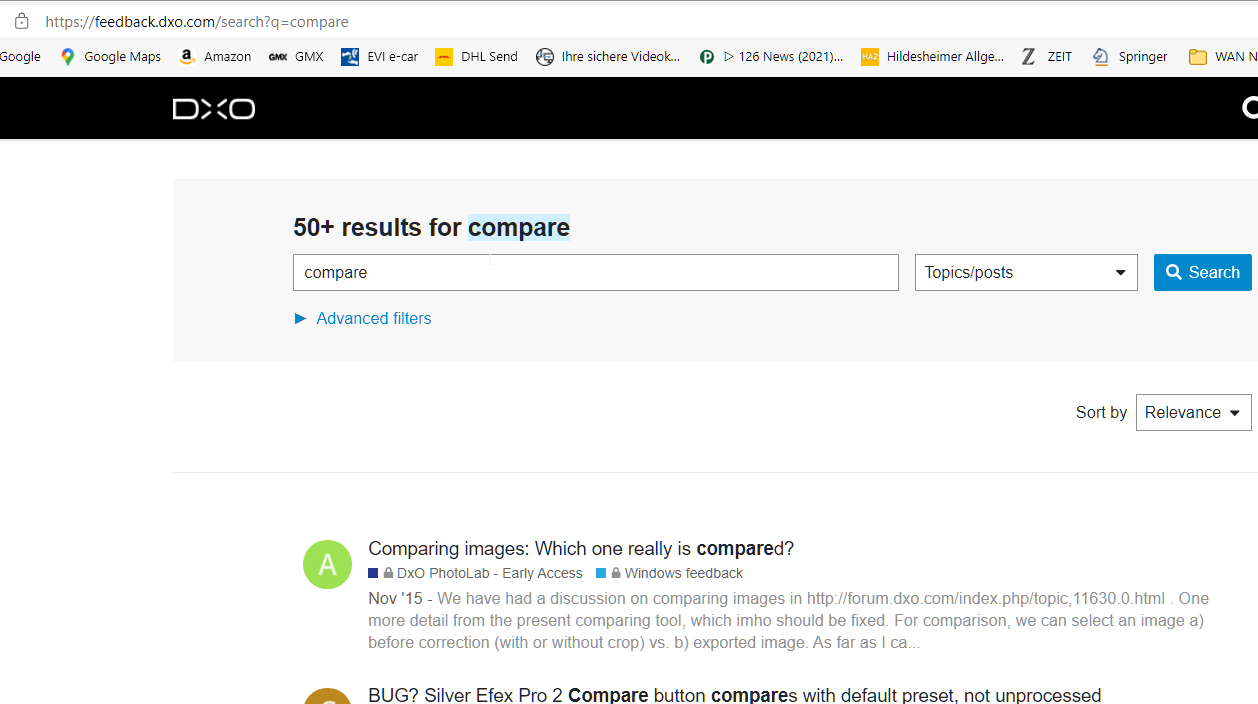
Thank you. I did search compare before posting this. Didn’t return any results :face_with_raised_eyebrow: not sure why. Any way, we all agree that this is a feature we must have isn’t it?

You are welcome :grinning:
I don’t know if all agree, but a lot of us …YES.
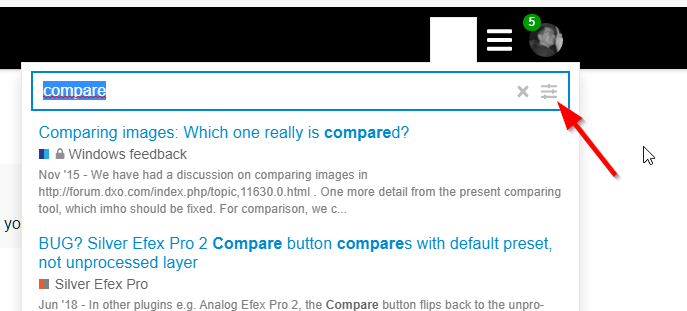
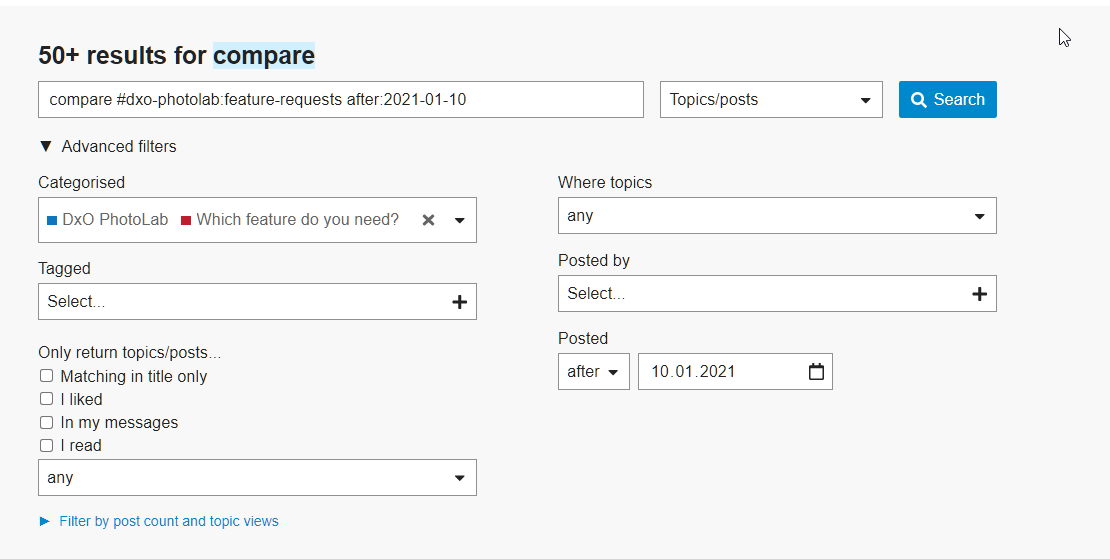
The search ‘compare’ in this part of the forum gives a lot of search results, then to refine like this
image

stay tuned

That’s very strange!

Not at all, your search doesn’t include the forum sections where the posts are found.

And in the standard forum.dxo.com you got more than 50 search results, that’s why I set the advanced filter

DxO makes a great product. The user is suggesting how to make it better. If the requested feature has been on the wishlist for a long time, why hasn’t it been implemented?? It’s 2025 and it still hasn’t been implemented!
Before and after comparisons are very helpful, but comparing comparingDxO changes back to the original raw file is not very helpful as raw files will always look worse. I’d call it an artificial comparison. We need useful options, like comparing the Default DxO settings to changes we make—just like we can do in Lightroom.

You might like to check out in this thread
Useless compare tool in retouch - #14 by Wolfgang

or when working with Virtual Copies
Useless compare tool in retouch - #2 by Wolfgang

I can’t believe that the photolab 9 is coming and this feature is still not available. Shame really.

Do you mean having a reference image on one side and the image you are working on just next to it?
If that’s the case, this is already here since PL8.

Not only that but also a simultaneous zoom on the images compared

1 Like

THIS!!! Shame that’s not yet implemented

For me (on a Mac, PL9) zooming with keyboard commands works to zoom both sides of the compare at the same time. If I do “pinch” zooming with my track pad, then it does not, however if I press the Shift key while pinch zooming, then it does work for both images.

Shift key also works to pan both at the same time as well.

1 Like

Yes it’s also true for PL8.
But the zoom is not the same on the 2 images, one zoom in relation to the mouse cursor and the other in the center of the image.

I think this must have been fixed in PL9, then, because I’m getting them zooming at the same point, as you can see here.

When comparing two images side by side, holding down the Shift key allows you to zoom in and pan on both sides at the same time.

PL8 + 9 Windows

Try by putting your mouse further left of the image and you will see that the zoom is not the same.

Correct – and moving both sides to their respective edges “cures” the uncentered mouse position. :slight_smile: