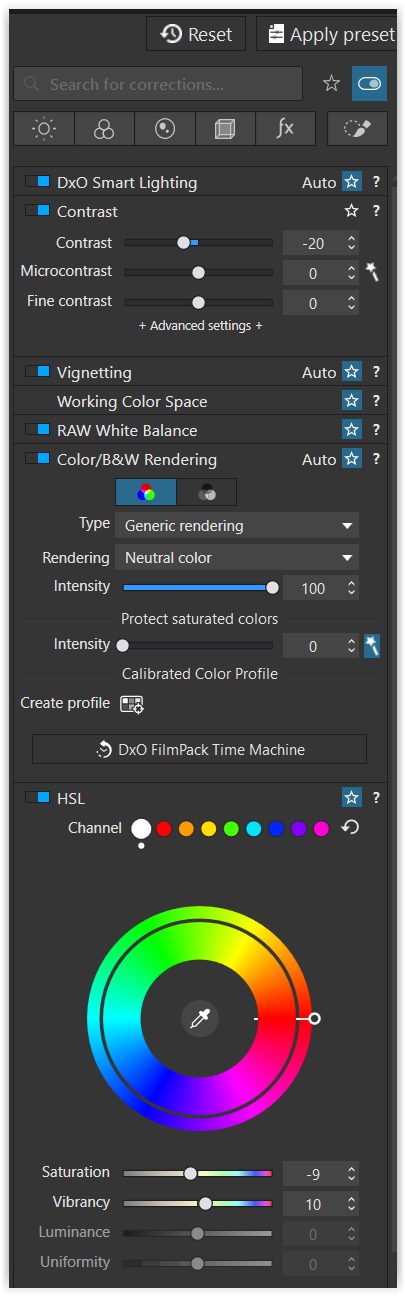
I’m trying out PL10, like it so far, especially finally some more options to adjust colours.
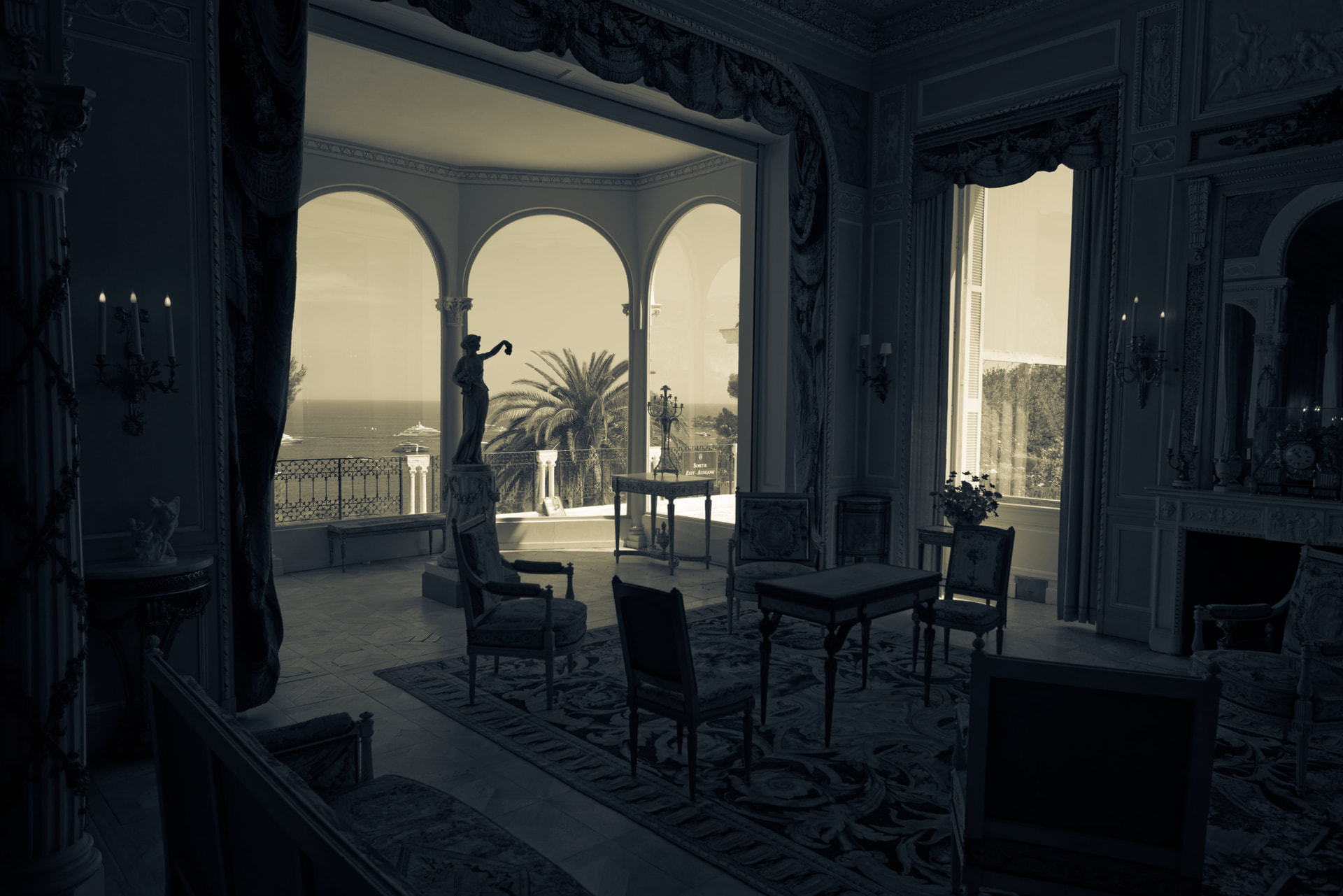
I just tried using the colour grading tool on a black and white image, this gives some nice split toning.
Would be interested to see your results.
That’s a good tip … I would not have thought to try that !
Nice results first of all!
I looked up a tutorial on colour grading for cleaner blacks and/or whites and it’s proven useful.
The basic idea seems to be: introduce a warm (OR) cool tone to blacks (OR) whites in order to neutralise an existing colour cast.
So if your blacks are naturally too warm and you don’t want that, introduce a blue tone and it’ll bring that warm tone down a bit.
Might you have a link to share ?
Sure! It’s just a short Instagram reel but the principle seems really simple (e.g. if your white is too blue, introduce a warm colour tone, if your white is too red, introduce a cooler one).
Basically it’s trying to cancel out an offending tone with its opposite, rather than desaturating everything and hoping it doesn’t look “off”.
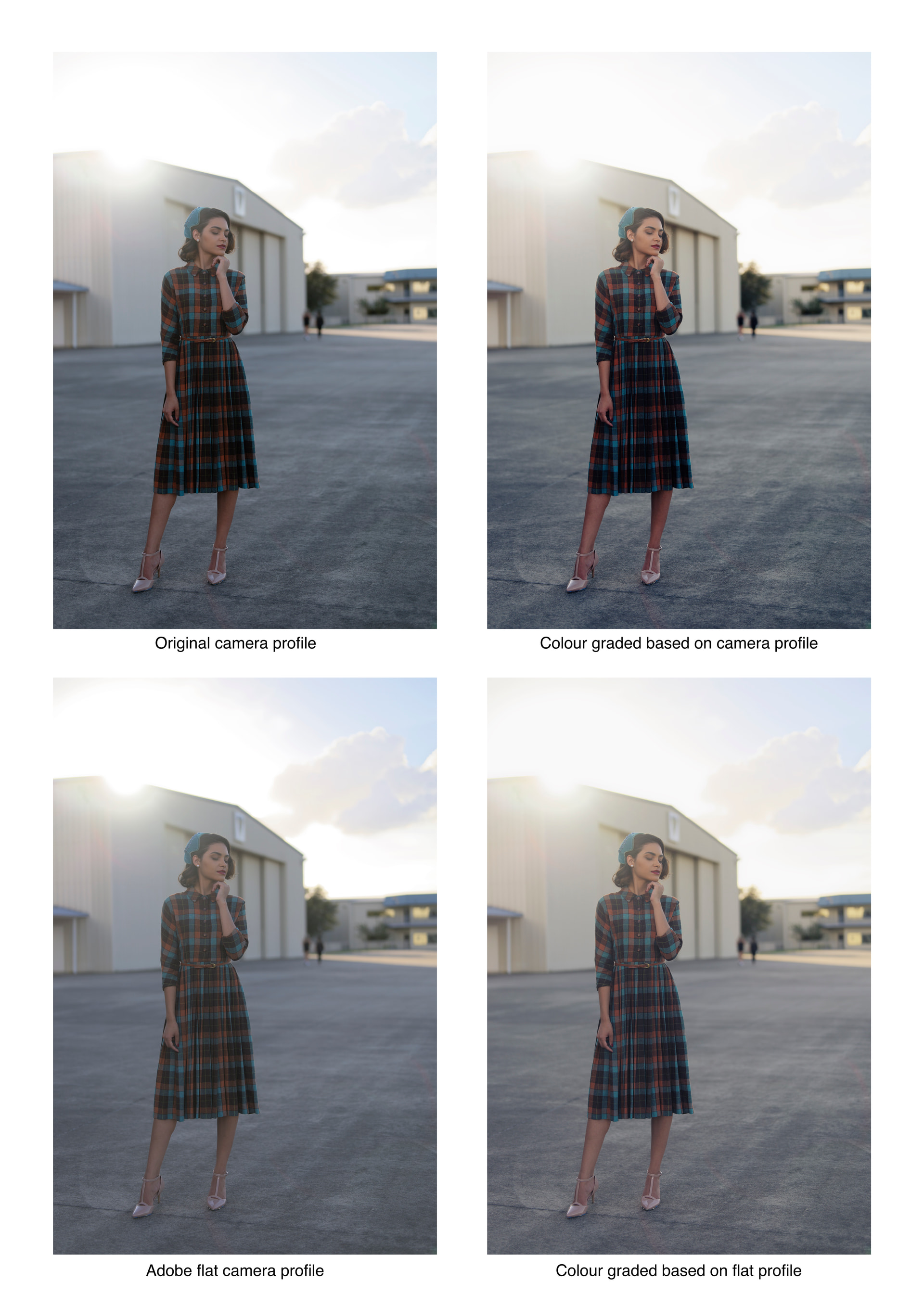
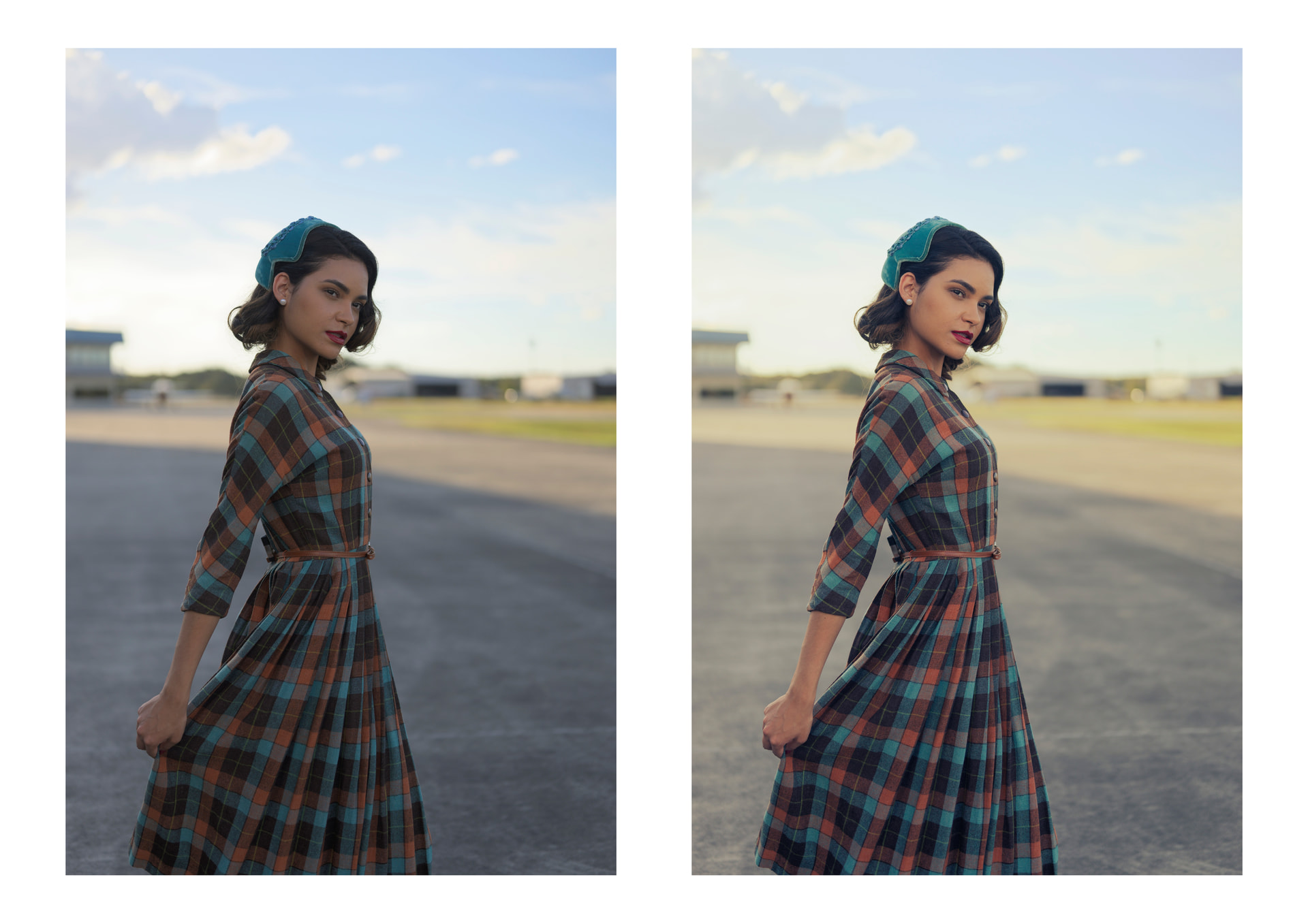
I found that it is much easier to get nice results when you start with a very flat picture (I guess that’s why they are using rather flat log profiles in video editing).
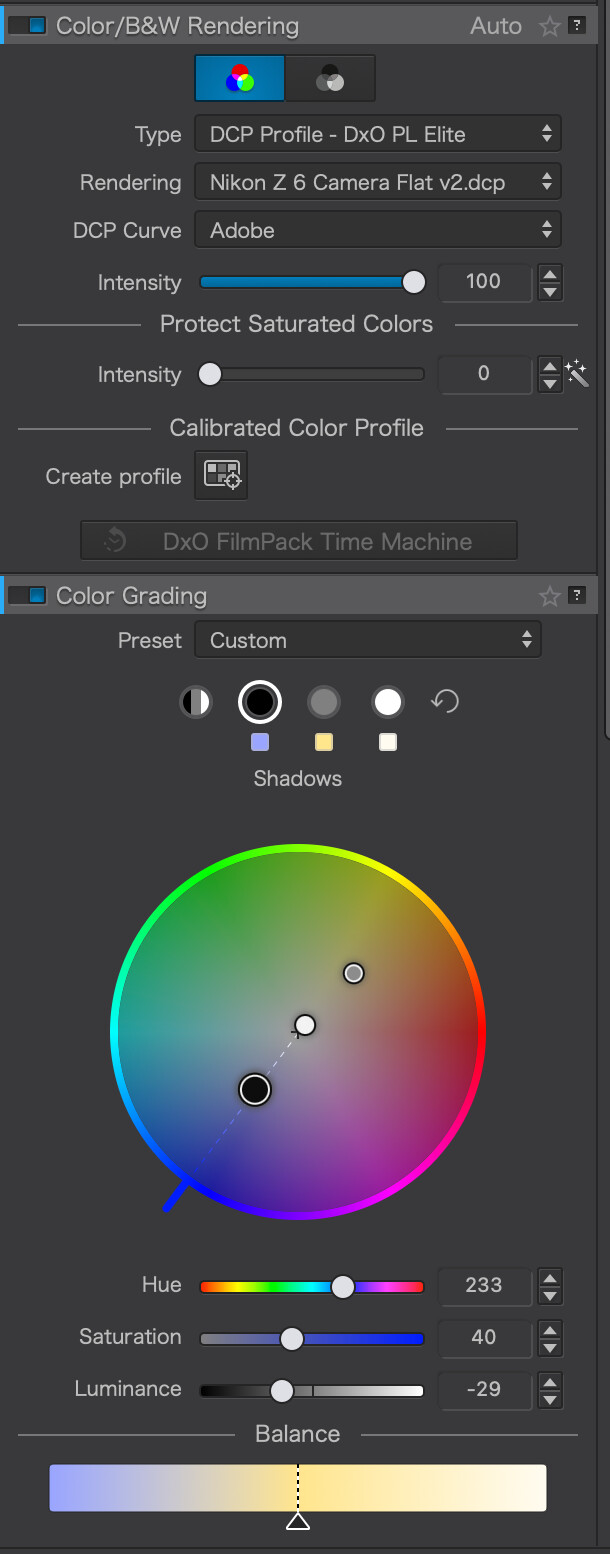
DxO does not really have a flat profile by default, but you can download the Adobe DCP profiles for free and use them.
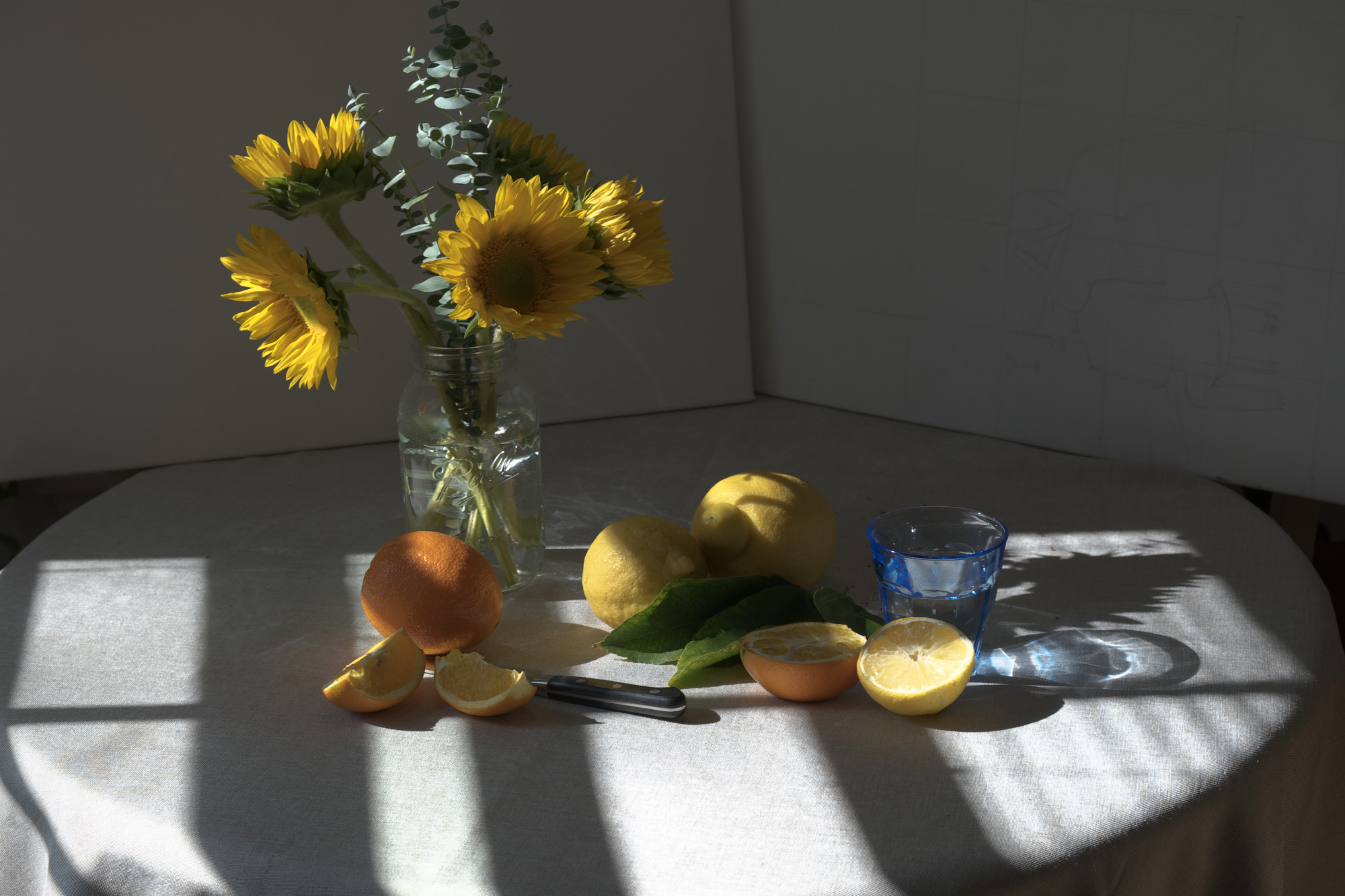
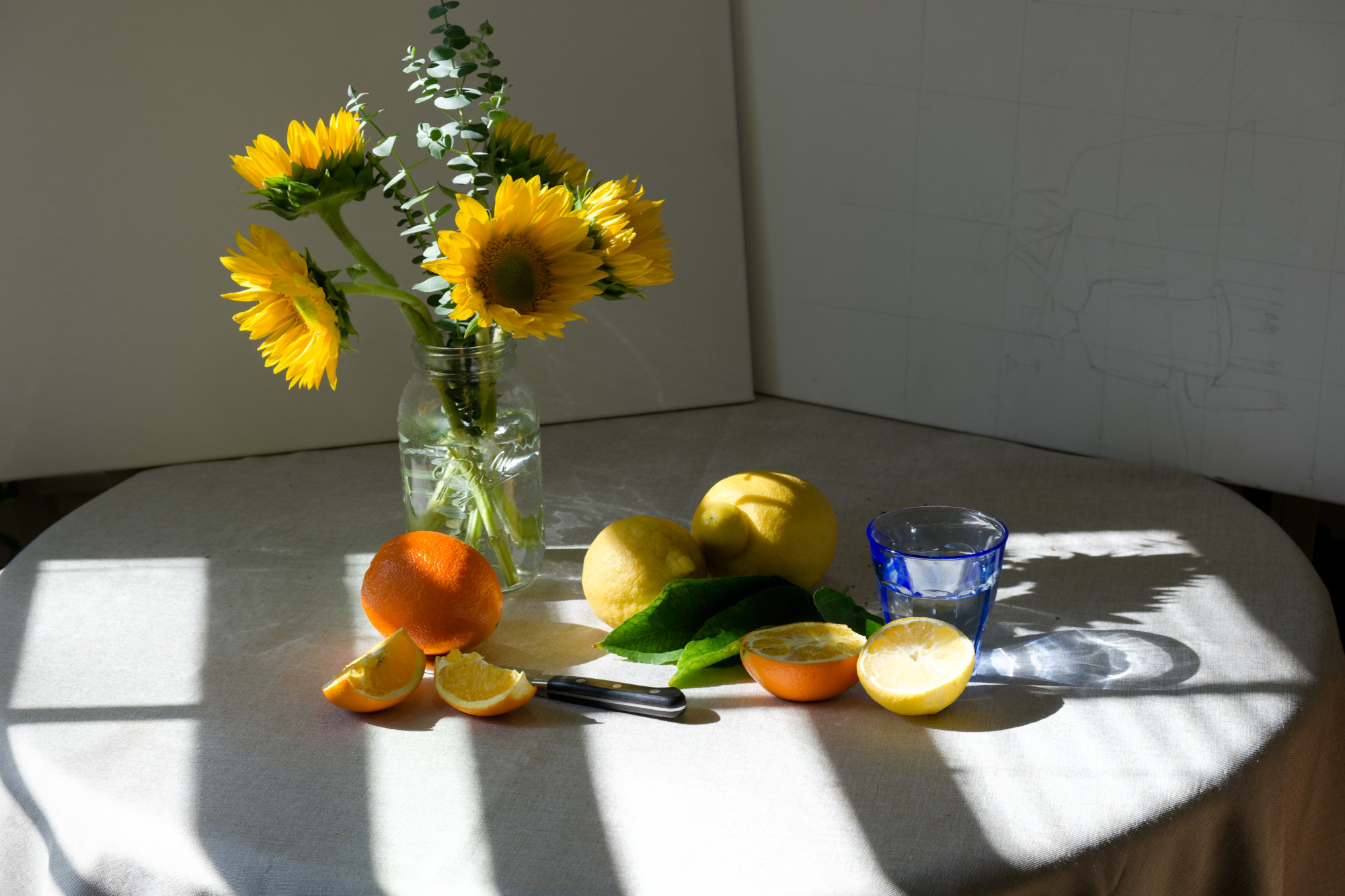
(The picture has been downloaded from the DPreview Nikon Z6 sample gallery)
Thanks for the suggestion, i had triee that, but I found the neutral profile still too contrasty. I would love if Photolab provided a more flat profile to choose from.
Yes – and easier to handle than “Style - Toning” → “Split toning”.
Agreed that whilst there is no theoretical reason why the same results could not be achieved using the “old” method, the new grading ability does make it seem appreciably easier to achieve a variety of results, whereas its predecessor was always somewhat of a struggle. I understand the reasoning for starting with a flat image, but I seem to get good results using the B&W Dense preset. YMMV.
I found a photographer that provides Linear Response profiles for a large number of cameras.
I downloaded and imported for my two Fujifilm cameras and they seem to have a nice flat result:
Linear response profile:
vs. DxO’s “Neutral”:
Thanks for those, I tried the linear profile for the Nikon Z6, I found it quite difficult to get good results with Photolab, as if the sliders don’t go far enough. It’s quite a bit of work to get exposure and contrast right. Maybe for certain images it can be useful in the future. For general work, the flat profile I was using was easier for me. It would be nice if Photolab offered a few more flatter more neutral profiles that work well with their sliders.
When I wanted more natural colors I often used tony kuiper linear profiles as starting point for some kind of images (PL8). Don’t have check those thing with pl10 trial. Just focused on other details.