Color noise reduction causes green noise

I figured DxO focus more on their AI noise reduction, but how about regular color noise reduction filter sometimes its not acceptable to use any AI denoise as personal preference or say if participating in photo competition that totally ban any use of AI including AI-denoise filters.

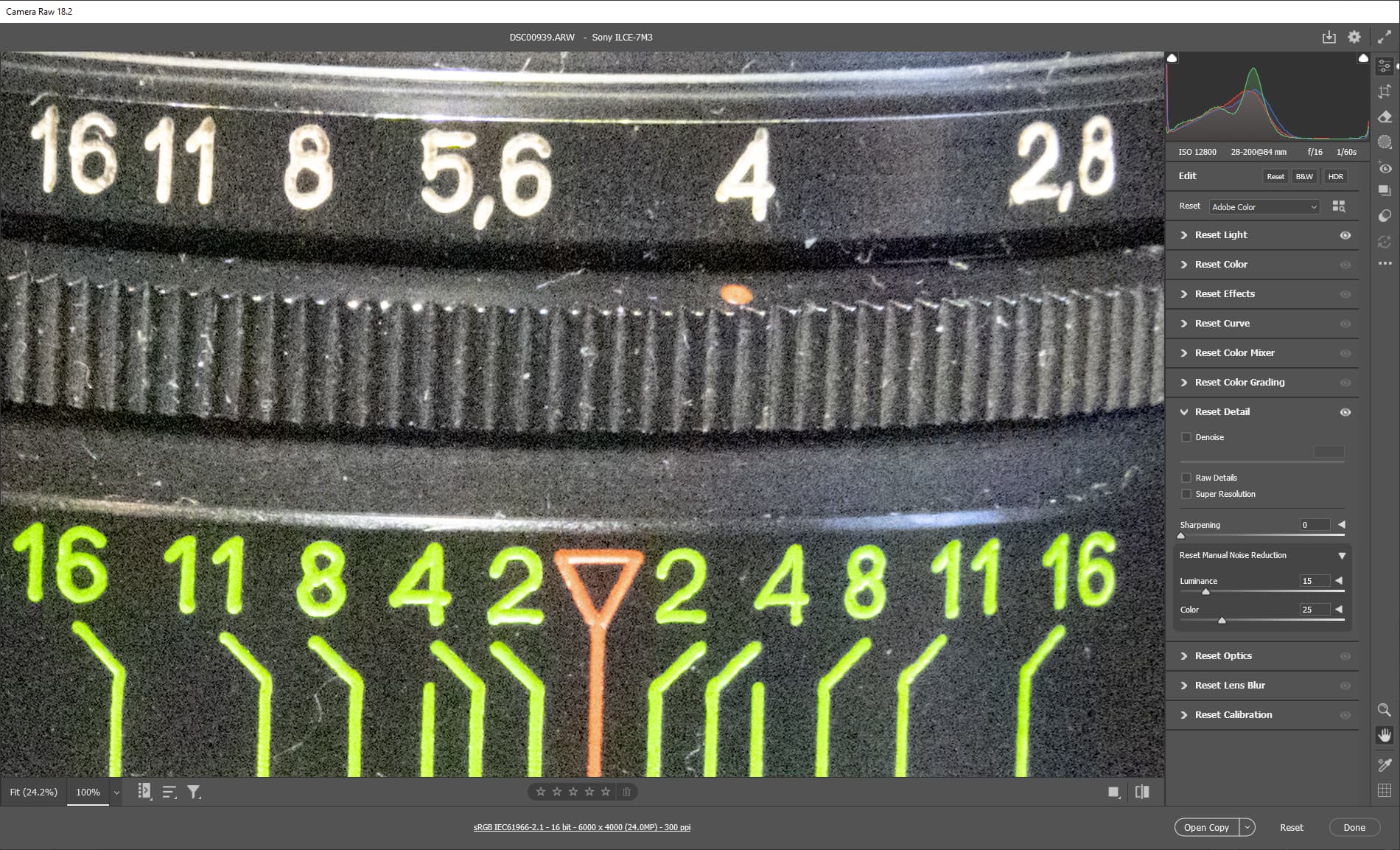
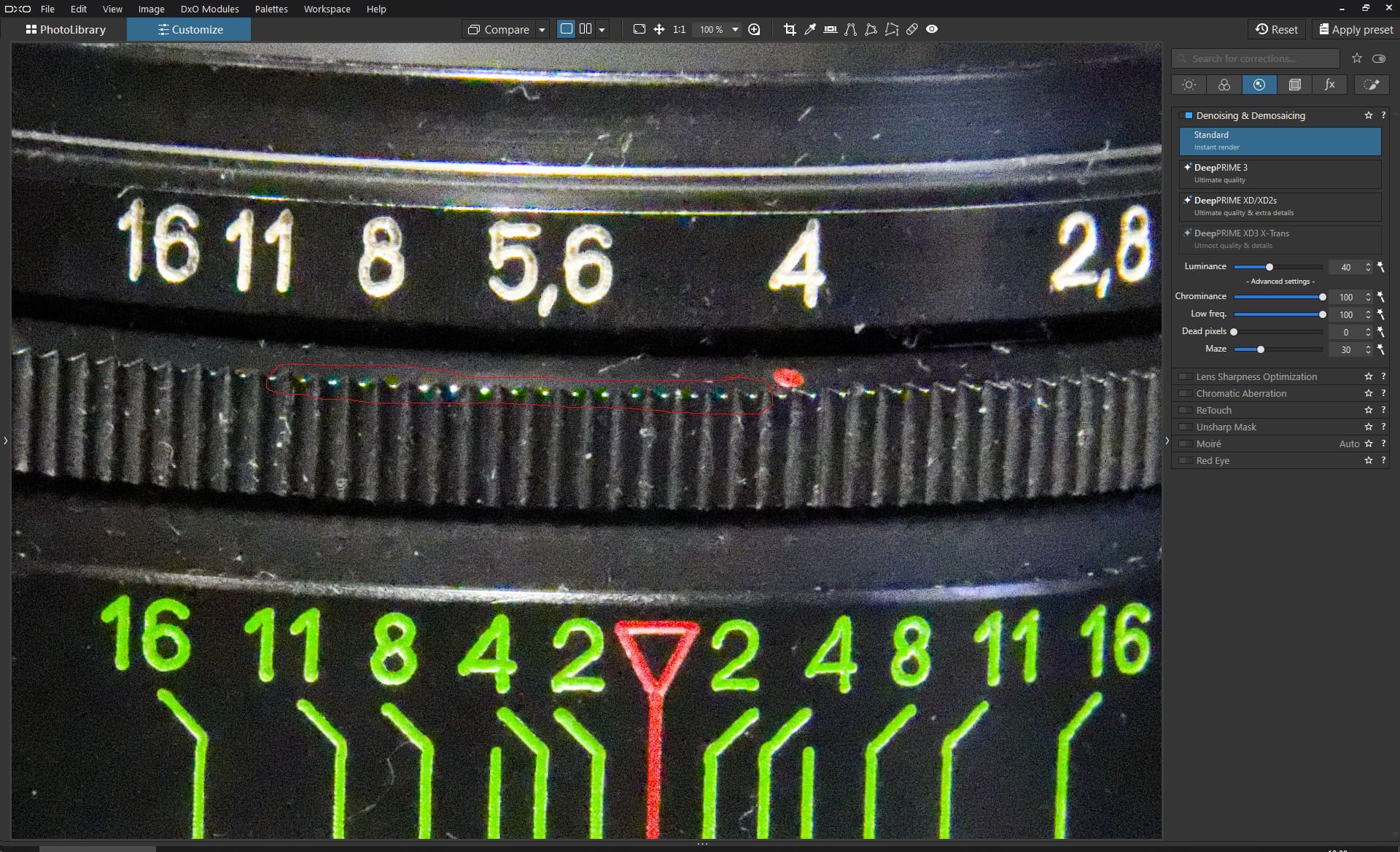
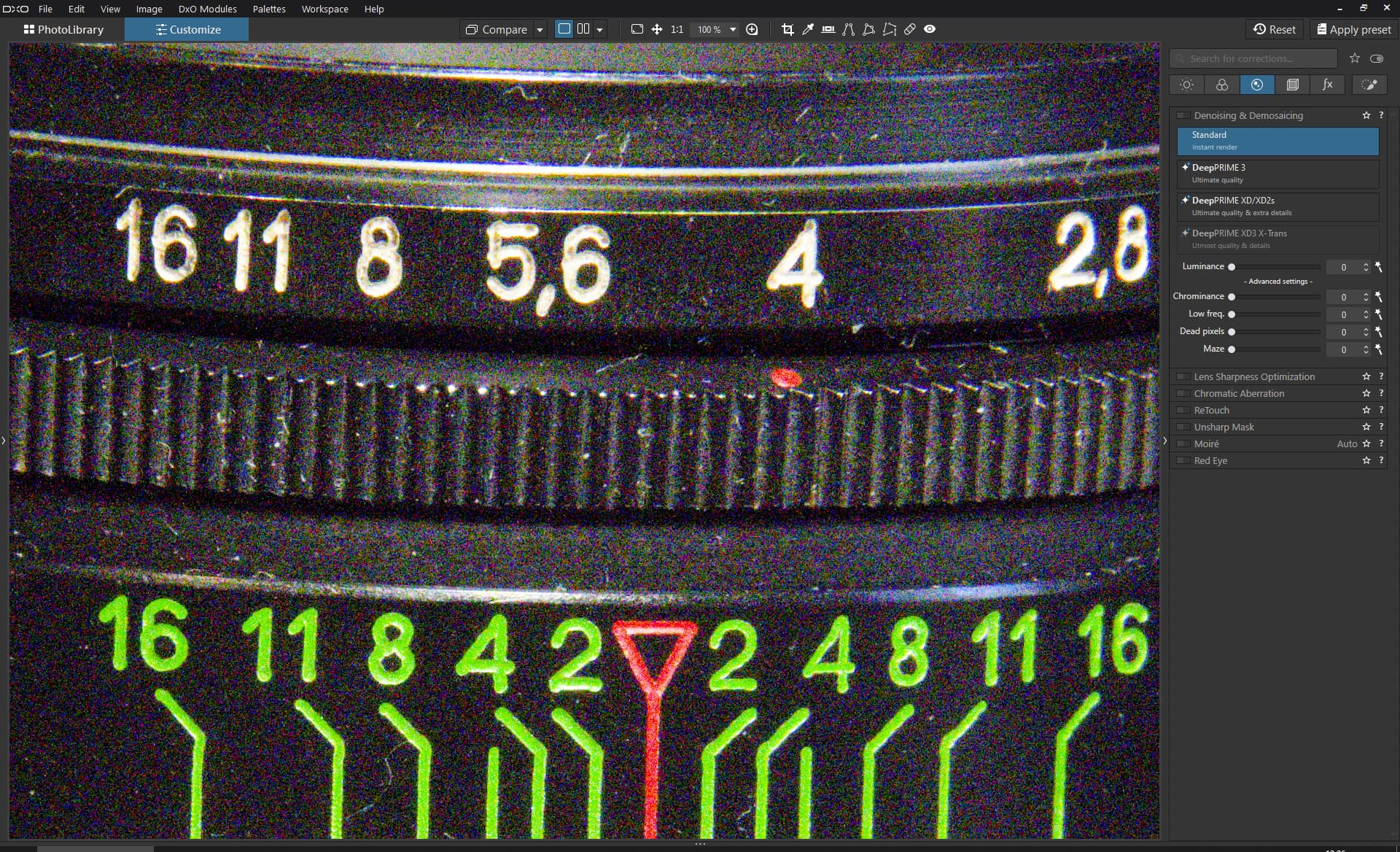
Look at the green color appear in the area marked by the red box from using color noise reduction, that filter supposed to prevent color noise, not cause it.

Before enabling color noise reduction no green noise in that area

This is comparison from lightroom color noise reduction it does not add any new color noicse.

DSC00939.ARW (47.1 MB)

What you are seeing is Chromatic Aberration, not noise.

I am guessing you might not have applied the Lens Module, since so doing gets rid of a lot of noise.

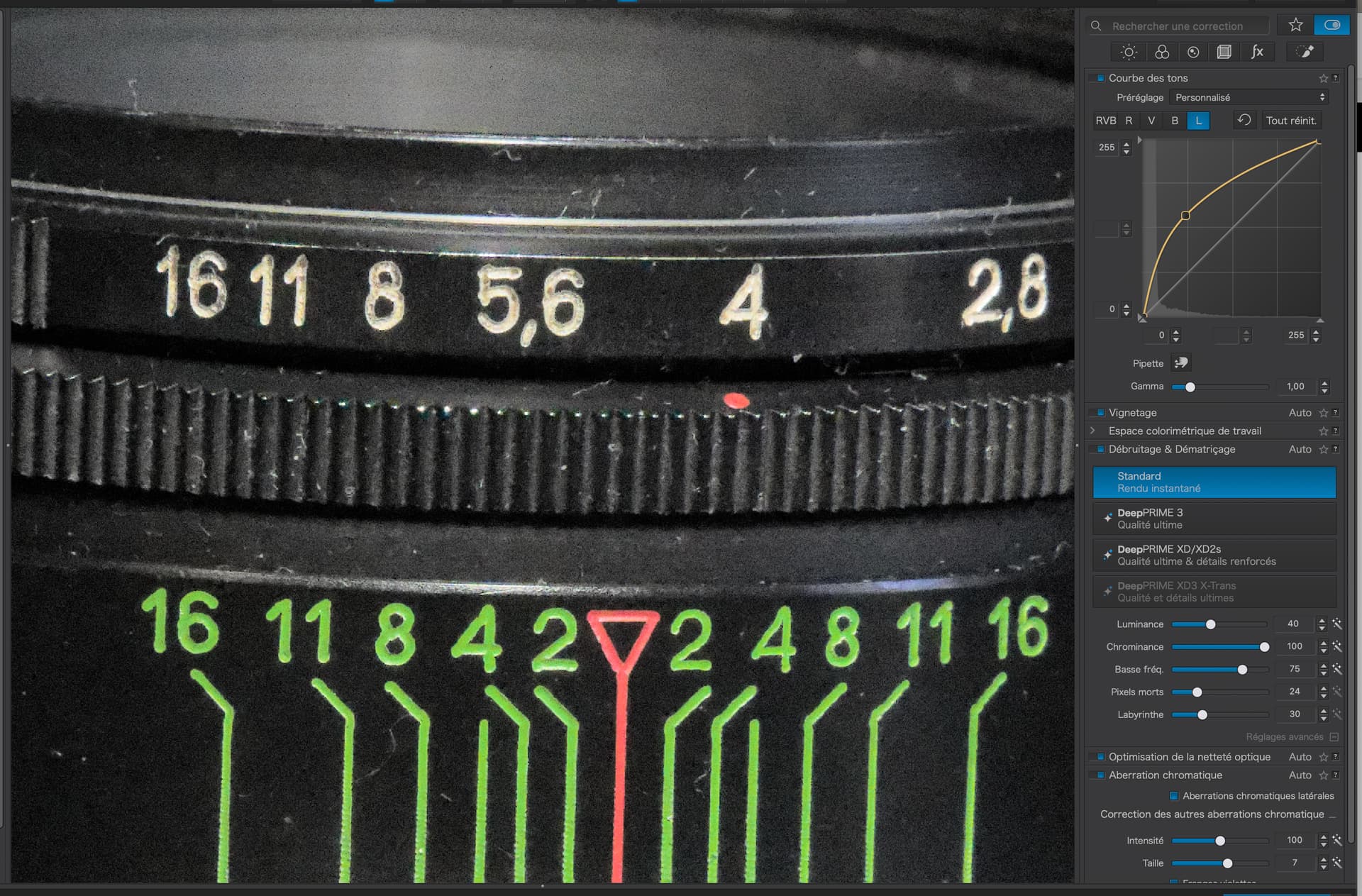
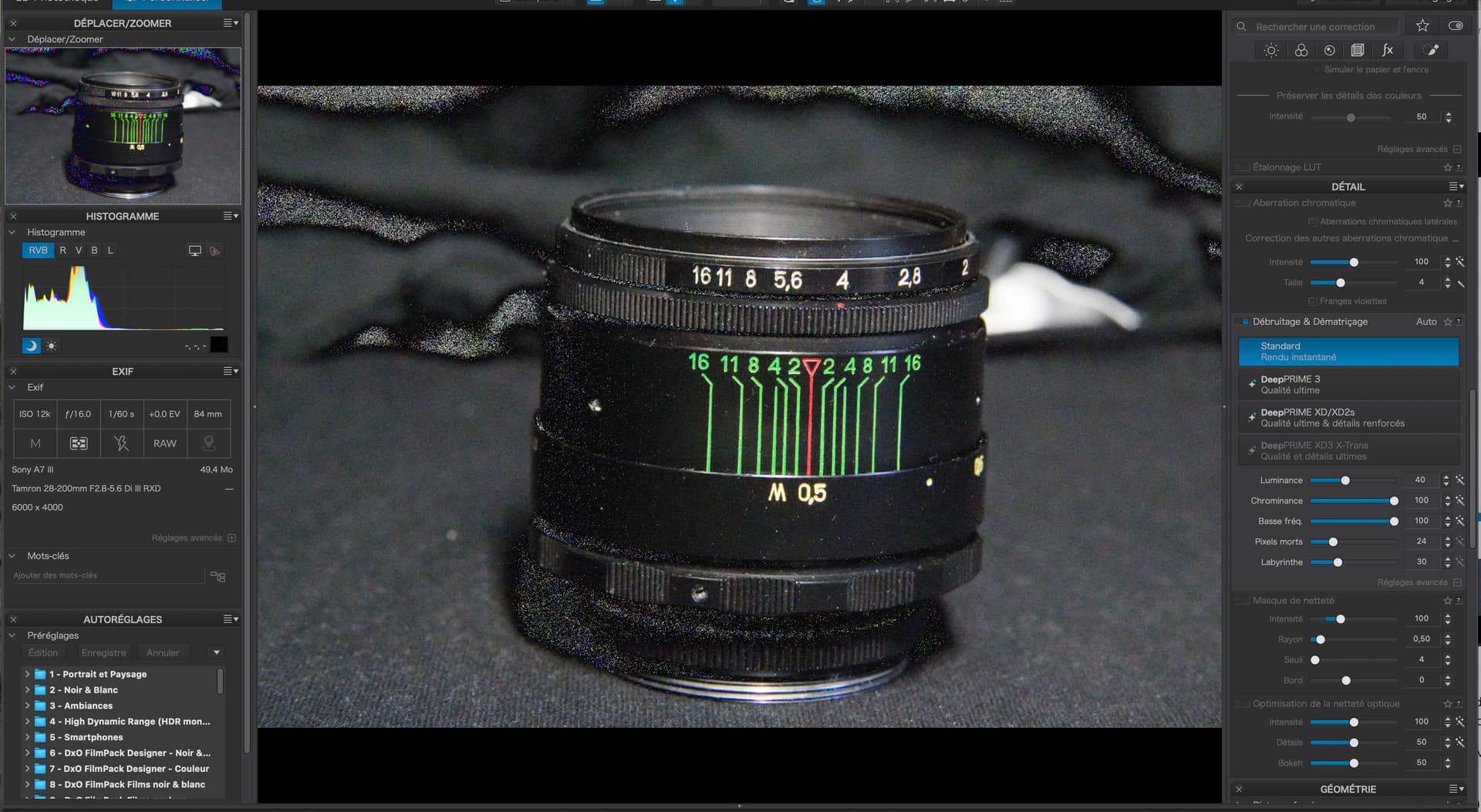
Here is a screenshot with CA reduction but only standard NR…

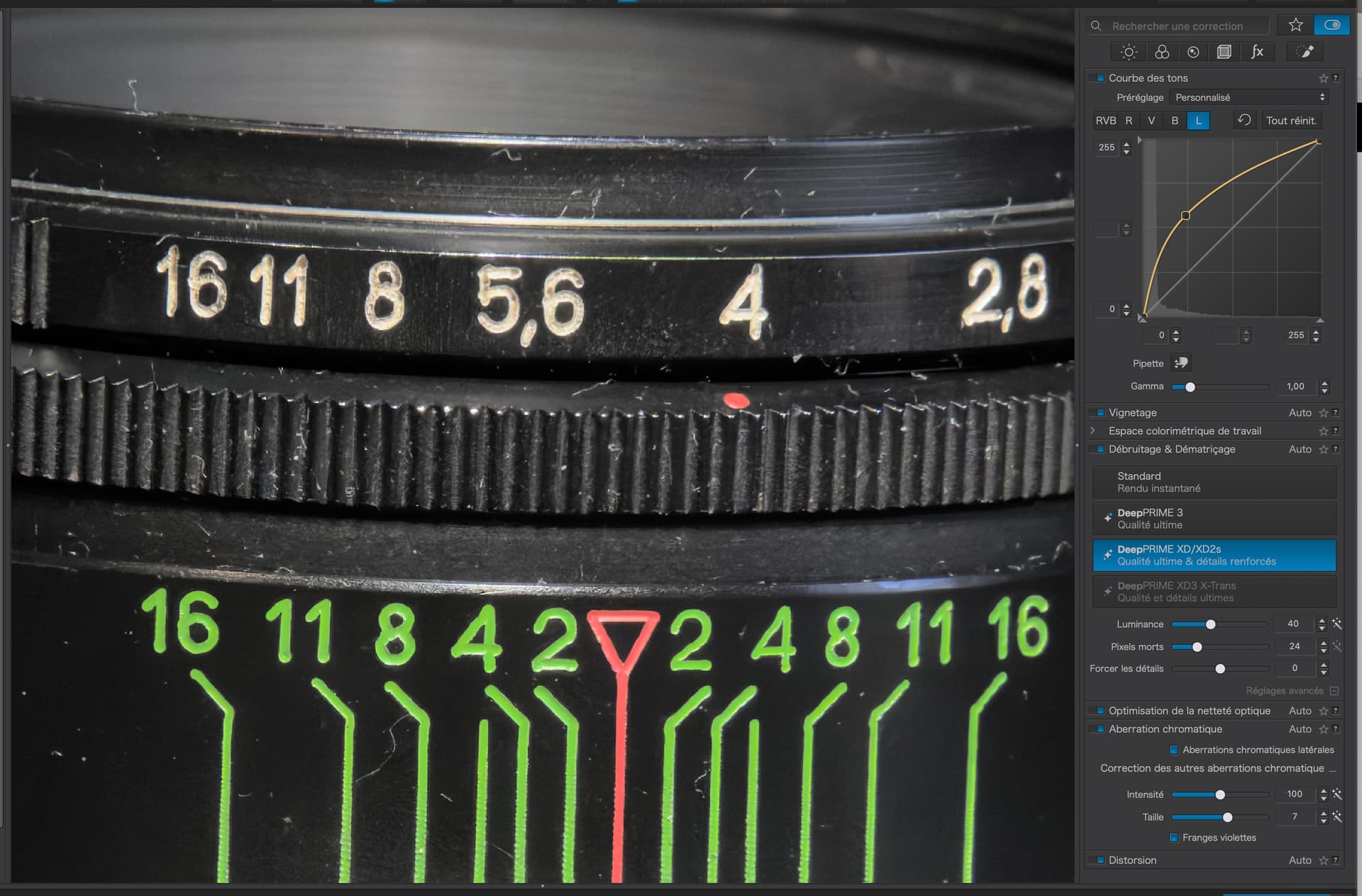
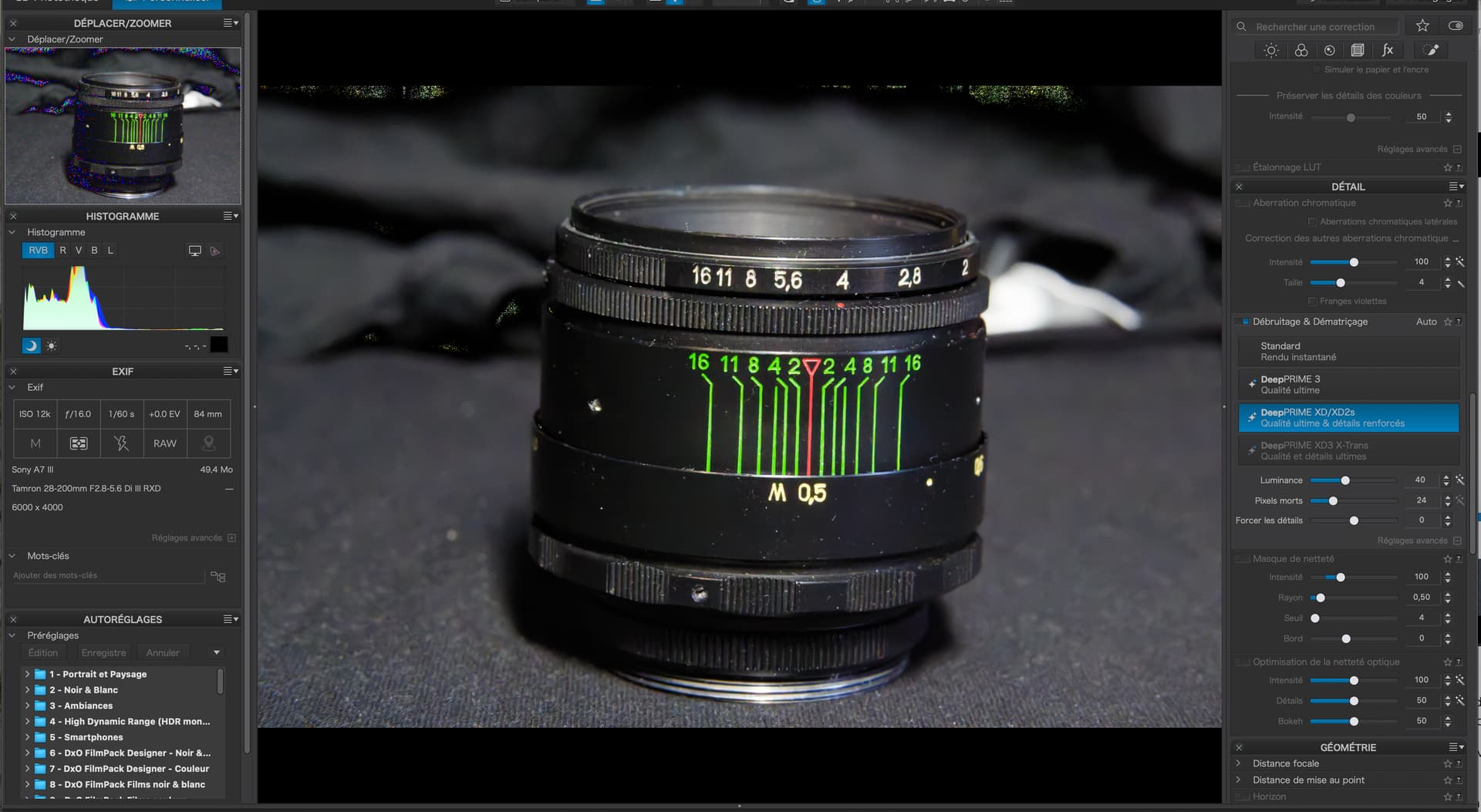
And here it is with the full DeepPRIME NR for the profile applied…

DxO and many users in these fora highly recommend use the highest level of DeepPRIME NR, on RAW files, regardless of the ISO, as this also takes care of deep shadow noise.

Nowadays, the majority of competitions allow “regular” AI NR, it is the “generative” type that they tend to prohibit.

PhotoLab doesn’t use generative AI.

3 Likes

That sounds to me like an unreasonable rule. Can you name some example?
All competitions which I know allow for Noise Reduction of the DeepPRIME type, which is ML based, rather than “creative AI”. They even allow to remove things like sensor dust spots or intensive light reflections from very small objects. It’s up to jury to judge if the edited image is still “real” (perhaps with some help of AI :wink: ).

But it desaturates everything (“removes” colors instead) and you loose a lot of color dynamic range. It looks like there are some other editing/profile differences here, like CA correction, microcontrast, tonal response.

1 Like

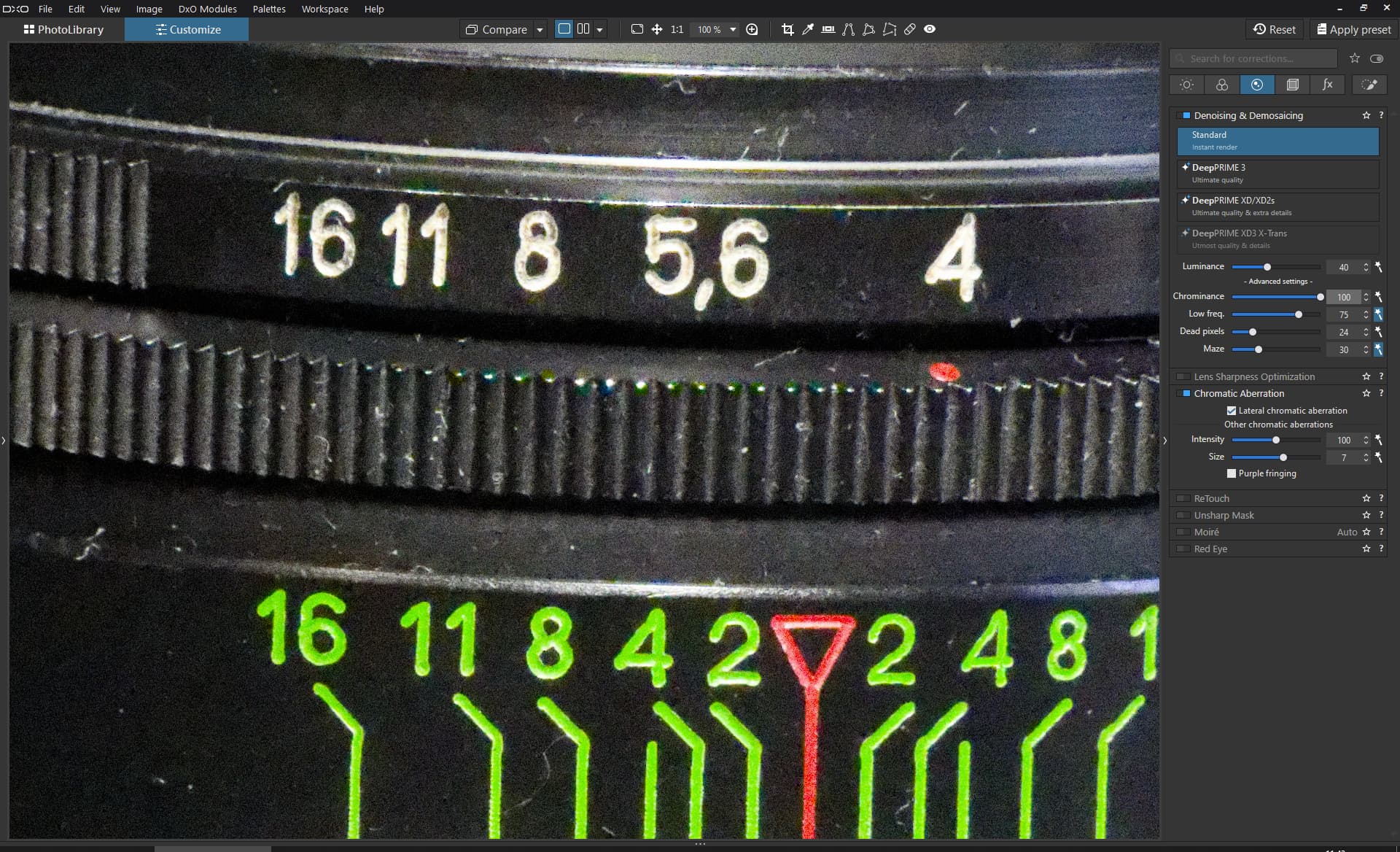
Strange i tried same exact settings you have on screenshot and still getting green noise on the focus ring, its not CA as green does not show before enabling standard noise reduction.

Here is my settings file.

DSC00939.ARW.dop (20.7 KB)

Any AI is generative to an extent, if you take photo of some texture like sofa or curtain with small pattern covered with lots of noise you would see after AI denoise in any program it does try to guess the pattern incorrectly thus technically generative which i dislike personally, also adds sharpening and halos sometimes.

That depends how far you push the color noise slider around 15-25 it does not remove too much.

Actually, any correction at all can be said to be generative, in that it has to generate pixels to replace the “faulty” pixels. And not just AI.

It’s just that PhotoLab uses AI to detect and correct individual pixels that match a certain characteristic automatically, rather than you having to laboriously go through the entire image one at a time.

And, since PhotoLab is a non-destructive editor, which exports a bitmap image that doesn’t contain the original pixels, how on earth is a competition judge ever going to know?

No, what such non-AI rules are there for is to stop people creating images, or parts thereof, that were never in the original image area at the time of taking.

As someone who has submitted images processed using DeepPRIME to international competitions, and won awards for them, I can assure you, using DeepPRIME, even at the highest level, is not going to get you disqualified.

Oh, and don’t forget, if you use the clone or repair tools, you are still generating content, but you are generating it by copy/pasting it from elsewhere in the original image.

No, generative, by most sane reasoning, implies generating replacement content from somewhere outside of the original image.

DeepPRIME takes content from within the original image. It just saves you the time and effort of individually searching for a suitable source from within the image.
1 Like

I had a closer look at the raw, which is the same as in OP topic about Blacks slider.

The problem with PL Standard NR near spot highlights looks real, and it’s not related to CA.

PL Standard NR tries to restore colors, so similar artifacts may happen. On the other hand Lightroom NR tries to remove chroma noise at all cost, causing desaturation and heavy color shifts. Which works better is case and user dependend. For me, the problem is purely theoretical, as I always use some type of DeepPRIME and never came across similar issue.

1 Like

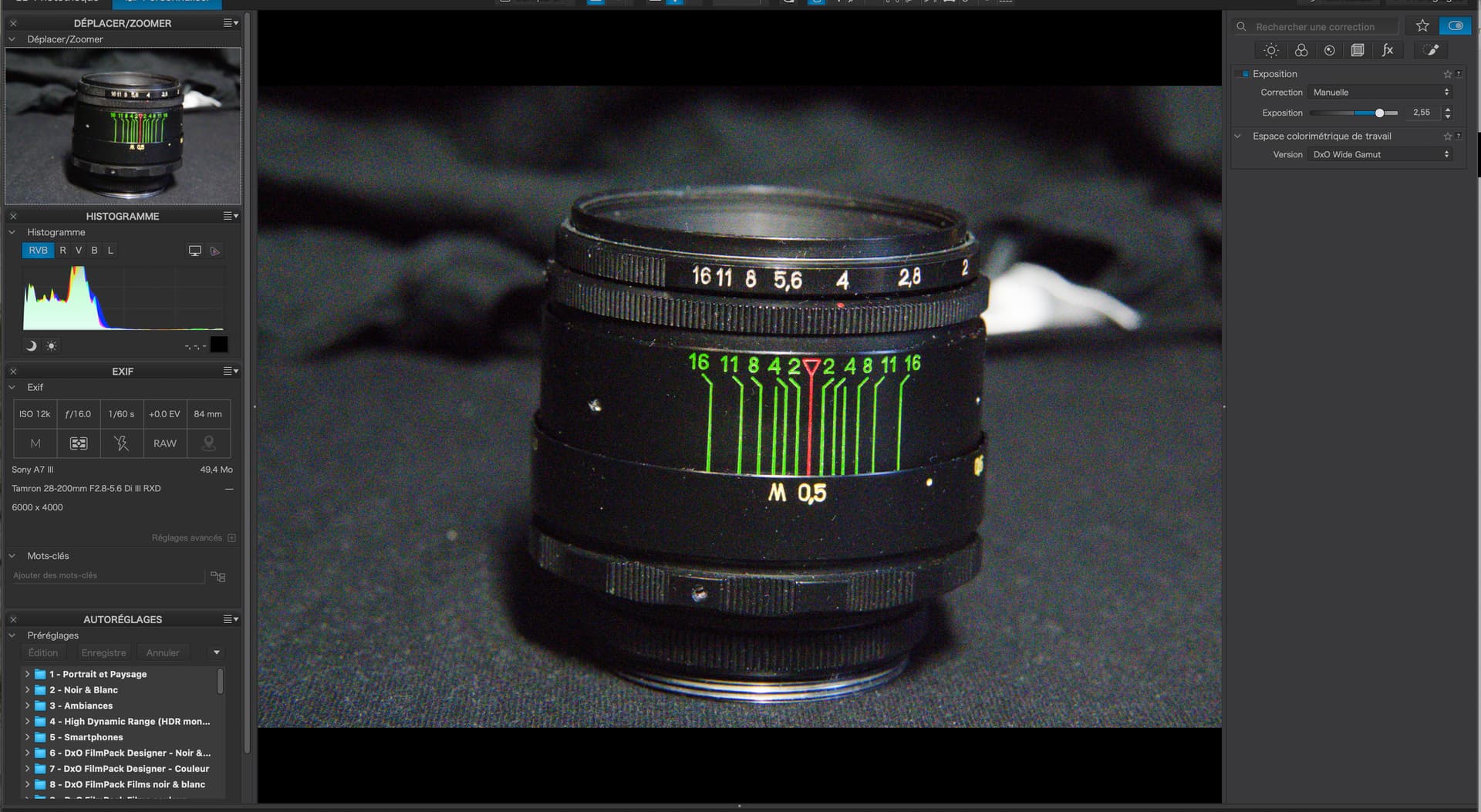
Now, take your original, untouched, image and just raise the exposure by 2.55 stops, as you have done…

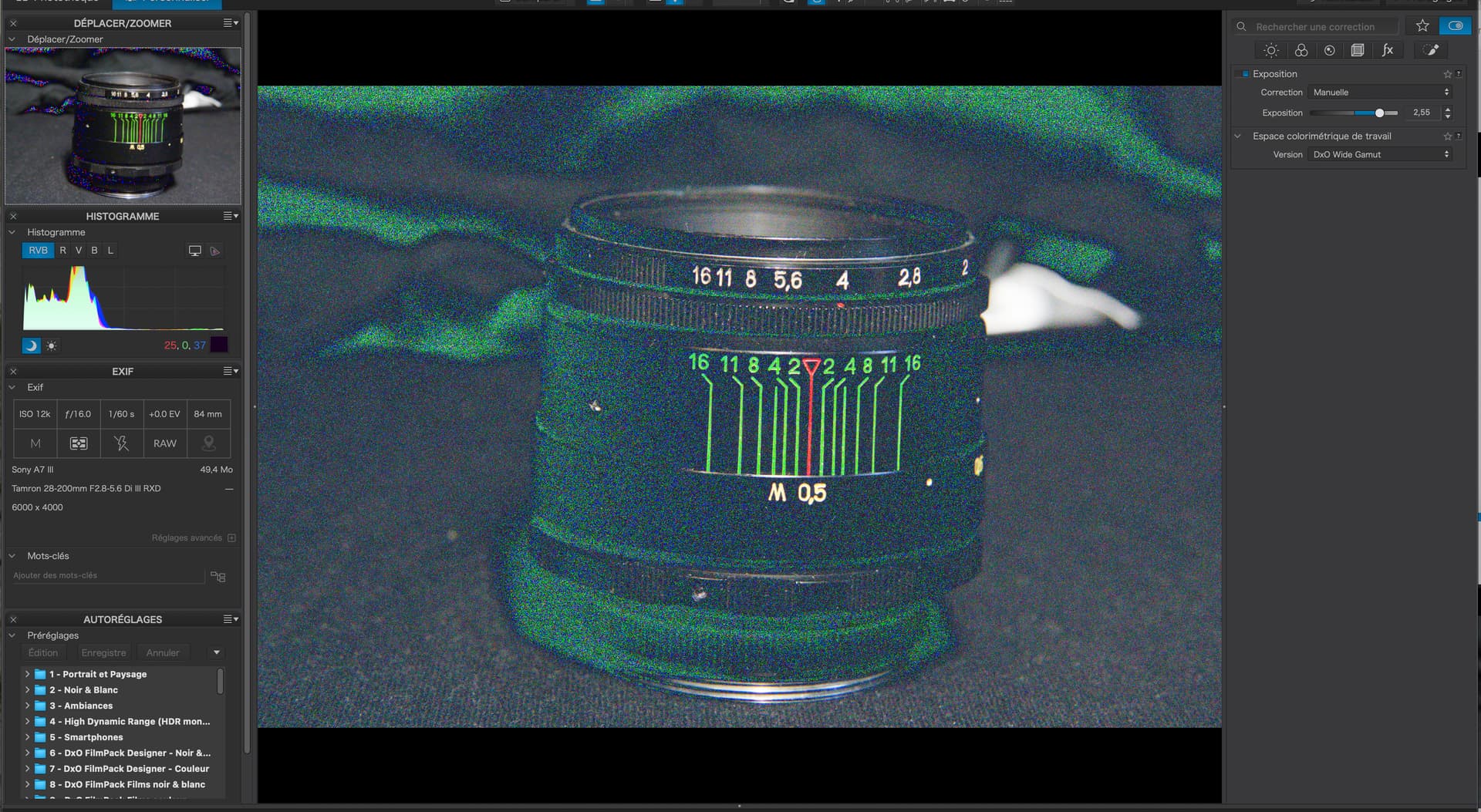
… and just activate the under-exposure indicator…

Note just how many pixels are marked as under-exposed. In other words, they are of a colour that cannot be accurately represented because they are “beyond black”.

So, somehow, without AI, you are going to have to replace those pixels with something more meaningful.

But, according to your self-imposed rules of not altering the original image, this is going to mean guessing what colours to use for each pixel.

just by using the “standard” NR, you can see that most of the darker pixels have been replaced…

But, simply by using DeepPRIME, many more, but still not all, are replaced…

Which still leaves some under-exposed pixels to replace.

Stop bashing your head against a brick wall and use the tools that DxO provide. :wink:

2 Likes