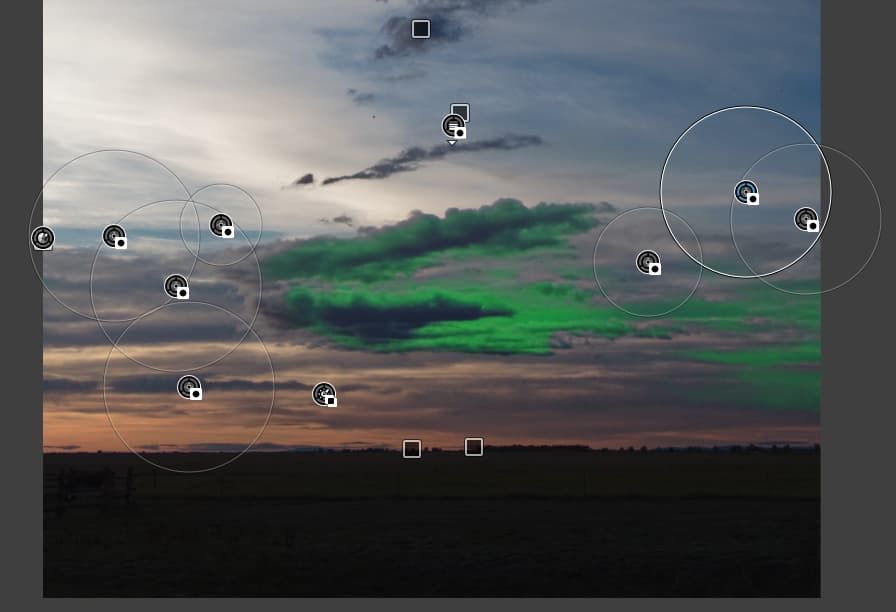
I do similar approach than others suggested, like use ‘Fine contrast’ first, and try to the CVP some lower level (like max. 25), or use with LC.
Left: Some base contrast, no CVP, no LC. Right: left + CVP: 25
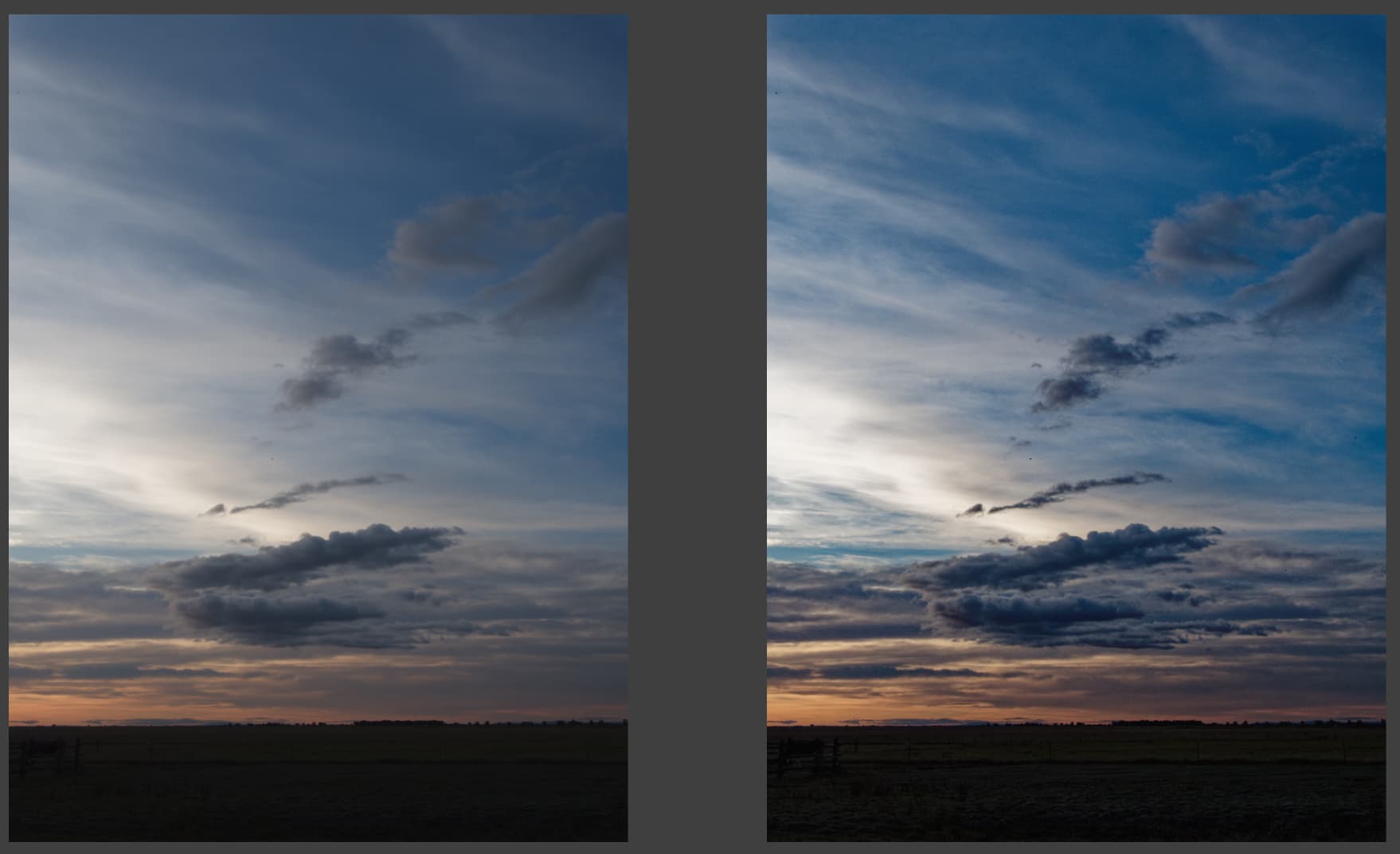
Decent job (at least for me, but its a demo). Some color shift, but its okay (the reality was closer for the CVP version than the left side). So, CVP works just fine for this case.
But Demo time: For LC usage of CVP i do gradient a lot.
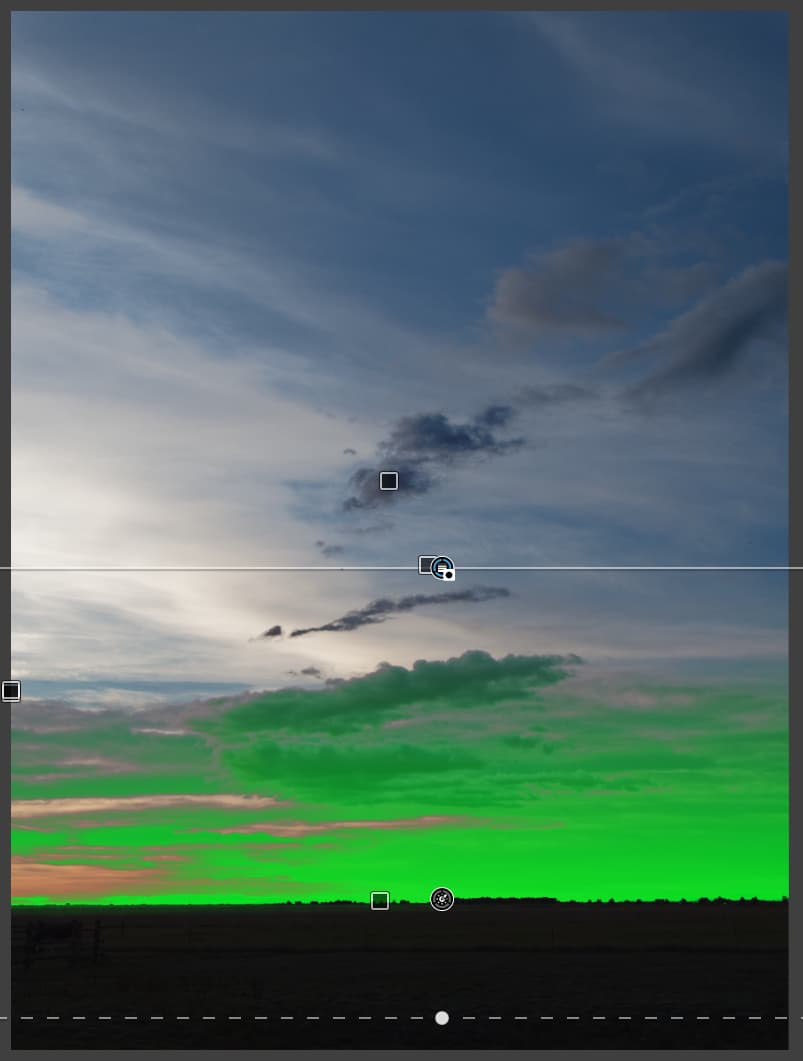
I like to get CV only in some gradiant way to down, like in this area:

So, i add luma mask + invert gradient:

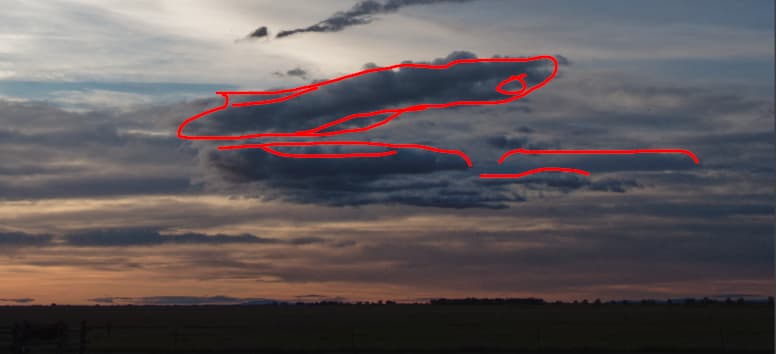
Next i like to get some additional CV in the ‘edge’ to the clouds (to not darken the already deeper middle dark blues), like in this areas (lines only):
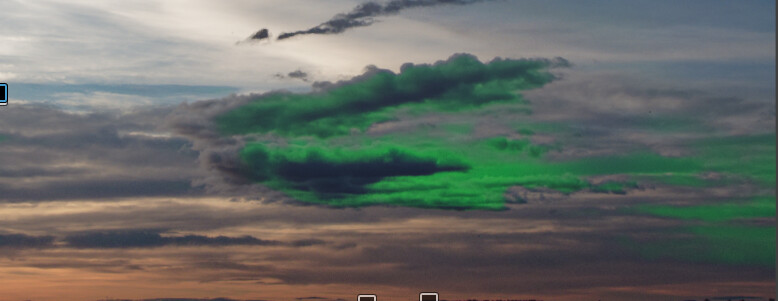
Mask:
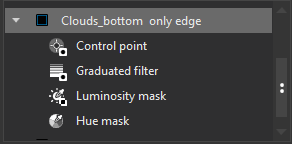
Hue for blue:

Luma for refine

Graduated as usual
And CP to remove unwanted areas: