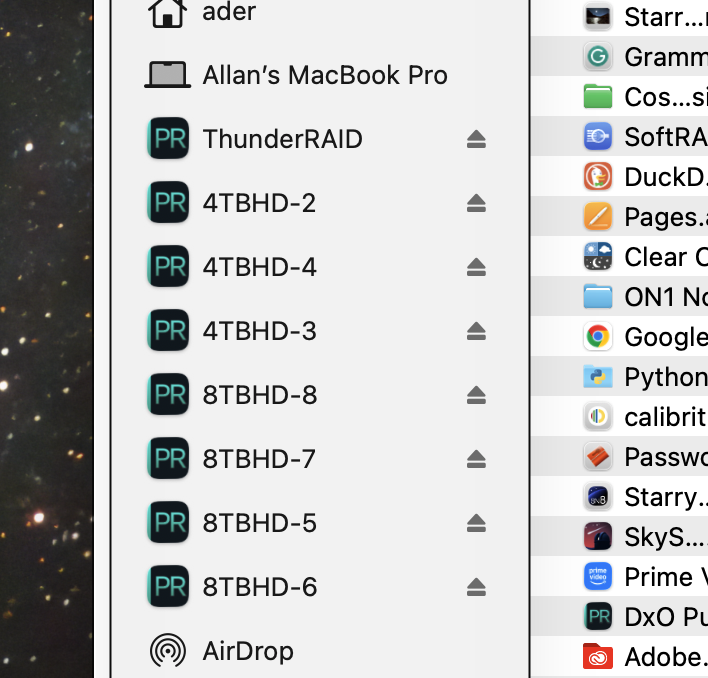
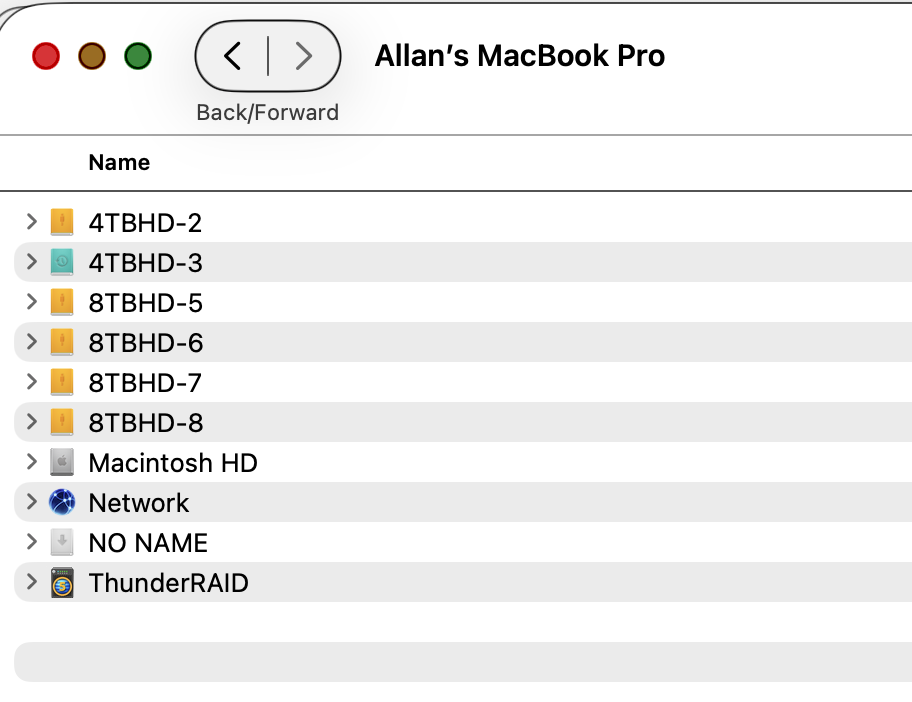
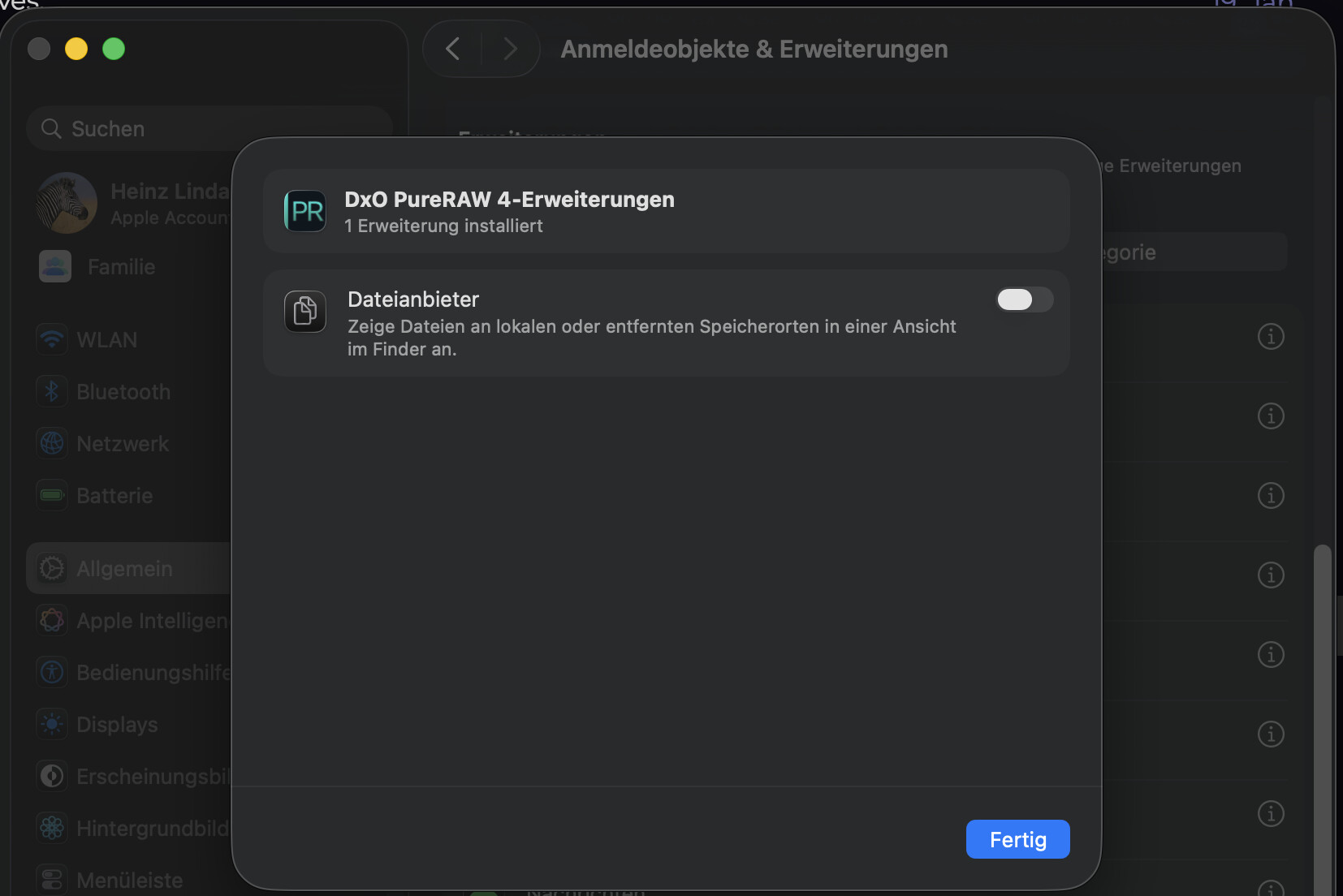
DXO PureRAW changed my removable disk icons. How can I fix this?
MacBook Pro M2 Max, Tahoe 26.2, this also changed on my wife’s MBP with same OS version.
That’s almst certainly macOS, not PureRAW. Recent versions (of macOS) seem to have a problem choosing both the icon and the text describing the file type. Many of mine are wrong and a completey different app (Hazel, by Noodlesoft) seems to be the icon it uses in many places it shouldn’t.
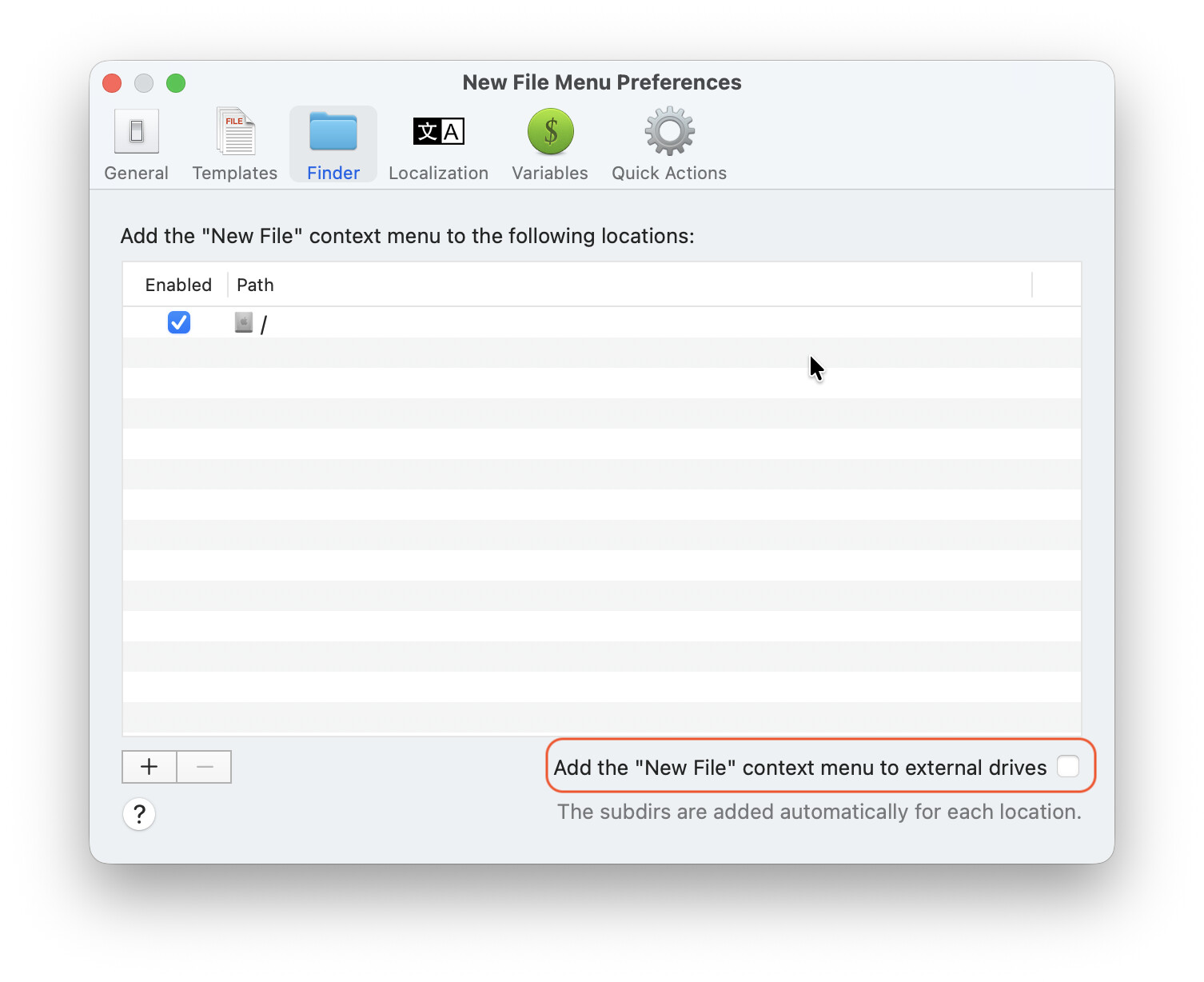
I had a similar issue with one of the utilities I use, the “New File Menu” app.
The preferences of that app had as default setting to add it’s content menu to all external drives.
When I unchecked that option things returned to normal.
Don’t recall if a reboot was required, probably it was.
Hope this helps…..
Thanks, that did the trick, it was that startup item!