OS: Mac OS
Dxo version: Elite 8.12.0 build 71
TL;DR: how do I add an Instant Watermarking to an existing preset?
How to reproduce:
I have an existing preset, which I select by clicking on it.
I then click “Edit”, and the blue vertical lines around various part of the UI appear, as expected.
In the “Instant Watermarking” panel, I select an existing preset: while I hover over it the preset appears in the image…
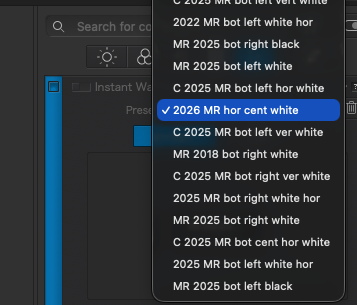
…but as soon as I select it by clicking on it, the preset appears as selected in the dropdown but it’s greyed-out, and disappears from the image.
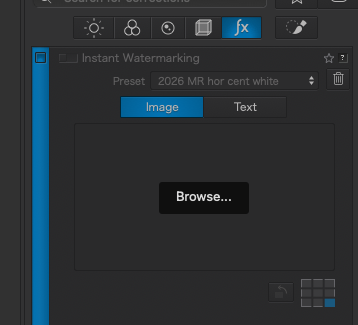
The “Save” button in the Presets panel stays greyed out, as if I hadn’t changed nothing in the preset.
Even if I exit the Edit mode by clicking on “Edit” (the blue vertical bars disappear), the watermark setting I’ve just selected is not applied when I click on “Apply”.