Using a mod firmware like CHDK, you can allow an old digicam like the Powershot a560 to shoot raw.
Using an ai coding assistant tool like Claude Code, you can modify the files so that photolab will read them, including modifying the maker tag so it thinks these files were actually shot an iPhone 8, thus bypassing the completely arbitrary “supported camera” restriction.
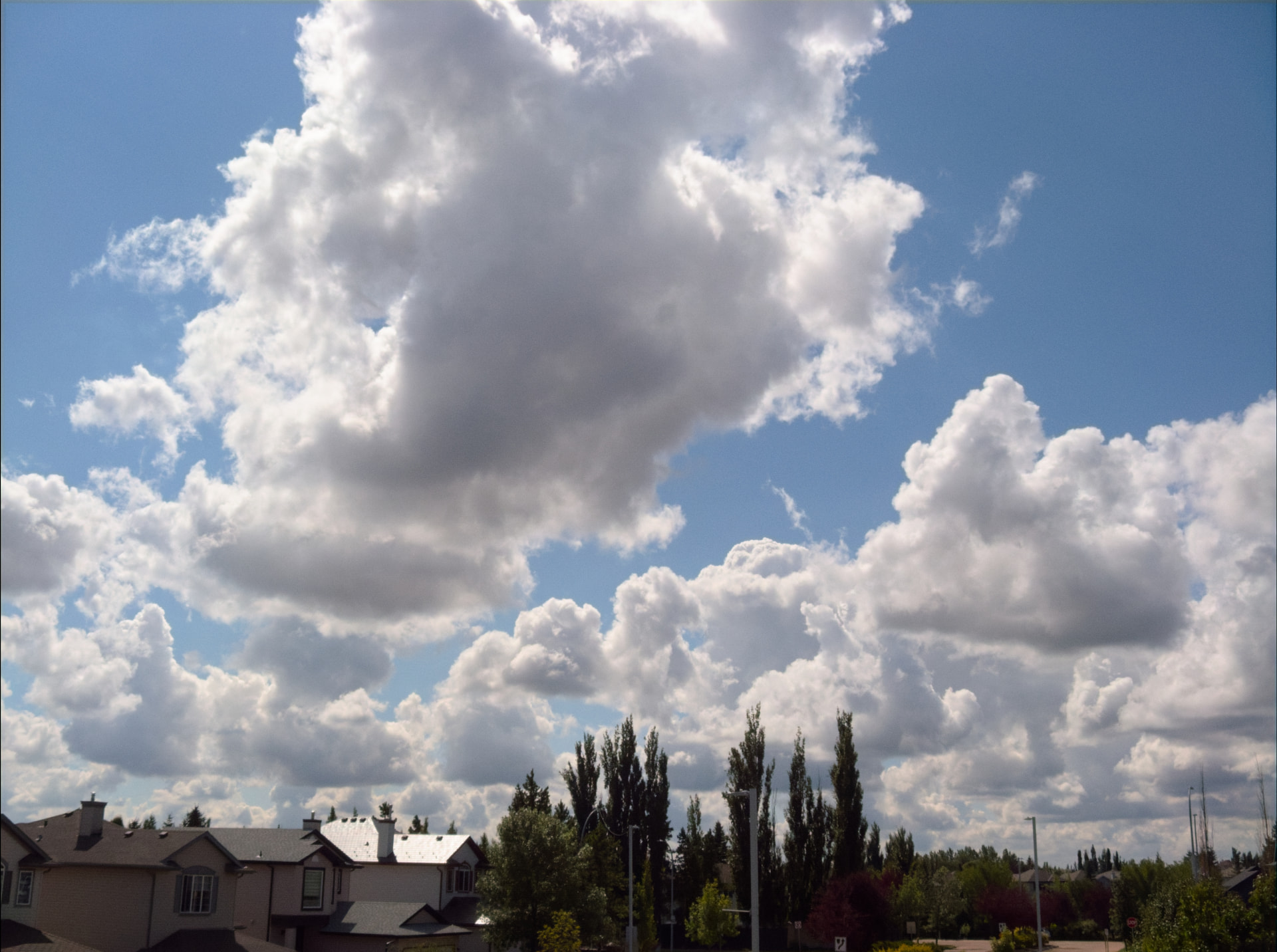
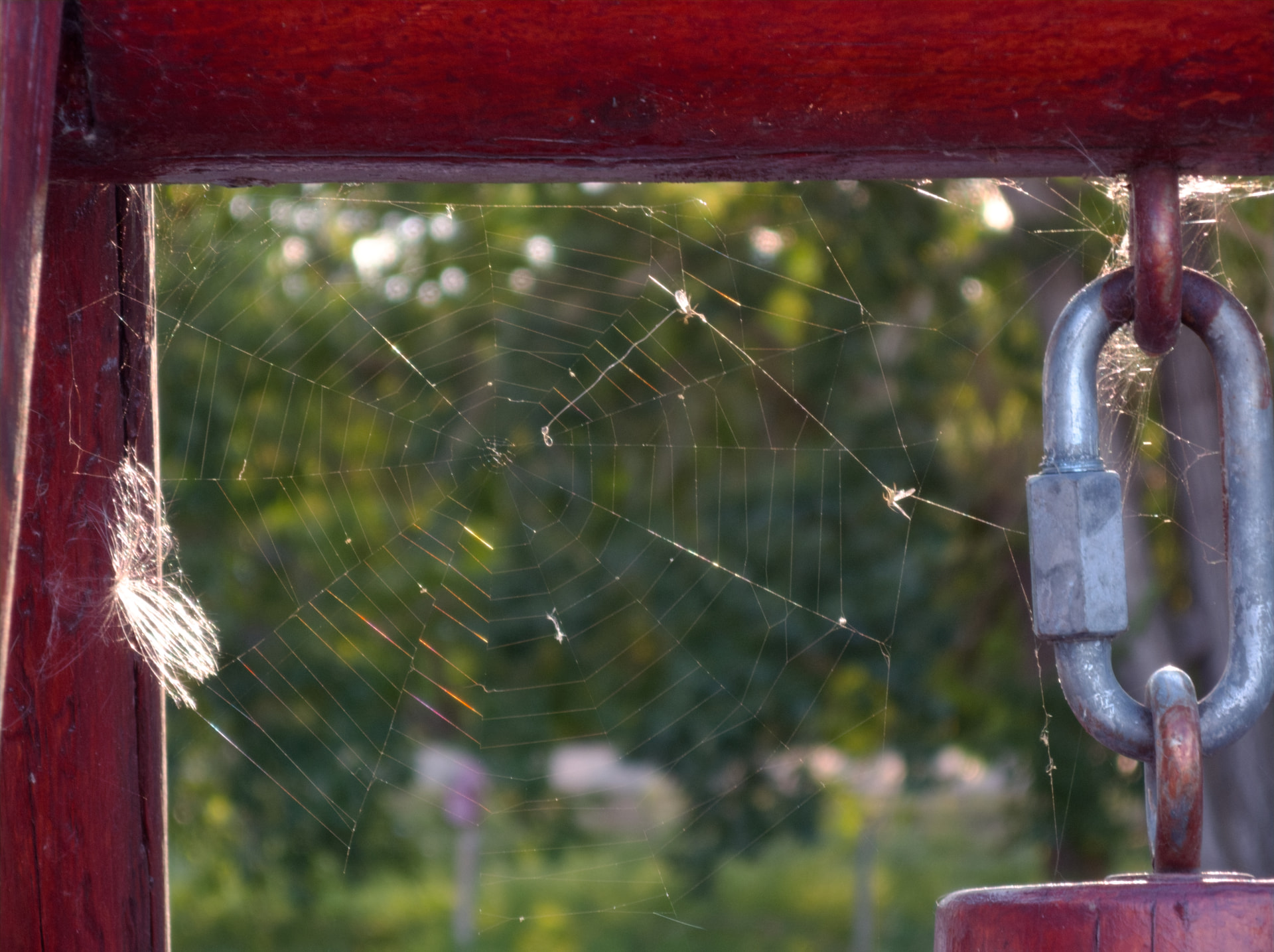
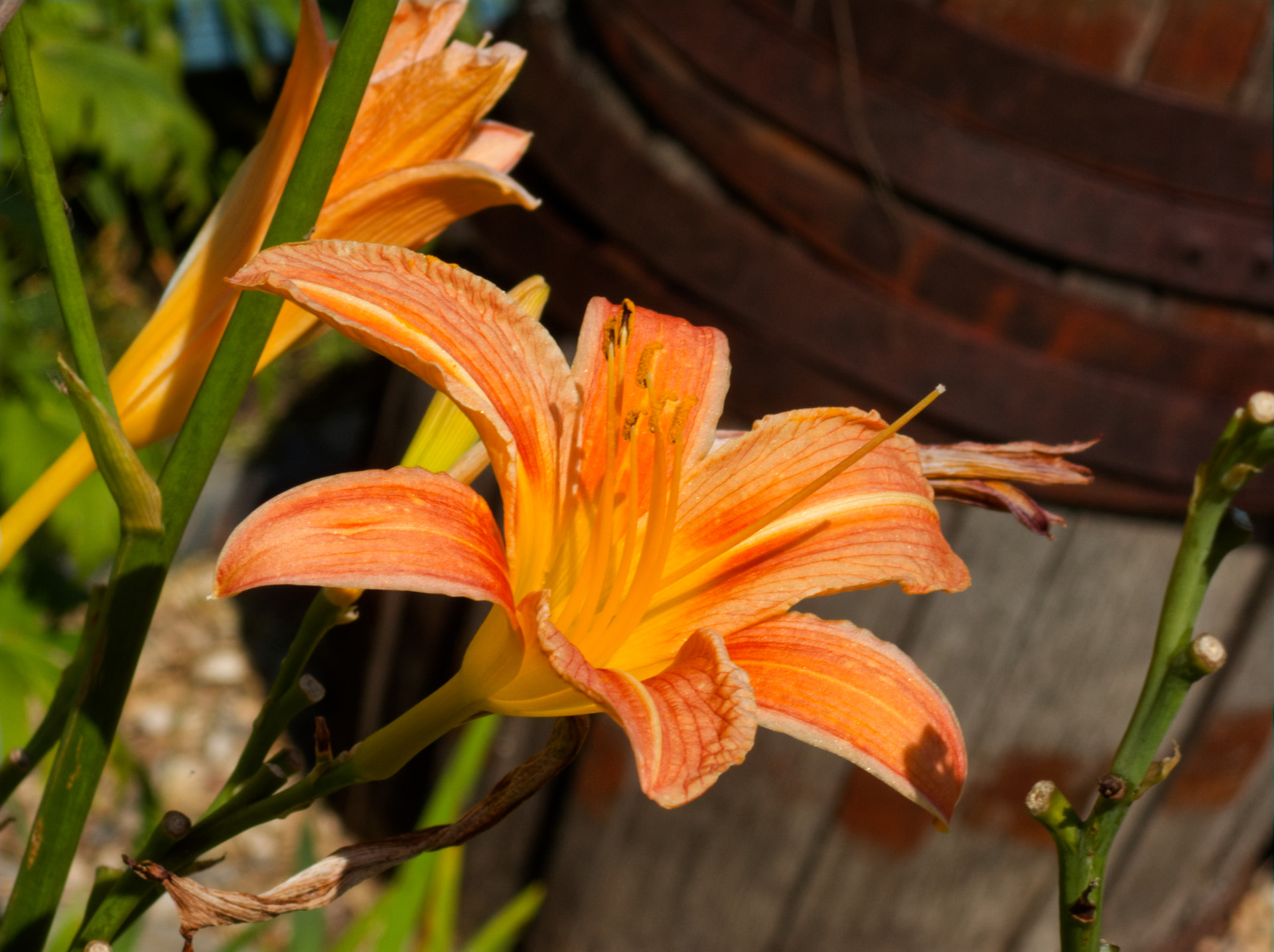
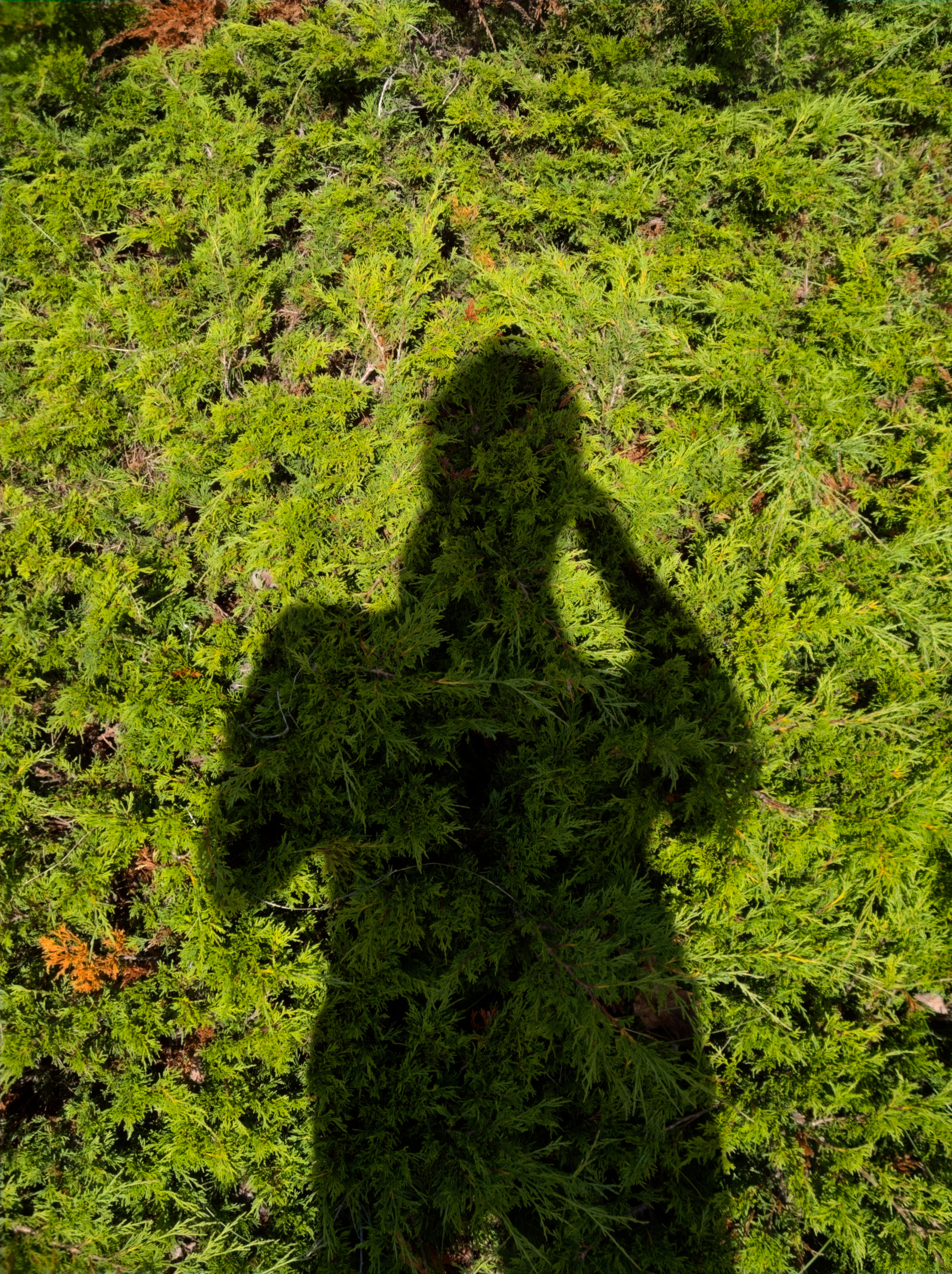
Using my powershot a560 + Photolab to process the images, I’ve been getting results like this, which I’ve been enjoying a lot for casual days.
surely the corrections that are applied are just plain wrong?
No, if you find a good match among the existing devices, the results will be very good. Here’s how I did with iPhone 11 images when I force compatibility. I compare with Iridient Developer and Affinity Photo RAW processing.
the quality of the output files are less than ideal, meaning you might do just as well to process the files in another application
Excellent results are already wonderful. Ideal is an impossible benchmark: my husband falls short of historical heroic ideals so I will abandon him.
Which brings up the other point. Many of us are very good at correcting our photos in PhotoLab. So to be able to use most of the tools within PhotoLab means image processing will be better and even more important, faster, than in any other RAW developer.
DxO’s lock-us-out-of-our-own-software shenanigans is one of my least favourite part’s of the DxO way. It’s a major reason I would hesitate to recommend PhotoLab to other photographers, particularly casual ones.
Not at all. Distortion correction and CA correction can both be turned off, which I’ve done. I’ve also turned off the colour profile, so it’s not using a special profile that is supposed to be for the camera it thinks it is. I’d also like to add that you should be judging based on merit - do these results look good to you, according to the sensor they were shot on? Yes? Okay, then what is the point in mentioning that.
Either way, there are many more reasons to do this. My standpoint has always been and will continue to be that I paid for this photo editing software, therefore, it should be able to open any arbitrary dng file. That is how it is in the rest of the industry, I don’t like that DxO gatekeeps, given that it obviously works very well to process these files in photolab.
And, like the other guy said: Photolab is what I’m familiar with. Why would I ever want to install a different editor? That’s a very ridiculous suggestion. If I had wanted to use a different editor, I would not have given DxO $500 between filmpack and upgrades to the base software.