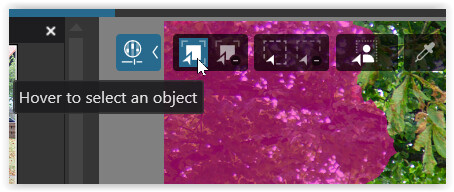
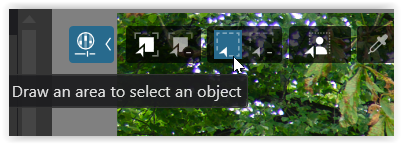
After copying and pasting adjustments to several images, I cannot move the AI mask control points in the original image or any of the pasted images. I have tried several suggested solutions, but nothing works. This was not a problem in Photolab 9. Is this a bug?
I am not entirely sure if I have correctly understood your “problem,” but I conducted a test using two completely different images, each featuring people: the source image contained five people, while the target image contained only four.
Despite the otherwise differing image content, all masks were successfully transferred to the target image. One AI mask (“People”) that covered all five individuals in the first image appeared over all four individuals present in the second image; another AI mask (“People”) that captured only one person in the source file also corresponded to a single mask in the target image.
But being a predefined AI mask “people” they apply correctly to people and moving the “control point” around has no effect.
In contrast, I was able to move a correction brush I had used to exclude specific areas from the selections (Invert Shape) – which, of course, made no sense in the given target image.
Is that what you observed, or am I completely off the mark?
In both cases, I can move the gizmo, regardless of copying. The eyedropper – which is disabled here, as shown – can also be moved, provided the specific sub-mask is selected rather than the parent mask.
Perhaps someone with a Mac can check this more closely – or determine whether it is a bug.