For about a month now, when I export a PL9 image I am working on to NIK, it can take 5-10 minutes for it to show up in NIK. I am exporting from the RAW file (Olympus .ORF), and it takes forever to create the TIFF file that NIK needs to work from. As a workaround I can work in OM Workspace and batch create TIFF files from the RAW there, and NIK opens them within seconds, but that is not elegant solution and takes up a ton of space.
The same issue occurs if I choose to export the RAW photo from File menu–>Export to disk – choose tiff 16bit option. So the issue is not with NIK itself.
It is currently being looked at by DXO support, and I have sent screenshots and exported various log files. At this point they have not come up with a solution.
I also totally uninstalled PL9 and reinstalled again–but the same issue happens.
I am working on a Lenovo Yoga 9i with the following specs:
Intel(R) Core™ Ultra 7 155H (1.40 GHz)
32Gb RAM and 128Gb Graphics card.
Is anyone else having an issue like this where PL9 takes 5-10 minutes to export a tiff file?
Not a solution, but - a quick work-around would be to simply Export-to-Disk as a TIFF, and then open the TIFF directly in whichever Nik tool it is you’re using.
Edit: Ahh, apologies - I see you’ve covered this already.
In which case, I’m guessing the issue is with your hardware (not being sufficiently capable); probably the “Graphics Card” (?)
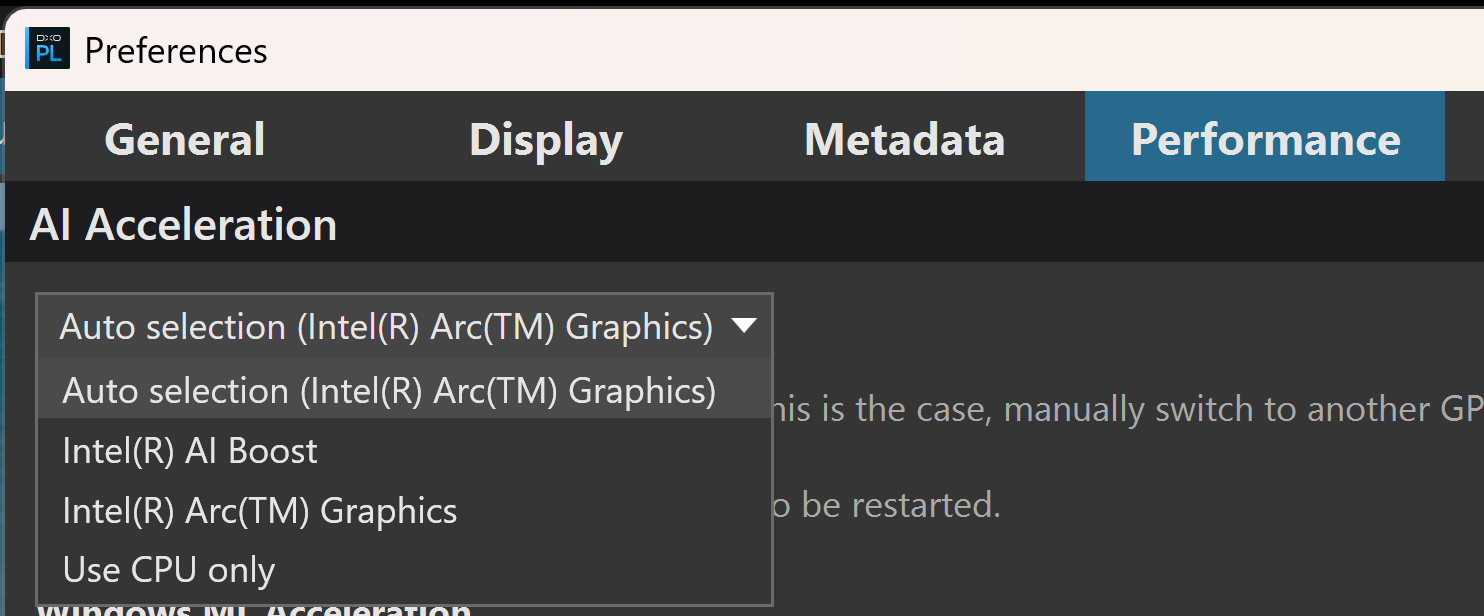
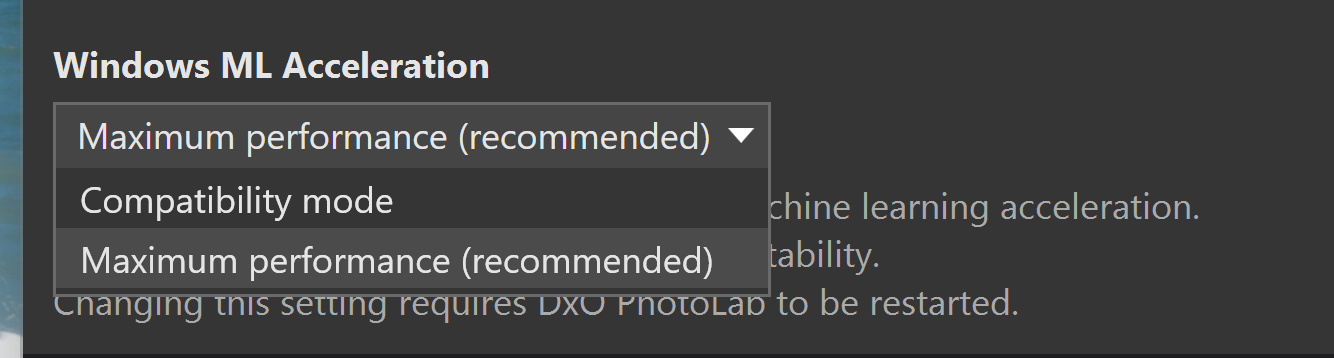
In your Preferences settings, on the Performance tab, what are you “Acceleration” settings ?
John, thanks for your reply. The weird thing is that it worked fine to export to NIK directly (where PL makes the TIFF) for the past year, and now all of a sudden it is impossibly slow.