I got a new computer and I wanted to migrate my Photolab installation to it.
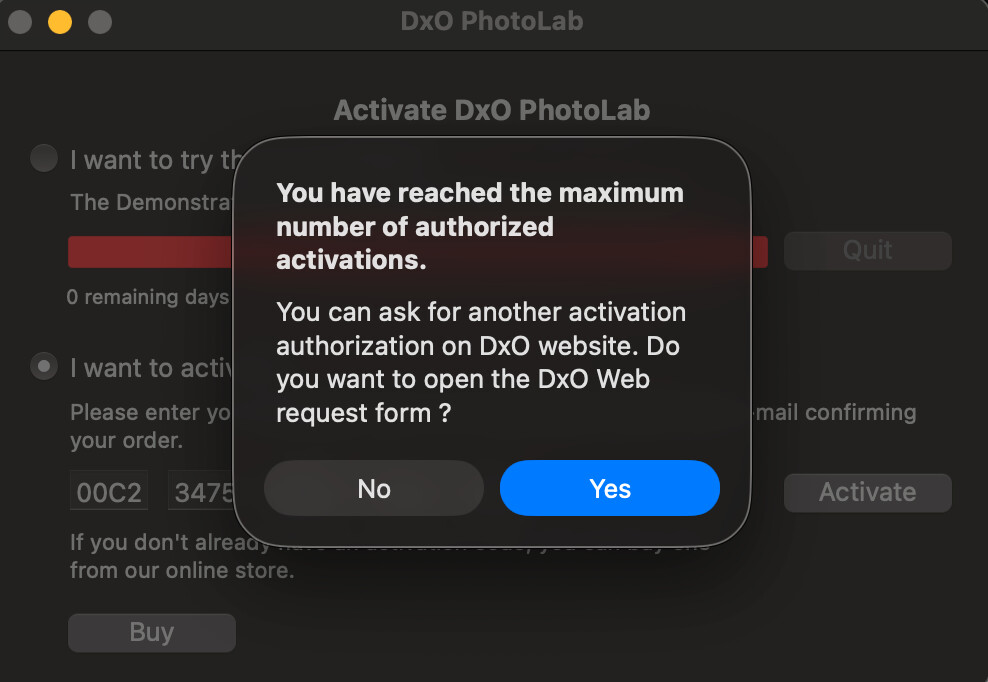
I reached out to DXO support to remove prior installations. They say there are activations available but I still get an error message. What should I do? It is extremely disappointing as DXO is supposed to offer lifetime licences.
You can now manage licenses using your DxO account.
BTW, a warning should be displayed in bold letters for new forum users, NOT to publish Activation Keys.
Deauthorise the computer(s) that you don’t have/use any more. Note that the computers might have odd names. If you can’t make out which to deauthorise, deauthorise all and enter your license code again … when you restart PL.
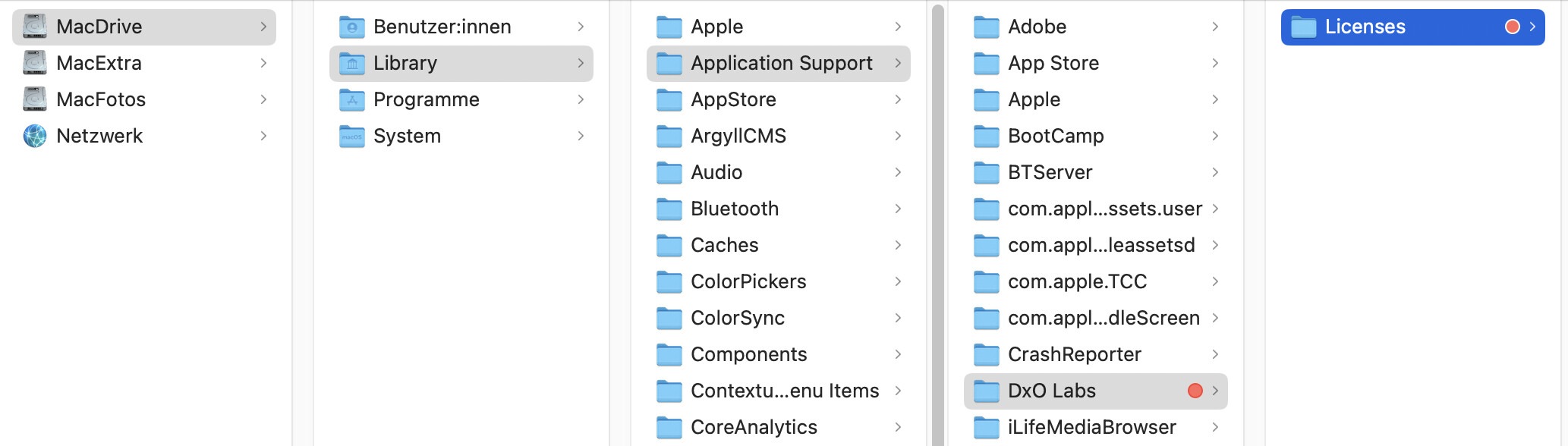
Before you restart PL, you might want to delete the license files that can be found in Library > Application Support > DxO > Licenses. Occasionally, test- and bought licenses get into each other’s ways.
What happens when you click on the blue button in your initial post?
If support says that you still have activations left and you get the popup, I’d definitely move the licenses away from their original place. For PL5, licenses are below the /Library … folder.