Excuse post here, as not sure where to submit bugs? Anyway I’m experiencing some new-ish behaviour (not sure how many releases this would effect). As I’m culling I have in the timeline all my picked photos. When I remove one either by deletion or by deselecting picked, the main window does not change even though the thumbnail disappears. It used to move to the next in line automatically. Now I have to select it.
Hi Gary,
Mac or Windows ?
To which “main window” are you referring ? I suggest you post a screen-shot as an example.
John M
Mac. Will post later
I can confirm this behaviour on a Mac.
Totally reproducible. Either click on the trash icon and confirm or press Cmd-delete - both do the same thing.
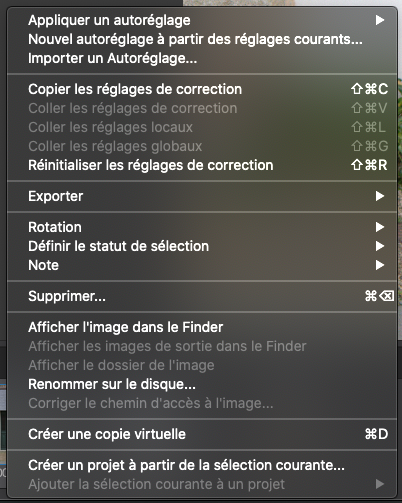
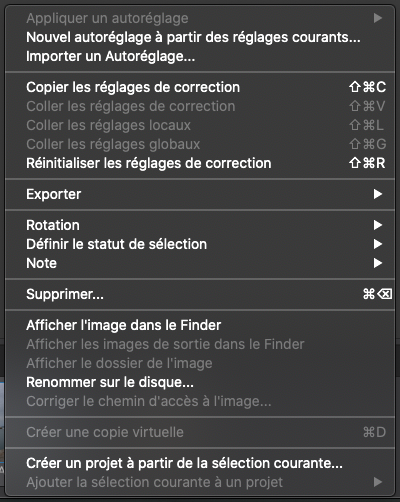
Also, if you try to access the context menu on the newly selected thumbnail, the context menu is not complete.
Context menu expected :
Context menu on highlighted thumbnail after deleting its neighbour :
More experimentation - if you select multiple adjacent thumbnails, deleting them works fine with the thumbnail to the right being correctly displayed in the main editing window.

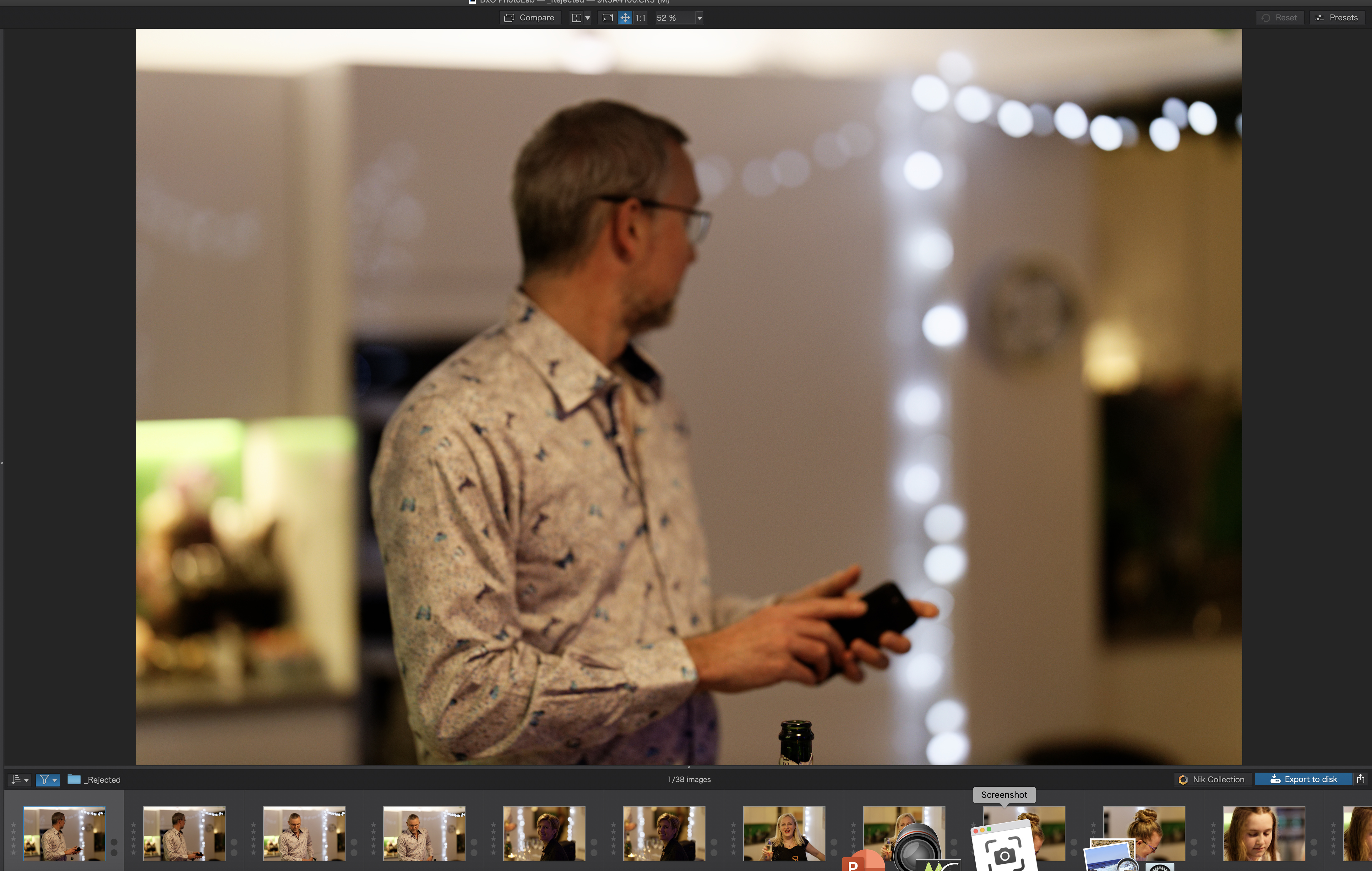

And I can confirm Joanna’s finding that when deleting multiple files, it works as it should. Seems it is a single delete (or deselection) from the filmstrip that causes the problem.