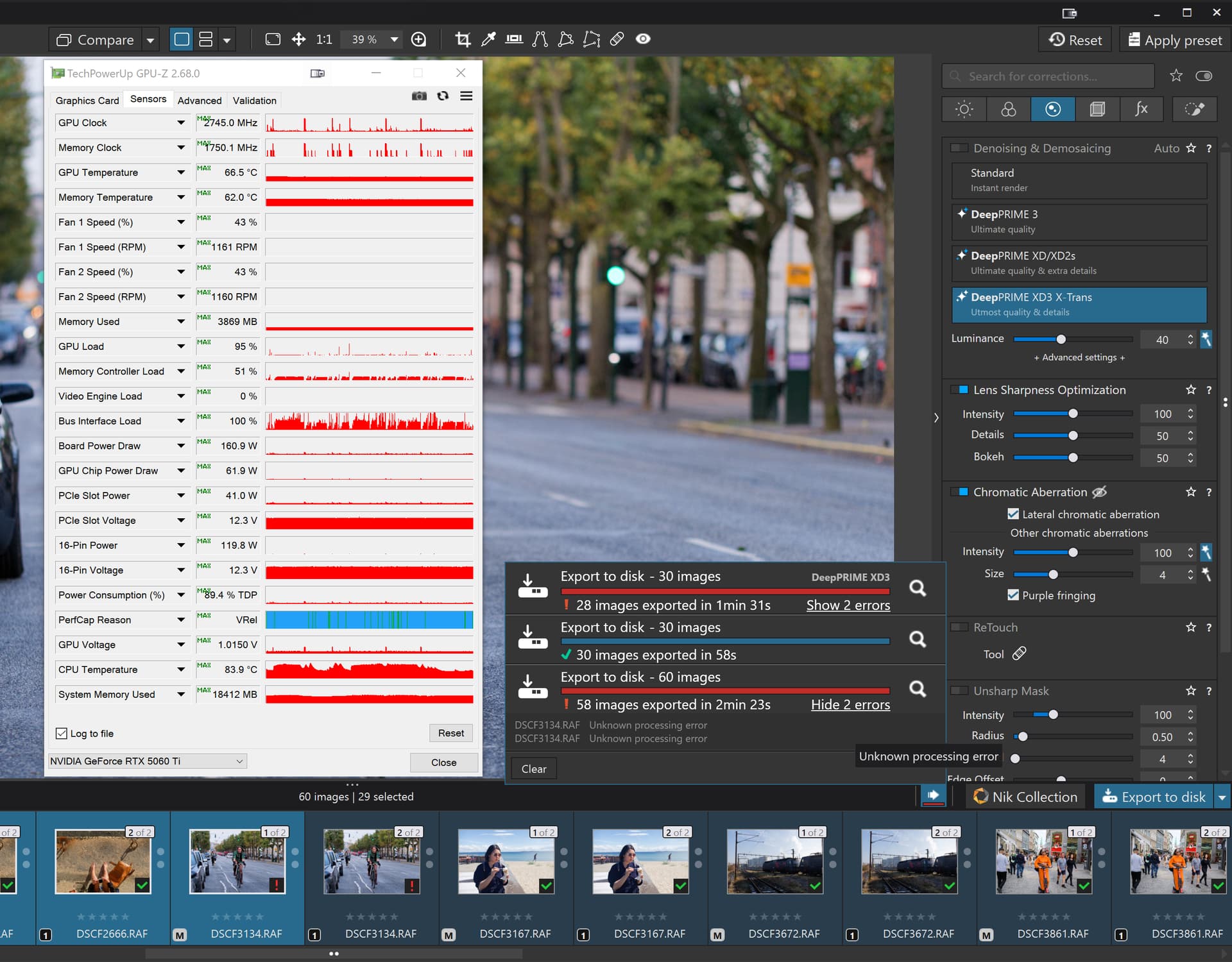
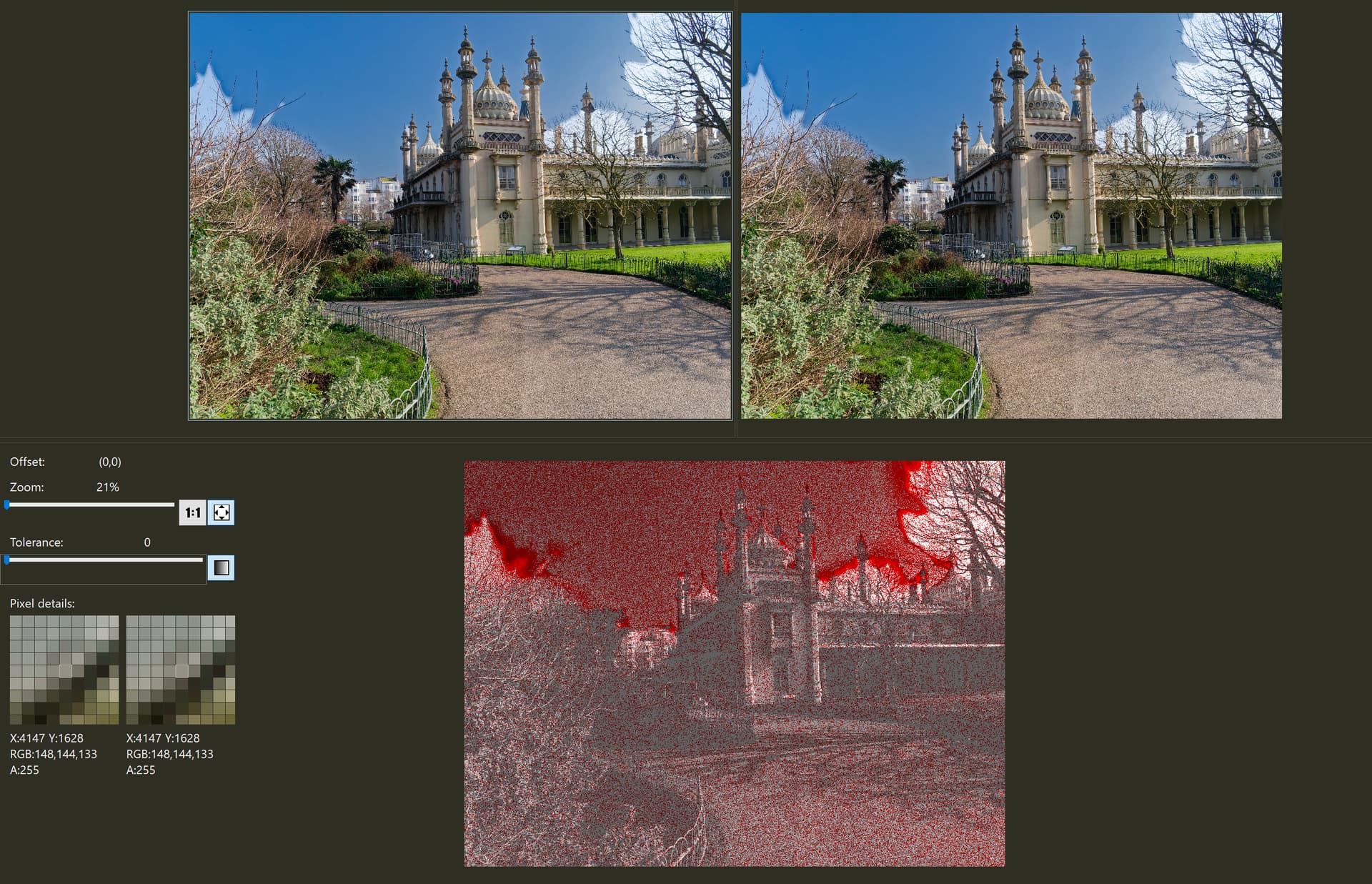
Seems only the GPU VRAM amount important in AI masks (and in the case of nVidia driver version also important, but seems we over that days) and all related things to ‘not crash’- If you has more GPU VRAM (like 12-16) - crash not really come and works fine. 6-8GB GPU VRAM also can be quite fine if you Manual’ AI masks (and not ‘Pre-defined’ AI masks) and for Export DP3 used (and not DP XD2).
All based in my previous measurements (not fully exact values, but give an idea) checked in some previous PL. 9.x version - but i think its still valid at general. May some value is not correct (especially in pre-defined AI mask and Export)
PL has “two part”:
- DxO.Photolab.exe → Main application
- DxO.Photolab.ProcessingCore.exe → Its does the Export
PL Main app
- PL ‘main app’ itself usually use somewhere 0.3-1+GB GPU VRAM
- If Deeprime rendering: ON than depends on what NR you select (DP3 or DP XD2). In the case of DP3 its like GPU VRAM 1.5GB. If XD2 than its a bit more than DP, like +0.5-1GB GPU VRAM. Its may also depend on Zoom level (may 1:1 use more than ‘Fit’)
- ‘Manual’ AI mask: AI model loaded to GPU VRAM may takes like 2-3GB GPU VRAM
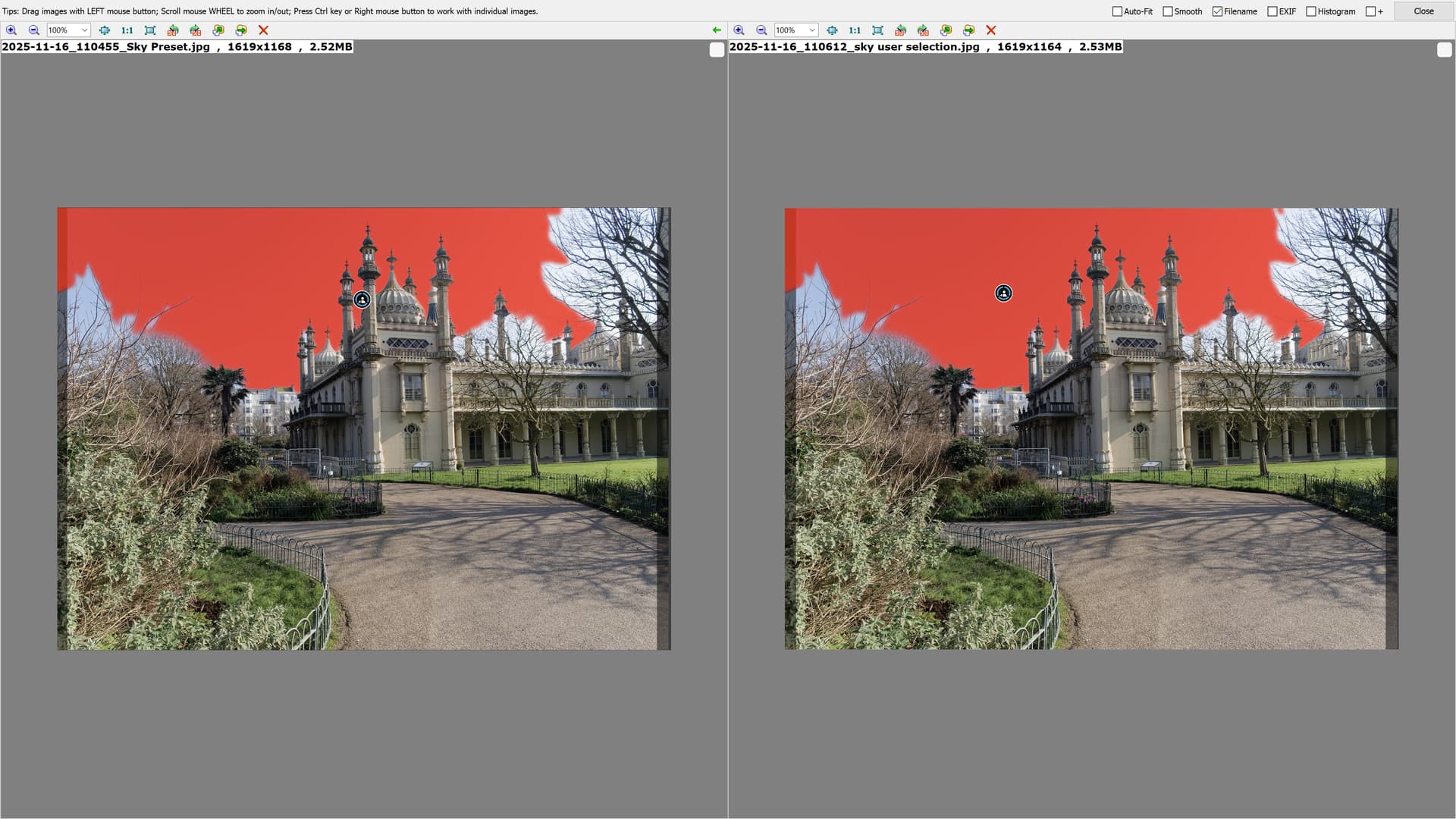
- ‘Pre-defined’ (keyword) AI mask (like Sky, etc.) → frankly i have no idea (i can’t test it) - but as i read forum colleagues post/comments i try to ‘re-calculate’, but seems somewhere 3-5GB GPU VRAM, may it has a ‘Peak’ that more than this.
PL Export app:
Its also depend on what NR selected. Like in DP3 use less than DP XD2. In the case of DP3 may use like 1.5-2GB.
Windows and other apps
Not forget, Windows and other apps like Web browsers also use some GPU VRAM. Usually something like 0.5GB
So, do some math in few examples. (GPU VRAM, and best/average cases, not exact values/sum)
PL client + ‘Manual’ AI mask + Windows/Other apps
→ 0.5+2.5+ 0.5 → 3.5GB VRAM
NR: DP3
PL client + NO AI mask + Export + Windows/Other apps
→ 0.5+0+1,5+0.5 → 2GB
PL client + ‘Manual’ AI mask + DeeprimeRendering +Windows/Other apps
→ 0.5+2.5+ 1.5+0.5 → 5GB
PL client + ‘Manual’ AI mask + Export +Windows/Other apps
→ 0.5+2.5+2+0.5 → 5.5GB
PL client + ‘Manual’ AI mask + DeeprimeRendering + Export + Windows/Other apps
→ 0.5+2.5+1.5+2+0.5 → 7GB
PL client + ‘Pre-defined’ (keyword) AI mask + DeeprimeRendering + Export + Windows/Other apps
→ 0.5+4+1.5+2+0.5 → 8.5GB
NR: DP XD2
PL client + ‘Pre-defined’ (keyword) AI mask + DeeprimeRendering + Export + Windows/Other apps
→ 0.5+4+3.5+3+0.5 → 11.5GB
May its give an idea.
In spoken words:
- If you has only 4GB VRAM → you can use ‘Manual’ AI mask, but cant export with DP3 → as with export its required like 5.5GB
- If 6GB GPU VRAM: ‘Manual’ AI mask + DP3 export works → As its use like 5.5GB → But you may can’t turn on ‘DeeprimeRendering’ and/or may can’t export with DP XD2 as its needs more than 6GB.
- With 12GB GPU VRAM you can do pretty much everything, with 16GB GPU VRAM your a most safe side.
- Pre-defined (keyword, like Sky) is the real ‘killer’. If you not use it, than far-far less ‘internal error’ (if any) raised. We already talk a tons about that in other threads/comments.
Others:
- Standard (previously called HQ) NR not use GPU VRAM (as i see, or near nothing) - in export and also if “high quality preview” is turned ON.
- Export performance (with AI masks, DP NR) seems depend mainly (near only) the GPU performance - not just GPU VRAM amount, but GPU clock speed, GPU VRAM bandwidth, etc. So, i think talking about ‘export speed’, doesn’t really matter as it’s ‘as it is’. Its Mpixel/second → more Mpixel photo → more processing time. If you has "faster’ GPU, than its “faster”. Ofcourse AI mask amount may count and Driver quality (driver performance - may nVidia only) also can count.
- Manual AI mask ‘performance’ seems more-or-less linear. Means: If you have 5 ‘manual’ AI mask the processing speed like 5 ‘unit’, if 8 mask, than speed like 8 ‘unit’ (‘unit’ based on your computer/GPU performance). Seems ‘Manual’ AI selected (mask) area not really make a difference (mask area large or small). May complexity count, but very little → like one mask not 1 ‘unit’ but 2.
- You can kill the DxO.Photolab.ProcessingCore.exe (the export process, if not used), its restart itself. May its helps out in the few cases.
- PL app not really free up GPU VRAM. AI model loaded to GPU VRAM. May first seems to good idea if PL ‘release’ GPU VRAM, but in the end its can’t made better as when you export, its re-used again (at least my standpoint of view)
- PL 9.2 release notes say like: minimum GPU VRAM 6GB for/with DP3 export and AI mask. Its NOT say DP XD2 and NOT say ‘pre-defined’ AI masks. With 6GB GPU VRAM you may ‘on the edge’, that’s why release notes say for ‘optimal’ 8GB GPU
- In ‘CPU only’ mode everything works - of course as computer CPU performance.
Side observations:
- Currently seems Export may run to few error if more than around 20-30 photos exported with a few ‘pre-defined’ AI mask and DP NR, like 2 error from 20. Based on other forum colleagues observations.
I would very much like people that have no problems at all with any of the AI-funtions what kind of gear they have.
For a change it would be nice to know what actually works and not just the things that don´t
I hope my comment helps on that. If you has 12-16GB GPU VRAM, than at general ‘no problem at all’.
What GPU type (‘gear’) used - IF its has enough GPU VRAM - doesn’t really matter regarding ‘no problem at all’. Its doesn’t matter its Nvidia or AMD, its doesn’t matter if GPU is very old and slow and under under ‘minimum specification’ regarding type/chip IF it has enough GPU VRAM. Of course more advanced GPU chip, faster GPU clock, faster GPU memory bandwidth speed up things. But that’s all.