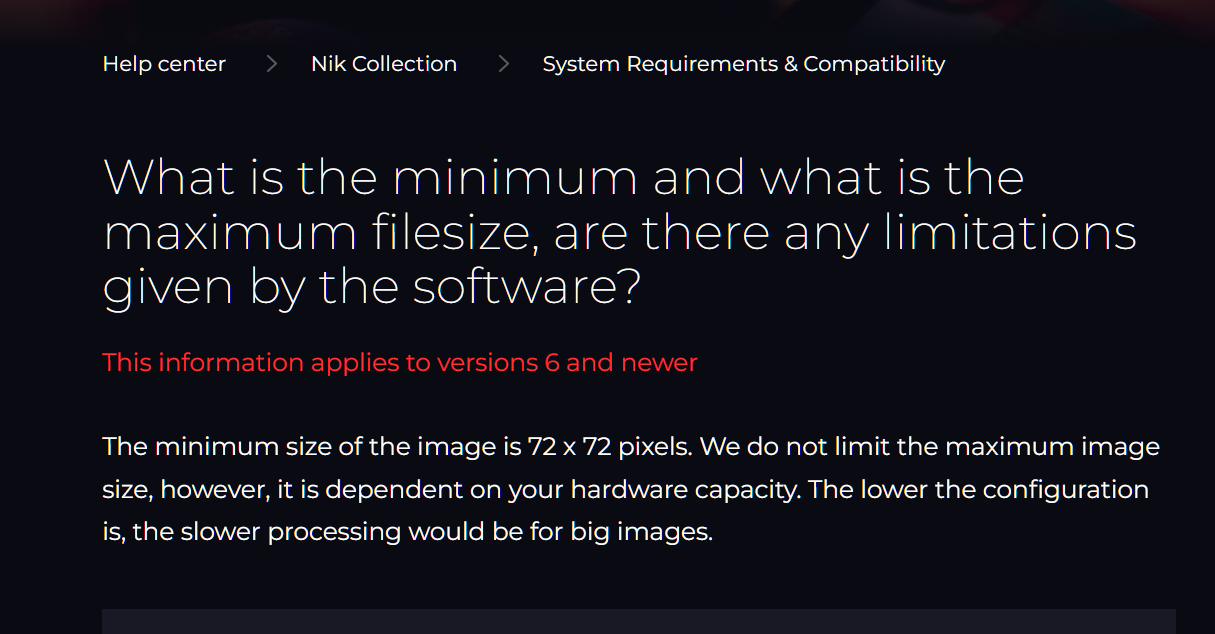
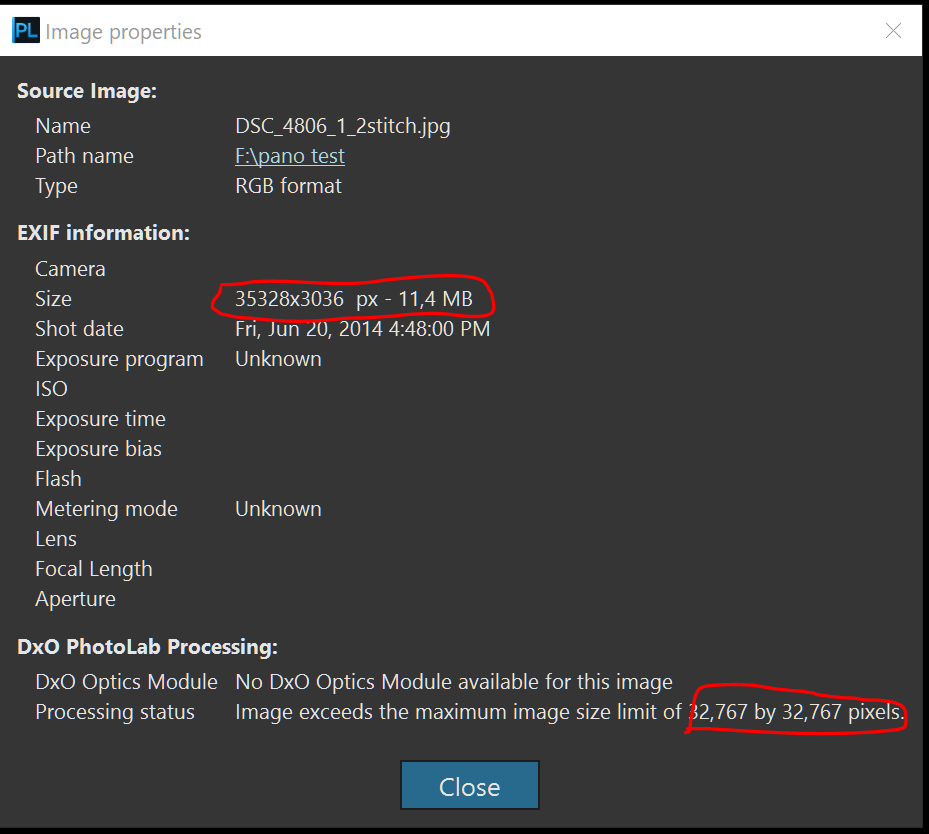
I stitched a panorama in Autopano Giga. The result is 18.xxx by 5.6xx pixels, 783MB, tiff16. Opening this file in PL9 fails. The message is, the picture exceeds 32.xxx by 32.xxx pixels. This is false. After opening the picture in Affinity and cropping the jagged borders off, the panorama is slightly recuded to 17.xxx by 5.0xx pixels, 406MB, tiff16. Opening this smaller picture runs fine in PL9. Anyone a clue how avoid this failure?
Erikx, I have made the same constatation and submitted a bug report 649626.
I received this answer
Merci de nous avoir contactés. Je comprends que cette situation puisse être frustrante.
D’après les informations fournies, il semble que le traitement atteigne une limite technique liée à la taille de l’image lors de l’application de la correction de la distorsion. Même si les dimensions de l’image d’origine sont inférieures à la limite, la correction de la distorsion peut modifier la géométrie de l’image et nécessiter temporairement une zone de travail plus grande pendant le traitement. Si les dimensions calculées dépassent la limite prise en charge, le traitement est interrompu et le message d’erreur apparaît.
Afin de déterminer s’il s’agit d’une limitation attendue ou d’un problème reproductible, pourriez-vous nous communiquer les informations suivantes :
Le produit DxO utilisé (PhotoLab ou PureRAW) ainsi que son numéro de version exact.
Votre système d’exploitation (Windows ou macOS) et sa version exacte.
Le type de fichier concerné (RAW, JPEG, TIFF ou DNG) ainsi que ses dimensions en pixels.
Les paramètres de correction de la distorsion utilisés, notamment l’option de recadrage sélectionnée et si des corrections de géométrie ou de perspective ont également été appliquées.
En attendant, vous pouvez essayer de contourner le problème en exportant l’image avec un redimensionnement afin de réduire sa plus grande dimension, puis en appliquant la correction de la distorsion sur ce fichier redimensionné. L’utilisation d’un recadrage plus restrictif peut également aider à réduire la zone de travail requise pendant le traitement.
Dès réception de ces informations, nous poursuivrons notre analyse.
and
Merci pour les informations fournies.
Afin de poursuivre notre investigation, pourriez-vous nous transmettre les éléments suivants :
Un enregistrement vidéo de votre écran montrant le problème du début à la fin lorsqu’il se produit.
Un fichier RAW d’exemple concerné par le problème afin que nous puissions essayer de le reproduire de notre côté.
Si les fichiers sont trop volumineux pour être envoyés en pièce jointe, veuillez les déposer sur : https://upload.dxo.com
Lors du dépôt, merci d’indiquer votre numéro de ticket afin que nous puissions associer les fichiers à votre dossier.
Dès réception de ces éléments, nous poursuivrons notre analyse.
Why would a stitched panorama need a distortion correction from photolab ?
If this is the problem, just try with “no correction” or at least a “with no distortion and no geometric correction” preset when discovering RGB image to check this.
I think that’s impossible. Distortion correction is done on the single image, based on the metadata. There’s no single image in a pano anymore and there is no metadata, camera and lens info. Not in my pano’s anyway.
As it happens, I was watching a video last night and the presenter opened his panoramas in Photolab and then used Viewpoint to correct the areas where the panorama stitching had distorted the picture. I accept my explanation is not great (it’s hard to put into words) - but if you do panoramas, you will readily recognise the symptoms of the left and right verticals (for example) no longer being vertical after stitching.
So copy and paste the text in a translation website like Google Translate / DeepL / etc.
mwsilvers
(Mark - New Jersey, USA, Win10, RTX 4060, PL9, FP8, VP5, Nikon Zf )
20
There are a few languages other than English that are used regularly on this site.. DxO is, after all, a French company and many of its users are located in Europe and elsewhere. Did you have a particular expectation when you posted that you do not speak French?
In order to communicate with those of us whose native language differs from the one you speak, I suggest you use a free translator. While Google translate is a good basic translator, many of use DeepL which seems to be among the best choices available.
It is also good etiquette to try to respond to posts in the same language in which they were written. DeepL, which is very easy to use, is especially good at doing that.