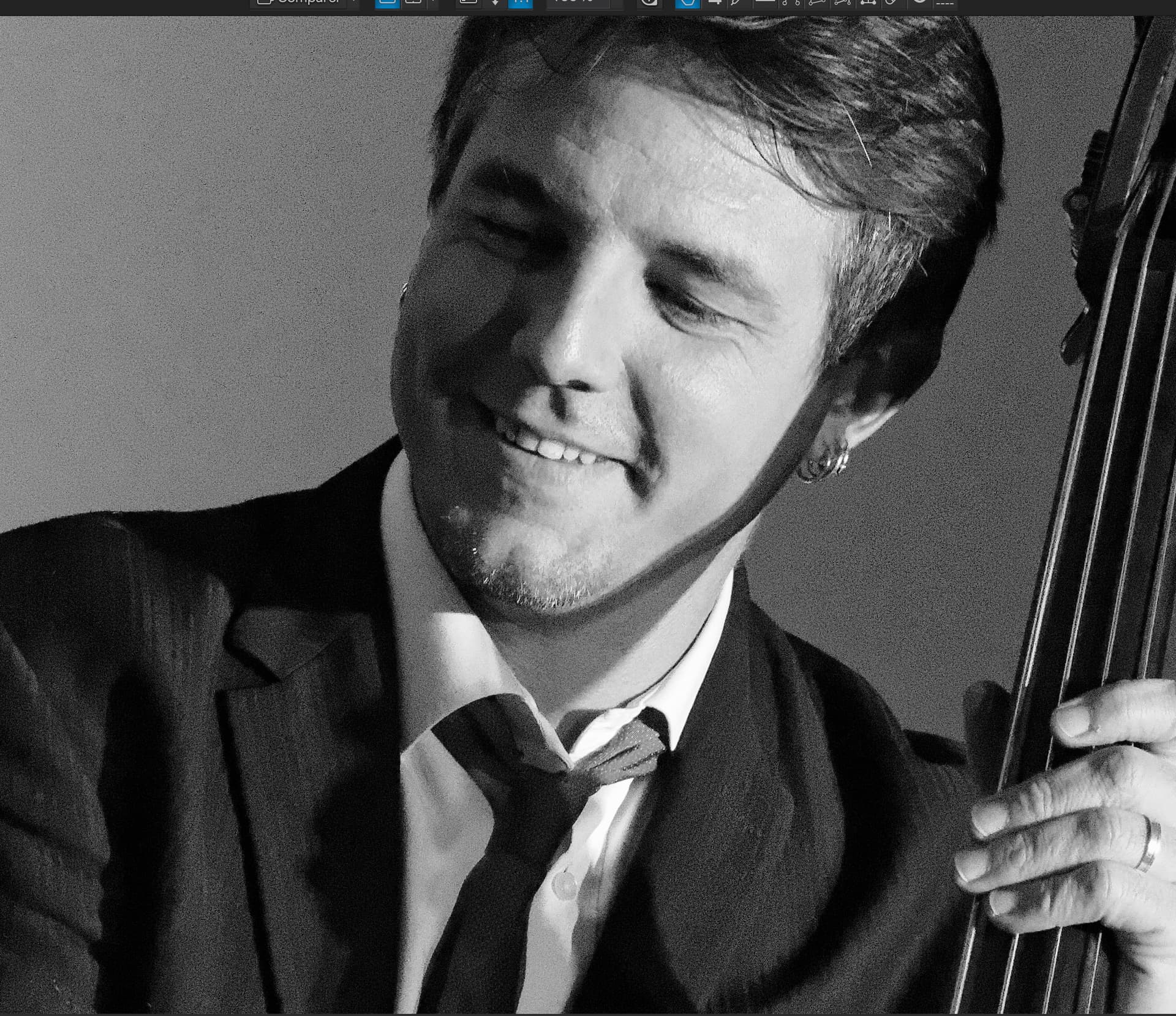
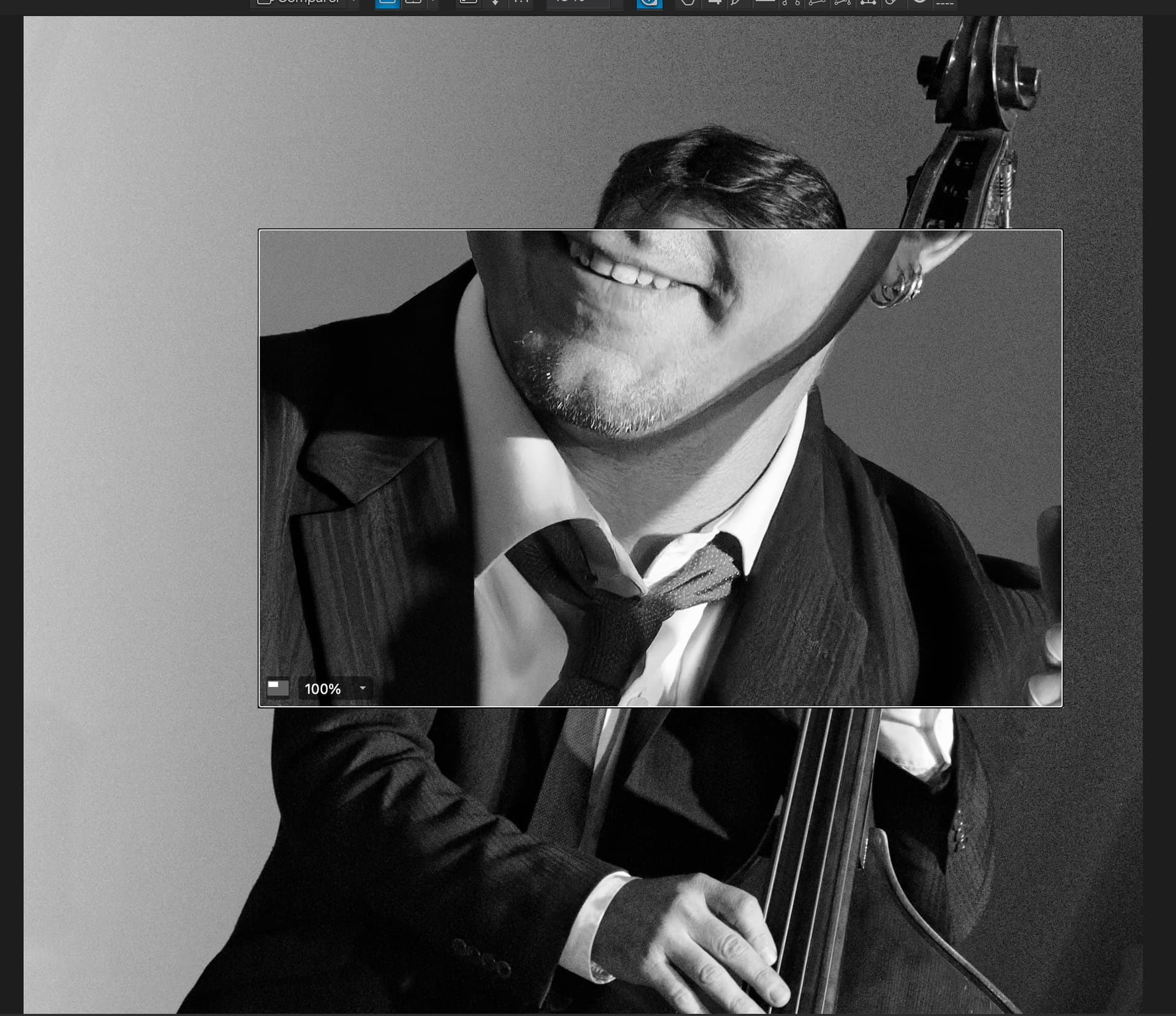
Currently DXO Photolab only shows a lower resolution view of your selected image, unless you zoom in to something like 75% or greater - so you cannot tell if an image is really sharp unless you zoom in. I would like an option to view the image in full resolution. Assuming this takes a lot of computer power (and that’s why it is not offered), a pop-up could explain that this may substantially increase time to view the image, depending on the computer/processor you have.
Reasoning: I often want to see what areas of a photo are in focus and what is not, and compare a few photos of the same scene/subject at different apertures. This is almost impossible with the way the software works now. Please give me the option to see the whole image as clearly as possible! I don’t care if it takes longer!
I have version 7, and I understand that 8 has a larger area loop. But I want to see the whole image, and be able to toggle back and forth between images. It could be that I am taking images at a slow shutter speed hand held, so I take a few shots assuming one will be really sharp. Or that I am trying a few f stops to see what the widest aperture is that I can use to get all I want in focus. (I know I could use depth of field charts, but that’s a pain). Either way, it just seems to me that you really have to see the whole image in its best resolution.
First, you need to use PL8 as the loupe makes a lot of difference. But, don’t rush into it because PL9 is just around the corner.
This needs a lot of power and you would end up waiting at every correction. I suggest you try out the free trial of PL8 to see if the loupe does what you need.
This is possible in PL8
It’s a lot easier to set up DoF before you take the shot than taking loads of shots in the hope that one might be right.
Thanks again Joanna for the very detailed and helpful response.
I have been waiting for PL9 to be announced - I was planning on buying it so I did not get too far out of date. The PL8 loop looks impressive, but I still maintain that to render the entire image in high resolution would not take that much computer power - assuming that they left off any intensive edits like the noise reduction. My old M1 Mac will display a RAW file in high res in less than a second.
You are probably right that I need more discipline on checking DOF charts, but sometimes I am just not sure on how much blur I want and where, so it’s like take two or three shots and see which one you like best.
Even if PL9 does not have any further improvement in what I want, I think I will still get it for the good loop function you so kindly displayed.