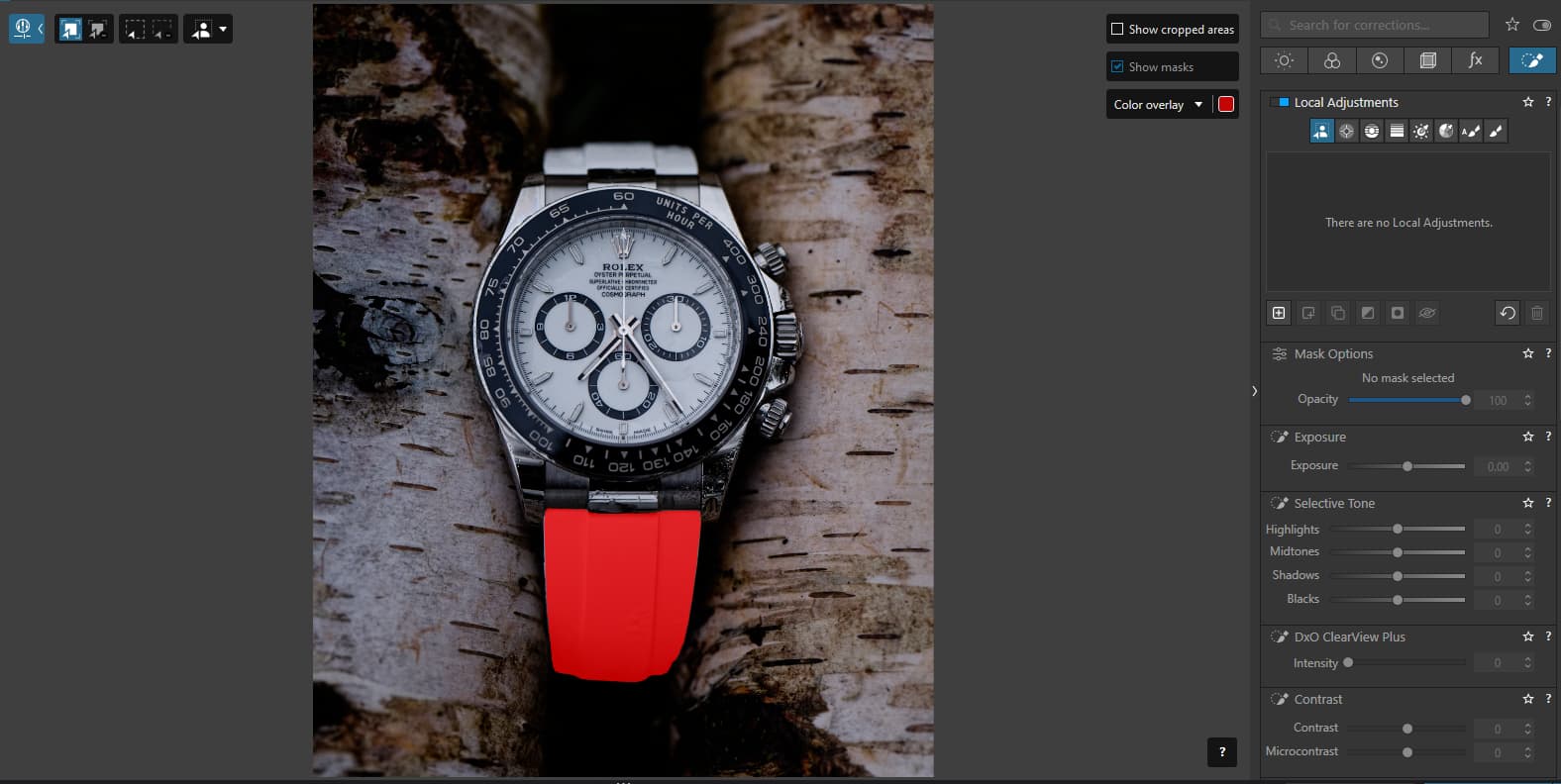
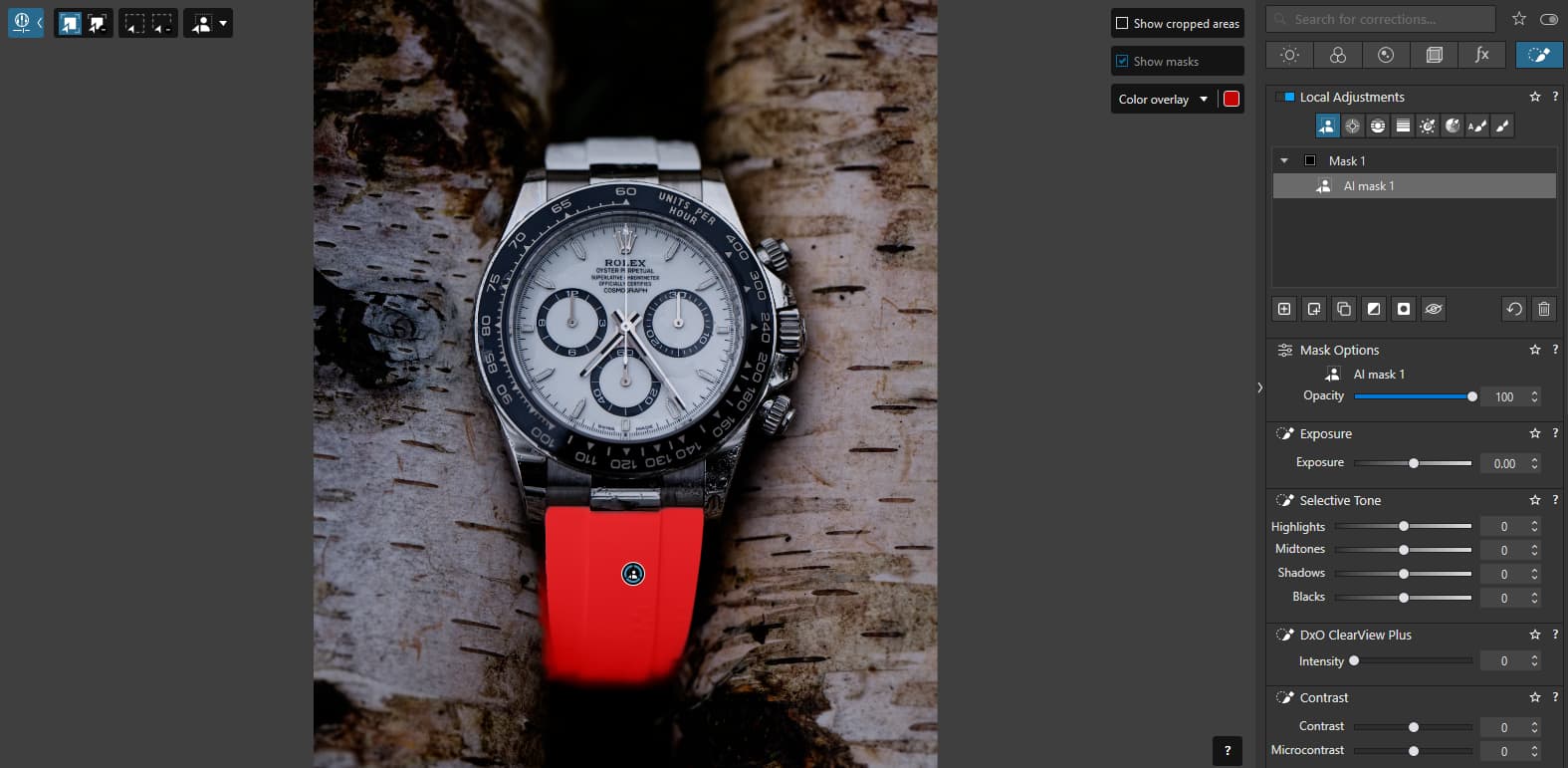
Yes it is normal operation, to avoid waiting time for selecting the area to be selected, PL makes a less precise mask.
Then once the area is selected the mask becomes more precise, but when the borders are not sharp, sometimes it overflows.
I’m sure everything will be improved over time, the question is whether or not the current behavior is in fact an “issue” or not. For example, could this be intentional? Could it be that the hover behavior shows you the basic item that will be selected but then the applied mask adds extra feathering so the result doesn’t look so artificial? Or is it more a case of mouse “jitter” where as I click the cursor is moving 2 pixels and that is actually altering what the mask selection would be? I find the selection to be quite “twitchy” even in terms of the preview. As I move a very small amount the red selection preview is changing dramatically in many cases. It’s an area where a little extra documentation would greatly help set user expectations.