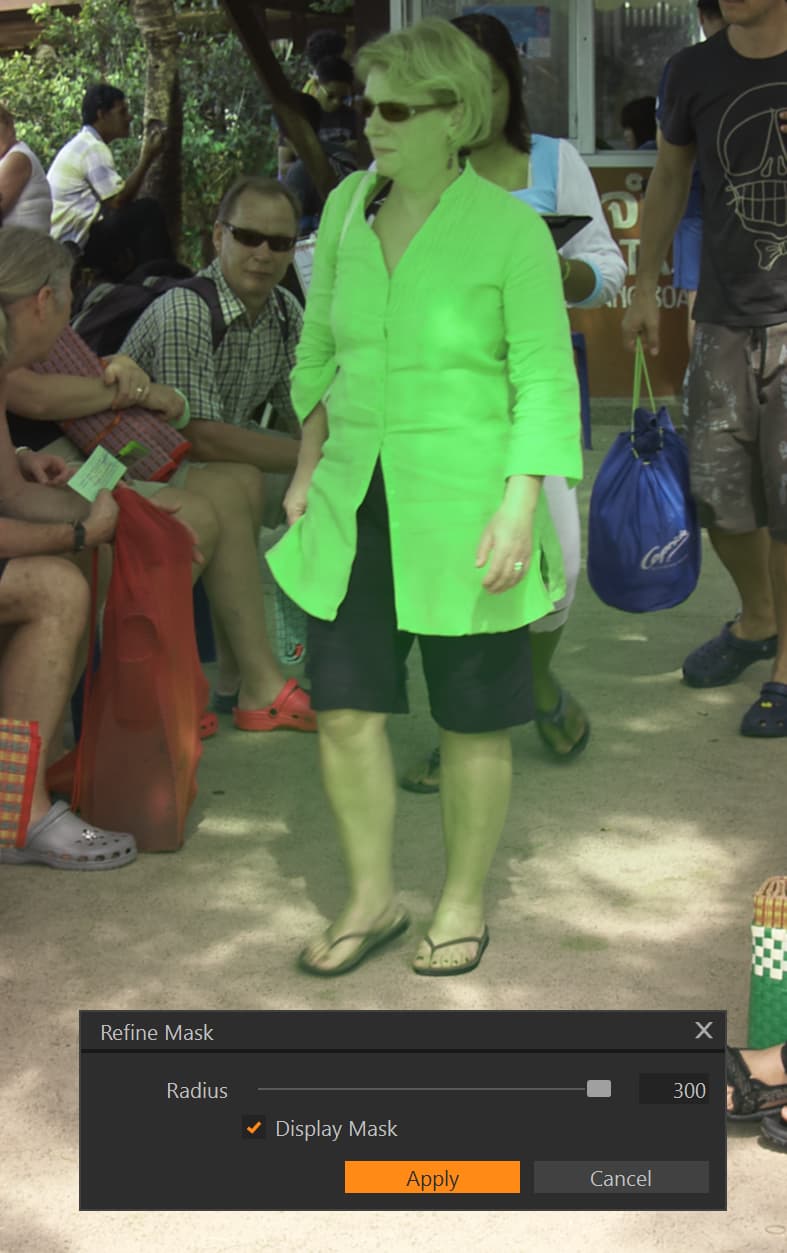
However, when used singularly and in combination with each other, I think we can now successfully apply masks in ways that many of PhotoLab’s competitors cannot. This often requires much more effort than a single click, but I don’t mind putting in the extra work to get the exact results I want.
I would disagree with that, for example, if editing portrait images I can mask things in LR in a fraction on the time it would take in PL9, and there some masking features that aren’t even possible such as intersecting masks and radial gradients, plus you can’t pick out specific people to mask or features of a person. PL9 can be more accurate for some masks e.g. when editing photos of monkeys I found the mask it created was better, particularly with all the hair.
I am sure it will get better over time but it’s certainly not at the same level of other photo editing tools yet. And you are also forgetting that not everyone wants to spend time painstakingly edit photos one at a time.
I have been a Photolab user for years, I tried the new version and was not overly impressed with the random errors and difficulty in using the AI masking, I will stick to version 8 for now and do any complex masking in Affinity Photo. It is a pain switching between 2 apps but I have found that Affinity is very powerful once you get used to using it (oh man what a learning curve). So come on DxO get it together and fix all the little things in PL 9 and I will gladly upgrade but not now.
Yes, DXO need to recognise that their “we don’t do anything until we can do it best” approach is fine if they can deliver, and deliver in a reasonable time.
DXO were late to add local adjustments and now with AI masking.
The competition have mastered AI masking LR, Capture One and even ON1.
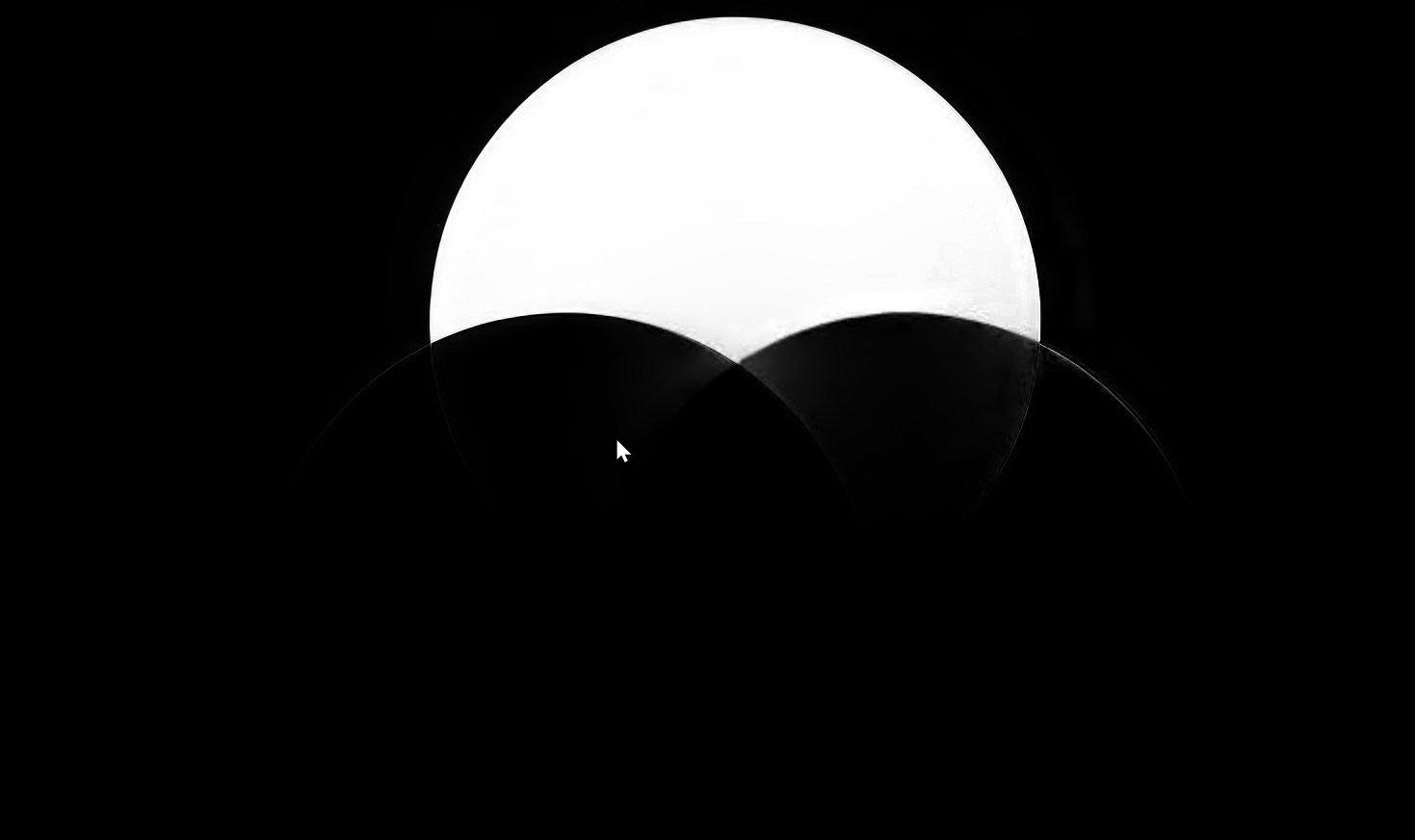
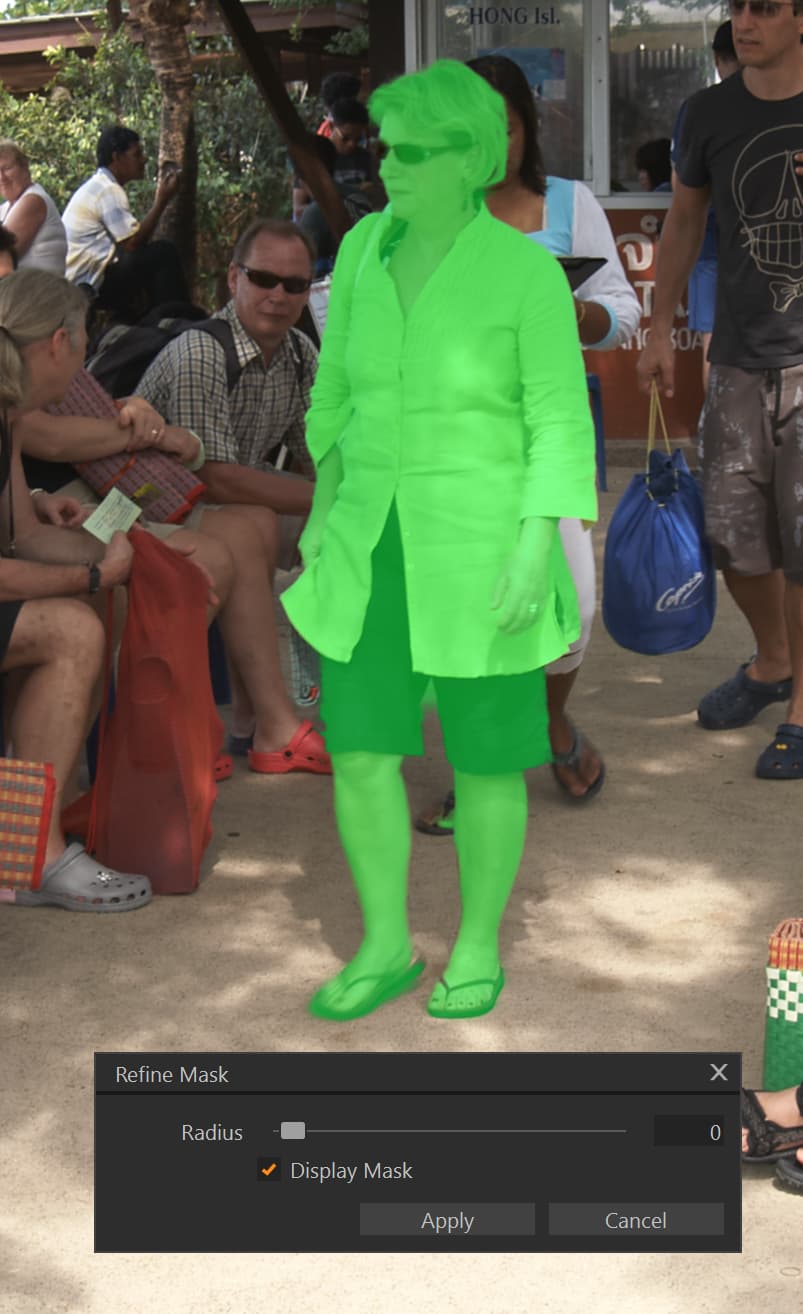
Here is ON1 on Joanna’s first example, 1 click:
Keep in mind that the whole ON1 costs 30% less than FilmPack and provides far more masking options than DXO including Line, Depth, Luma, AI, Sky, Subject, Background, Brush, Colour Range, Linear, Reflected linear and Radial, plus feathering and refining of created masks, Add, Subtract and Intersect masks. Oh, and pixel editing thrown in.
I’ve had every version of Photolab but DXO really need to wake up and smell the coffee. They don’t exist in a vacuum.
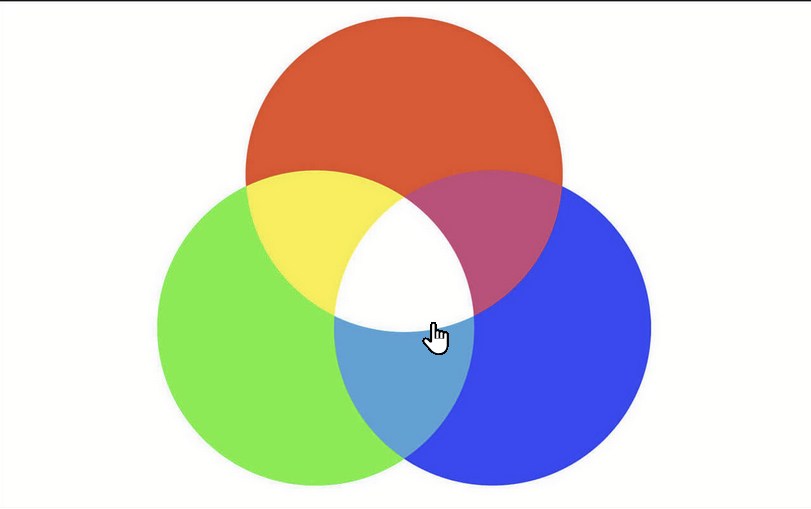
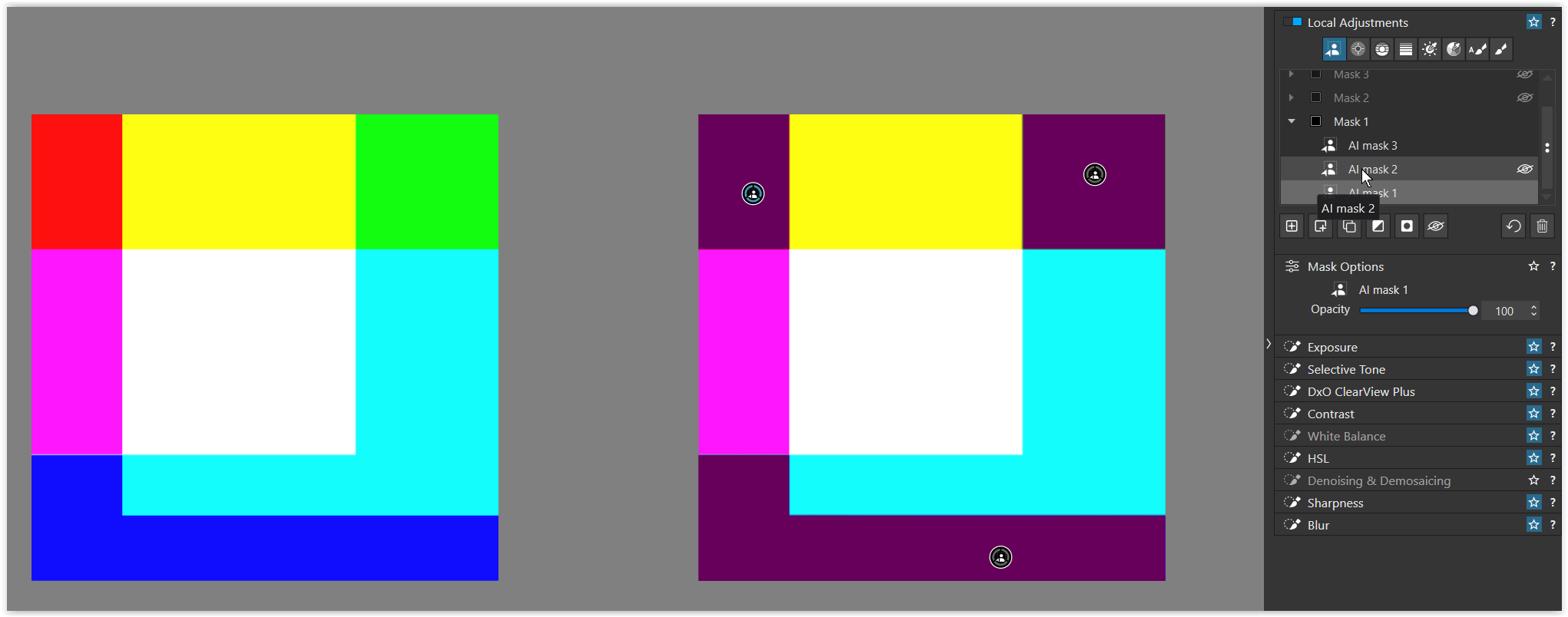
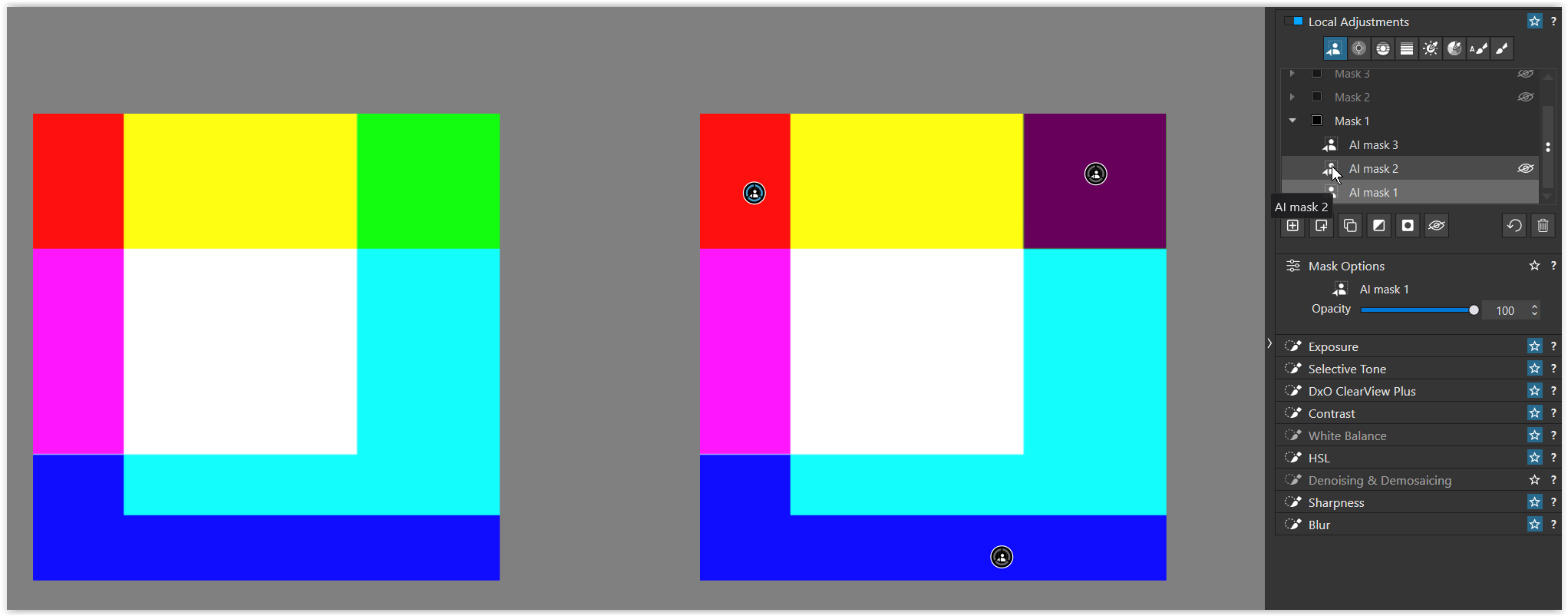
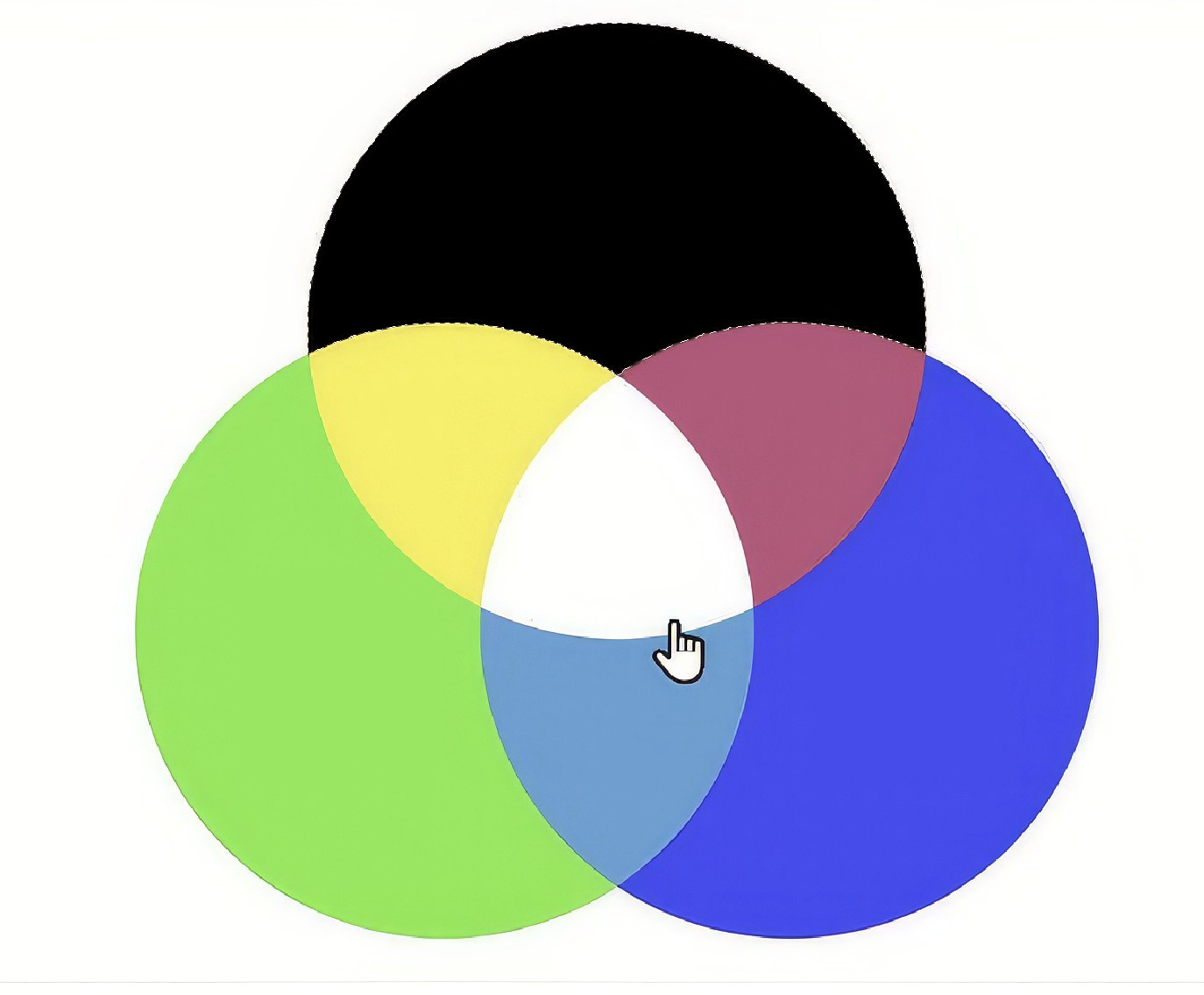
I guess DxO believe they don’t need to train their ML masking algorithms on venn diagrams but on real photos instead.
Different companies position themselves based on strengths and uniqueness.
Affinity is a few days short of releasing their new suite. Let’s see if they do their job right.
I use affinity as well but not for photography as they lack too much in the workflow process.
For pixel editing images they are great but not the way I feel comfortable with.
For others it’s probably the other way around. Or they feel the same and stick to one of all the other options that might fit them good.
They should also position themselves based on consumer needs.
It’s all good and well having some fantastic USP, but it needs to outweigh the drawbacks of (in the case of something like this) having a tool that is released later than the competition, works less effectively than the competition, and is a hideous performance hit - to the point people are talking about either not upgrading to your latest release, or not using (AI masking) with PhotoLab because the benefits just don’t outweigh the drawbacks.
If that’s the case - and it certainly seems to be - it’s time for some hard introspection and work to put things right.
I’d take DxO’s strengths over ON1’s strengths any day. I owned a (steeply discounted) ON1 license for a year but never used it because its problems were fundamental and insurmountable. I bought it on the feature list and abandoned it on the results.
With all due respect that comment is not realistic. Basic shape recognition is fundamental, and more importantly, be easy.
Here is the result with C1 and I am sure Lighroom would produce a similar result. Worth remembering that ON1 and C1 both allow refining of any mask and also have more sophisticated capabilities such as intersecting masks.
I have used every version of DXO Photolab but that doesn’t mean that I can’t see where DXO are lacking. They were late to AI masking and not unsurprisingly, it shows. Hopefully either through point releases, which are free or we have to wait for V10, these deficiencies will be fixed. However, without major effort by DXO to focus on the priorities of where the industry is going, they will still be behind their competitors as they will have again moved on.
I looked at ON1 a few years ago and couldn’t get on with it. However, I recently looked at ON1 as a replacement for Affinity Photo for my limited “pixel editing” requirements.
I primarily use C1 as my main raw converter but DXO is necessary for high ISO shots and for when optical corrections are necessary.
I have been surprised by ON1 2026 capabilities, once you recognise that you can’t use DXO like Lightroom and you can’t use ON1 like C1 or DXO.
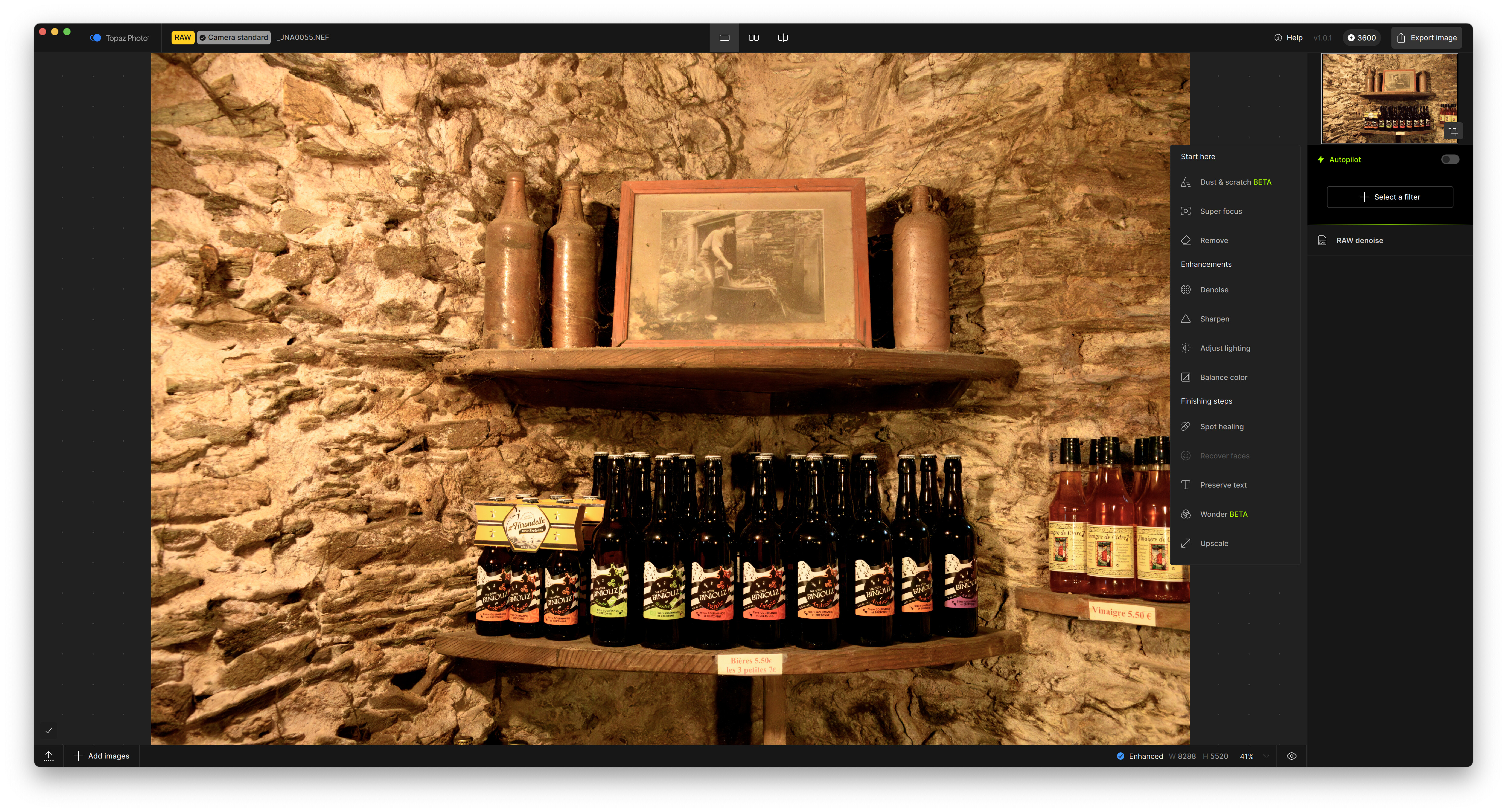
For anyone who has limited need for “pixel” edits it is worth looking at ON1 PhotoRaw 2026. Also it has resize capabilities, again worth looking at if you don’t want a subscription to Topaz. All at a bargain price.
We will find out soon what the future holds for Affinity.
And just as importantly, a completely different branch of computer science than machine learning.
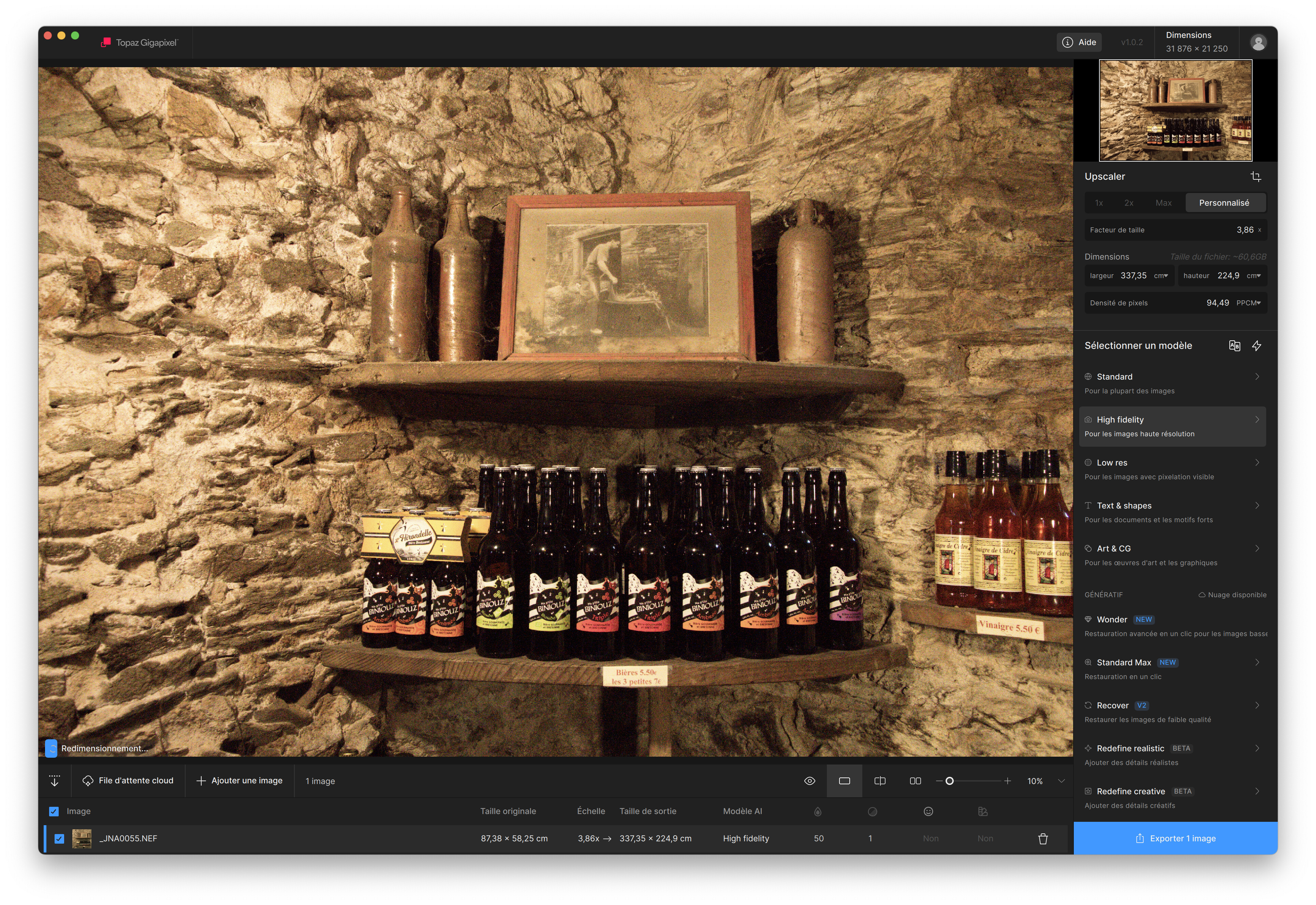
Take a look at Topaz Gigapixel which has a separately trained model for “graphics” because models trained on photos (which is all DxO should really be concentrating on, in my opinion) don’t do well with flat colours.
Perfect when I shoot Venn diagram or other test charts and really wish to post process my creations.
Yes a bit ironic but I get your point. Yet I don’t see the need for that functionality in PL. although better masking of real world photos is always appropriated.
Despite the subject. If it works, that’s curious, even interesting, but hardly important. Even @Joanna’s example of a graphic logo on a building will not have flat colours. There will be materials, lighting, reflections, and more. In other words, the real world, captured in a photograph.
Stenis
(Sten-Åke Sändh (Sony, Win 11, PL 6, CO 16, PM Plus 6, XnView))
39
Yes, that is exactly what Capture One has had for a long time - it´s called “Refine Mask”. Even Photolab need to be “Refined” in general or maybe “polished” is a better word. It needs som “sanding” and I´m not really surprised after such a big upgrade.
It is handled just with a simple slider. It is often good for refining edges but maybe this would not be enough to handle Joannas case. In some more tricky cases it is often better to use Luma or HSL. You don´t always use to use a chain saw just because you happen to have bought a new one when it is actually is more appropriate to use a knife or av axe.
I see many cases now when to use the older tools or a combination of AI and something else.