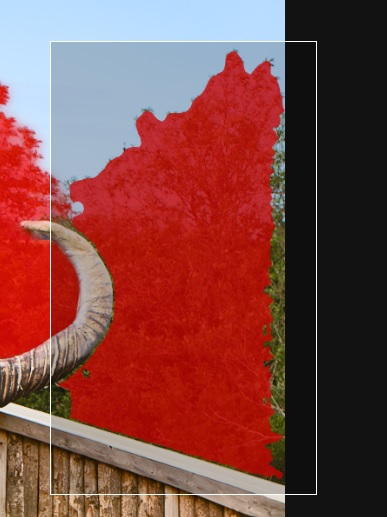
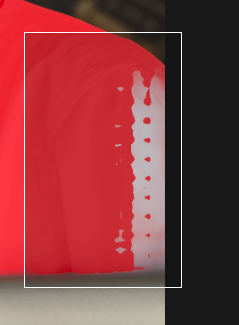
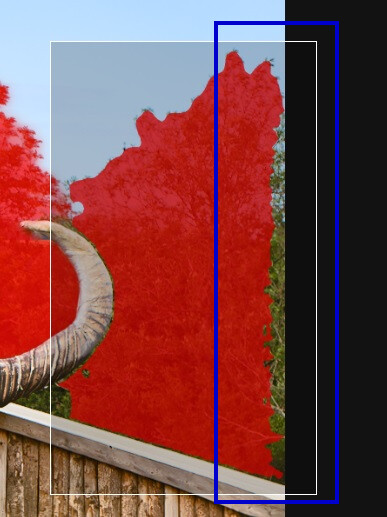
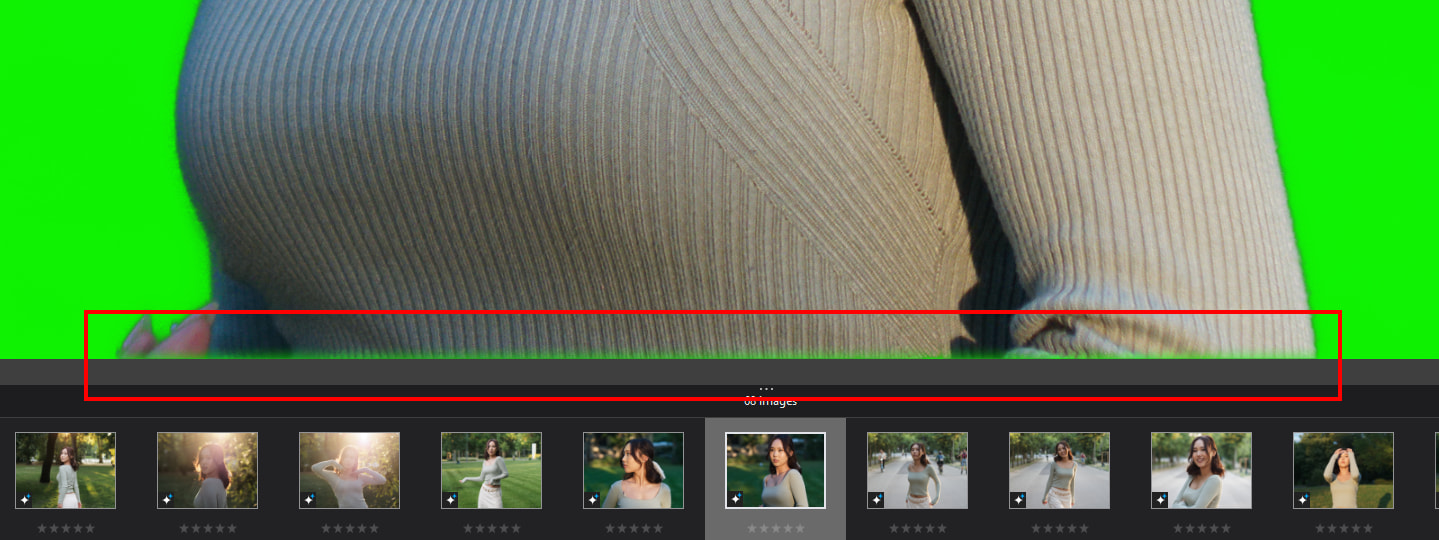
While masking an area using AI using “area selection” (the rectangular box you can draw on your image to specify what you’d like to mask), I’ve found in some situations it refuses to consider anything close to the edge of an image e.g.:
No matter how I positioned this selection box, it wouldn’t select the very edge of the trees in the background, although it understood perfectly that I wanted the trees selected up to that point.
I tried it coming from both directions and it didn’t make any difference, in the end I painted the area in with auto-brush, but it seems strange that the detected mask stops in a near-vertical line there, where there’s clearly “more of the same” to mask and the selection box is well over that area.
mwsilvers
(Mark - New Jersey, USA, Win10, RTX 4060, PL9, FP8, VP5, Nikon Zf )
4
I am on Windows 10. I have been unable to reproduce the problem you are seeing . I tried recreating it on several images. Since you indicate it does not happen all the time I will report it If I see something similar.
mwsilvers
(Mark - New Jersey, USA, Win10, RTX 4060, PL9, FP8, VP5, Nikon Zf )
7
PhotoLab 9.9 was released today. Which version were you using for this latest example? I just updated to 9.9 this morning. I will try testing again to see if I can recreate your problem with some images that closely resemble yours. Up till now I have not seen this problem.
Personally i not encounter this “edge” (border) case, but in the cases of “trees” , “bushes” - where small ‘textured’ the image - the ‘area selection’ behave a bit differently than “human” expected - but in other hand, usually ‘i see’, why its works with 'that way".