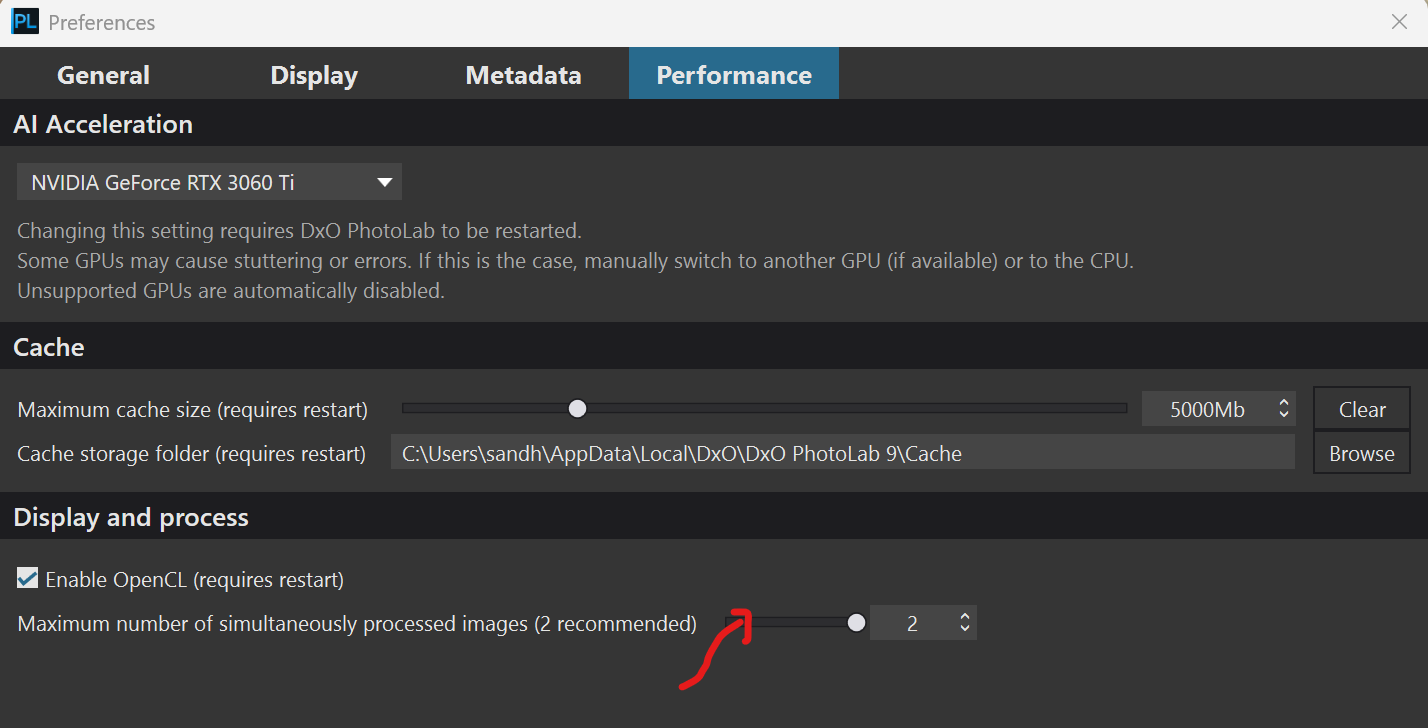
Tried increase cache size (12 Gb) and CPU only. Still crashes
People here are going to need more details about how to recreate the crash you experienced if you want any help in resolving your problem.
Cannot say very much unfortunately. It randomly occurs.
But selection is sluggish on every picture I try. Is the computer too slow or memory too “small”?
Surface Pro 9. (Win 11, i7 1265U, 2,7 GHz, 16 GB). Trial version just installed.
I open an image (JPG). I click the AI mask tool. “Full preview in progress” shows up. After some 20 seconds an empty dialog comes up. I have no clue as to what it would say ( it’s empty). Upon closing the software closes.
@Uwik this is an end user forum. I would suggest you open a support ticket with DxO https://support.dxo.com/hc/en-us/requests/new
I assume you have checked the PL9 release notes?
1 Like
In the release note, it is noted that there is a bug with the NVIDIA 58x.xx version and that it is better to use the 57x.xx.
This problem should be corrected as soon as possible.