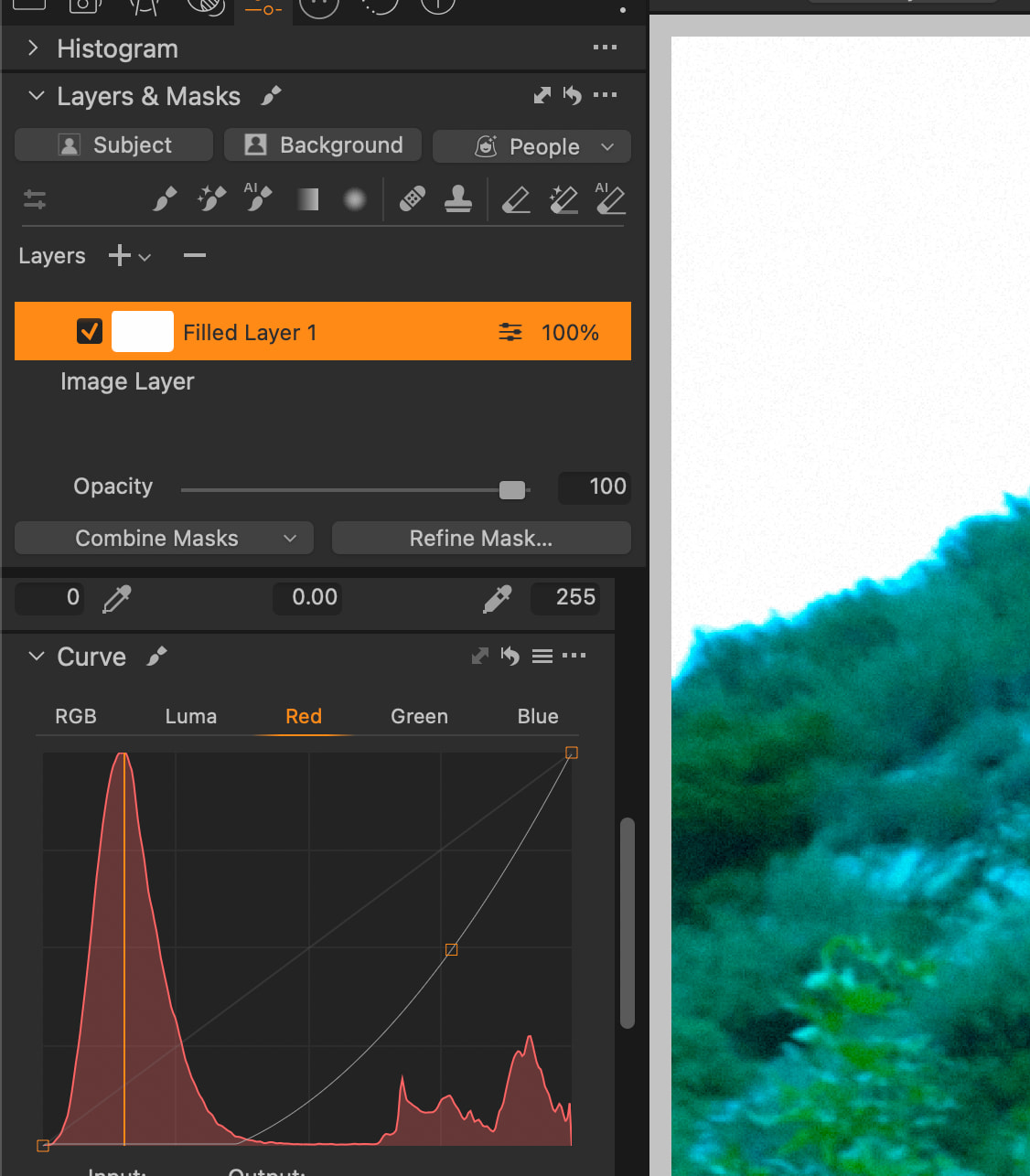
I have yet to download the PL10 trial, but I haven’t heard anyone gushing about how PL now supports, say, curves, in the local adjustments pane, so I’m guessing this oft-requested feature is not there. It’s even less likely that PL10 adds local adjustment support for Fine Contrast, something I really miss (you need to Film Pack to get this).
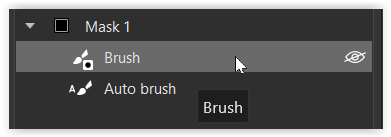
I feel like the local adjustments UI is the barrier. I have four panes that deal with global adjustments and just one for local adjustments. On that latter pane, DxO has to squeeze in—or omit—the adjustments from the other panes. The tendency is to exclude all but the most important.
I’d love to see DxO reverse that—each mask gets access to every adjustment except those that either don’t make sense (geometry) or for which there are technical limitations (demosaicing, color model, etc.).
The workflow would be somewhat different—you would have to make one mask the “current” one to which adjustments are applied. The local adjustments pane would then turn into just a mask creation tool.
This workflow might be more awkward to use, I realize. I’d still go for it.
In my mind, the program would generate a default mask for each image, something that selected all pixels at 100%, and then make that mask the currently selected one. For images for which you make only global adjustments, the change would be unnoticeable. However, I could delete that default mask if I wanted (if there are no masks at all, then only truly global adjustments would be available) or create multiple masks where all pixels at selected at 100% (you can do this today, but you only get limited adjustments on the masks).
What do people think?
The alternative is to have to continue to beg DxO to add adjustments to masks. They continue to improve the ability to create masks; they are just not allowing me to make all globally-available adjustments to those masked pixels.
The prime features I miss are, as I’ve mentioned, Curves and Fine Contrast, but (as an example) I might want to select some pixels and apply a different color rendering model. I can live without that, but it seems like an opportunity lost.
The workaround, by the way, is to generate multiple virtual copies of an image, and then do the masking and blending in some other tool, which might not have the same masking capabilities. So PL might have some fancy AI sky selection that I can’t use if I want to perform certain adjustments to the sky.