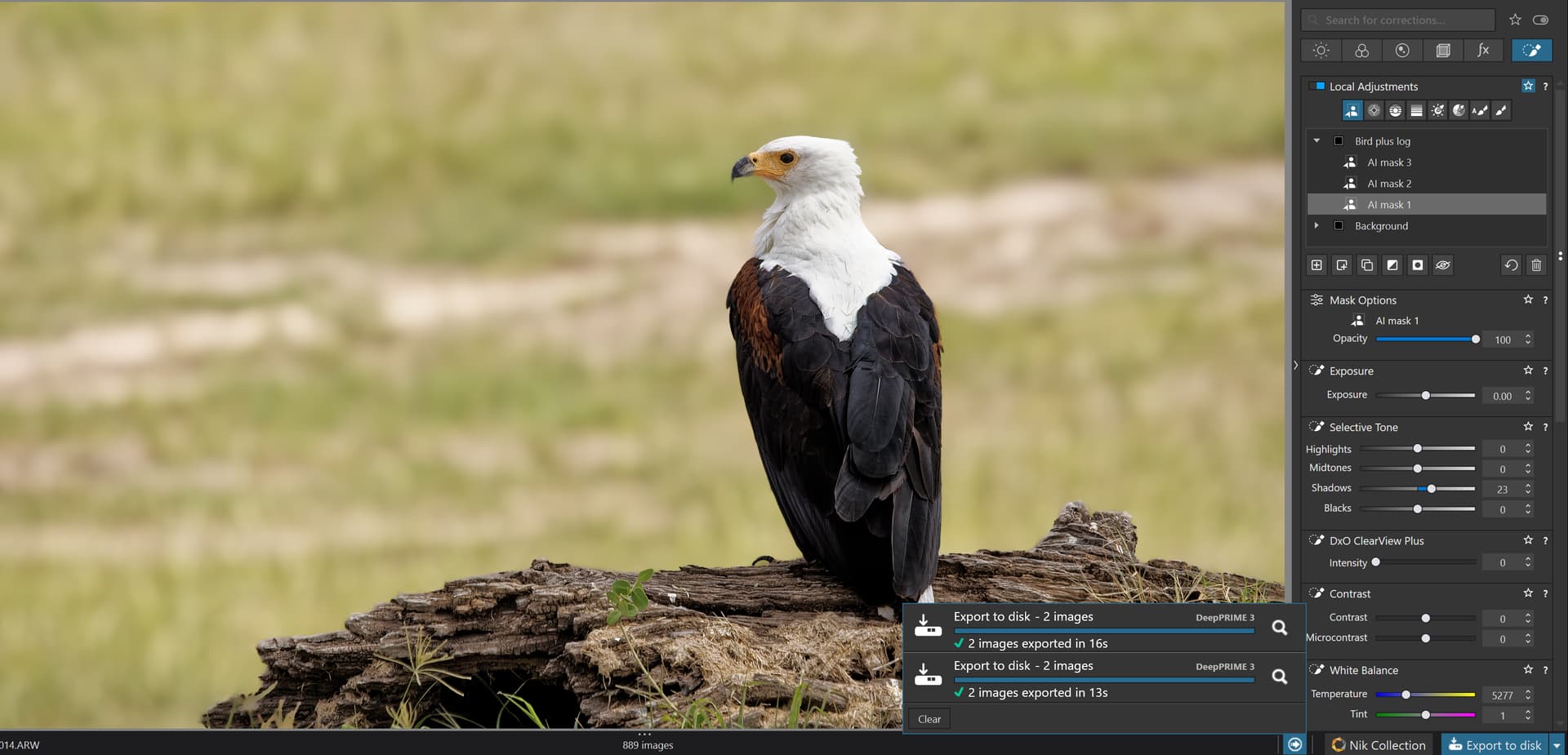
Below I have tried to compare a picture made by just freely hoover and click an area and add three different parts: Background and then the bird and the log (with two submasks). I have desharpen and blurred the background and sharpen the bird. With this method I see no problems at all using Photolab 9 and it is really fast and responsive too when working with the picture.
I have exported two JPEG in 100% quality - one in full size and one in 4K. The first took 14 seconds and the reexport took 13 seconds.
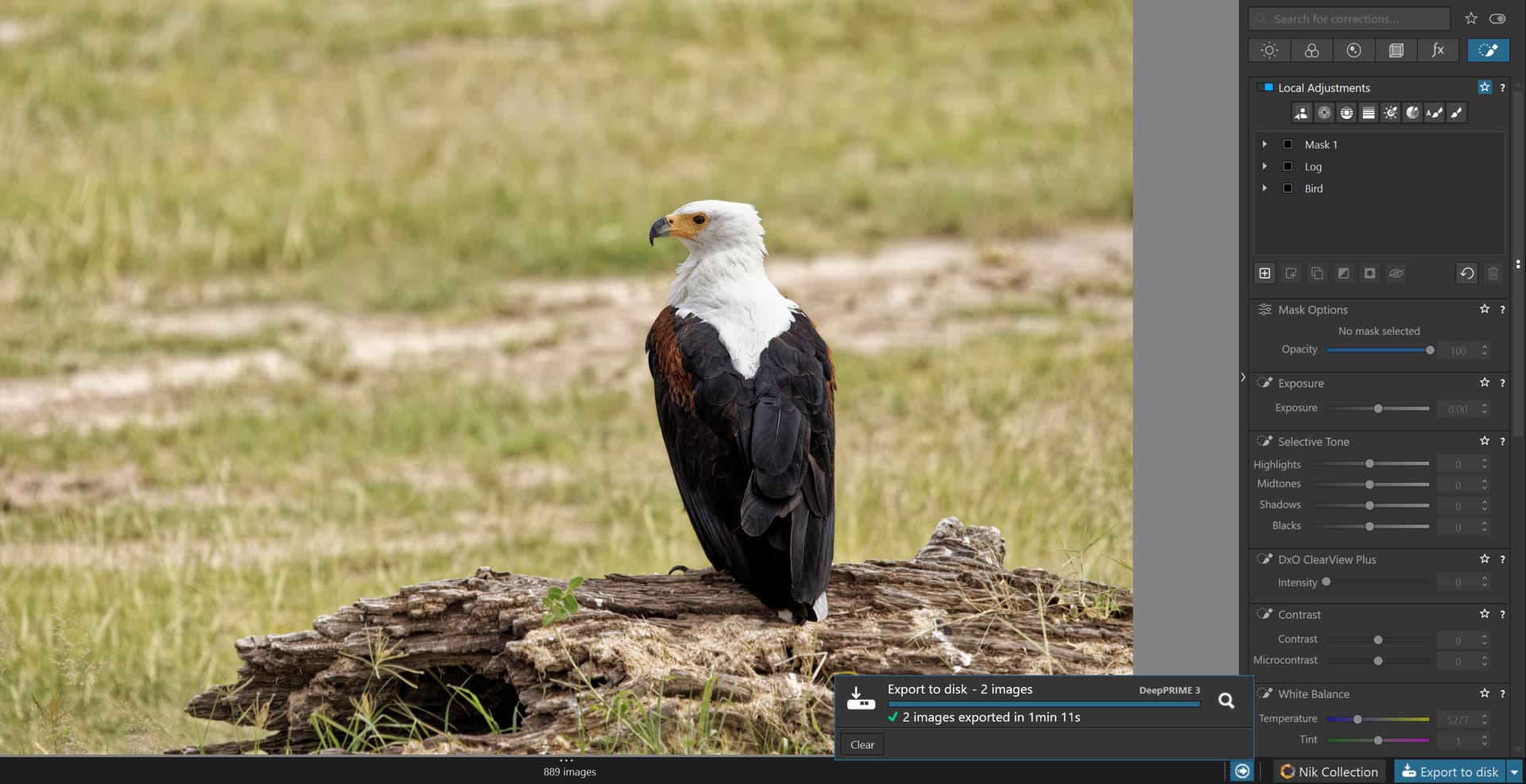
Below I have masked the same areas but using two of the premade AI-masks instead (Animal and Background). I had to mask the log on free hand because that was the only way to do it. I added about the same changes to each mask as with the first one before exporting two JPEG in 100% quality - one in full size and one in 4K.
BUT and here is the BIG thing:
The first two exports of the two images made with the AI freehand masking-hoovering-click select-method on the upper RAW took 14 and 13 seconds to export with Deep Prime 3 and the changes I had applied to the masks.
The third export of the two images made with the AI-predefined masking preset method on the lower RAW took 1 minute and 11 seconds or 71 seconds to export with Deep Prime 3 and the changes I had applied to the masks.
it is 5 times longer export time. So, I see this a very clear example of how much more demanding the premade AI-masks are for the system resources to handle.
The lesson I take with me from this little test is that I will always better use the freehand hoovering method instead of the premade AI-masks when working with a single picture at the time. It is faster and much more efficient in all respects both when editing and printing and it will protect you from pushing your system to Internal Error crashes and repeated reboots.
It also has to be said again: I´m using a Windows 11 machine with 16 GB RAM and an Nvidia Geforce RTX 3060 Ti with 8 GB VRAM and Photolab 9 .0.2. which is the last version today 20th september. I´m using a 17 generations old GPU-driver because it is the one that has proven to be the most stable so far (not the one recommended by DXO but version 572.83).
With using the Add-selection and/or Add-area tools with the freehand-hoovering-select-method I have no problems what so even with speed. responsiveness, printing or exporting no matter what I do with the pictures AS LONG AS I DON’T USE THE PREMADE AI-MASKS IN THE DROP DOWNLIST. Using them today might seriously affect both your productivity and/or your system stabilityy.