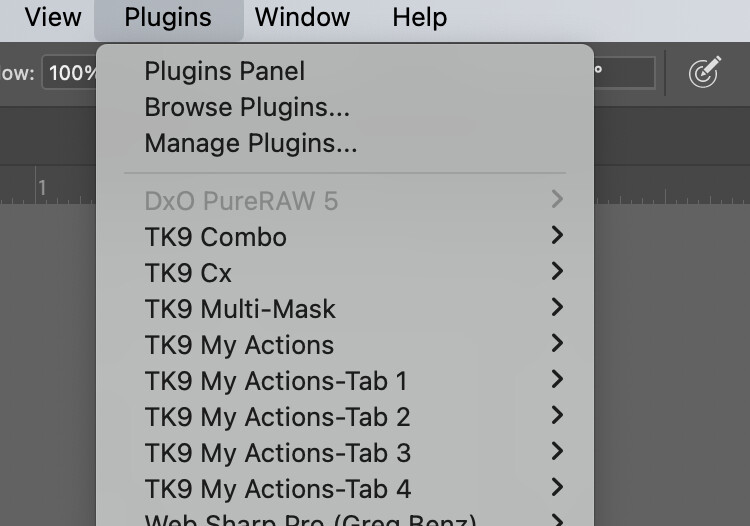
In PureRaw 5.5 you should create a smartobject and export this to PS.
I tried it as shown in the description but the file isn’t transferred to PS2026.
Instead an error message opened:
The command could not be completed because a program error occurred.
I am using open as a smart object in PS from Lightroom, then trying the DXO plug-in option.
Also tried opening in DXO pureraw and export to PS.
I can’t find any useful documentation on the correct way to use this as a PS plug-in.
I understand that the workflow only works if you open the raw files in PureRaw first.
Since I generally start with Lightroom and only then use PureRaw and Photoshop if necessary, this new feature is useless for me.