Exactly. On Windows, I have 150% on my 4K screen, and everything is perfectly legible in PL.
1 Like
I’ve been not commenting because the issue was on a mac and I’m a win user (so far, anyway) so I thought that mentioning how to enlarge text without changing resolution on Windows would be the opposite of helpful. Not surprised to learn that Mac can do the same thing. Gotta wonder what else can be changed on the Mac that changes app UI ‘themes’ (or whatever they’re called in the mac world…?
Recent macOS used to have three main themes and ways to change colours of UI elements. macOS Tahoe has added a few more things as can be seen e.g. here.
How far apps adopt such settings depends on what a developer has foreseen in the app - and PhotoLab is fairly limited in this respect.
I, too, am frustrated with the lack of contrast in the palette text in Photo Lab 9. I’m a Fujifilm-centric Mac user with a 27” 4k regularly calibrated ASUS Pro Art monitor and my 65 year old eyes struggle with palette text. It would be great to be able to at least control the palette contrast without having to futz around with system settings (which is not an acceptable way to make adjustments since it effects the images as well).
I much prefer what I see in the palettes in Lightroom Classic and On1 Photo RAW 2026, both which I also use. MUCH easier to read. However, I’d prefer to be using Photo Lab as my primary editor because it’s RAW images are, IMO, rendered much more accurately and cleanly compared to the others, but the visual struggle with the palettes is real and makes Photo Lab laborious and unappealing to work with.
On Win11 using 175% on my 4K 27" monitor – it’s OK, 150% was slightly too small for me.
No, on my Mac, this makes everything bigger, not just “UI elements of an application”. More importantly, “100%” view of images is actually smaller unless the scaling is exactly 50% or 25% of native.
Here’s 100% view on 4K
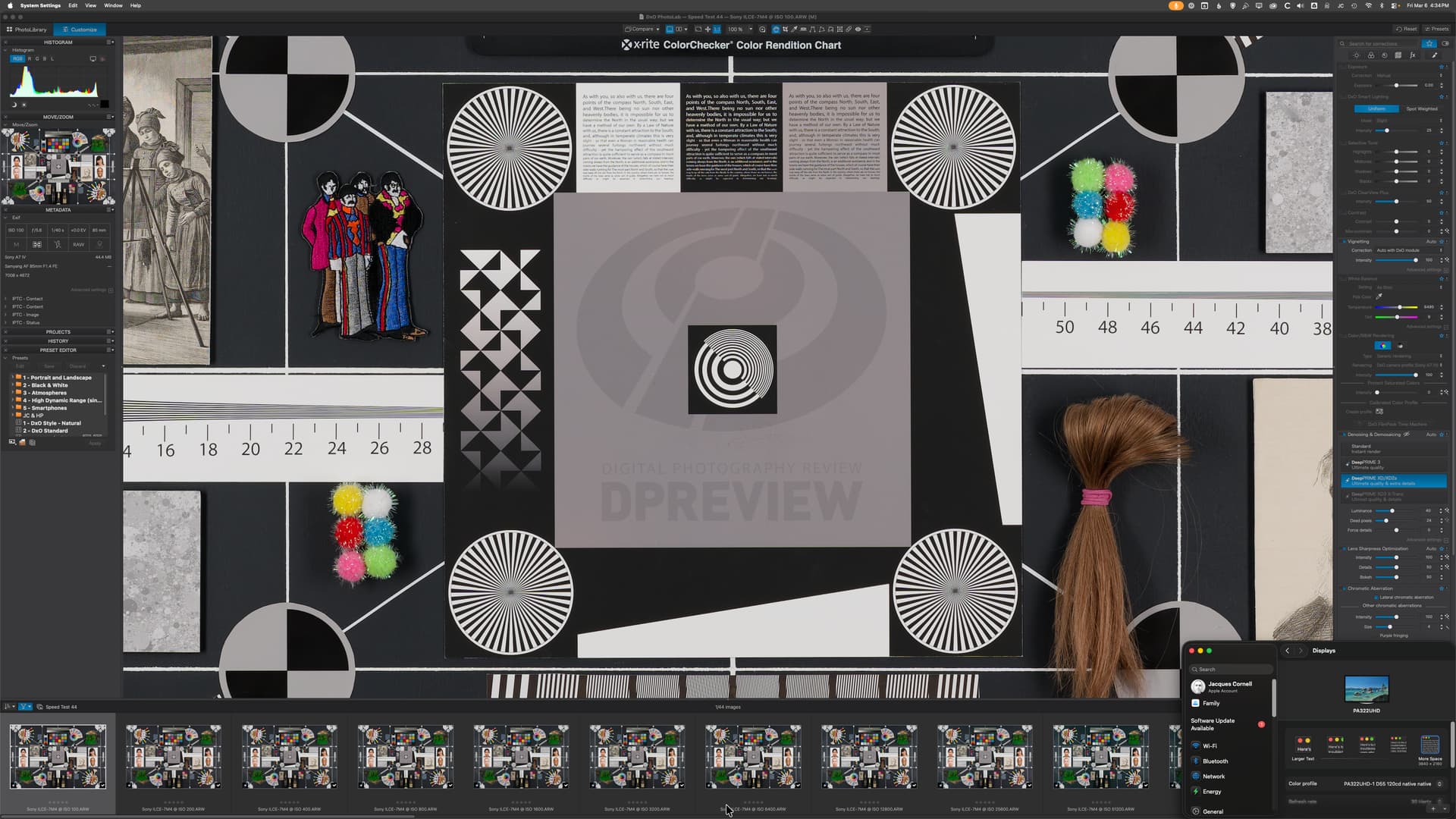
and on 3008x1692
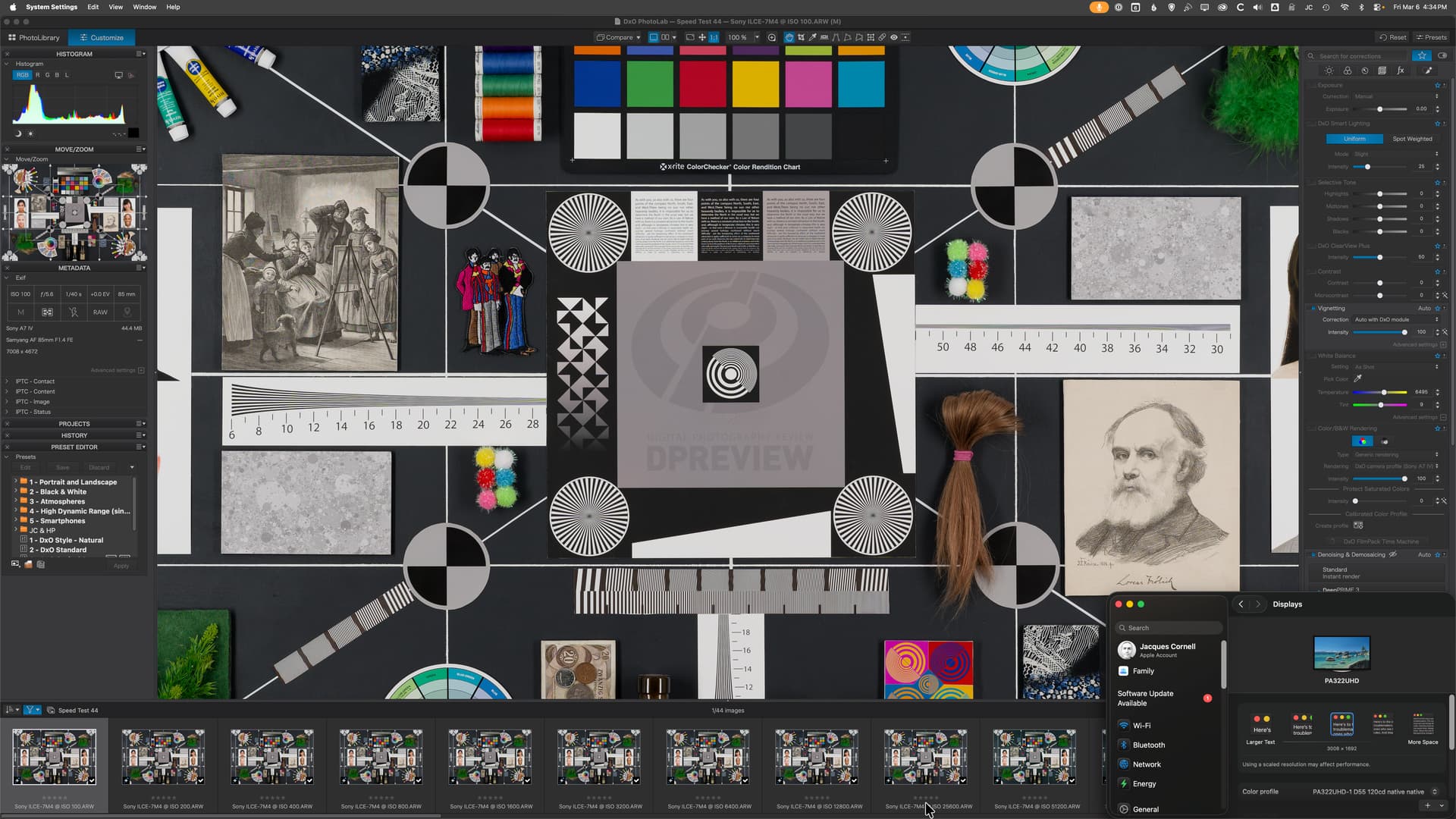
You’re right, it does make everything bigger.
But the main point being that it doesn’t mess with how the image is resolved in terms of pixel density.
i.e., you’re not going to get a situation where an image is pixelated or where you’re not taking full advantage of the “retina” or 4k spec of your display.