Well, as you know, an explanation takes much longer than the actual implementation.
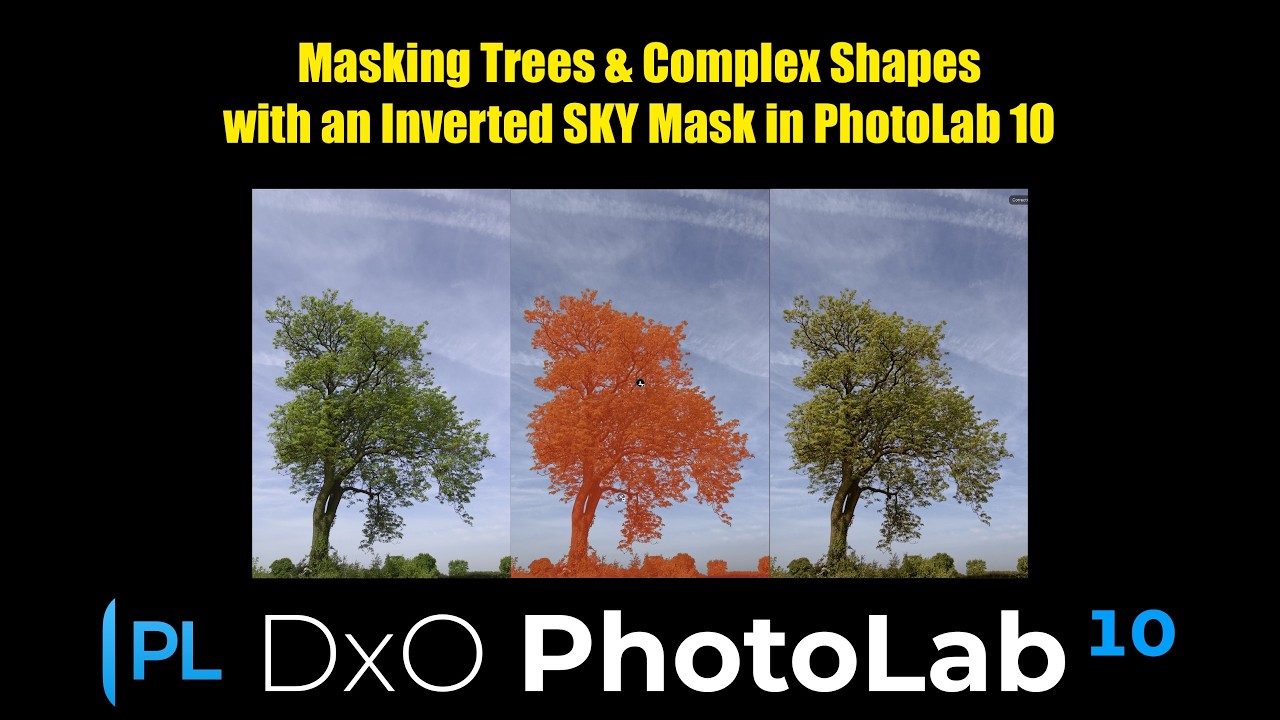
If you follow the author closely (I found it difficult to follow his explanations at times), you understand why he simply darkened the existing image and then applied this inverted (and refined) sky mask to the subject …
For me, it was about finding an efficient path to the result, rather than clinging to something that was supposed to “work.” – Simply use what works best for you.
I followed closely and for a very long time (6 or 7 minutes just to say he was going to say something - for beginning - and so on). Lot of talk and time, no lot of informations …
No problem with this way of doing things. I proceed like this sometime (depends what seems most efficient for a given image).
But should be explained in 5 mn. Not 30 mn !!!
mwsilvers
(Mark - New Jersey, USA, Win10, RTX 4060, PL9, FP8, VP5, Nikon Zf )
23
Exactly. I was getting bleary eyed and losing interest after the first 10 minutes of nothing worthwhile. I completely agree that a five minute step by step procedure was all that was needed. Since, I didn’t care for his approach for my workflow, it was a complete waste of my time.
Mark
30west
(Gary (Fujifilm xt-5, Mac Studio M2 max))
24
I appreciate all the thoughtful discussion on this matter and my “take away” is that there are other techniques available to “manage” sky portions of a photo, but none of this really refutes the fact that the actual AI Sky Mask is worthless “as is”. It’s somewhat amazing though, that the AI “person” mask is perfect (or almost) at getting hair separated from background that I would think the same process would work for trees or other fine detail with a sky. Again, thanks for a great discussion.
DxO may have temporarily set ai sky mask aside because, as PL has other relatively effective tools for this purpose, it is possible to do without it (- though not in an efficient automatic batch process : with current working ways to mask sky, any image of a serie must be set to get the mask right - so far from ai efficiency -) in order to focus on what PL lacked entirely.
Let’s hope it becomes effective.
I seem to recall reading on the forum (though I can’t remember where) that support had replied it was a design choice. If that’s the case, they need to include instructions on how to use this so-called design (which is more or less useless at the moment)… Lets hope this design is not only to put the word sky in the list because other softwares have sky in the list …
30west
(Gary (Fujifilm xt-5, Mac Studio M2 max))
26
Agreed! The “practical” solution (for me), rather that spend too much time with other PL techniques is to simply export and do the sky in another app (ON1 or Luminar), which are (IMHO) inferior products, but can fix the gaps in the PL process. Occasionally, I consider switching to Pure Raw (which is more costly than upgrades to PL) with the workflow of simply completing edits in ON1 or Luminar. As I may have stated elsewhere, I generally do everything I can in PL, then export Jpegs which get imported into Apple Photos for the availability of those photos on all Apple Ecosystem devices. Once in Apple Photos, one can use extensions (ON1, Luminar and others but NOT DxO) to further refine or re-tweak as desired.
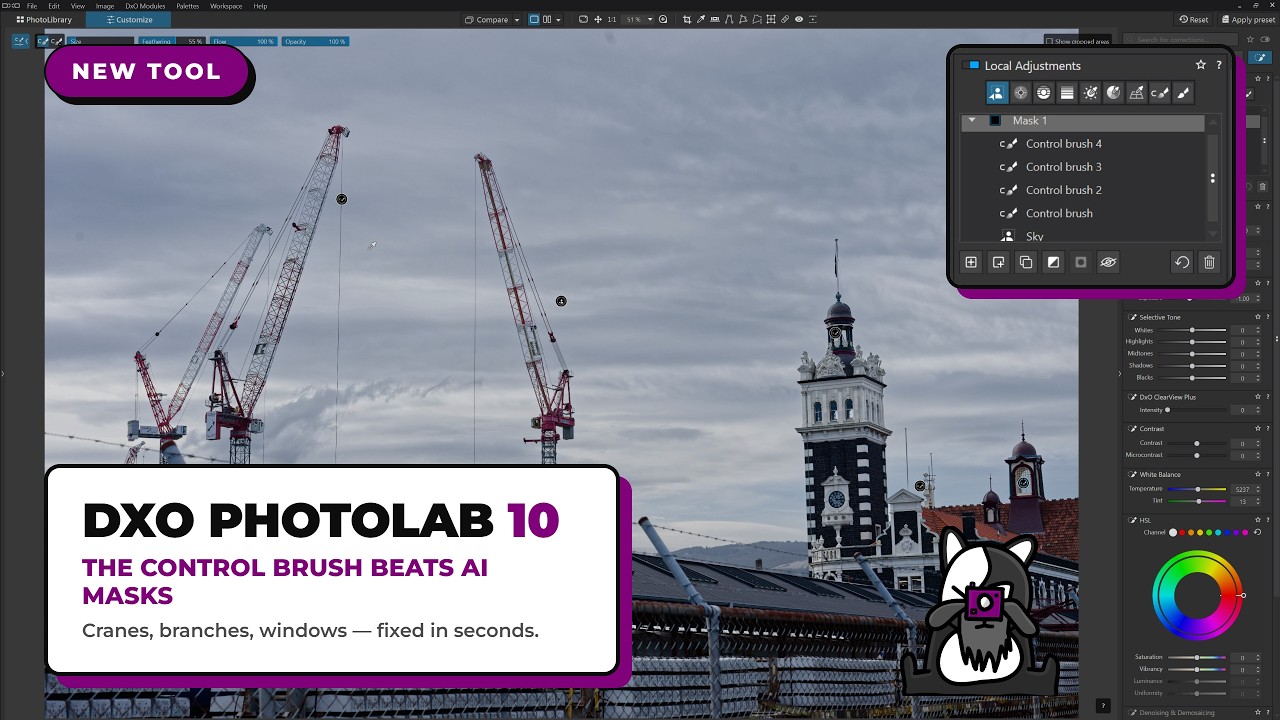
I’m an amateur so my experience with other RAW editors is rather limited. But I just found this video on using Sky Mask and Control Brush together and OMG I tried it and it worked amazingly well. Hadn’t known you can click the tone value you are targeting before brushing either. Brilliant!
Makes the upgrade price worth every cent IMHO.
I’m interested what you pros think of this technique.
and from my later comment
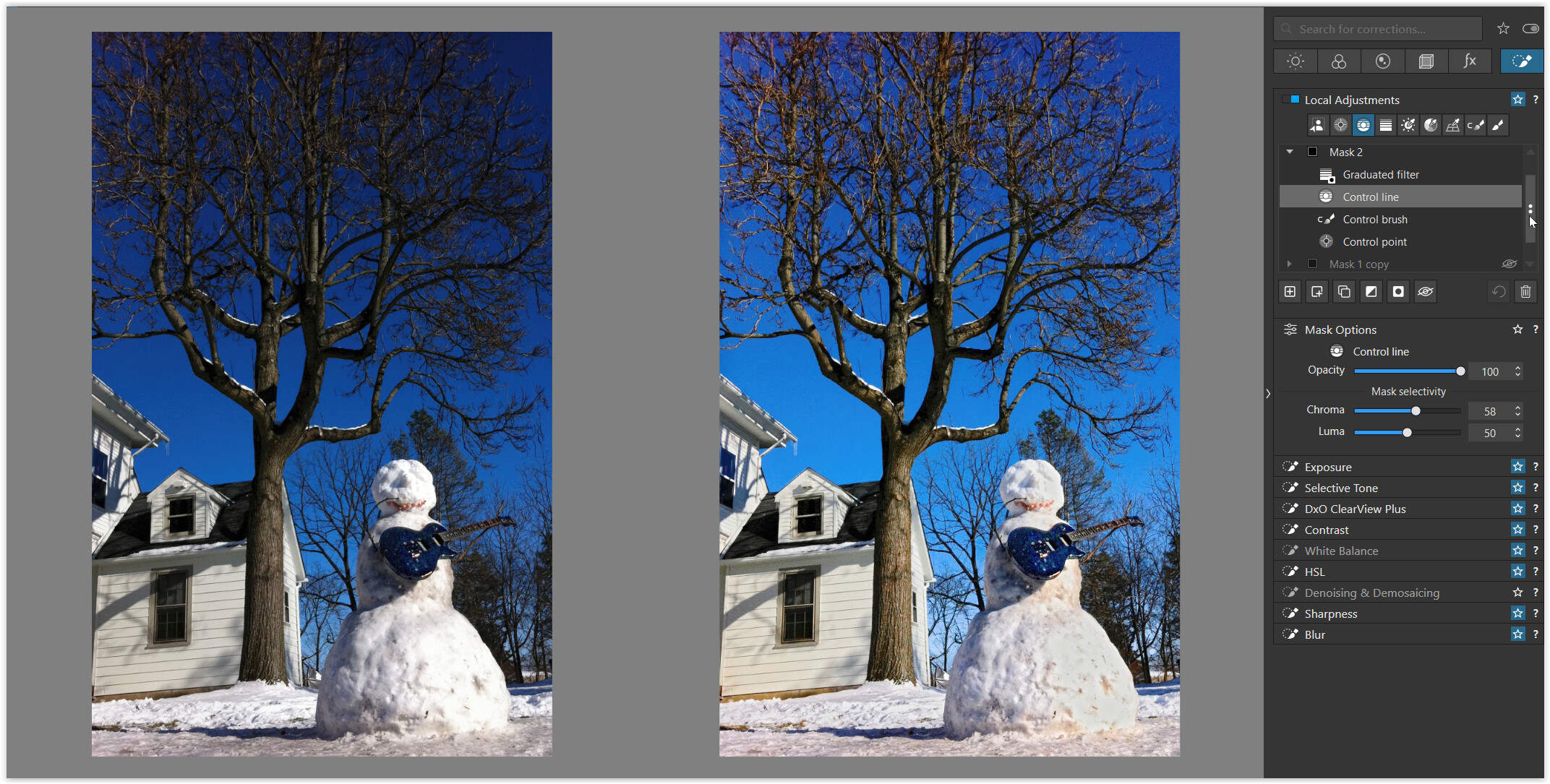
… If you experiment with a combination of control line, control point, and control brush (all located within the same parent mask), check their chroma and luma settings, as these are ‘not automatically synchronized’.
.
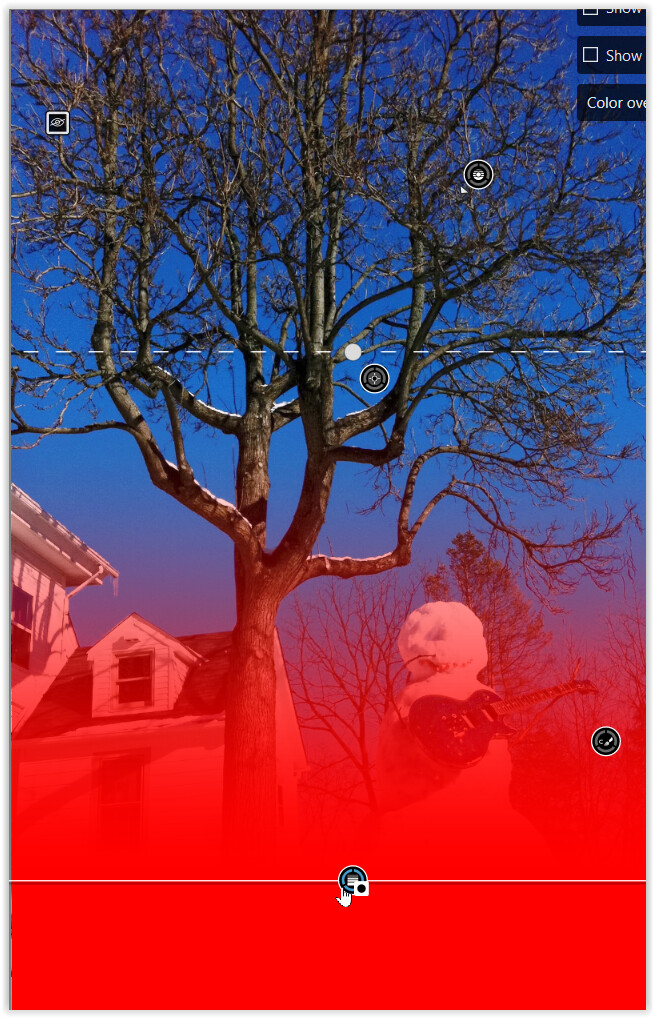
Isn’t it funny? I had experimented with your picture,
trying to brighten the blue sky.
Also used an Invert(ed) Shape Graduated Filter
to see if it’s possible to “equalize” your beautiful gradation
plus “reprocessed” your scenery with a further mask.
Andy - thanks for making this video and so many others over the years. Learned a lot. As well, I’ve begun exploring your “one direction” workflow ideas more generally. Makes sense and is something new to try!
Hi - PL 9 user here who hasn’t tested out PL10 yet.
Does using depth masks in PL10 to isolate the sky from say a treeline in a landscape photo work any better than using a “sky” AI mask?
Just wondering ?
cheers , Dave
30west
(Gary (Fujifilm xt-5, Mac Studio M2 max))
33
Others have posted on using the Control Brush, Line and Points, but if my understanding of Depth Masks is close to accurate, that seems unlikely but worth a try.
I just tried it on multiple photos and none of them selected the sky alone, so Depth Mask is out. I got best results from Sky Mask+Control Brush or Control Line(s). Got interesting results from my tests; I might post if I find the time.