-
Select the image with the panel setting you want to make into a preset
-
Create a virtual copy of that image
-
Select the virtual copy and apply the “No Corrections” preset
-
Reselect the “source” image and copy adjustments
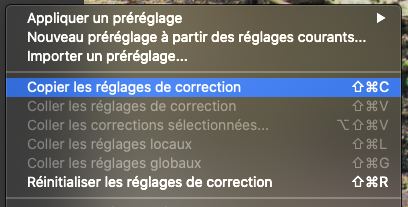
-
Paste selected corrections into the virtual copy
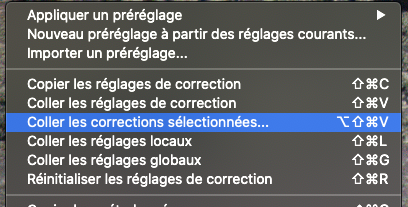
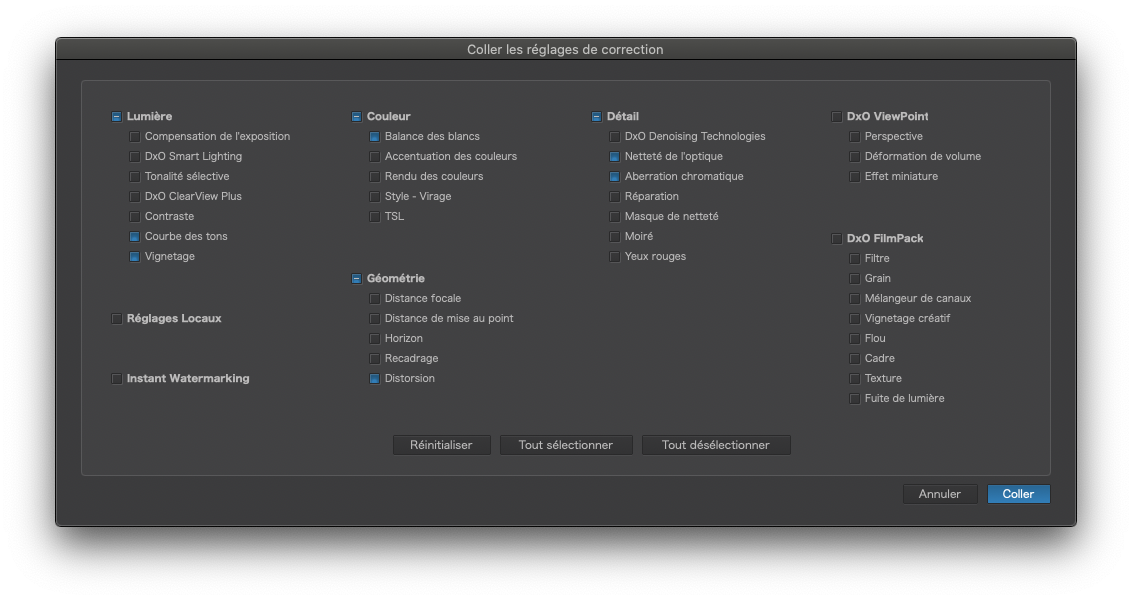
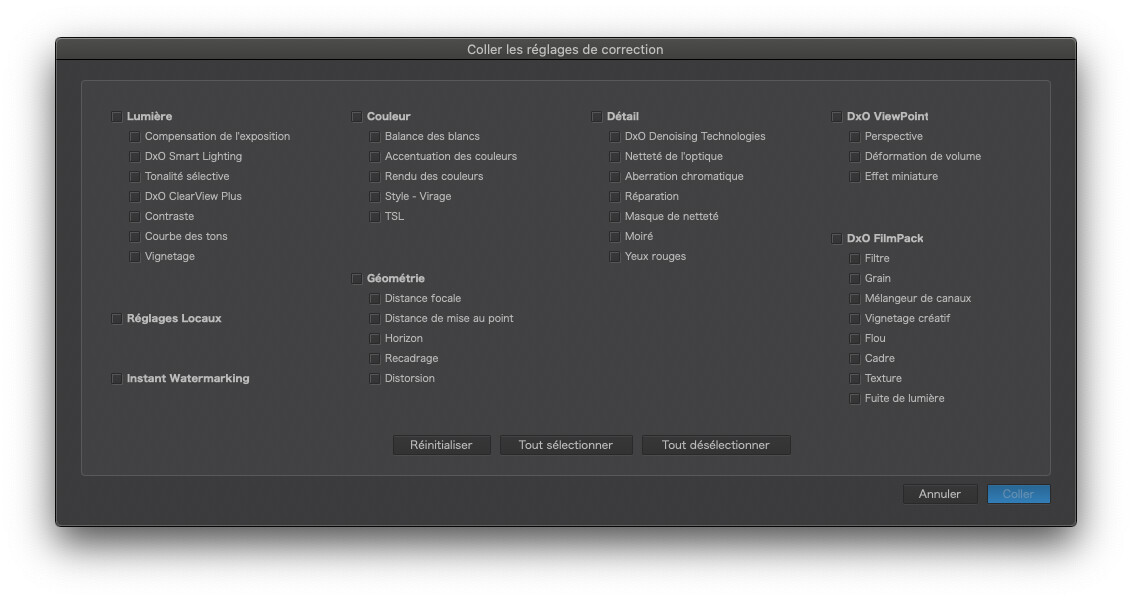
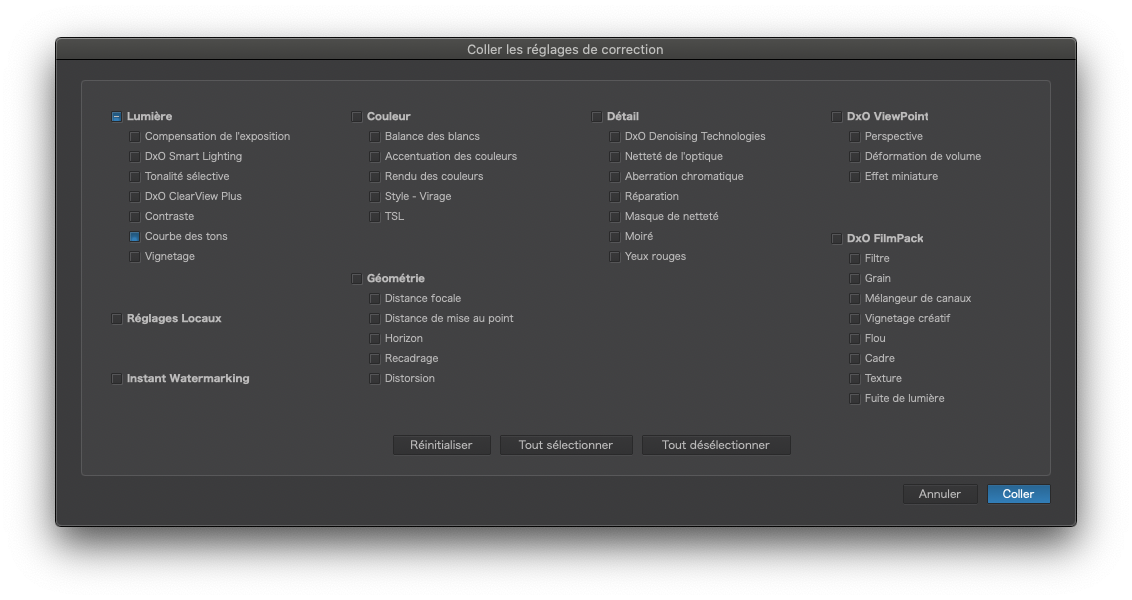
When the selection dialog appears…
… deselect all…
… then reselect the one that you want to make a preset from…
… and paste…
Finally, create a preset from the from the virtual copy