Like I said, the jpeg files produced by your camera are already processed in the camera, according to the settings in the menus on the back. the RAW files are totally un-processed and their appearance depends on what you do with them in DxO.
Here’s an untreated RAW file from my Nikon D810…
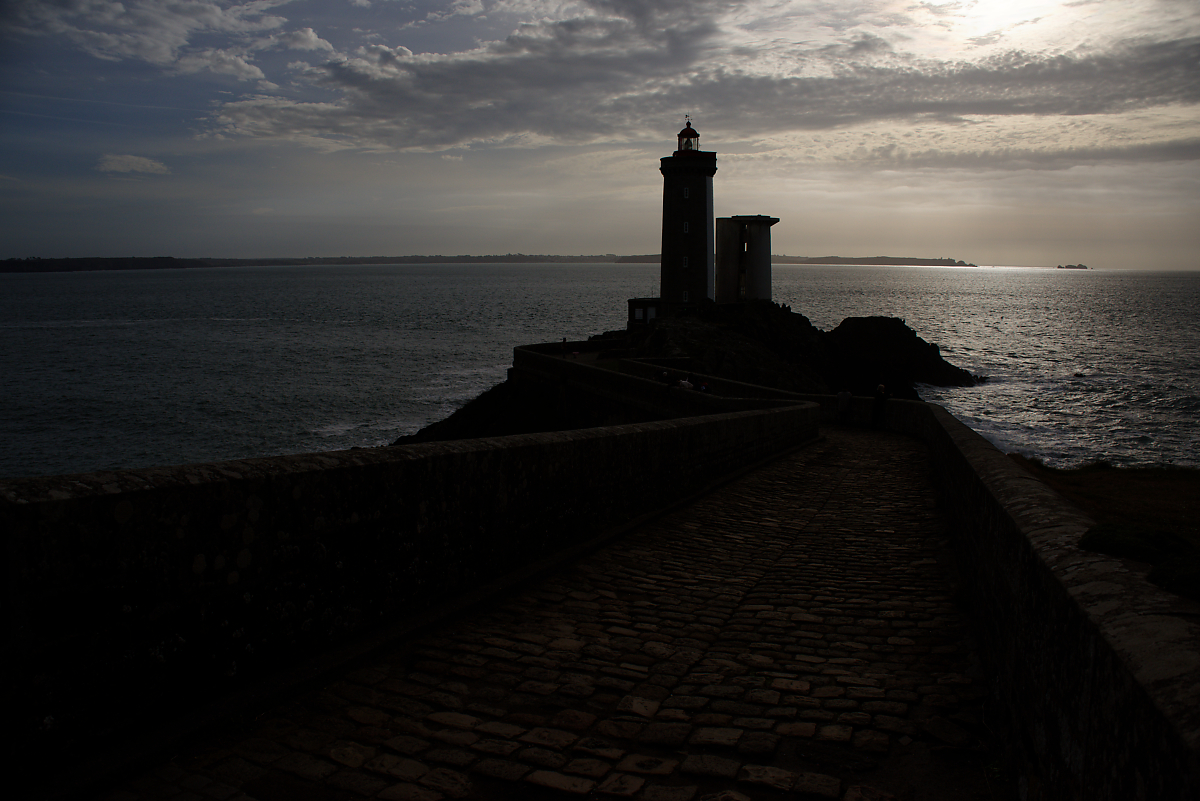
If I were using B&W negative film, I would get something like this before printing…
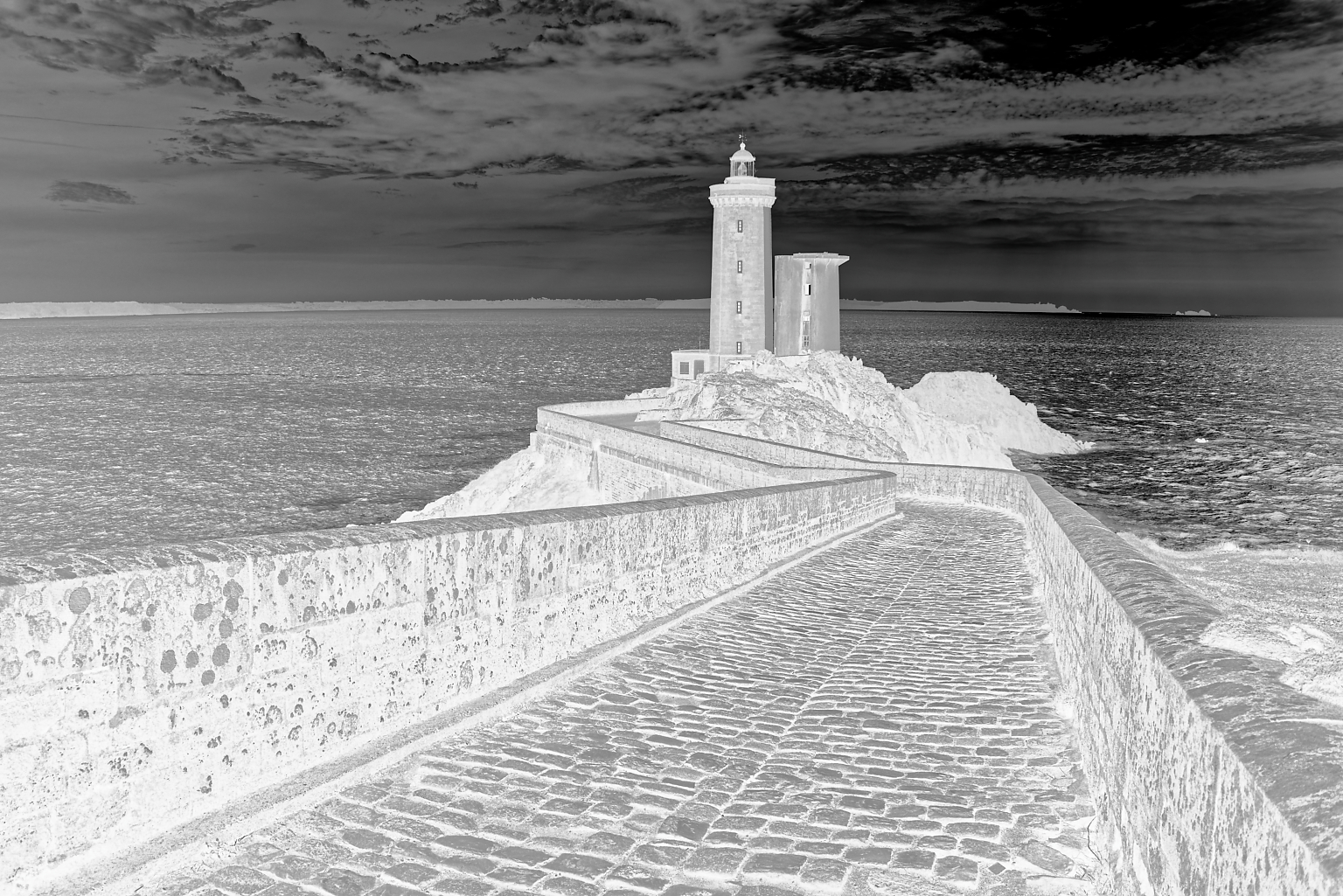
But, printing such a negative would give me…
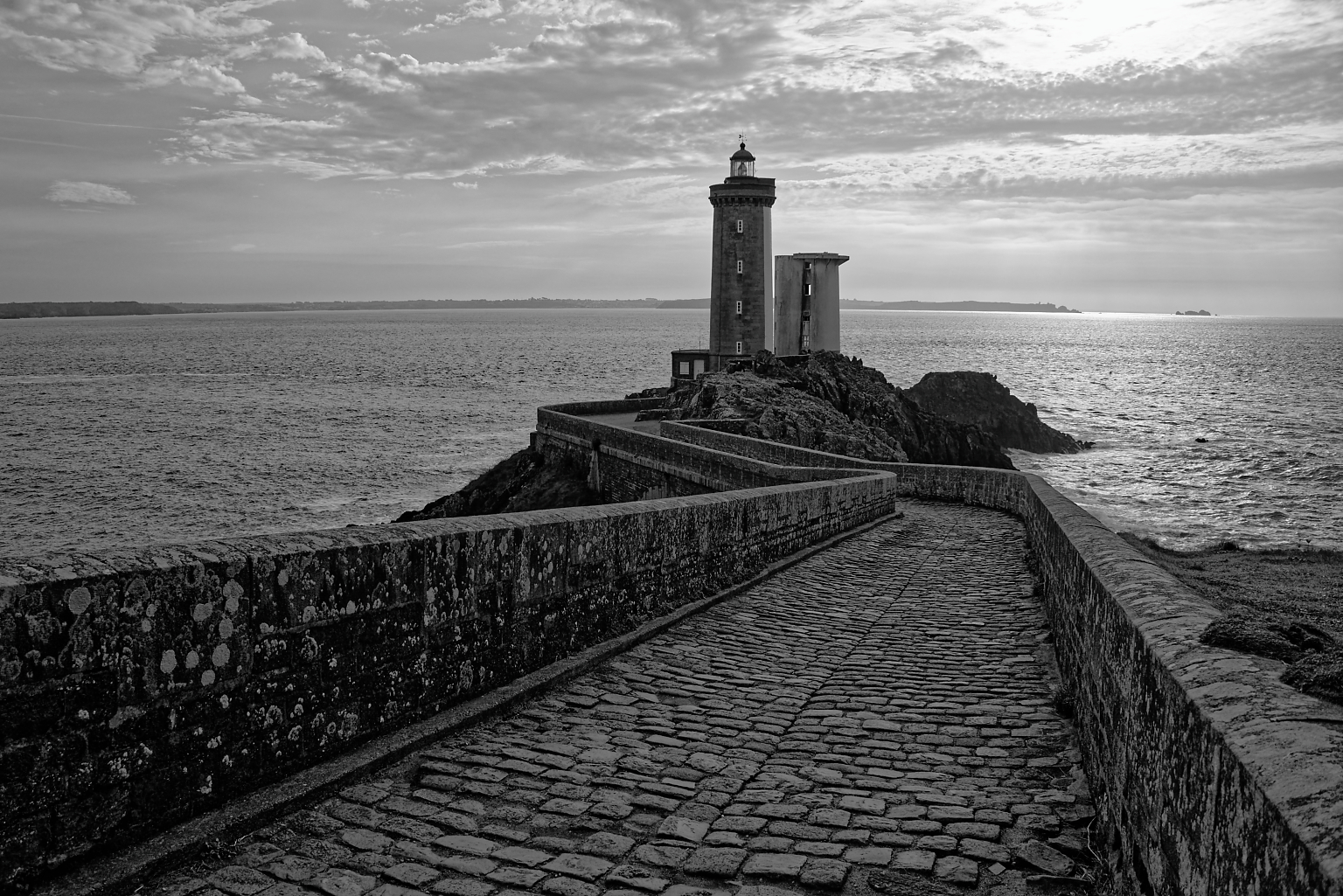
In the same way, treating the RAW file in DxO, gives me…
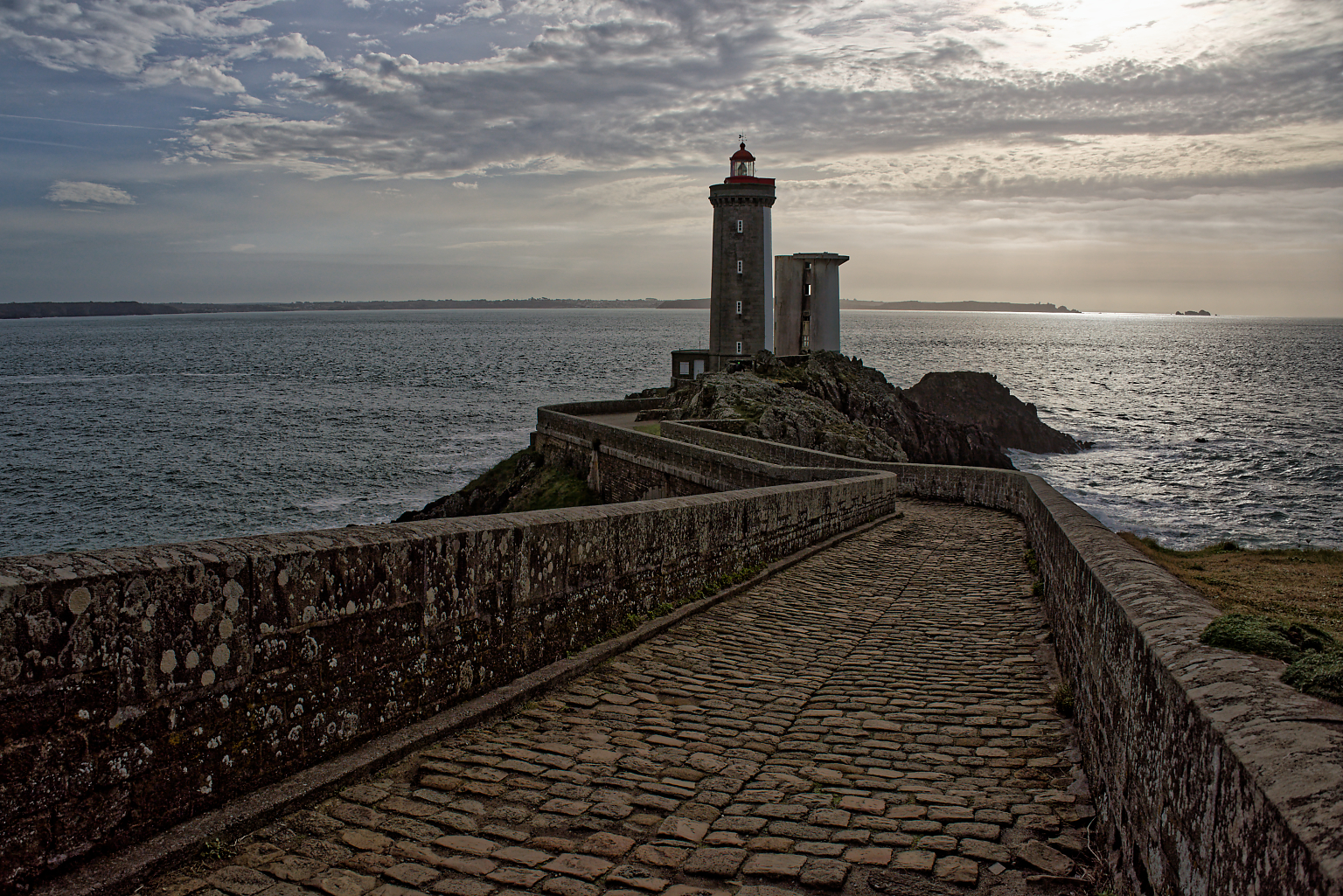
… as opposed to the jpeg file from the camera…
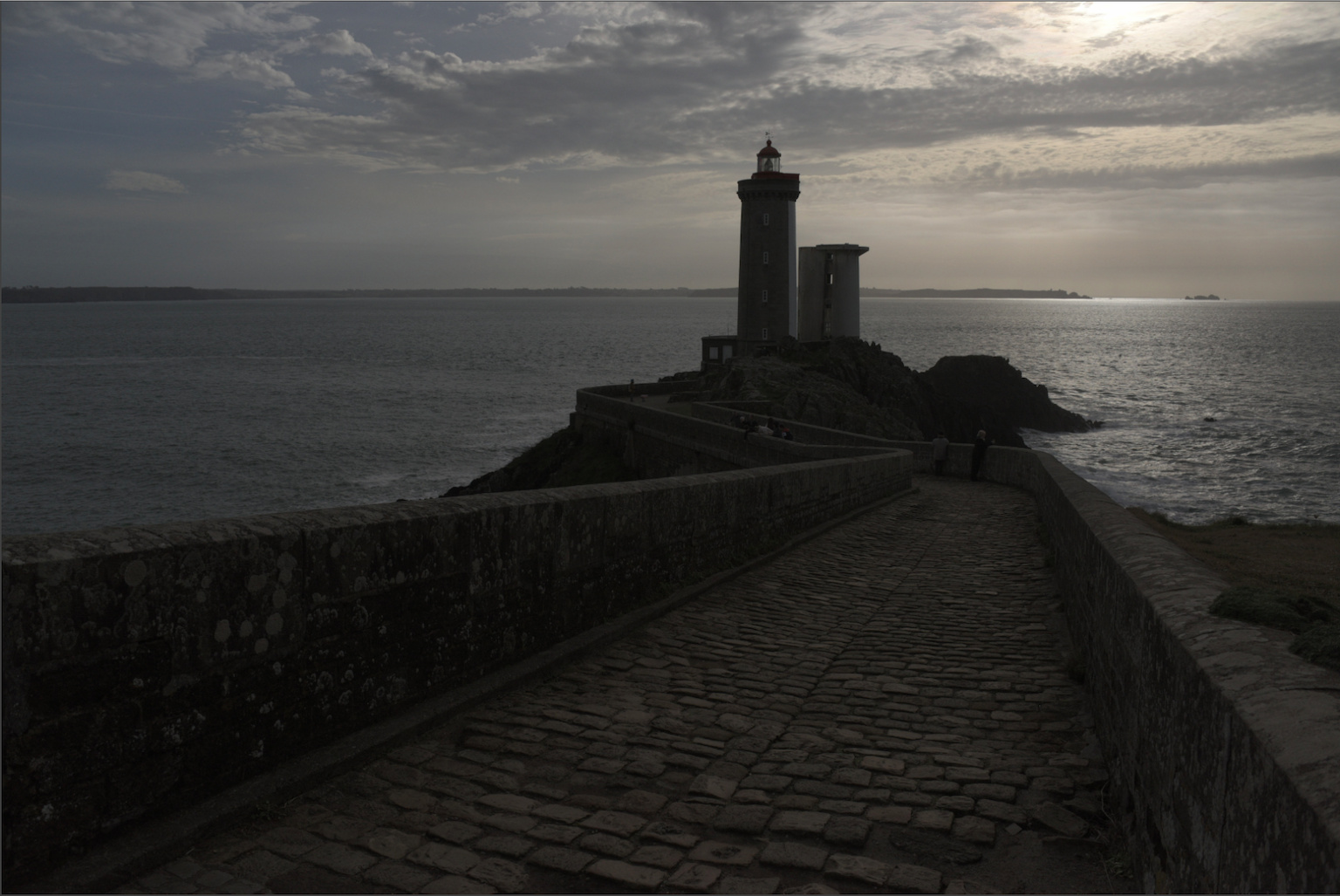
… which before treatment, doesn’t look anything like I intended.
Even if you treat a jpeg in DxO, you are working with an already treated and compressed image, which is missing lots of information that would be available from the RAW file.
The RAW file contains a jpeg preview image, which is what you see on the back of the camera and which is affected by the settings in your camera menus. The RAW file is not affected by the settings in the menus and must be treated to realise an image that you are happy with, hence the difference in appearance.