Hello there…
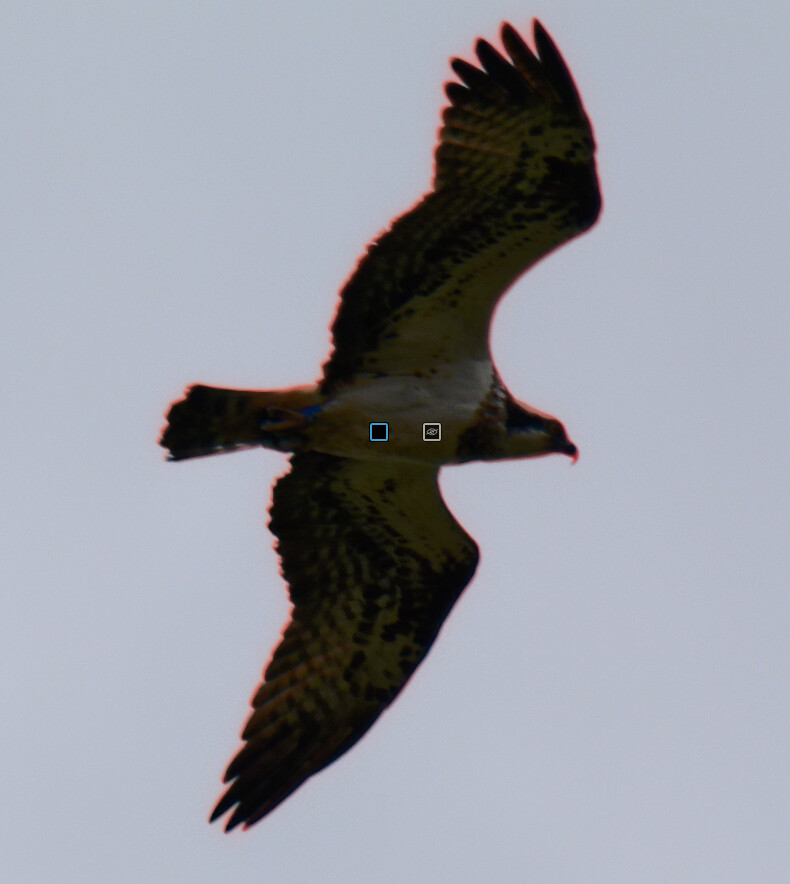
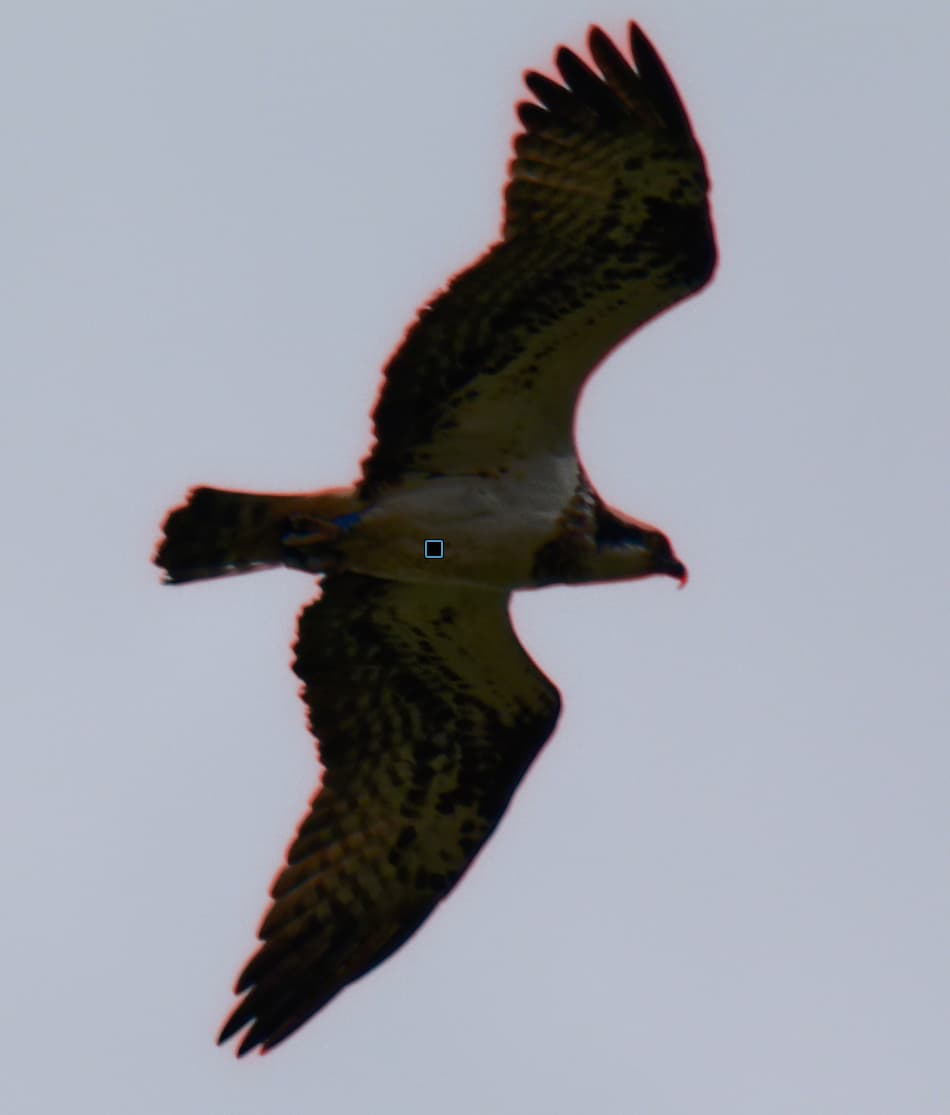
I’ve installed the PL9 trial. Found the AI masking options to be awful, eg it couldn’t detect sky, couldn’t detect a bird, lots of internal errors etc. I’d expected that from posts I’ve seen on here, although it was even worse than I thought it would be. For me, the AI masks are completely unusable, even ignoring the errors generated.
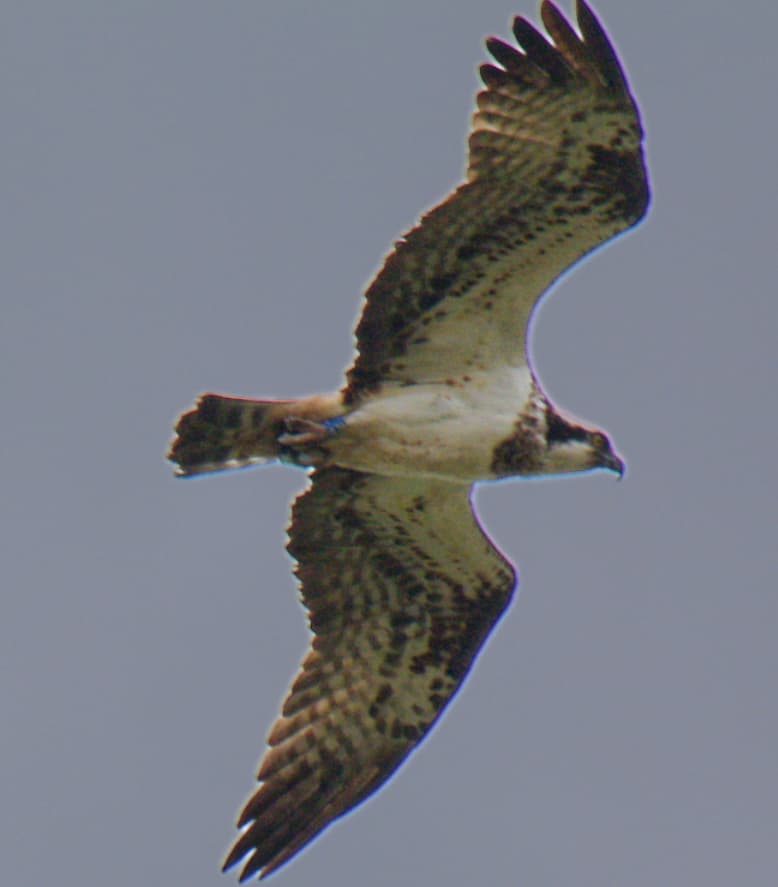
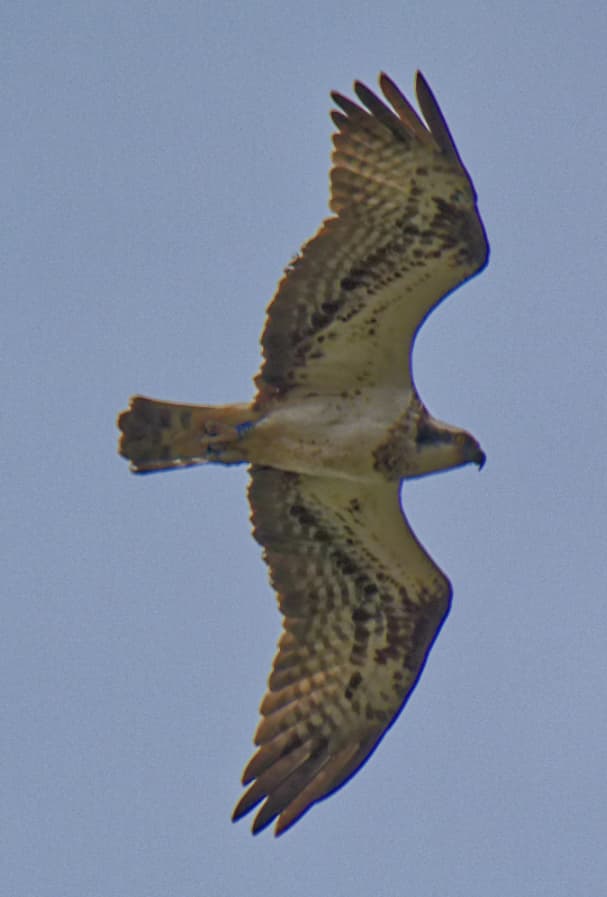
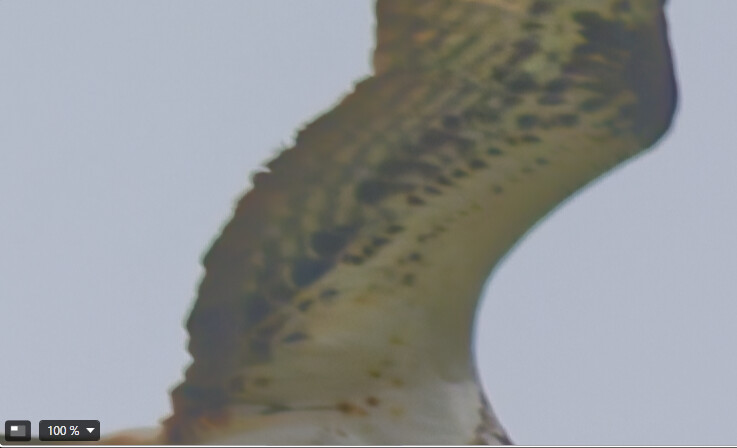
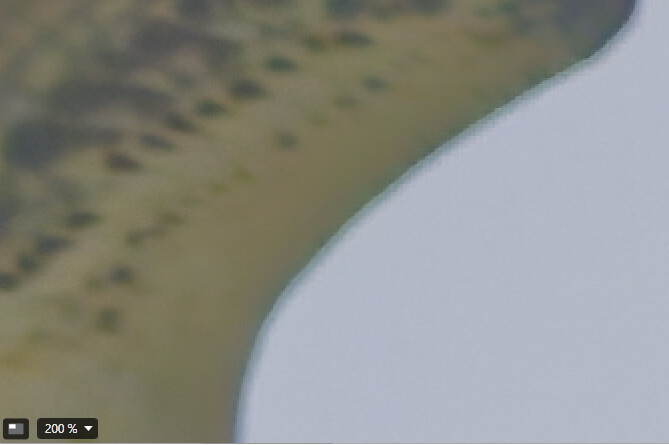
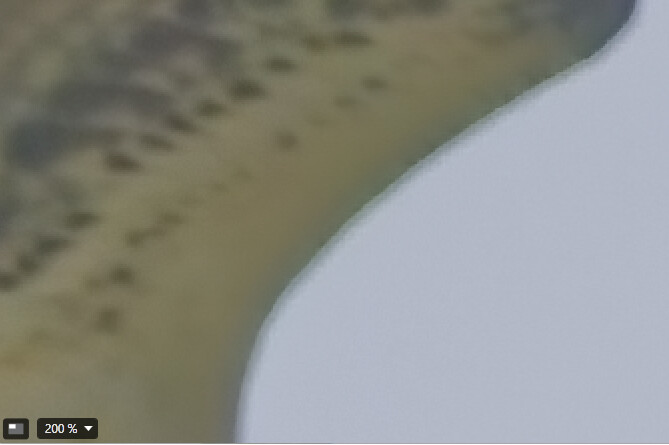
So I thought I’d revert to the auto brush, which in PL8 works really well eg for selecting a bird. I liked the new way that the mask fill worked, made it easier. But as soon as I applied some edits, oh horror! I upped the exposure of the bird a little, and it produced a bright line around the bird, and a blue line along one wing edge.
I’ve repeated the experiment, going very carefully in case I had selected some sky, but I got the same results. Popped back to PL8, using a copy of the same photos, great results.
Is this a common problem? Or unique to my system/ poor technique?
Thanks for this. I’ll try zooming in as you suggest - though that will mean a lot more painting I guess. I was astonished at how much worse it was than PL8 but maybe I just need to approach it differently.
Cheers
Nope, I tried again zoomed right in, it just isn’t detecting the border correctly even though the bird is very dark and the sky is very light. It is just unusable for me.
Here is the original image 2025-07-06-133308–0033.RW2 (33.5 MB)
As I say, terrible pic, but I thought a great one to try some new masking on. Incidentally, AI Mask/animals failed to detect the bird
Alt+ to cleanup has the same problem in reverse, it can’t detect the border so it is virtually impossible to avoid cleaning up too much or too little.
Please note: ALT + Autobrush (like ALT + Brush) functions as an Eraser. While it replaces the dedicated Eraser from PL8, there is no “reversed” Autobrush in either PL8 or PL9.
.
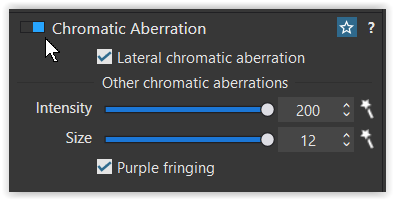
After downloading your file, I maximized the CA corrections,
Thanks for this. My concern isn’t about how to make the image look better, but about how easy (or not) it is to get an accurate mask. I can easily get an accurate mask in PL8, but I’m finding it impossible in PL9.
In the images I posted I just boosted the exposure to highlight how poor the mask was in PL9.
As far as I can tell from the screenshot you posted, when you create a mask it respects the object boundary in a way it doesn’t for me.
OK I checked it out. Much more advanced editing than anything I’ve done. Mainly wrt halos they are talking about ai masks.
I’m not using ai masks (because they don’t work for me - bird not recognised. The images I posted were just original image + dxo optical corrections, then a boost to exposure.
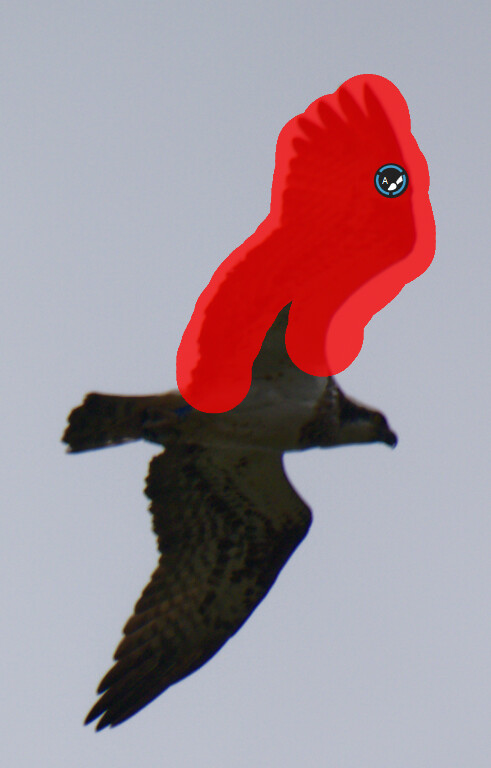
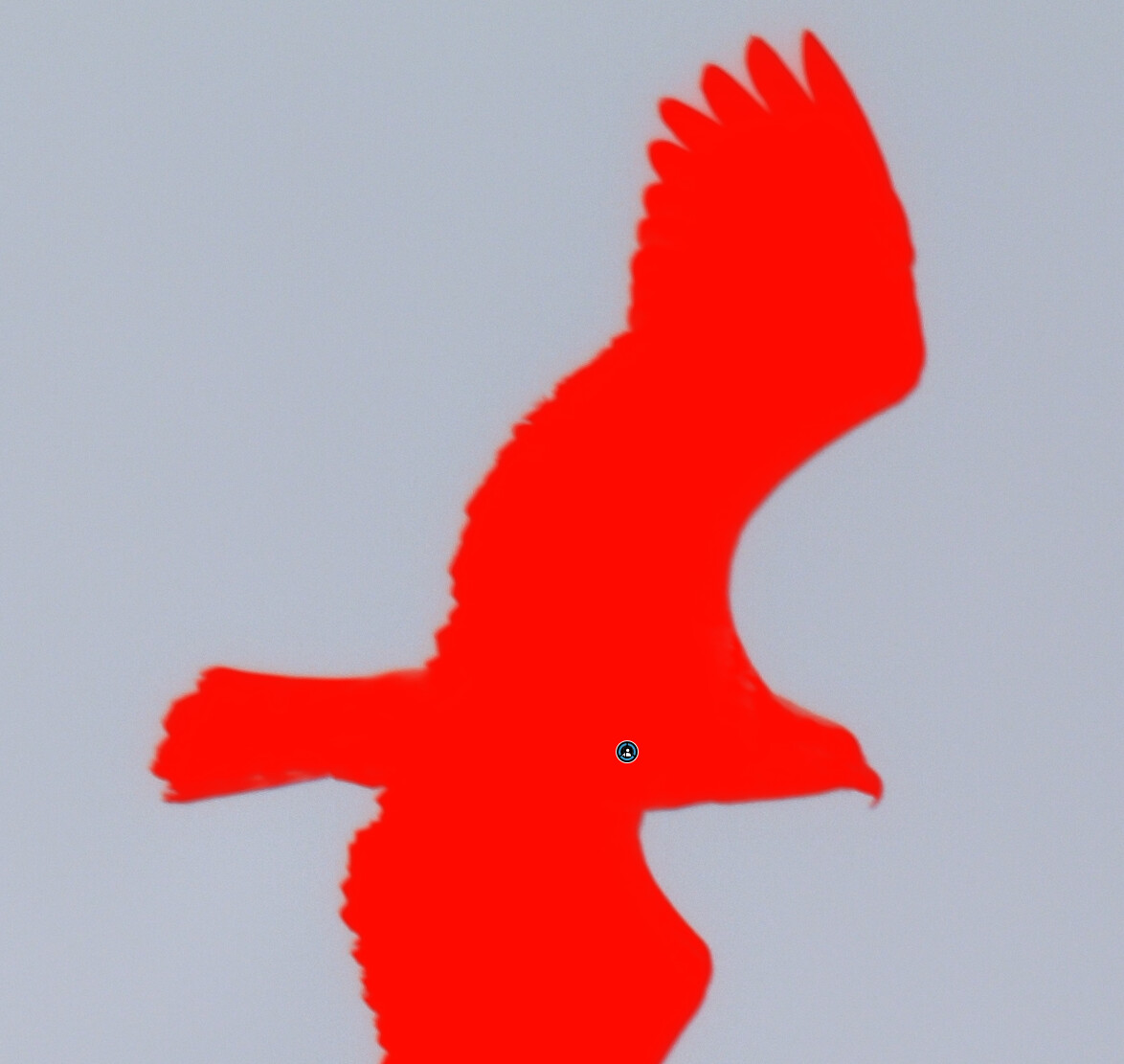
Here is a screenshot from partway through creating the mask. I have tried to be super careful. But you can see that the mask hasn’t selected the area up to the edge of the bird - it leaves a gap. PL8 doesn’t have this problem
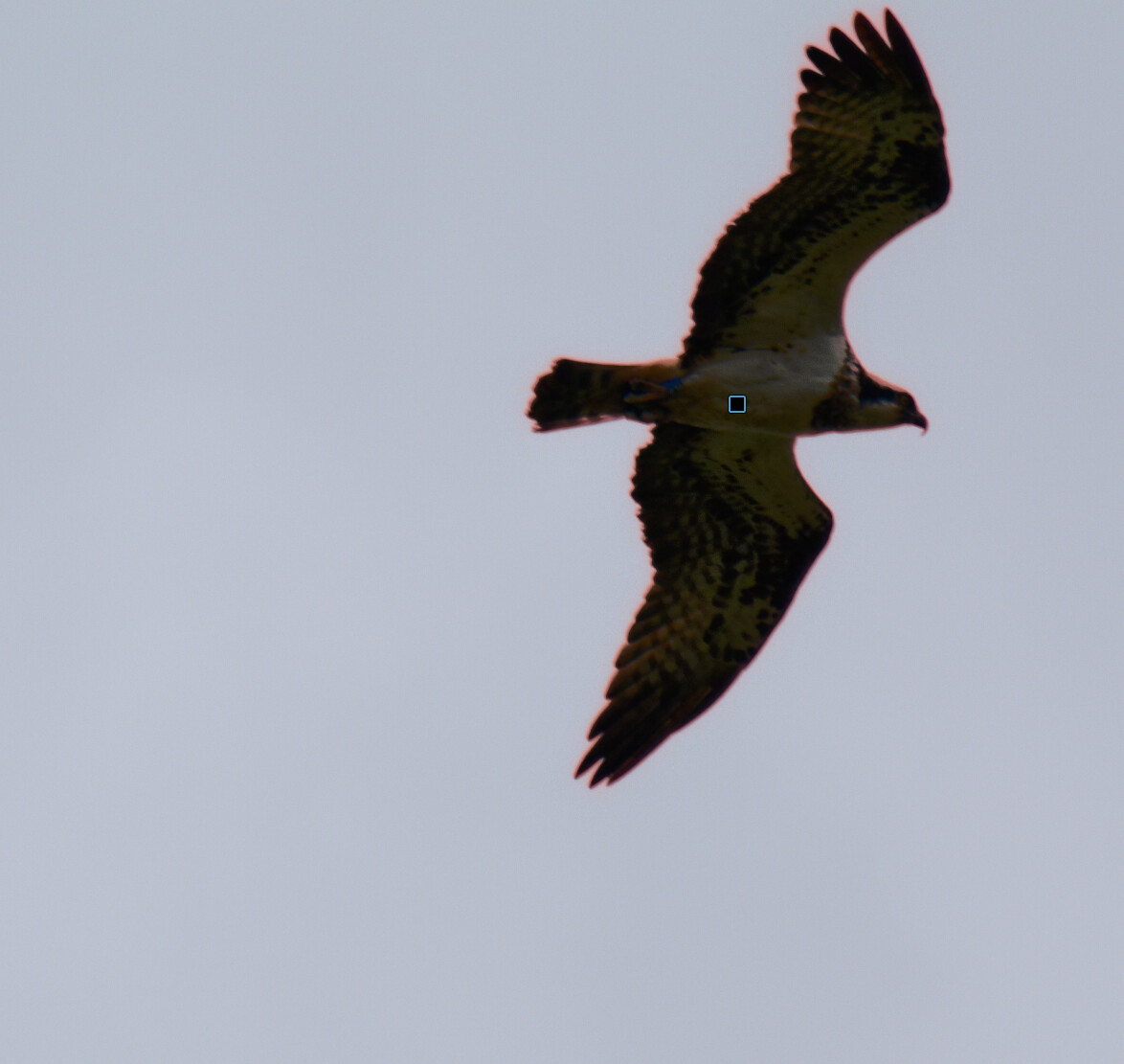
In PL8 the selection looks different - as if I have selected too much - but by keeping the central circle of the brush inside the bird, the mask actually selected the bird very well indeed:
As far as I can tell from the screenshot you posted, when you create a mask it respects the object boundary in a way it doesn’t for me.
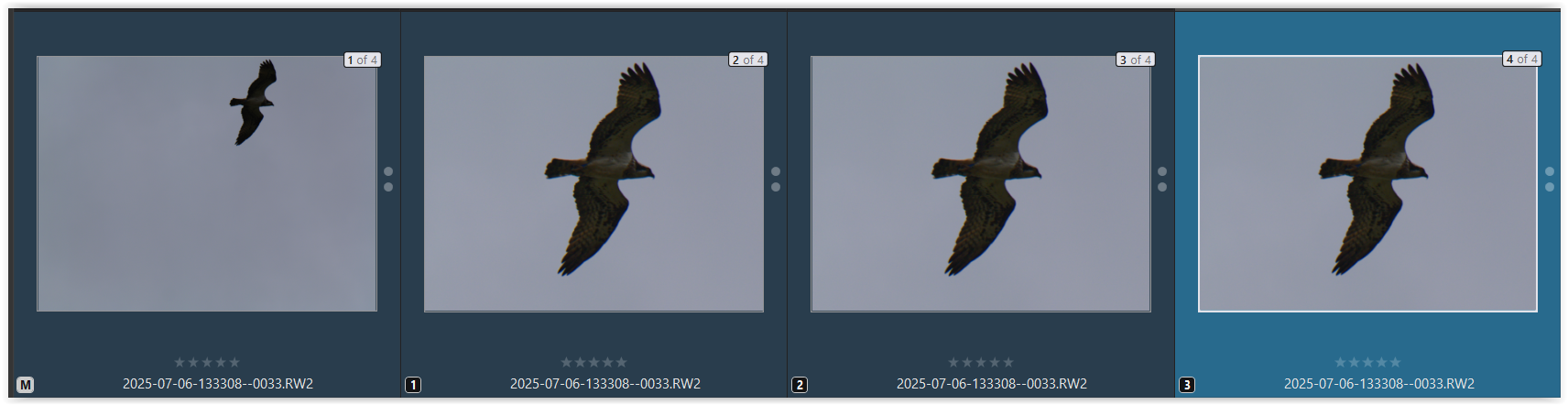
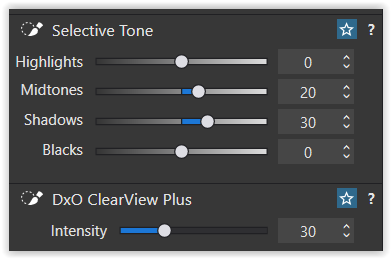
In case you haven’t, please check with my dop file (maybe in a new folder). If the AI stuff doesn’t work for you, simply delete VC1 + 2 and the last one will show you the mask made with Autobrush.
And check out for Chromatic Aberrations! I see a lot of them.
If you have disabled High quality preview in the preferences, use the Loupe tool instead.
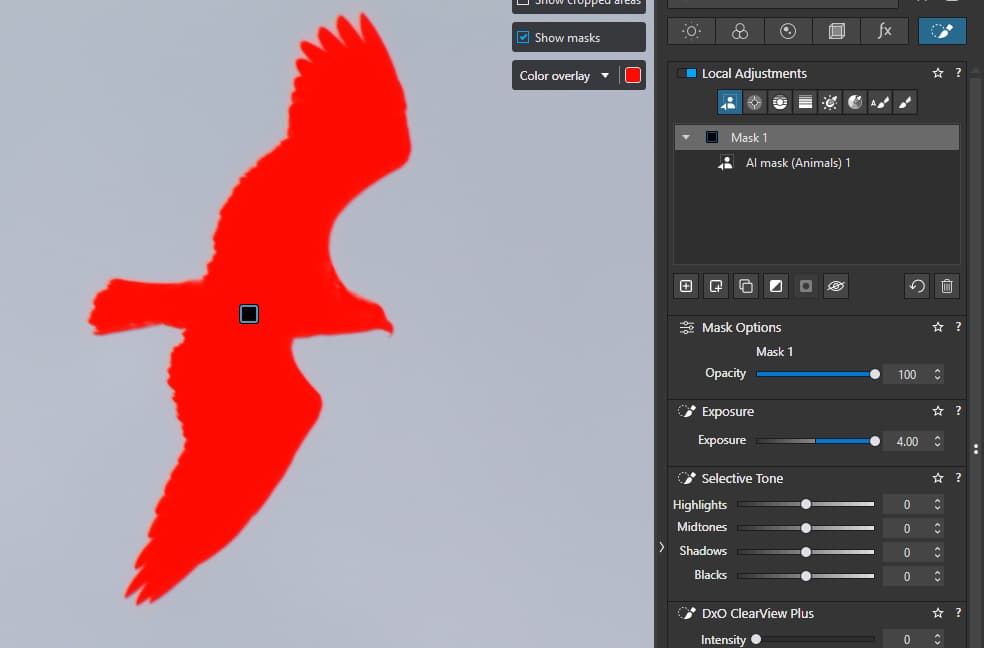
Hey now that is weird. I just tried AI mask/animals again, and this time it selected the bird, quite quickly, AND made a good fist of the mask! I haven’t changed anything!
Yep, the birdy things can be challenging in the edges, especially in high contrast situations, if objects near in edges of the lens, etc. Lot of CA and contrast issues.
AI mask - Animal detection definitely works in this photo . If not works for you → its about the GPU VRAM amount on you PC (i guess its Windows and not Mac). In ‘CPU only’ mode its need to be work for this photo.
I not try to made your photo good looking, but highlight not all AI mask is equal results (in PL), and few things: