You might find it useful for that purpose but I would guess, for the vast majority of users, sometimes that might be possible, but there will always be images that are unrescuable and any digital image that is over-exposed to the point where the highlights are blown out and showing markers is never going to be as good as it could have been with the correct exposure.
But that is because you chose a preset that included a rendering for a different camera than the one it was shot on.
I have examined the preset you used and, yes, it is different from all the others in that group in that it has a specific camera rendering instead of the default for the camera used. (@Marie you light like to take a look at this anomaly)
I have taken a copy of that preset and edited it to change the rendering to the default for the camera used. Here it is…
5 - Landscape - Standard.preset (4,9 Ko)
I took your file and reset it to have absolutely no adjustments. I did not apply any preset, apart from the “2 - DxO Optical corrections only” one. Then I applied Spot -measured Smart Lighting and a couple of other minor adjustments, which gave me this result…
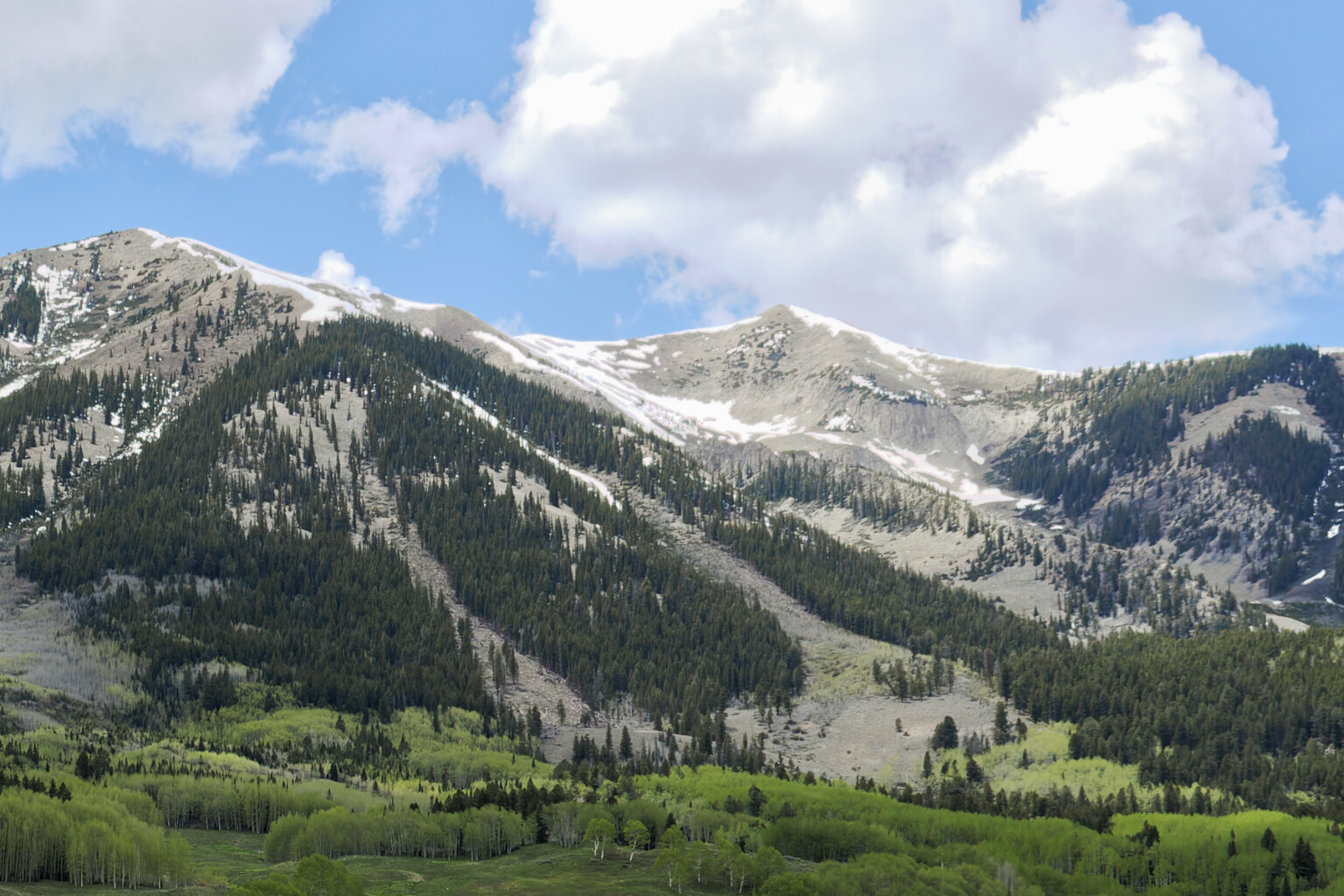
Smart lighting is not at fault, unless you use misuse it.
The only “defect” is the wrong camera rendering in the preset you used but that takes all of ten seconds to correct.
There is nothing wrong with any algorithm, just a simple, easily corrected, mistake in the preset. If you want to take the time and effort, you could even replace the preset with my corrected one.
Here is my version of your DOP file with both your original edits and mine…
Pink_artifacts.CR2.dop (28,1 Ko)
But it does contain all sorts of advanced settings. Although, if you realise that FilmPack is not just about film emulations, it is worth every extra cent.