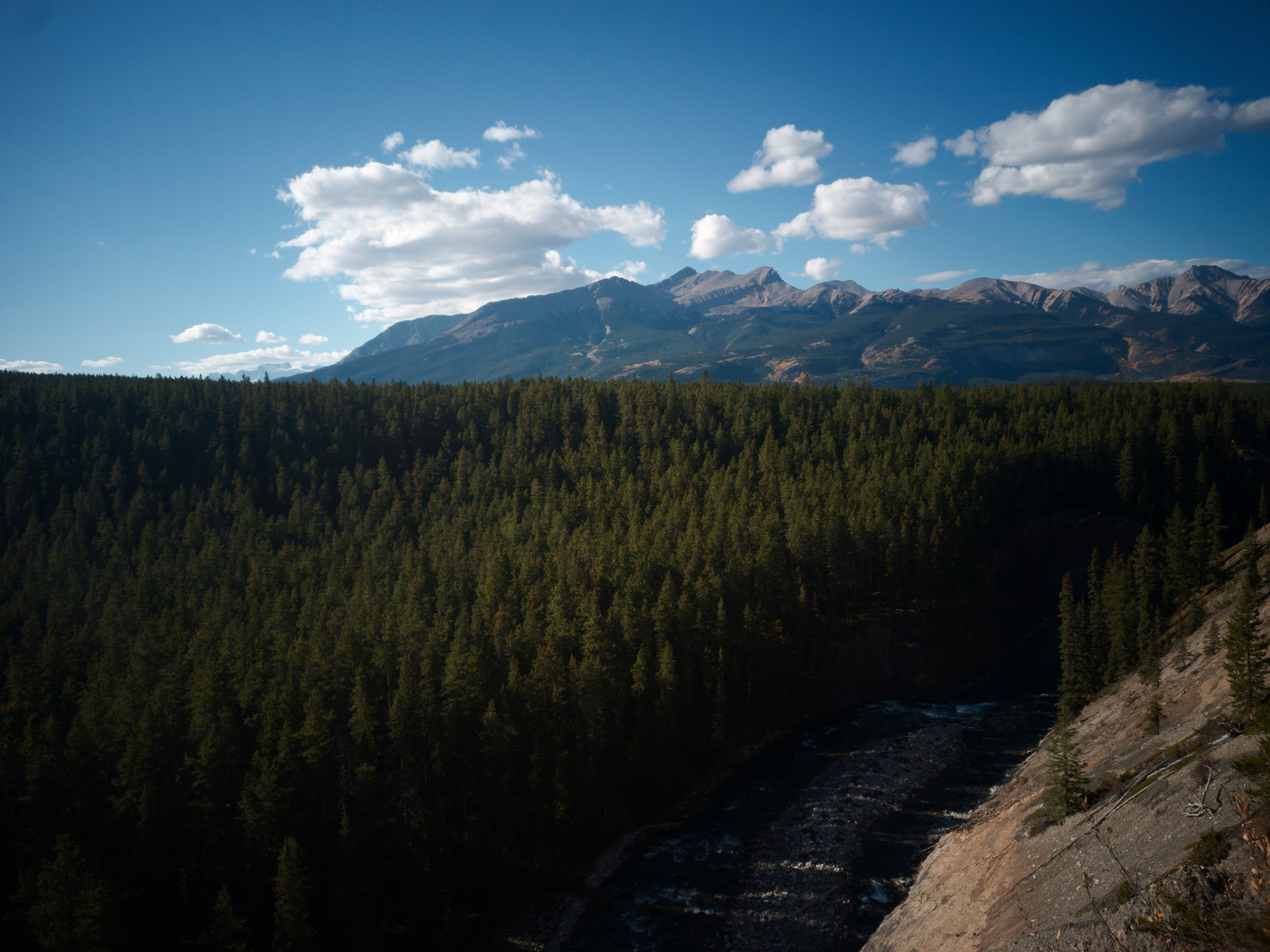
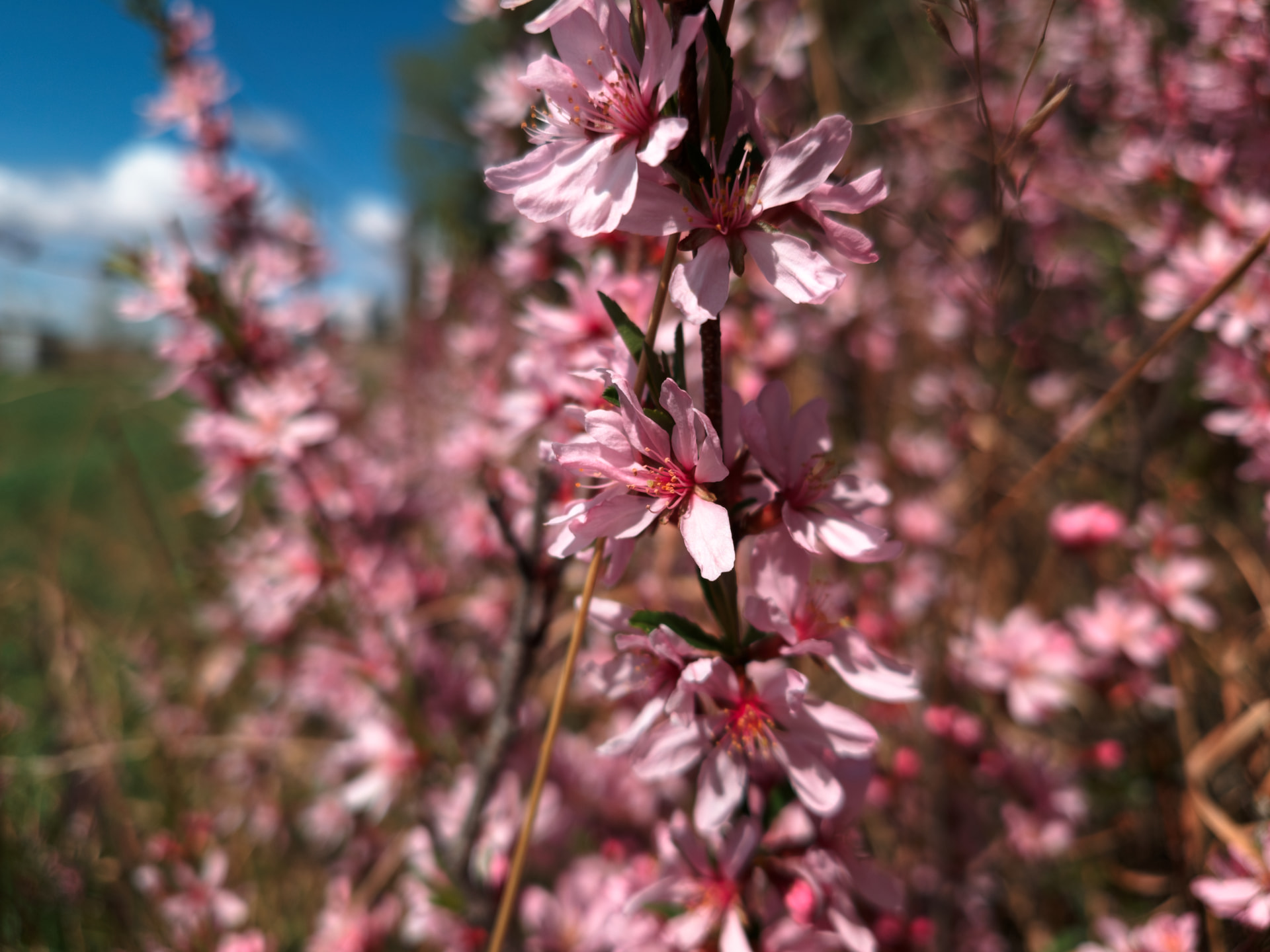
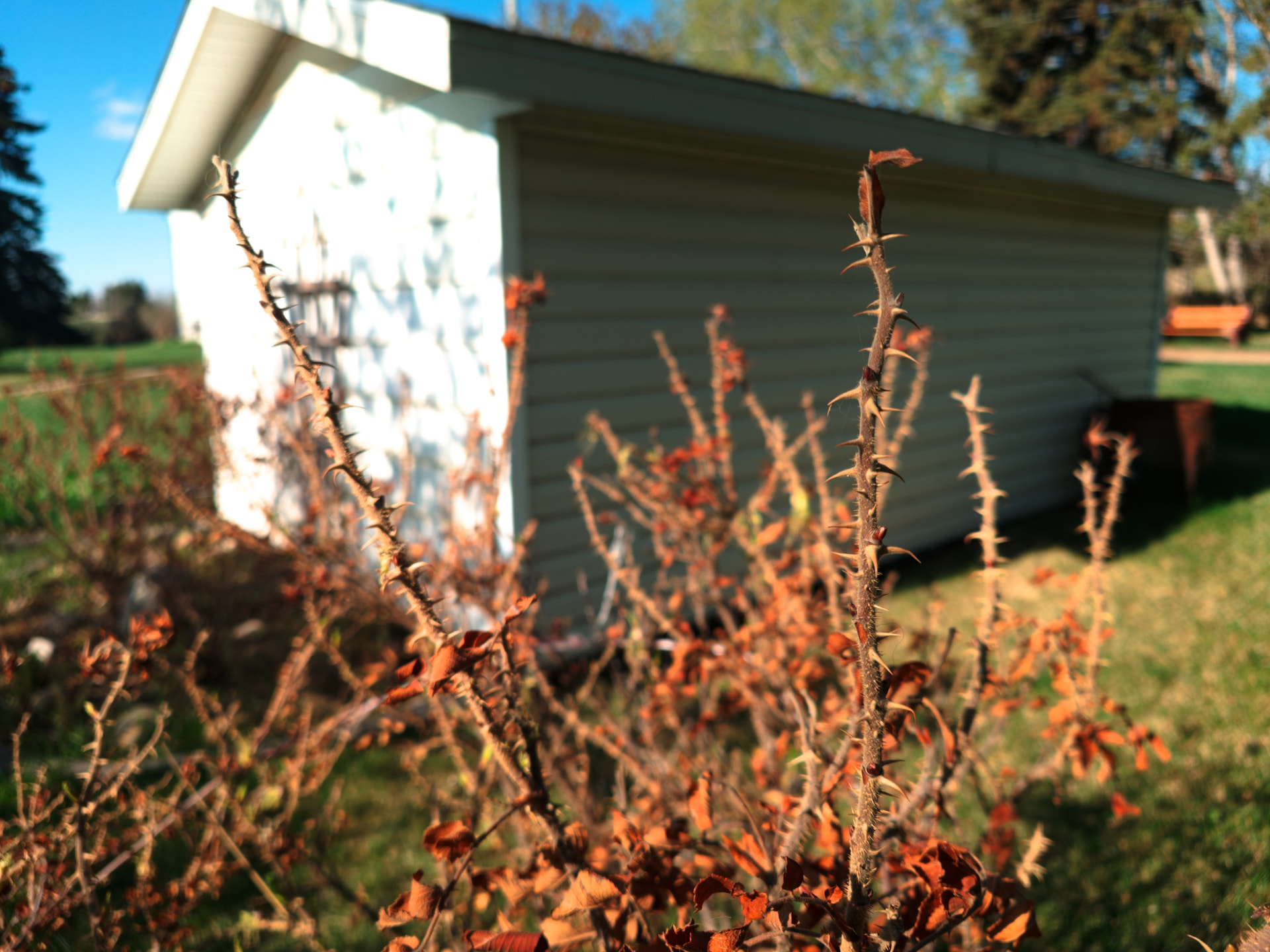
It’s funny, DxO CLAIMS that they can’t support phone raw files, because they’re not true raw files. Yet they have no problem supporting all the way back to the iPhone 8, with proper DNGs. So I decided to do some digging and what I found may shock and upset you. I own an Xperia 1 VII. I have always been frustrated that I cannot edit the raw files it produces in Photolab, as I feel their AI denoising engine would be very productive at increasing the quality of the files, and Photolab is what I’m familiar with, and where all my presets are. So, I decided, since I recently bought a Claude Code subscription, to get Claude to try to shuffle around some metadata. I wanted to see if DxO truly couldn’t process it, or they just didn’t want to, and has been being stubborn this whole time, all for the sake of some imaginary perception of quality through rejecting phone files. So may I present to you, 3 files shot on my Xperia 1 VII, 2 from the telephoto camera (A bayer sensor), and 1 from the main camera (A quad bayer sensor, though the raws are always taken in normal bayer mode), all 3 of which can be opened by DxO Photolab without issue! Huh, it’s almost like they could’ve supported that this whole time! (note: the metadata is from an iPhone 8 raw file, so it doesn’t represent the actual image)
Another interesting little tidbit for your enjoyment… it even works just fine with DeepPrime 3 denoising!! But.. But-But- I thought it was unsupported!! Proof, 2 jpegs created by DxO and their DOP files
xperia_spoofed_iphone8_4.dng.dop (10.2 KB)
xperia_spoofed_iphone8_3.dng.dop (10.0 KB)
!
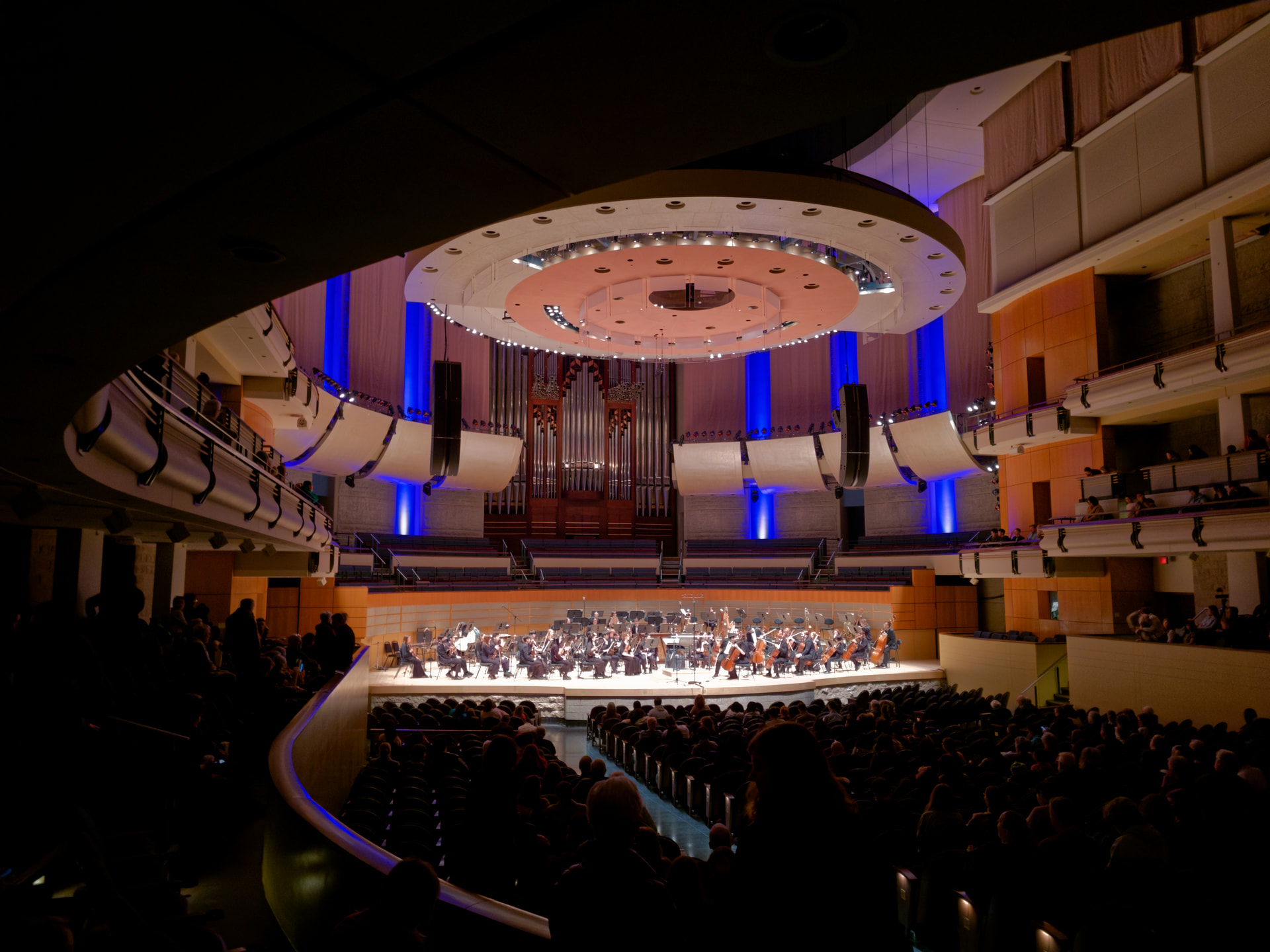
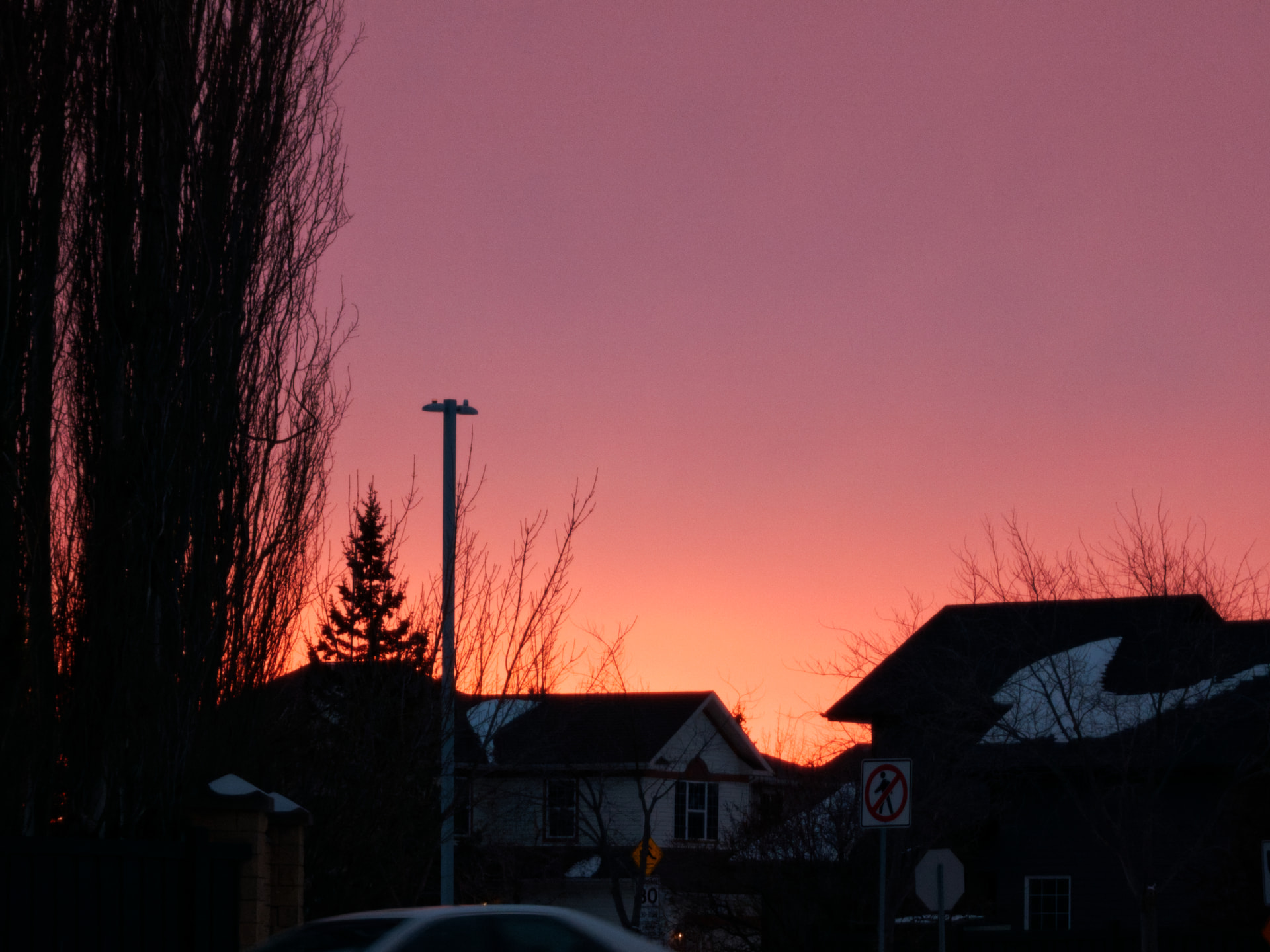
xperia_spoofed_iphone8_4.dng (22.9 MB)
xperia_spoofed_iphone8_3.dng (22.9 MB)
xperia_spoofed_iphone8_2.dng (22.9 MB)