I was chatting in the pub about how creative even a novice could be with film. Highlighting that in the days of film, after taking a picture, you could carefully wind back the film to retake the composition, to overlay two pictures on top of each other. It was good fun.
My first digital camera, I can’t recall the make or model, allowed this to be done in camera.
For example I could take an image of a tree with a person standing on one side of the tree, then in the next exposure take an image of them standing on the other side of the tree. The second image would overlay on the first in camera, whereby at the point of output, it created an effect where the person is standing on both sides of the tree in different poses.
Does anyone know if this can be created within the OM1 Mk1 or in post processing with DxO?
You can’t overlay two images in PhotoLab. The Analog Efex module in DxO’s Nik Collection apparently supports double exposures, but I don’t have any personal experience doing it.
Mark
Thanks for the comment, I did try to stack two images then merge in Helicon, but it threw up an error and wouldn’t stack the two images.
Your camera’s Live Composite feature can combine images - but does this in realtime, not with multiple photos already taken.
Query sorted, I received the answer from another forum.
Though this is for the OM-1 Mk II, it is the same on the OM-1 Mk I. I have found that the same feature is present on my TG-7.
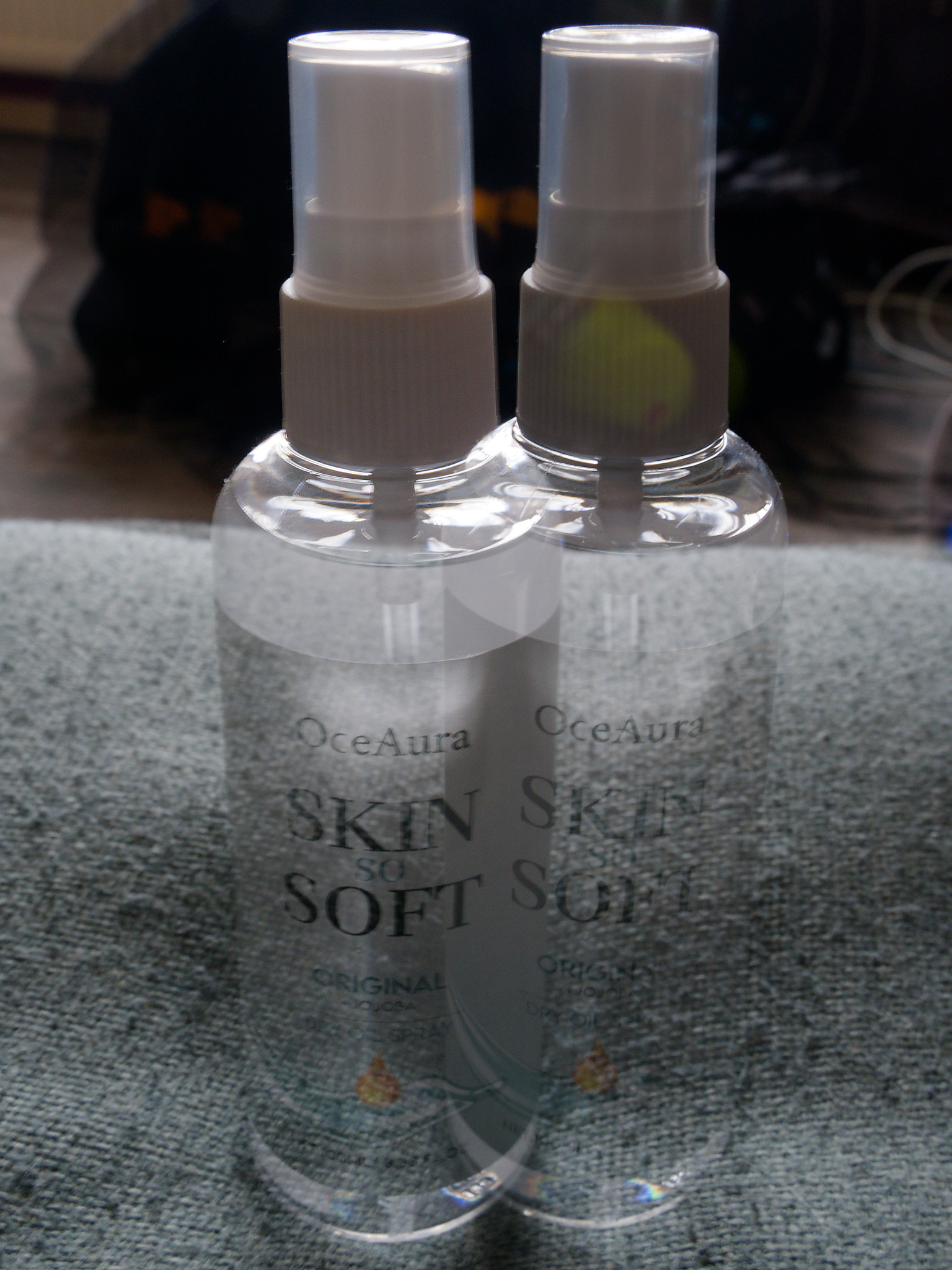
In this trial I moved the camera, hence the background has ghosting.
You have to be careful with the background, due to the transparency of the image overlay. Unless the backgrounds are identical or one is plain or featureless on one of the images, otherwise undesirable elements can come through.
Several decades ago, when I played with this, I put my girlfriends face inside a brandy glass.