The user interface is indeed terrible. The worst I’ve seen since I first tried to use Facebook.
1 Like
Is the denoising better or is PR4 still the best?
2 Likes
Why is the high fidelity compressed DNG not viewable in Windows 11? It isn’t supported in my photo editor, either, so not much use yet.
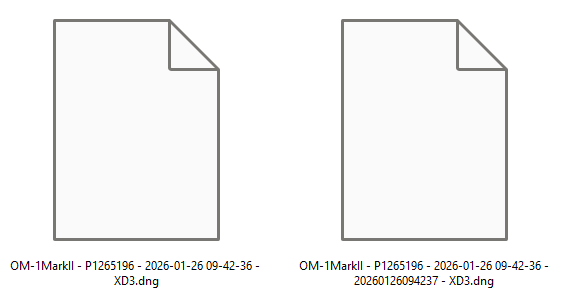
Because, just like your photo editor, Windows doesn’t know how to read the file format. One day Windows might gain the ability to read this format but who knows how long that will be.
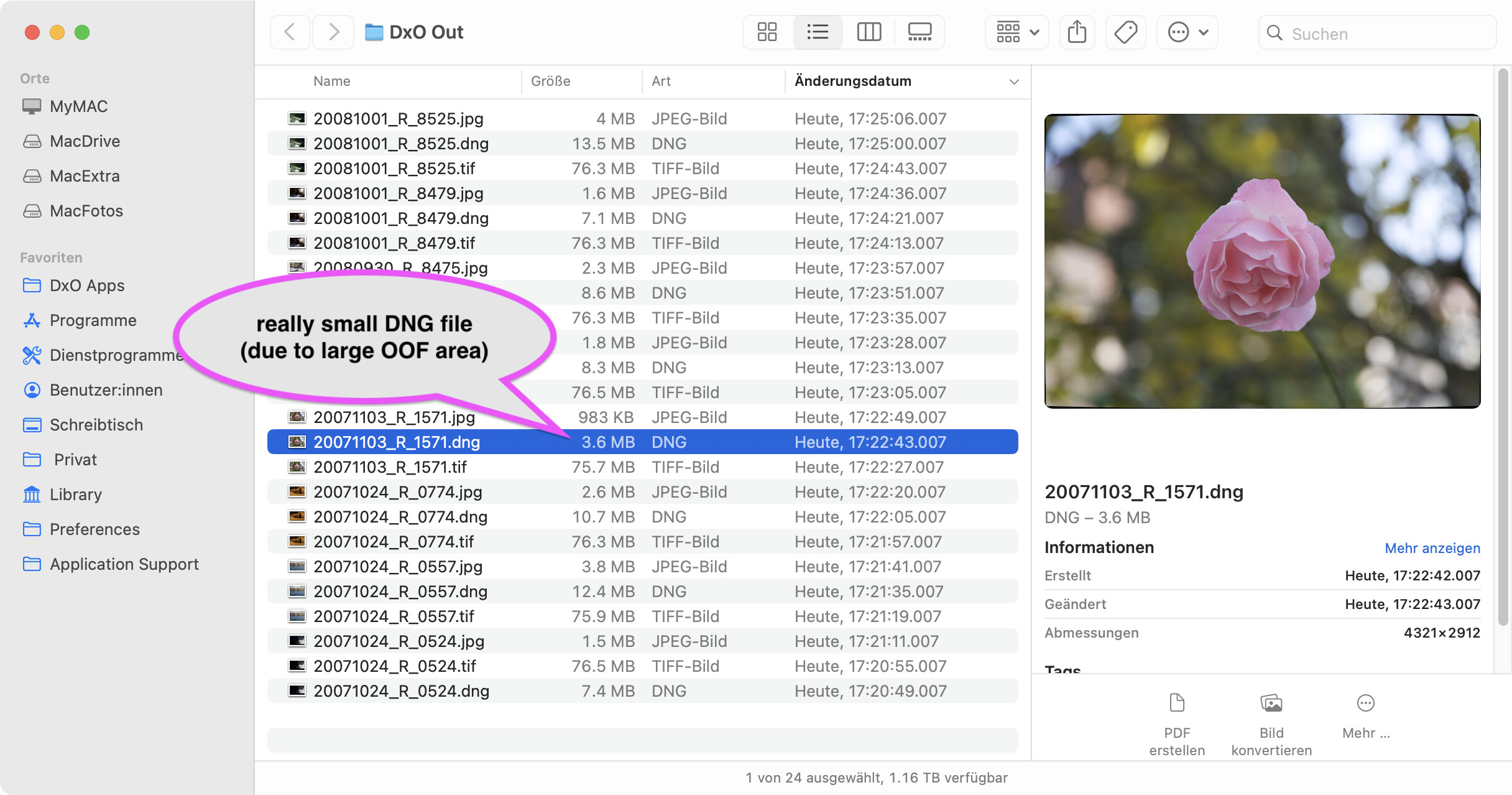
Just checked this on Mac and the compressed DNGs are shown by macOS (15.7.4) as can be seen below.
As for output, the compressed DNG files are quite nice imo. Here’s a comparison between a DNG and the TIFF, at 300% as seen in Lightroom:
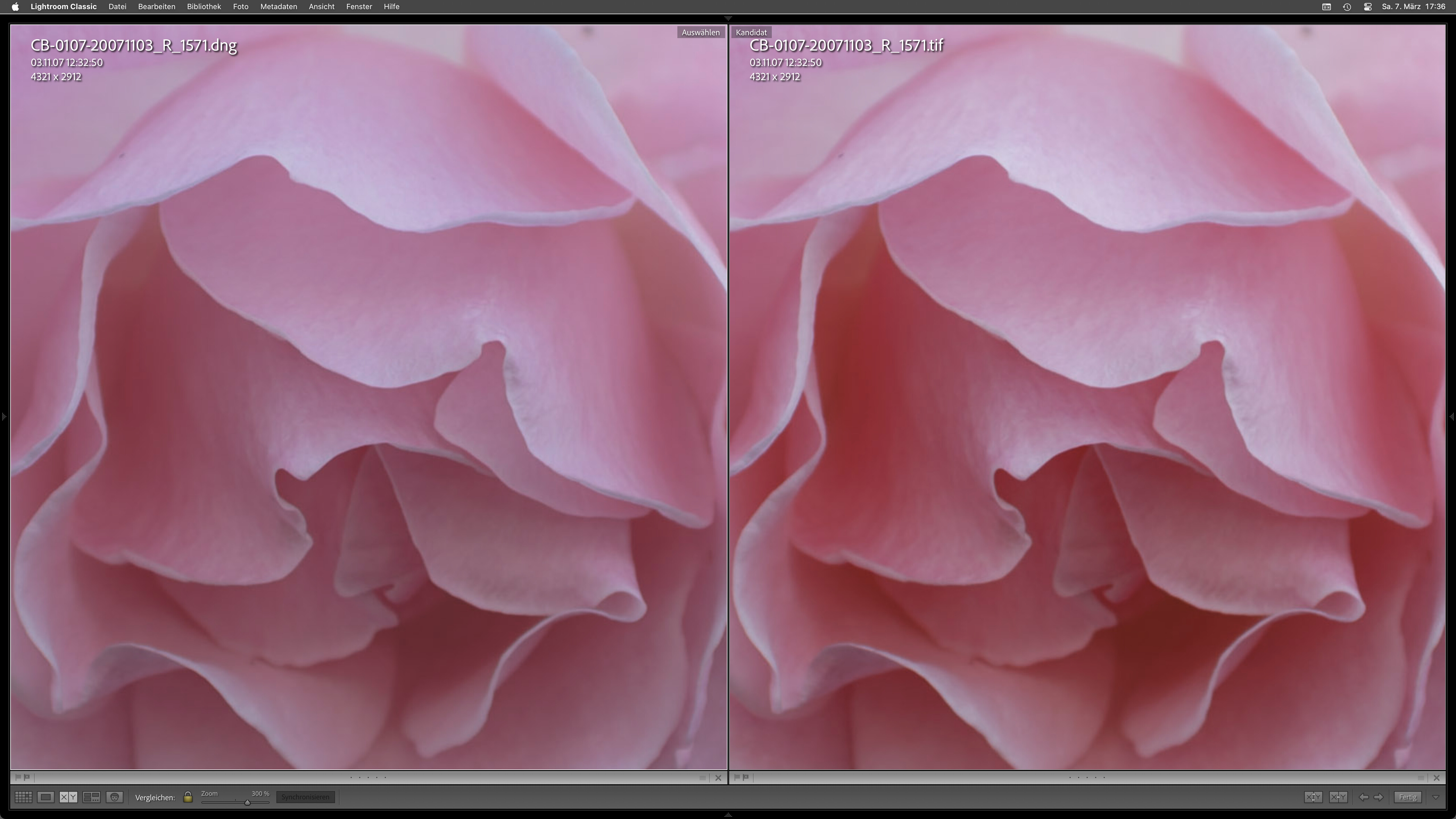
Note that colours appear subdued here in comparison to what I see on screen.
That’s what I feared. Fat lot of use, then, at the moment!!!
I guess Windows needs to catch up, then. I presume DxO realise this …
I’ve raised a support ticket.
If you buy a brand new camera, there’s every chance Windows or macOS or your photo editor won’t be able to read it.
macOS isn’t exactly known for speedy addition of support for new RAW versions (I’ve gone years before without OS support for some of my cameras), so I’d imagine whatever compression DxO are using has been around for a while.
My guess is most or all of the major photo editors support it. I think Win11 is updated at least twice a year? It’s on Microsoft.
OK, so I am not sure what it is you think I don’t know and need to understand, but:
- This has nothing to do with a new camera. My OM-1 Mk II RAW files are supported by DxO PureRAW already, and by Windows and my photo editor.
- I am not using a Mac - I think I stated quite clearly that I am using Windows.
- I am very well aware that Microsoft is the company that develops Windows and I know that it is updated twice a year, with security fixes in between - my system is kept fully up-to-date.
- The compression I am talking about is new to DxO PureRAW 6. It is called High Fidelity DNG, or something similar, and is a new option in the settings.
- The standard (large) DNG files work fine (and have always worked fine), both in DxO Pure RAW 6 and in earlier versions.
Do you have any insights that aren’t guesses?
Users have ‘complained’ about the DNG files being so large. DxO has responded now and is also offering the compressed format, even if it can only be used (perhaps for a while) within the DxO universe .
If that is the case, then some of the reviewers online who are using it with other editors must be performing magic.
All I know is that it doesn’t work for me at the moment, so I am hoping that DxO will get back to me soon.
If they do (or if they don’t in timely fashion) I shall report back here.
1 Like
It’s likely that DXO is using Jpeg-XL compression with their compressed dng’s. You might try installing JPEG XL Image Extension from the Microsoft store and see if this helps.
1 Like
@AliGW If that suggestion fixes your problem, please report the success. In fact, even if it doesn’t fix anything please report back anyway 
2 Likes
Anything is worth a go, but it’s not a JPEG format (it’s DNG), so I would not expect your suggestion to work.
No, as I expected, it doesn’t work (and I already had it installed, apparently).
It doesn’t, unsurprisingly.
Worth a try.
DNG is a container format that can have raw (Bayer) data or RGB files like jpg or Tif. DXO produces a linear dng which is effectively a Tif without a white point assigned. This Tif is then compressed using, probably Jpeg-XL, to reduce file size, and so any program must be aware of Jpeg-XL compression and be able to decompress the file.
2 Likes
I think @IanS meant compression method used for data and JPEG XL compression is supported in DNG since version 1.7.0. See DNG specs – JPEG XL compression has been assigned tag value 52546 for the standard Compression tag. I don’t have PR6 to check, but you may use exiftool (at least with the “-a” option to prevent skipping duplicate tags !) to see the actual compression in the appropriate subfile containing full image data. This compression method has many parameters and DxO had to choose some size/quality compromise (and then call it High Fidelity).
2 Likes
I have had a fairly generic response from support:
What you’re seeing is expected behavior with DxO PureRAW 6 “High-Fidelity DNG Compression” output: those DNG files use an advanced lossy DNG compression method, and some Windows applications (including Microsoft Photos and Windows thumbnails/preview) may not support that format-so they can show no thumbnail and Photos can report “unsupported or corrupted” even when the file itself is fine.
From our side, this aligns with our documented limitation that DNG files using lossy compression (Lossy DNG) are not supported by some software environments.
I have now let them know my camera (OM-1 Mk II) and lens (OLYMPUS M.12-100mm F4.0) and sent them both the original .ORF file and the compressed .DNG file that my Windows Explorer can’t read. I have pointed out that my Windows 11 installation and driver files are all fully up-to-date.
Hopefully they will be able to help in some way. In the meantime, I’ve also raised a ticket with my photo editing software house to request support for these files in a future update.
EDIT: Interestingly, FastStone Image Viewer 8.3 can see and read the compressed DNG.
It’s a Microsoft thing, not DxO.
DxO uses standard compression, which Adobe can read but Microsoft can’t.
Did you try their ‘JPEG XL Image Extension’, as suggested by @IanS above?
1 Like