Much of this has been covered by other posts albeit with problems but
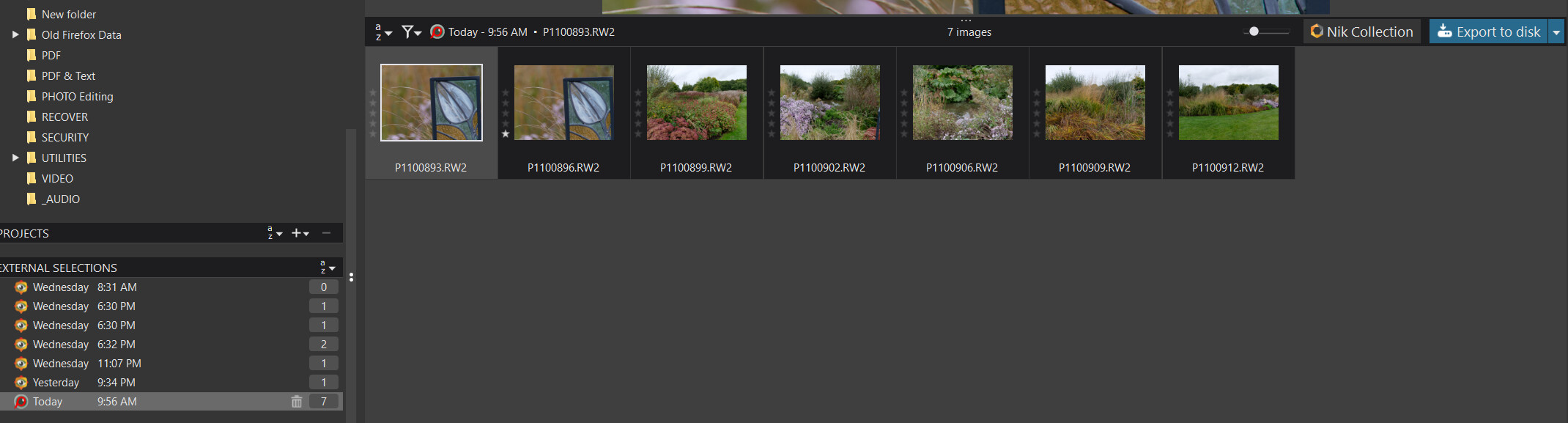
- Yes, up to 10 programs can be configured and it is possible to pass multiple selected images to DxPL in one operation (on Win 10 certainly) from the same directory. In Win 10 they come is as a form of 'Project" referred to as an ‘External Selection’
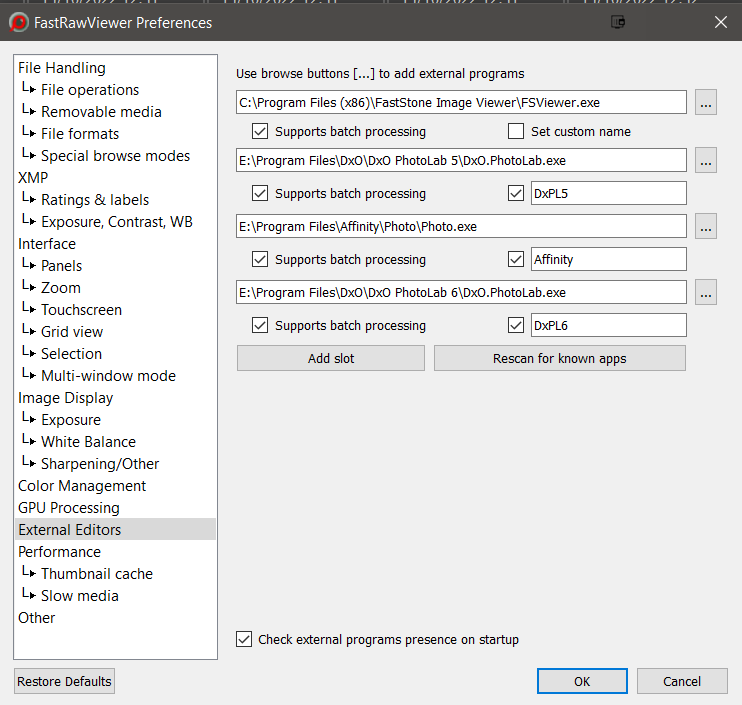
“Launching” from FRV:-
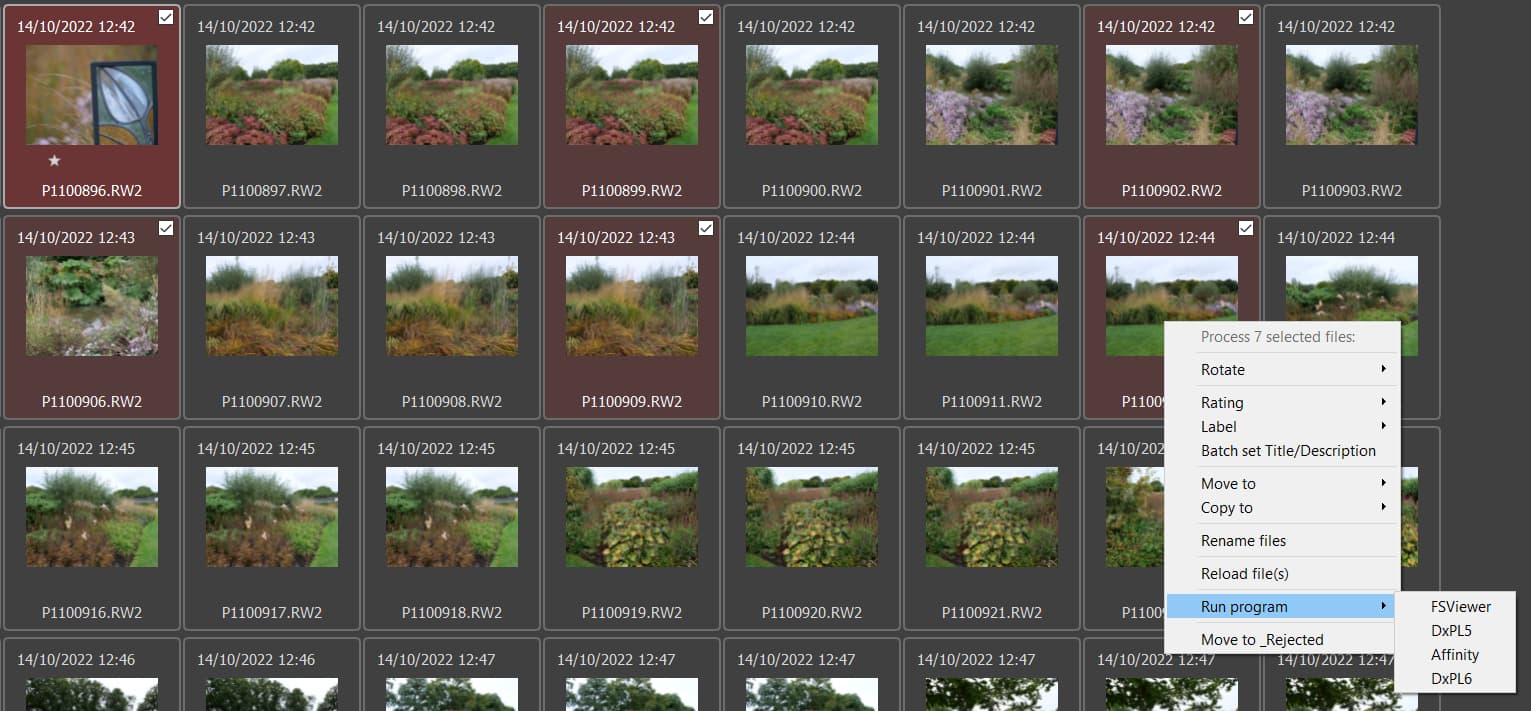
Opening in the DxPL ‘Customize’ screen:-
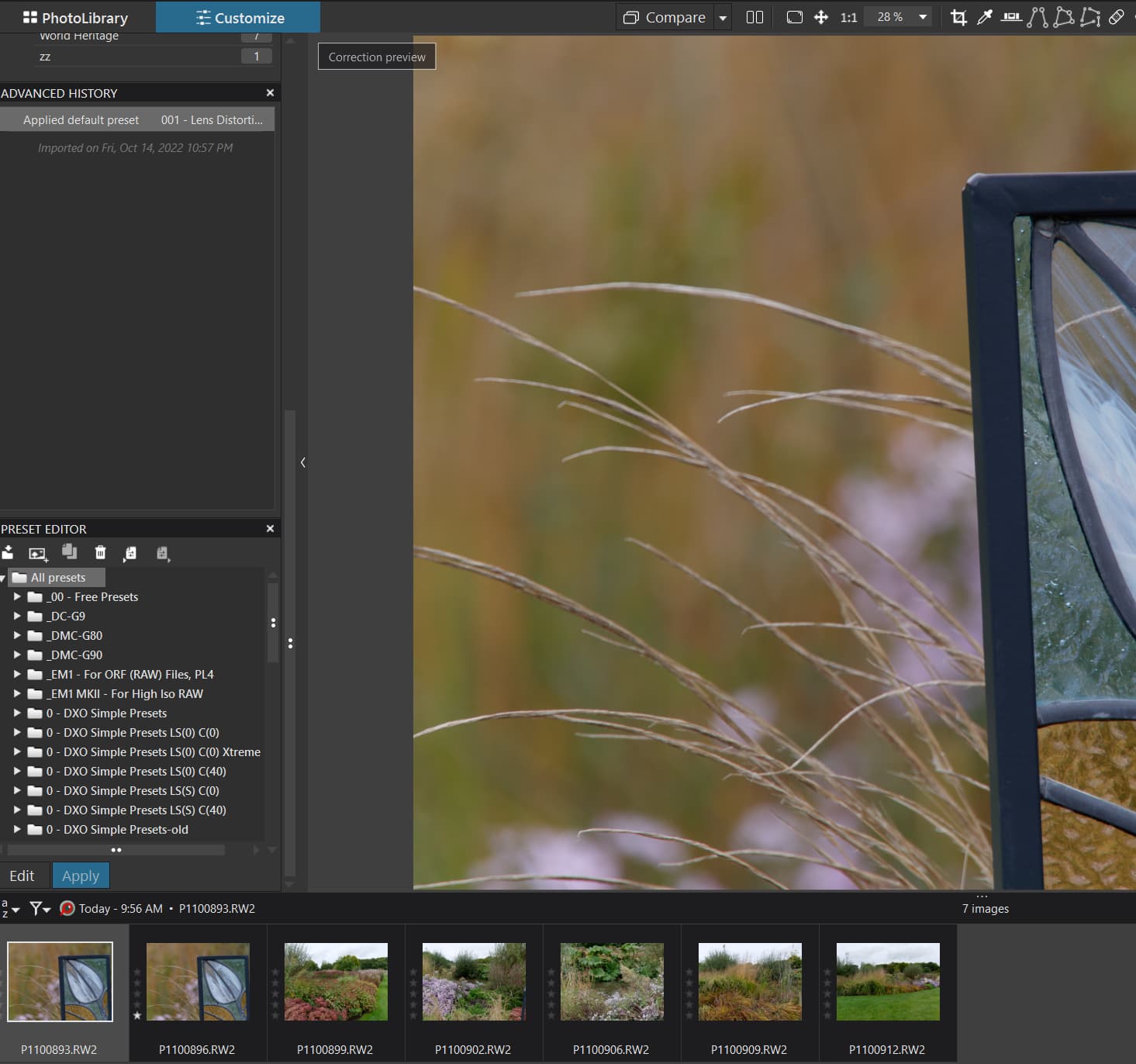
Shown as an ‘External Selection’ on Win10 in the 'PhotoLibrary screen:-
- Yes & NO!? Please see my post @ Integration and compitability of PL6 and FastRawViewer for culling and rating - #9 by BHAYT for the full details but FRV will write the details immediately but whether DxPL will find them automatically depends on you choice of AS(ON) or AS(OFF) for metadata handling!
Currently AS(OFF) in my PL6 but the choice of ON or OFF determines the automatic response from DxPL.
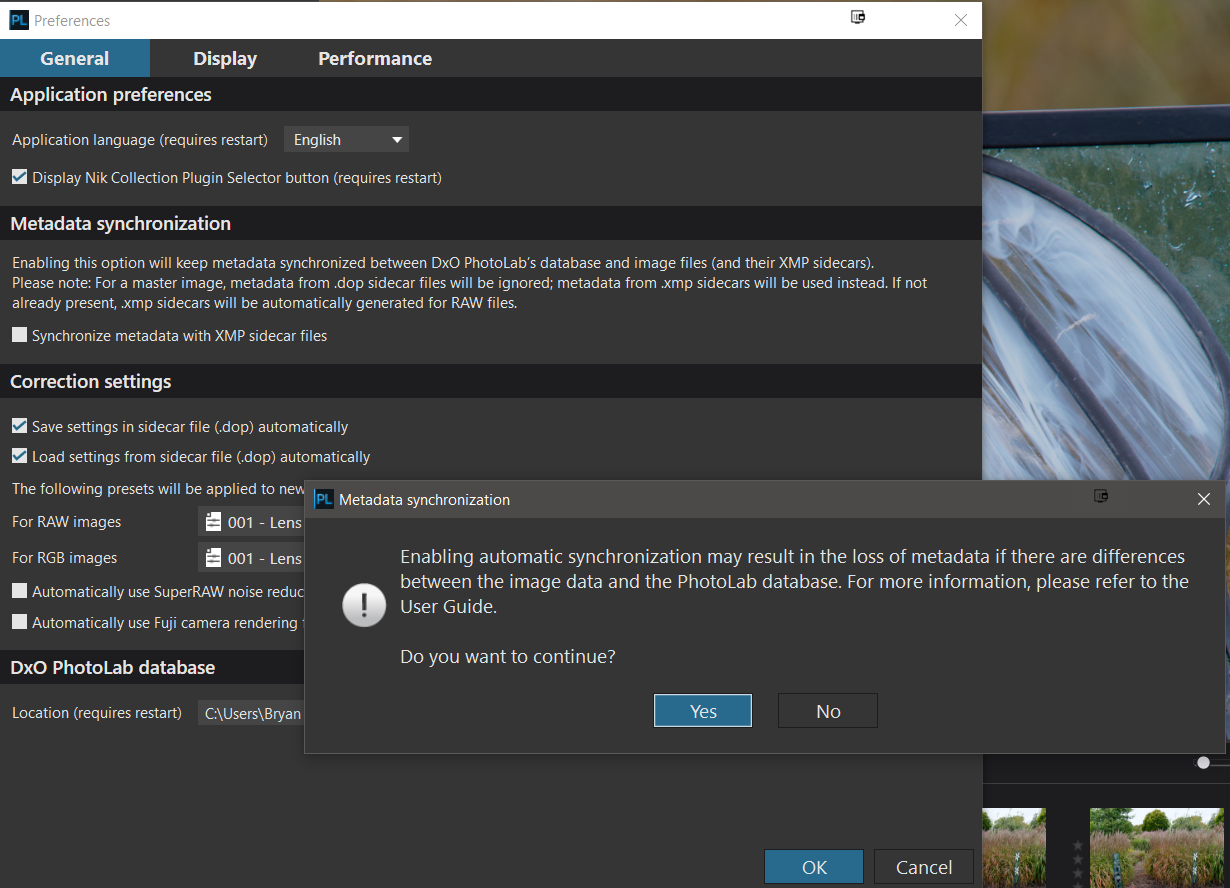
IF AS(OFF) then a ‘File’/‘Metadata’/‘Read from Image’ for one or more images will cause the Metadata for all selected images to be refreshed (at the expense of any metadata changes in the DxPLDb being lost, if there were any such “pending” changes)
But with AS(OFF) the ‘Conflict Resolution’ icon will have been set when the change was detected by DxPL
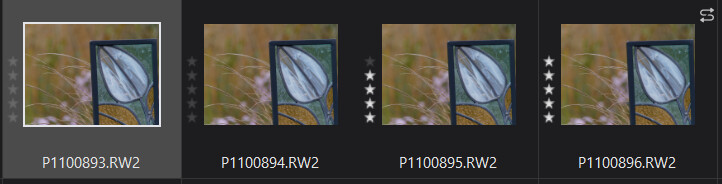
Hovering on the ‘S’ gives details about the mismatch and clicking on the ‘S’ gives the following
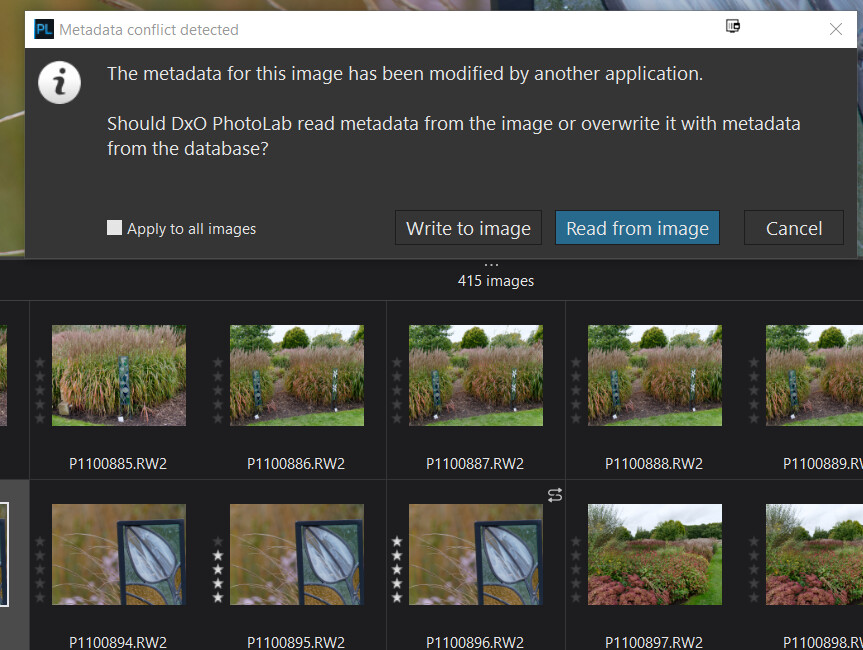
and the result is
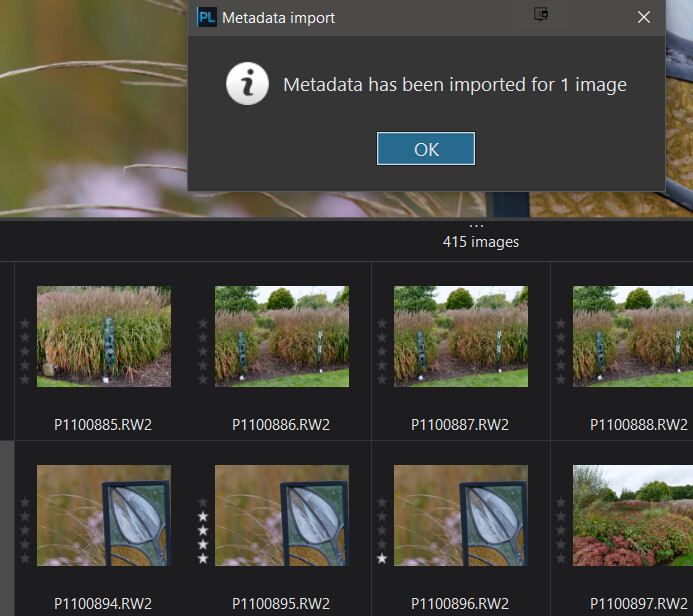
-
Yes but definitely NO. FRV never updates directly only when requested (please see updates to the post identified above).
-
Exactly the same applies to colour labels as to star ratings as stated in 2 above.
-
Same as 3 above.
-
Yes, please see my post in DeepPrime XD doing nothing - #10 by BHAYT where I was comparing RAW with DeepPRIME JPG and (same) RAW with DeepPRIME XD JPG using the sharpness overlay to highlight noise!
-
I will leave this item to others who have a more “rigorous” workflow than I do. I use FRV primarily to weed out images that are less sharp when I have multiple copies. It is extremely customisable and can be configured to move/rename DOPs as well as xmp sidecars when an image is consigned to one “bin” or another! The various commands can be re-assigned to create your own cluster of keys to allow quick despatch of a file(and it’s hangers on) to one directory or another or simply skip to the next file!