Thank you for bringing this up and the explanation.
I finally gave XRite’s Colorchecker Passport 2 & software a try, BUT …

In PL4 → File → Export image for ICC profile there is the choice to Export as linear Raw …
or to Export as realistic color rendering …
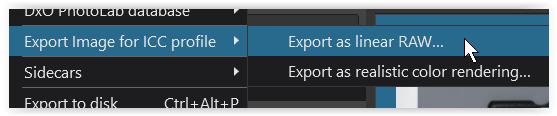
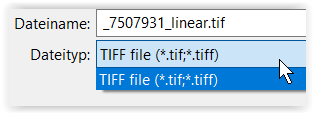
As a result, I get a linear/realistic.tif, which then I can import in Colorchecker software to obtain an equivalent profile linear/realistic.icm
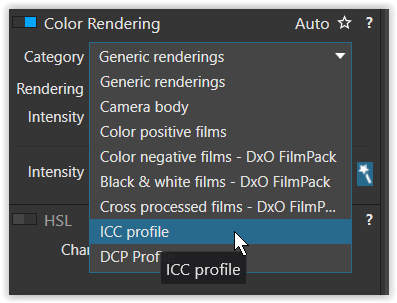
But now, instead of being able to import this profile in PL4 → Color Rendering → ICC profile
I get the message to choose a RGB profile,
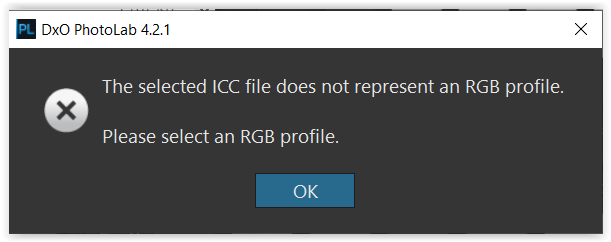
while the ICC Profile Inspector indicates the linear/realistic.icm to be an ‘Input RGB file’.
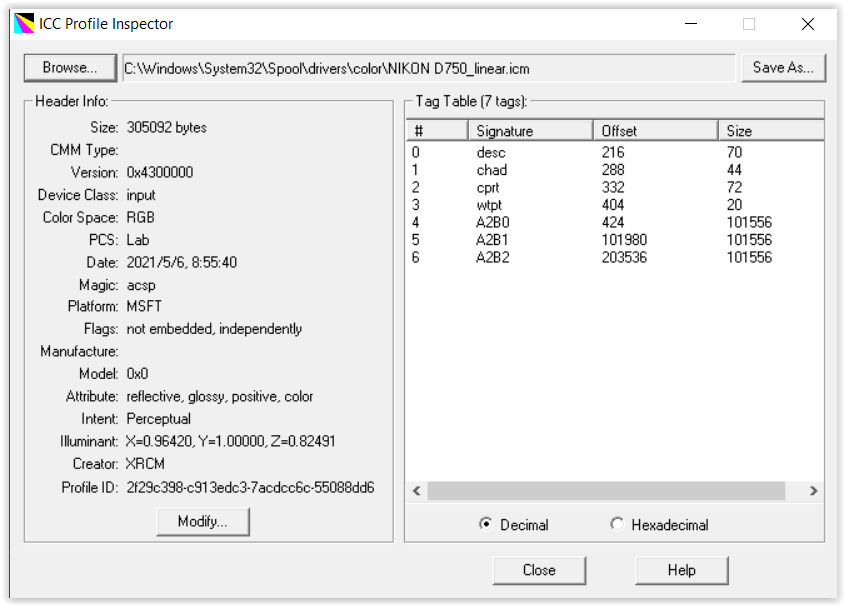
To see, if the export menue is ‘broken’, I also exported the pic directly as NoCorrection.tif …,
but again no success.
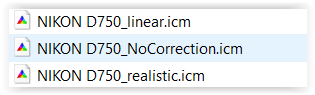
BUT, what worked …
- in PL4, I generated a DNG-file (without any corrections, exported as ‘DNG Denoise & opt. Corrections only’),
- passed it to Colorchecker software to produce a *.dcp camera profile,
- successfully imported it in PL4,
- to finally obtain an image corrected with my own camera’s profile.
The same worked from / within LR 5 via the Colorchecker plugin (DxO-DNG / NEF). *)

Now my question, should PL4 → File → Export image for ICC profile → Export as linear Raw … produce DNG-files instead of TIF or has it a problem to import ICC/ICM-camera-profiles? *)
Wolfgang
@StevenL, could you please pass this on to someone at DxO staff? It seems like a bug.
edit *)